


Blockman Editor: Pocket Edition
Mainkan di PC dengan BlueStacks – platform Game-Game Android, dipercaya oleh lebih dari 500 juta gamer.

Ikhtisar
Main Features
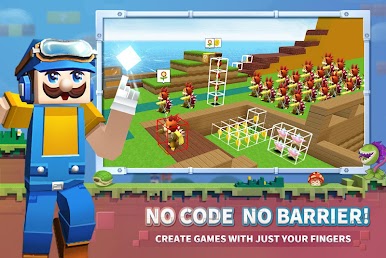
--No Code, No Barrier! With simple drag and drop to create games; place blocks to build maps, set up fantastic gears with various props
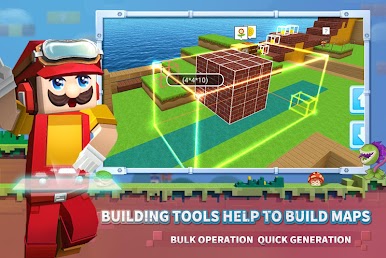
--Practical building tools; select the range to fill, copy, move, replace, and delete blocks; generate your map quickly with one click
-Cool game experience, super-strong AI monsters; add monsters to the game to create combat elements; use props to get cool superpowers; so who will be the real king of game design?
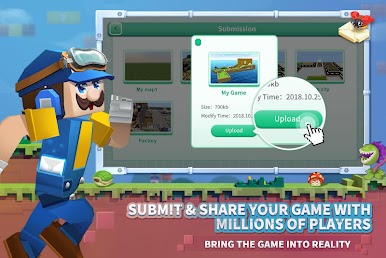
-Submit your game to the officials; share your game with millions of players on Blockman Go
If you have any suggestions or comments, please feel free to contact us via zhangyuyang@sandboxol.com
Discord: https://discord.gg/tm5eyGX
Official Website: https://www.blockmango.net/editor.html#/

Mainkan Blockman Editor: Pocket Edition di PC Mudah saja memulainya.
-
Unduh dan pasang BlueStacks di PC kamu
-
Selesaikan proses masuk Google untuk mengakses Playstore atau lakukan nanti
-
Cari Blockman Editor: Pocket Edition di bilah pencarian di pojok kanan atas
-
Klik untuk menginstal Blockman Editor: Pocket Edition dari hasil pencarian
-
Selesaikan proses masuk Google (jika kamu melewati langkah 2) untuk menginstal Blockman Editor: Pocket Edition
-
Klik ikon Blockman Editor: Pocket Edition di layar home untuk membuka gamenya

