


SAP Ariba Procurement
Mainkan di PC dengan BlueStacks – platform Game-Game Android, dipercaya oleh lebih dari 500 juta gamer.

Play SAP Ariba Procurement on PC
With the SAP Ariba Procurement mobile app, you can,
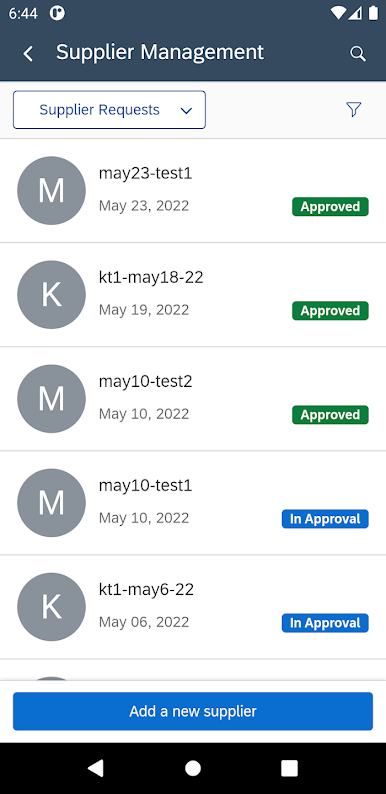
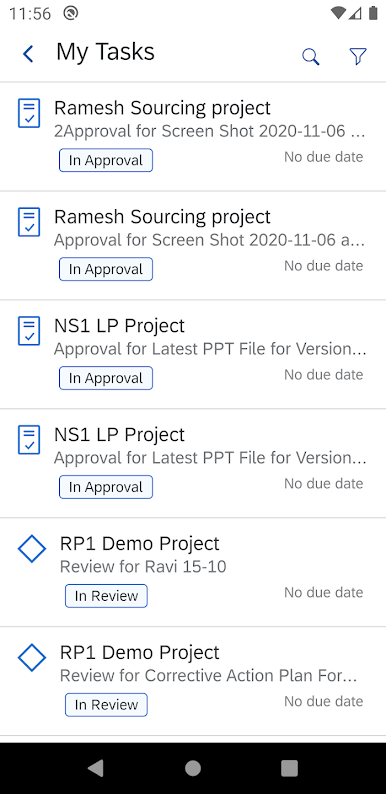
• Track, act and get notified on sourcing and contract tasks
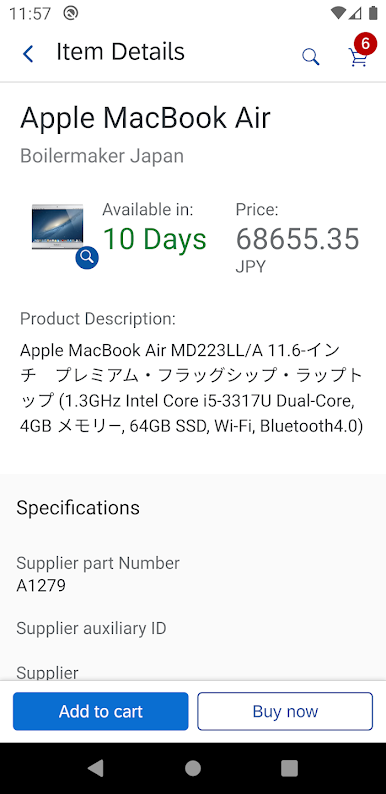
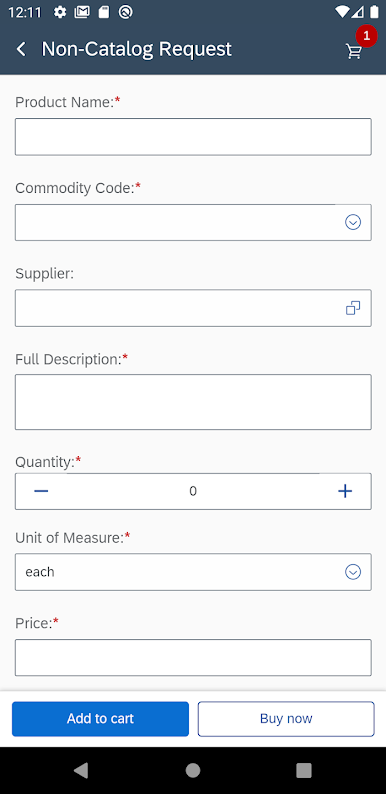
• Order items from your organization’s internal catalog or request non-catalog items if you do not find what you need in the catalog
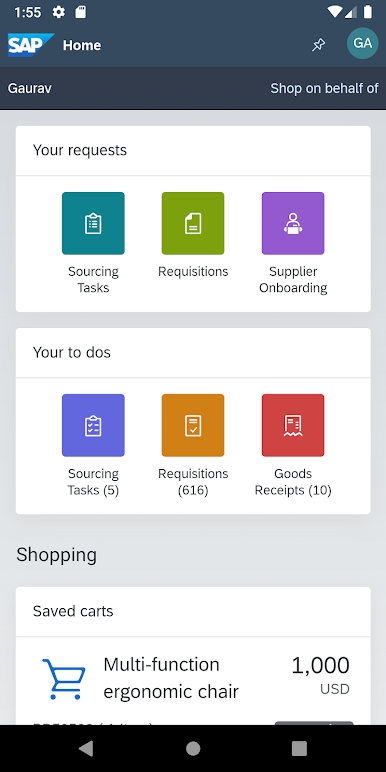
• Order items on behalf of another user
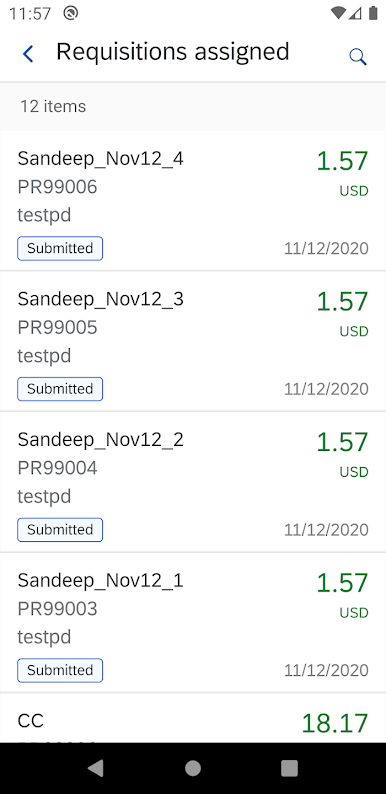
• Get notified of purchase requisitions assigned to you and approve them
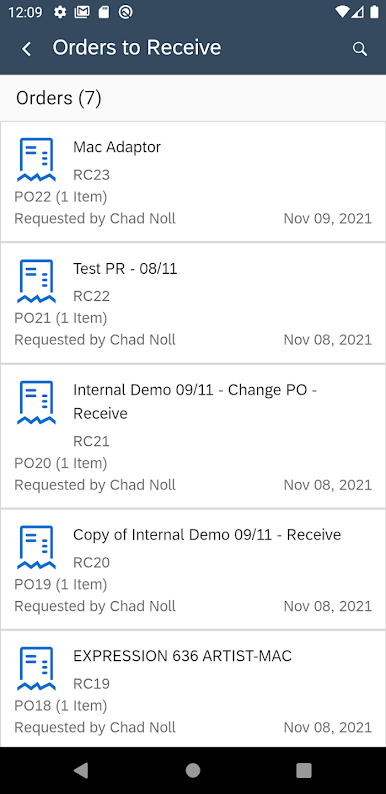
• View purchase orders and confirm goods receipts for quantity- based orders
• Sign in to the app using single sign-on (SSO) with corporate authentication
Note: In order to use the app, you must be an active user of atleast one of the following – SAP Ariba Buying and Invoicing, SAP Ariba Sourcing, or SAP Ariba Contracts. You must also belong to the Ariba Mobile User group.
Mainkan SAP Ariba Procurement di PC Mudah saja memulainya.
-
Unduh dan pasang BlueStacks di PC kamu
-
Selesaikan proses masuk Google untuk mengakses Playstore atau lakukan nanti
-
Cari SAP Ariba Procurement di bilah pencarian di pojok kanan atas
-
Klik untuk menginstal SAP Ariba Procurement dari hasil pencarian
-
Selesaikan proses masuk Google (jika kamu melewati langkah 2) untuk menginstal SAP Ariba Procurement
-
Klik ikon SAP Ariba Procurement di layar home untuk membuka gamenya

