


Electrical MCQs
Gioca su PC con BlueStacks: la piattaforma di gioco Android, considerata affidabile da oltre 500 milioni di giocatori.

Pagina modificata il: Dec 23, 2023
Run Electrical MCQs on PC or Mac
Upgrade your experience. Try Electrical MCQs, the fantastic Education app from Tech Seers Solutions, from the comfort of your laptop, PC, or Mac, only on BlueStacks.
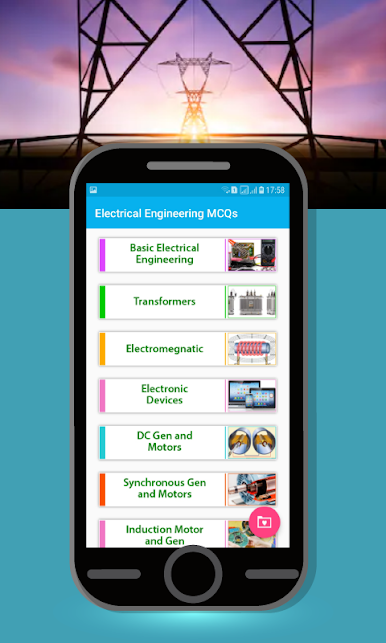
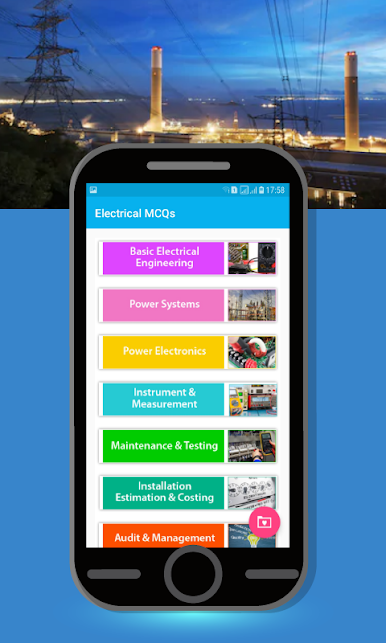
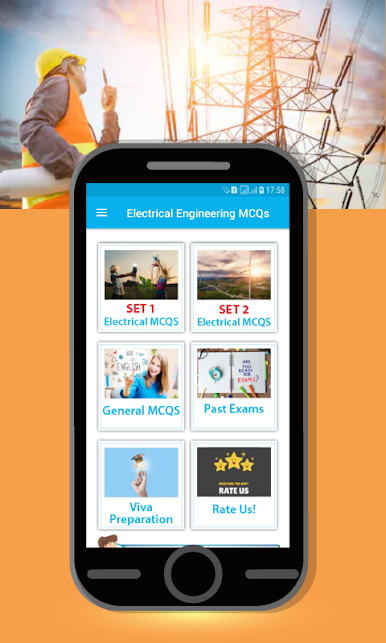
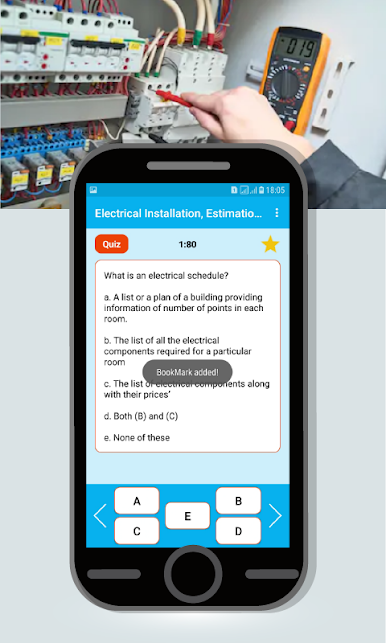
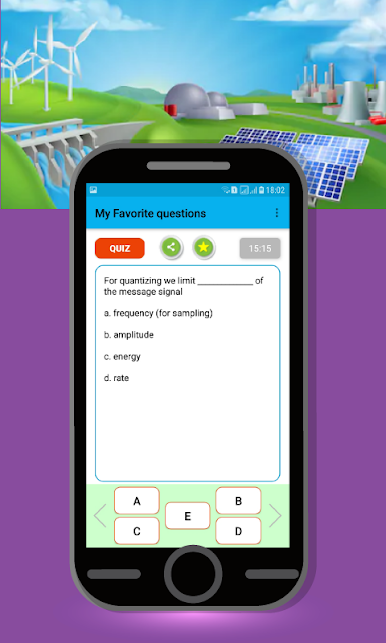
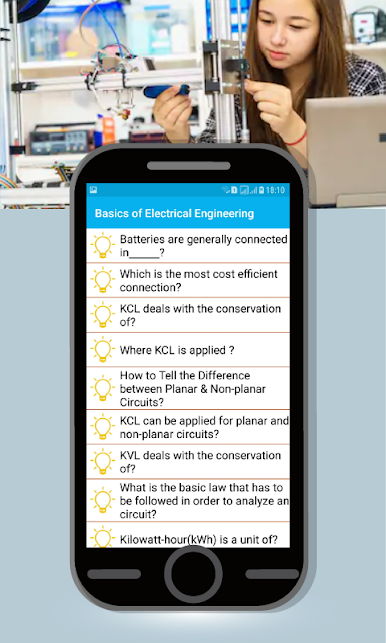
So, Electrical MCQs is basically this app packed with tons of multiple-choice questions, all about electrical engineering. It doesn’t matter if someone’s prepping for an exam, a job interview, or just wants to brush up on the basics — it covers a wide range of topics, from power systems to electronics, even some stuff for electricians. There’s both chapter tests and overall mock tests, so users can focus on specific areas or just quiz themselves on everything at once. And apparently, there are more than 10,000 questions in there, which is way more than most people will get through, but it’s nice having that kind of variety.
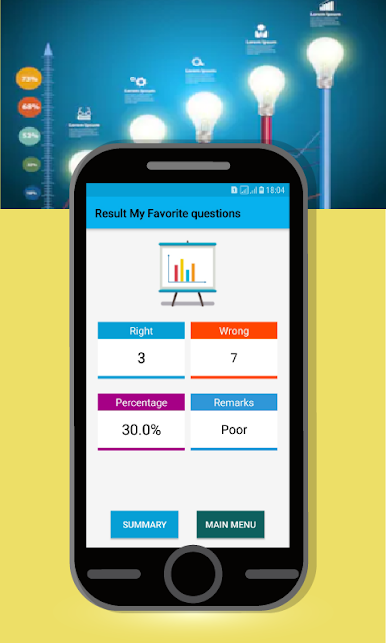
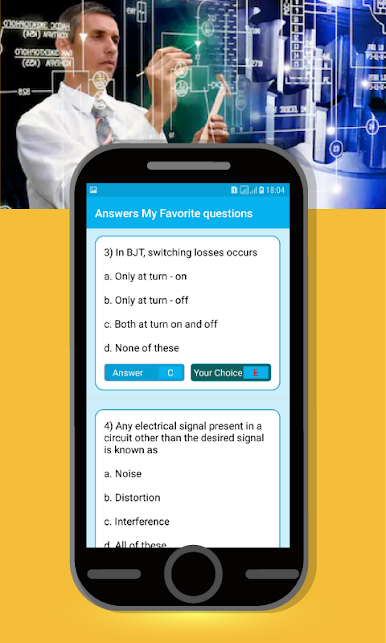
One thing that stands out is the way it’s set up for both beginners and folks with more experience. There’s material for freshers, diploma holders, people going for sub engineer spots, and even a whole load of technical interview questions. Even past exam questions are included, so someone can get a feel for the real thing. Using it on a PC, especially through something like BlueStacks, makes it easier to scroll and take the tests without being stuck to a tiny screen the whole time. It feels pretty straightforward, like going through question banks with instant feedback, whether someone’s just practicing or gearing up for a real test.
Big screen. Bigger performance. Use BlueStacks on your PC or Mac to run your favorite apps.
Gioca Electrical MCQs su PC. È facile iniziare.
-
Scarica e installa BlueStacks sul tuo PC
-
Completa l'accesso a Google per accedere al Play Store o eseguilo in un secondo momento
-
Cerca Electrical MCQs nella barra di ricerca nell'angolo in alto a destra
-
Fai clic per installare Electrical MCQs dai risultati della ricerca
-
Completa l'accesso a Google (se hai saltato il passaggio 2) per installare Electrical MCQs
-
Fai clic sull'icona Electrical MCQs nella schermata principale per iniziare a giocare

