


IP Camera Pro
Mainkan di PC dengan BlueStacks – platform Game-Game Android, dipercaya oleh lebih dari 500 juta gamer.

Main IP Camera Pro di PC
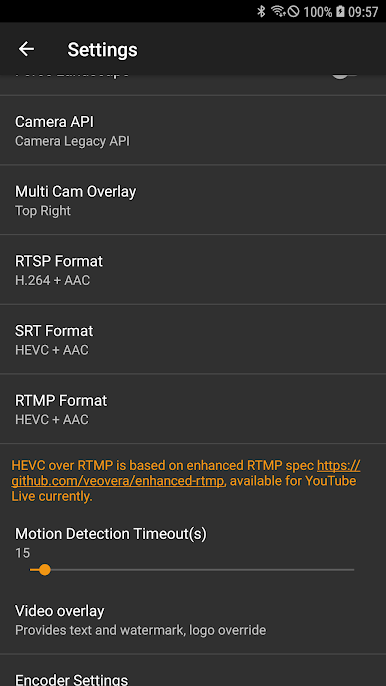
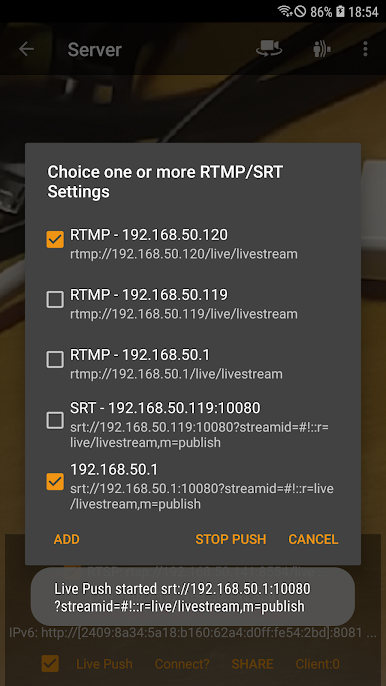
"Kamera IP" dapat mendorong video dan audio ke server media langsung RTMP/SRT dan digunakan untuk siaran langsung jaringan. Ini mendukung protokol keamanan rtmps dan protokol SRT dan juga dapat mendorong media ke beberapa server media secara bersamaan. Ini juga mendukung HEVC/AV1 melalui RTMP dan saat ini dapat digunakan untuk YouTube Live. Anda dapat mengaktifkannya dari IP Camera Server.
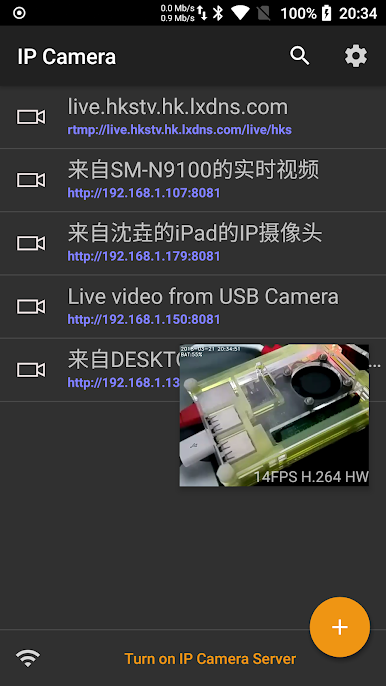
IP Camera Server mendukung Picture In Picture di Android 8.0 ke atas yang berarti Anda dapat melakukan hal lain saat IP Camera Server berjalan.
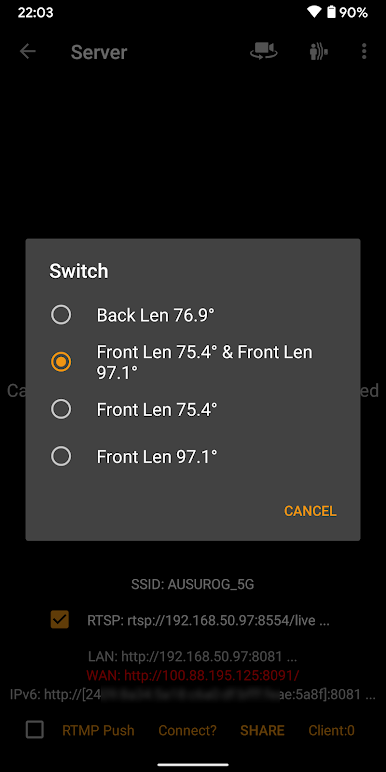
Ini mendukung pemilihan multi-lensa di Android 9 dan lebih tinggi. Mendukung output video hingga resolusi 4K UHD dan hingga 60FPS dan juga mendukung pembukaan dua kamera secara bersamaan untuk streaming (Resolusi maksimum dan kecepatan bingkai serta kombinasi kamera didasarkan pada perangkat Android Anda).
Ini mendukung penerusan port UPnP. Jika Anda dapat mengakses gateway Anda melalui WAN, dan UPnP pada gateway Anda terbuka, Anda juga dapat menggunakan Url WAN dari WAN untuk mengunjungi Server Kamera IP. Ini juga mendukung otentikasi nama pengguna dan kata sandi, nama pengguna dan kata sandi default adalah admin, Anda dapat memodifikasi dari Pengaturan.
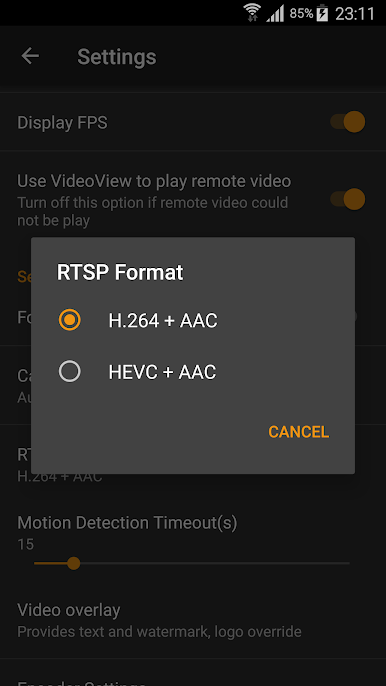
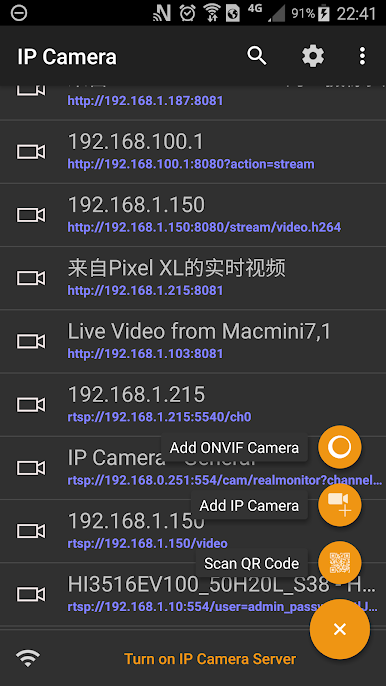
"IP Camera" juga merupakan penampil ONVIF dan MJPEG DENGAN dukungan perekaman video! Ini juga mendukung protokol RTSP dan SRT, RTMP untuk diputar!
Terakhir, Anda dapat menambahkan Server Kamera IP perangkat lain dengan cepat menggunakan Kode QR bawaan!
Menggunakan HEVC untuk perekaman/streaming video memerlukan Android 5.0 atau lebih tinggi, dan perangkat harus mendukung codec HEVC.
Penggunaan AV1 untuk streaming video memerlukan Android 10 atau lebih tinggi, dan perangkat harus mendukung codec AV1.
IP Camera Bridge - Streaming video MJPEG dan driver mikrofon virtual untuk PC yang dapat menjadikan aplikasi PC Anda menggunakan IP Camera sebagai WebCam dengan input audio.
https://github.com/shenyaocn/IP-Camera-Bridge
Dukungan ONVIF https://youtu.be/QsKXdkAywfI
Gambar Dalam Gambar https://youtu.be/ejLWQSZ5b_k
Info Lebih Lanjut https://www.youtube.com/watch?v=vOQSl7-h5-c


Mainkan IP Camera Pro di PC Mudah saja memulainya.
-
Unduh dan pasang BlueStacks di PC kamu
-
Selesaikan proses masuk Google untuk mengakses Playstore atau lakukan nanti
-
Cari IP Camera Pro di bilah pencarian di pojok kanan atas
-
Klik untuk menginstal IP Camera Pro dari hasil pencarian
-
Selesaikan proses masuk Google (jika kamu melewati langkah 2) untuk menginstal IP Camera Pro
-
Klik ikon IP Camera Pro di layar home untuk membuka gamenya

