


PicSay Pro - Photo Editor
Mainkan di PC dengan BlueStacks – platform Game-Game Android, dipercaya oleh lebih dari 500 juta gamer.

Ikhtisar
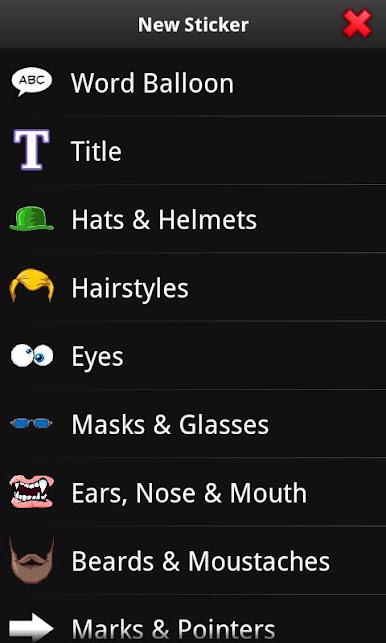
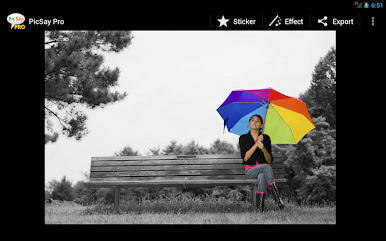
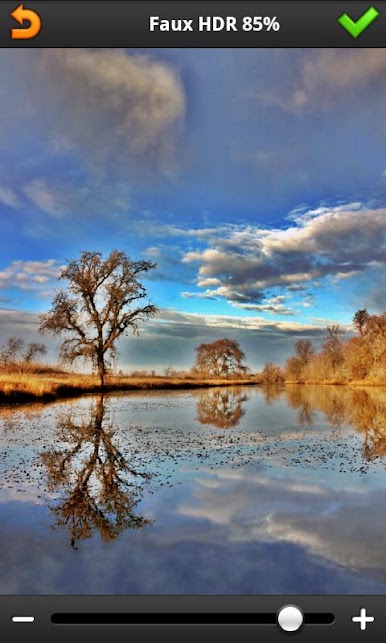
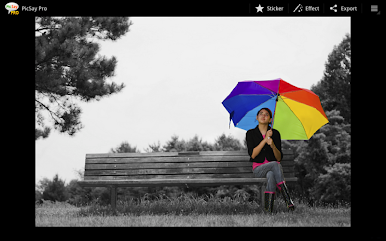
Sharpen, remove red eye, crop & straighten, distort, insert cutouts of other pictures, paint, make color splash out of black-and-white pictures, add text, word balloons, apply effects like Cross Process, Lomo, Vignette, faux HDR, Tilt-shift, Pencil Sketch, and much more.
Supports high resolution editing up to 13MP for devices that can handle it.





Mainkan PicSay Pro - Photo Editor di PC Mudah saja memulainya.
-
Unduh dan pasang BlueStacks di PC kamu
-
Selesaikan proses masuk Google untuk mengakses Playstore atau lakukan nanti
-
Cari PicSay Pro - Photo Editor di bilah pencarian di pojok kanan atas
-
Klik untuk menginstal PicSay Pro - Photo Editor dari hasil pencarian
-
Selesaikan proses masuk Google (jika kamu melewati langkah 2) untuk menginstal PicSay Pro - Photo Editor
-
Klik ikon PicSay Pro - Photo Editor di layar home untuk membuka gamenya

