


Visual Support
Mainkan di PC dengan BlueStacks – platform Game-Game Android, dipercaya oleh lebih dari 500 juta gamer.

Play Visual Support on PC
To use this application you must be invited via SMS or start the interaction from a webpage.
To start the visual interaction you have to download the application and go back to the SMS or webpage to connect the session.
During the interaction you can leverage advanced capabilities as:
• HD Audio
• Video frame rate auto adapt
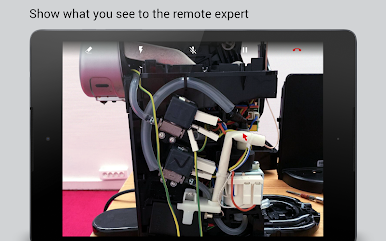
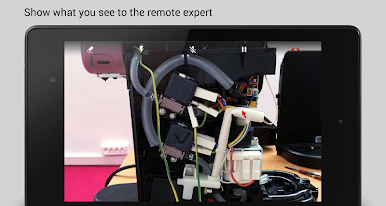
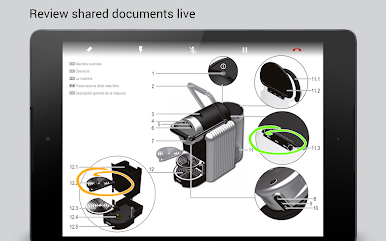
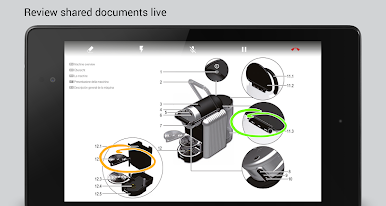
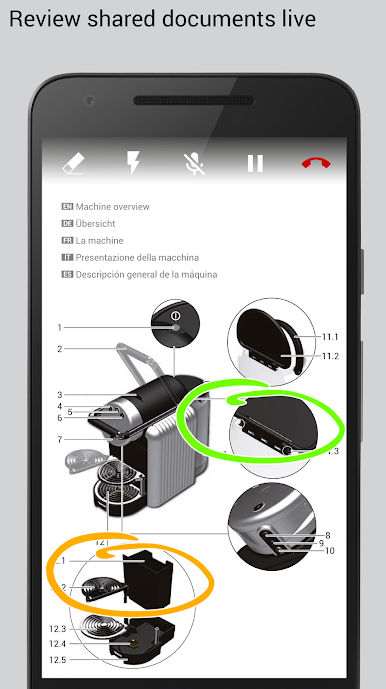
• Screen sharing and co-browsing
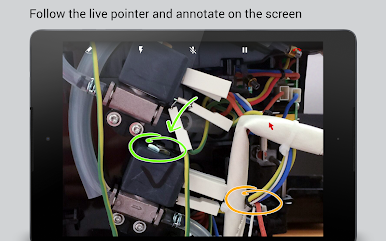
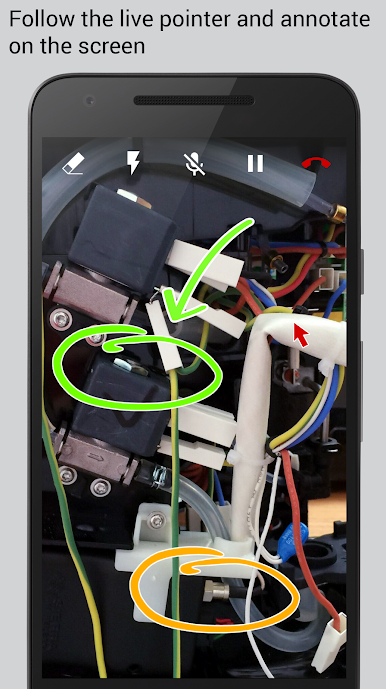
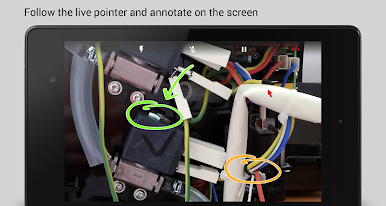
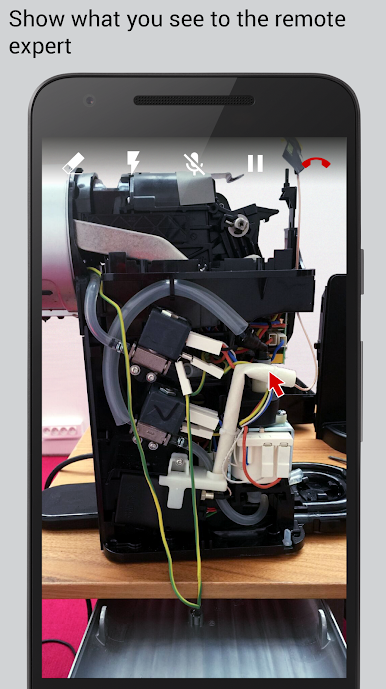
• Live remote pointer
• 2 ways drawing and annotations
• Pause video, photos and picture saving
• Session recording
The App can access your stored data if the remote agent requests it, and only if you authorize it explicitely. The app also allows the remote agent to capture, store, process and retain photos taken during the live interactive session.
Mainkan Visual Support di PC Mudah saja memulainya.
-
Unduh dan pasang BlueStacks di PC kamu
-
Selesaikan proses masuk Google untuk mengakses Playstore atau lakukan nanti
-
Cari Visual Support di bilah pencarian di pojok kanan atas
-
Klik untuk menginstal Visual Support dari hasil pencarian
-
Selesaikan proses masuk Google (jika kamu melewati langkah 2) untuk menginstal Visual Support
-
Klik ikon Visual Support di layar home untuk membuka gamenya

