


Visual Support
Gioca su PC con BlueStacks: la piattaforma di gioco Android, considerata affidabile da oltre 500 milioni di giocatori.

Pagina modificata il: Oct 15, 2025
Play Visual Support on PC
To use this application you must be invited via SMS or start the interaction from a webpage.
To start the visual interaction you have to download the application and go back to the SMS or webpage to connect the session.
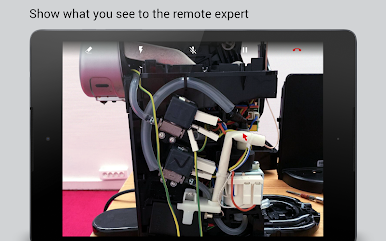
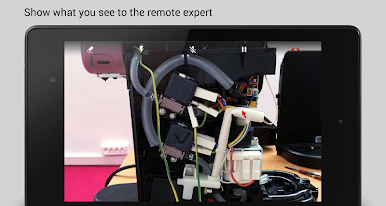
During the interaction you can leverage advanced capabilities as:
• HD Audio
• Video frame rate auto adapt
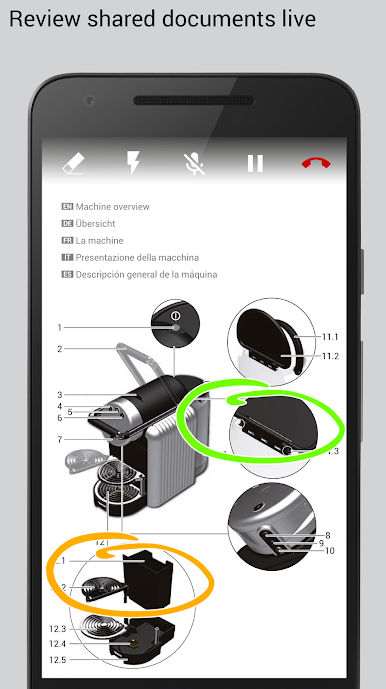
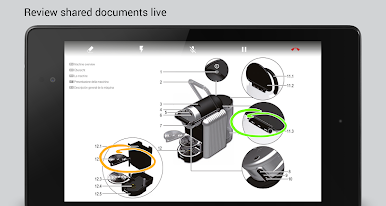
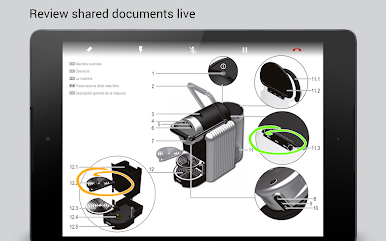
• Screen sharing and co-browsing
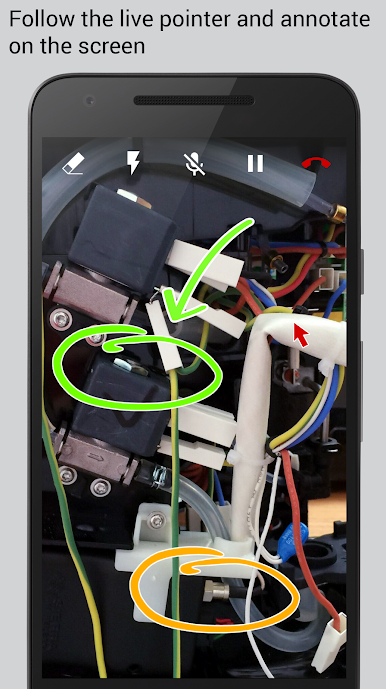
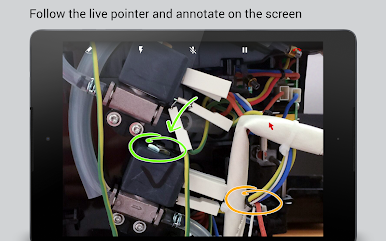
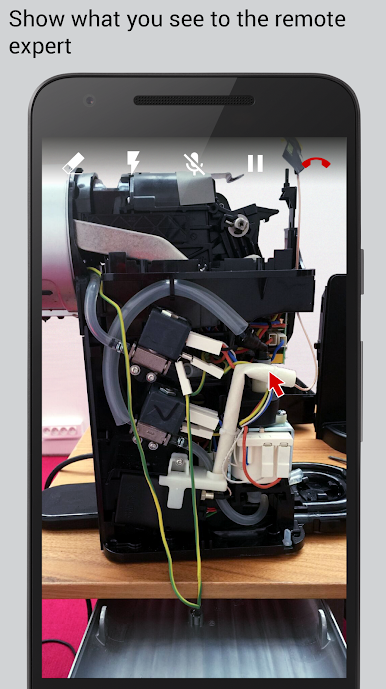
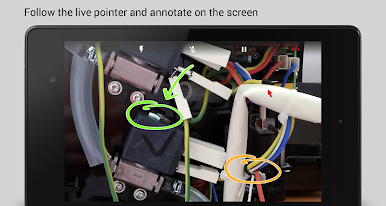
• Live remote pointer
• 2 ways drawing and annotations
• Pause video, photos and picture saving
• Session recording
The App can access your stored data if the remote agent requests it, and only if you authorize it explicitely. The app also allows the remote agent to capture, store, process and retain photos taken during the live interactive session.
Gioca Visual Support su PC. È facile iniziare.
-
Scarica e installa BlueStacks sul tuo PC
-
Completa l'accesso a Google per accedere al Play Store o eseguilo in un secondo momento
-
Cerca Visual Support nella barra di ricerca nell'angolo in alto a destra
-
Fai clic per installare Visual Support dai risultati della ricerca
-
Completa l'accesso a Google (se hai saltato il passaggio 2) per installare Visual Support
-
Fai clic sull'icona Visual Support nella schermata principale per iniziare a giocare

