


Tricky Story: Friendly Help
Mainkan di PC dengan BlueStacks – platform Game-Game Android, dipercaya oleh lebih dari 500 juta gamer.

Play Tricky Story: Friendly Help on PC or Mac
Tricky Story: Friendly Help brings the Simulation genre to life, and throws up exciting challenges for gamers. Developed by LAFUL FULA, this Android game is best experienced on BlueStacks, the World’s #1 app player for PC and Mac users.
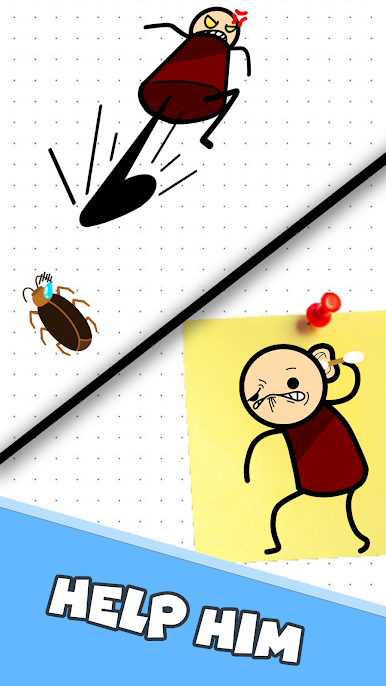
Tricky Story: Friendly Help plays like a stack of quick brain teasers wrapped in little everyday scenes. Each level tosses a tiny situation at the player, then asks for a clever fix that usually ignores the obvious answer. One puzzle might want the player to spot a lie, the next has them dragging items around to uncover a hidden clue, or tapping objects in a not-so-normal order. The fun is in realizing the solution breaks the usual rules, so it rewards testing odd ideas and thinking past the first guess. Controls are simple to a fault, just click and drag, which keeps the pace snappy. If something makes no sense, there are hints that nudge without handing everything over.
The difficulty jumps a bit. Some puzzles click fast and feel smart, others seem stubborn until the trick becomes clear, then it feels fair again. The tone stays light and a little cheeky, with clean visuals and short stages that work well for a quick break. On PC with BlueStacks, the bigger screen makes tiny details easier to spot and the mouse helps poke at every corner without fumbling. It is not a long-form puzzle epic. It is a bag of quirky riddles that train the player to change perspective, try unusual moves, and keep experimenting until the answer appears.
Start your journey now. Download the game on BlueStacks, invite your friends, and march on a new adventure.







Mainkan Tricky Story: Friendly Help di PC Mudah saja memulainya.
-
Unduh dan pasang BlueStacks di PC kamu
-
Selesaikan proses masuk Google untuk mengakses Playstore atau lakukan nanti
-
Cari Tricky Story: Friendly Help di bilah pencarian di pojok kanan atas
-
Klik untuk menginstal Tricky Story: Friendly Help dari hasil pencarian
-
Selesaikan proses masuk Google (jika kamu melewati langkah 2) untuk menginstal Tricky Story: Friendly Help
-
Klik ikon Tricky Story: Friendly Help di layar home untuk membuka gamenya

