


Belajar Ceska Ling
Mainkan di PC dengan BlueStacks – platform Game-Game Android, dipercaya oleh lebih dari 500 juta gamer.

Run Learn Czech Language with Master Ling on PC or Mac
Get freedom from your phone’s obvious limitations. Use Learn Czech Language with Master Ling, made by Simya Solutions Ltd., a Education app on your PC or Mac with BlueStacks, and level up your experience.
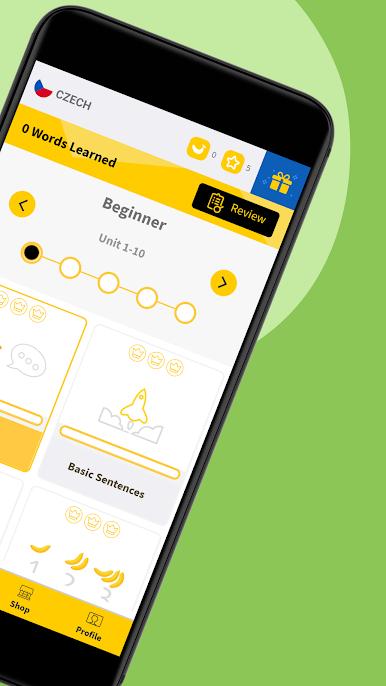
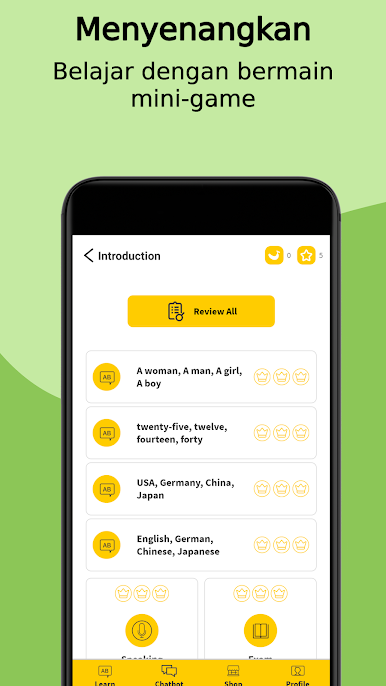
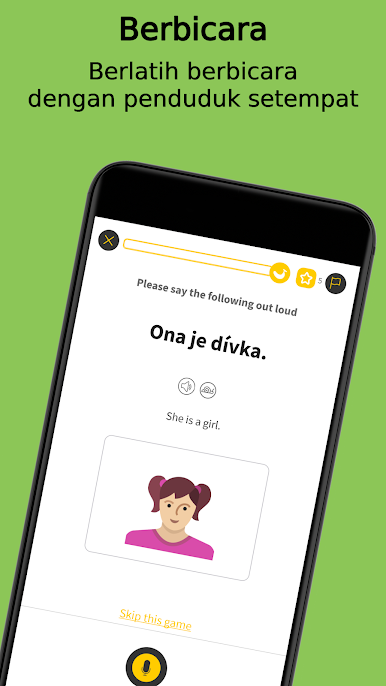
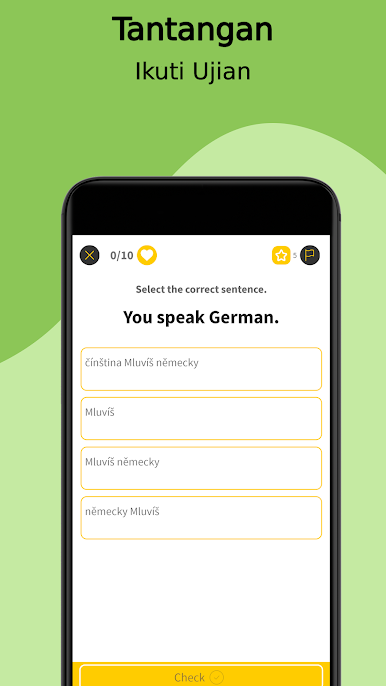
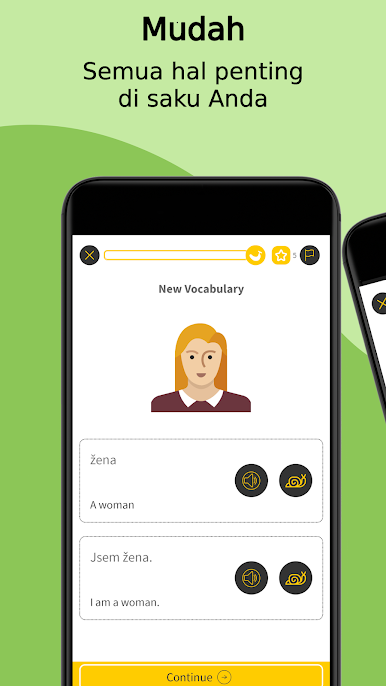
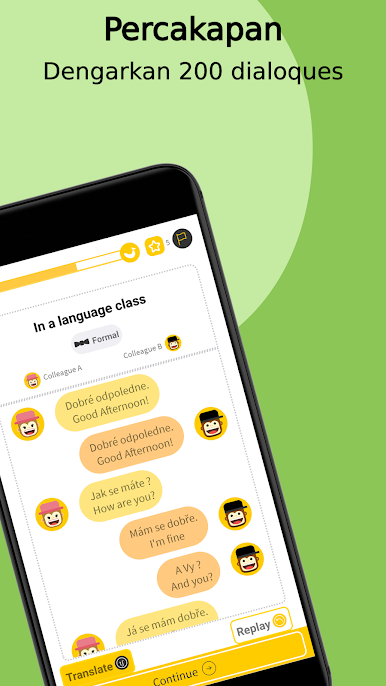
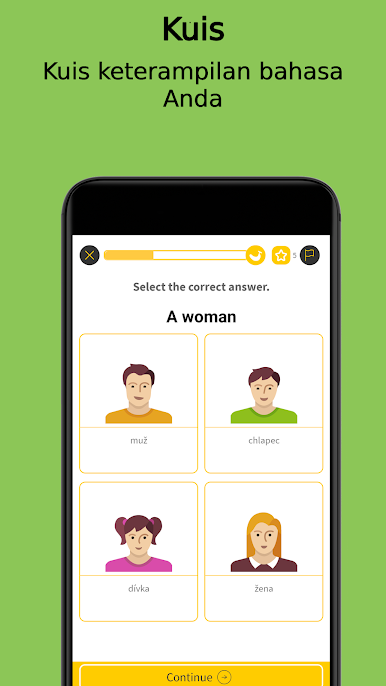
Learn Czech with Master Ling feels like a bunch of quick little puzzles instead of a heavy lesson. It jumps between flashcards, matching pictures to words, rearranging scrambled sentences, finishing short phrases, and those quick quizzes that tell someone right away what clicked. There is writing practice too, which has users trace letters and accents on screen, and it actually works fine with a mouse when running it on BlueStacks. The audio is clear and recorded by real Czech speakers, so the sounds do not feel robotic, and the app nudges users to test pronounciation with the mic. The whole thing is laid out simply, so getting from beginner stuff to more advanced topics does not feel like a maze.
What stands out is how focused it stays on useful skills. It covers reading, speaking, and writing, plus small grammar notes tucked inside the games, so it never turns into a long lecture. Courses are split by level and topic, so a total beginner can start with greetings, and someone further along can jump into trickier sentences. The alphabet and special characters get their own practice, which helps a lot for Czech. Some drills repeat, but that repetition is what makes the words stick. It is built by people who know the language, and it shows. And if someone gets curious about other languages later, the same format exists for a bunch more, though Czech does not get lost in the mix.
Switch to BlueStacks and make the most of your apps on your PC or Mac.

Mainkan Belajar Ceska Ling di PC Mudah saja memulainya.
-
Unduh dan pasang BlueStacks di PC kamu
-
Selesaikan proses masuk Google untuk mengakses Playstore atau lakukan nanti
-
Cari Belajar Ceska Ling di bilah pencarian di pojok kanan atas
-
Klik untuk menginstal Belajar Ceska Ling dari hasil pencarian
-
Selesaikan proses masuk Google (jika kamu melewati langkah 2) untuk menginstal Belajar Ceska Ling
-
Klik ikon Belajar Ceska Ling di layar home untuk membuka gamenya

