

Toolbox PRO - Herramientas Pro
Juega en PC con BlueStacks: la plataforma de juegos Android, en la que confían más de 500 millones de jugadores.

Página modificada el: Dec 25, 2024
Run Measure X PRO: Smart Pro Tools on PC or Mac
Let BlueStacks turn your PC, Mac, or laptop into the perfect home for Measure X PRO: Smart Pro Tools, a fun Tools app from SkyPaw Co., Limited.
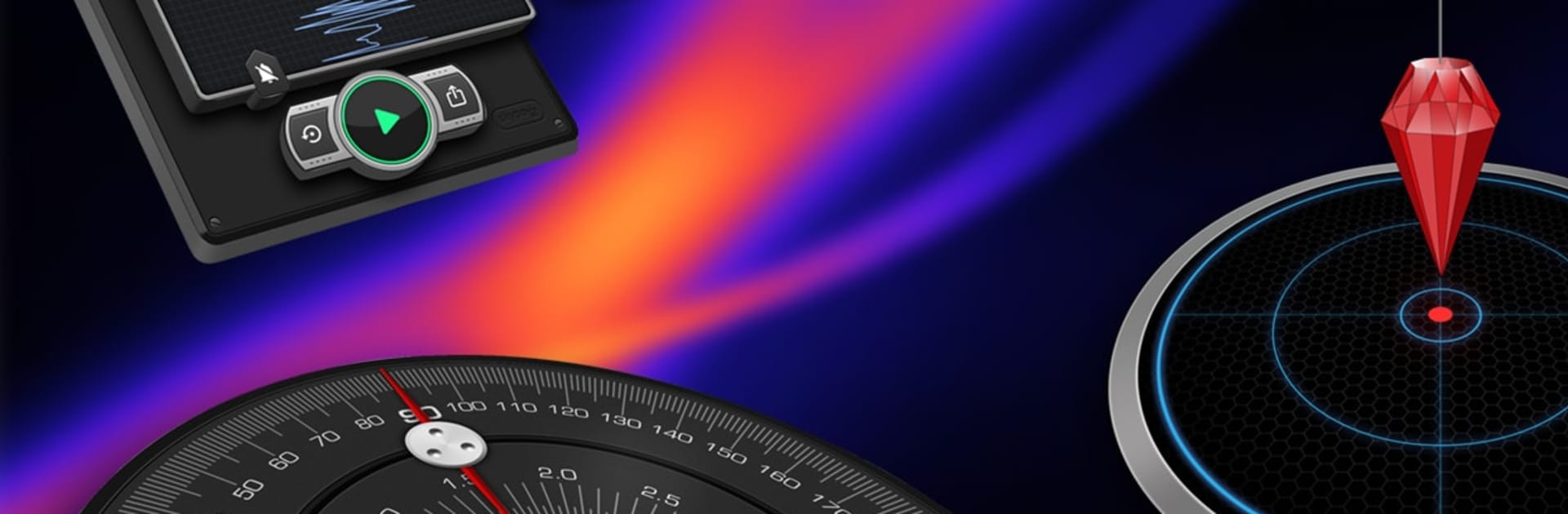
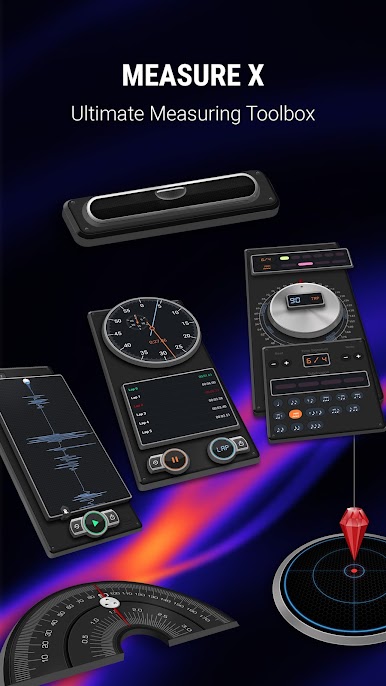
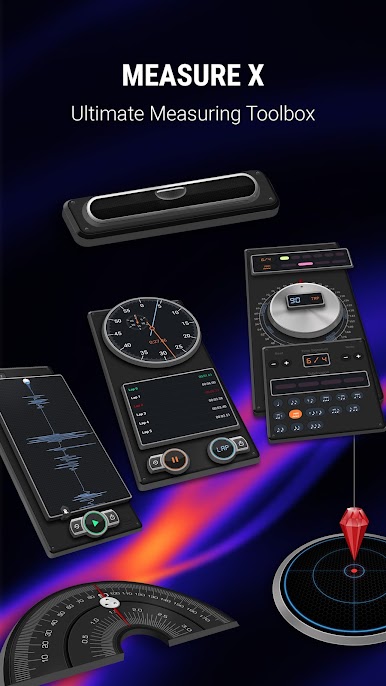
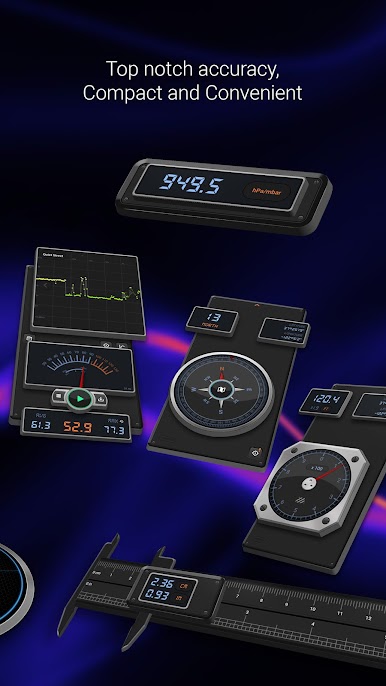
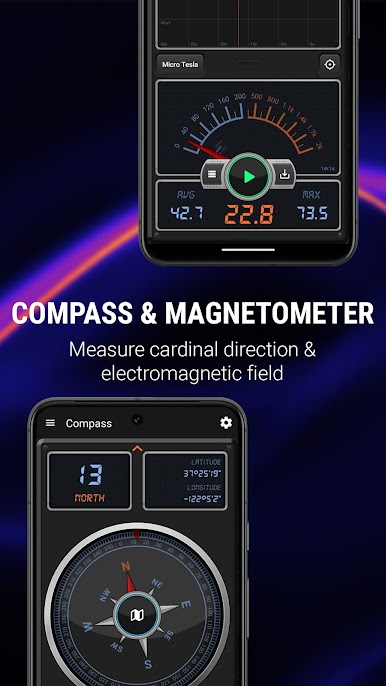
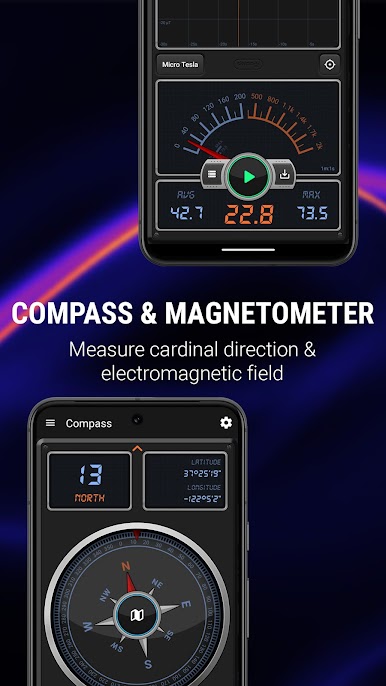
Measure X PRO: Smart Pro Tools feels like carrying a tiny workshop in the pocket, just without the sawdust. It packs a bunch of measuring utilities into one place, all laid out with big, clear readouts that are easy to glance at. On a PC through BlueStacks it is nice having everything on a bigger screen, great for reading numbers and toggling settings, but anything that depends on hardware sensors is only as good as what the computer or emulator can provide. Location can be faked, but barometer, magnetometer, and motion sensors may not be available or perfectly accurate, so keep that in mind.
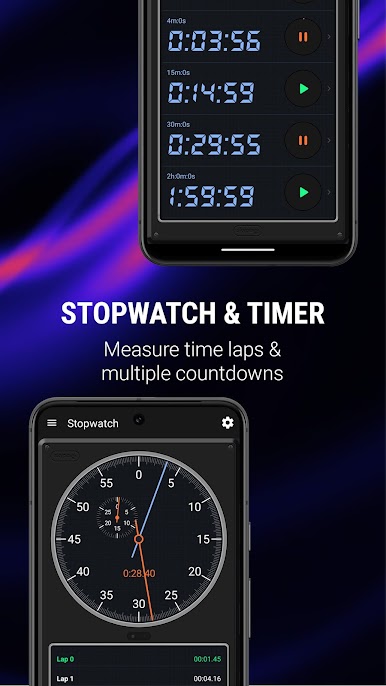
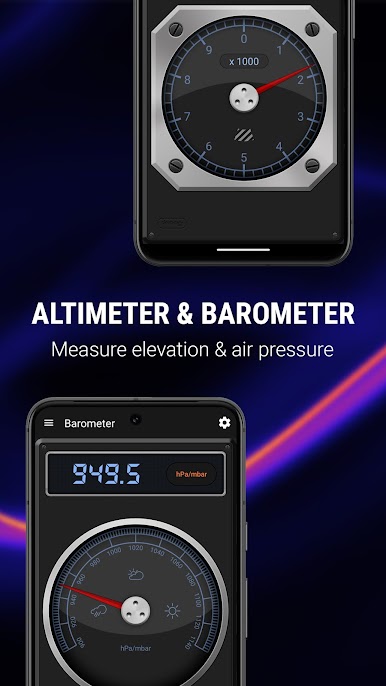
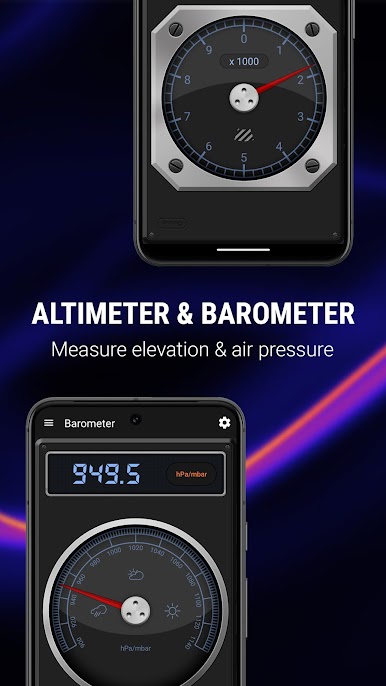
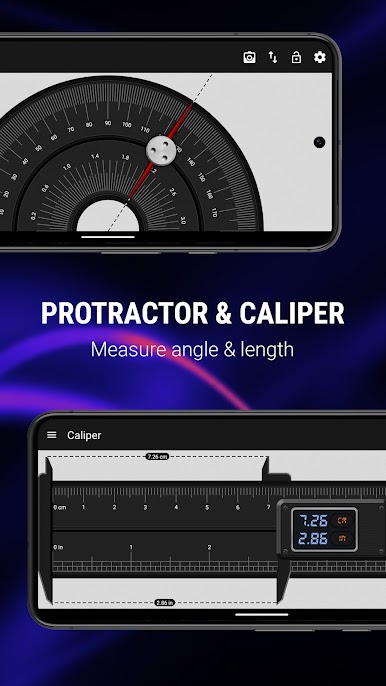
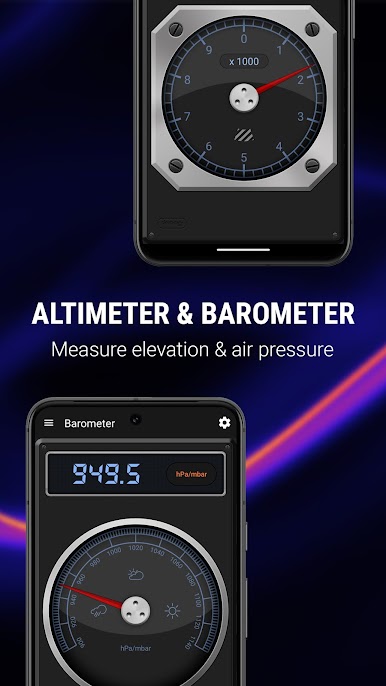
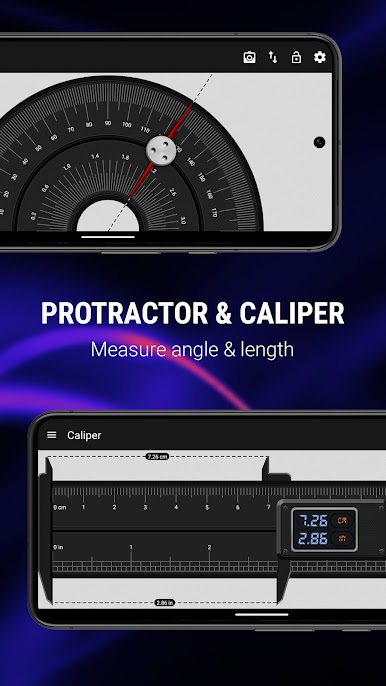
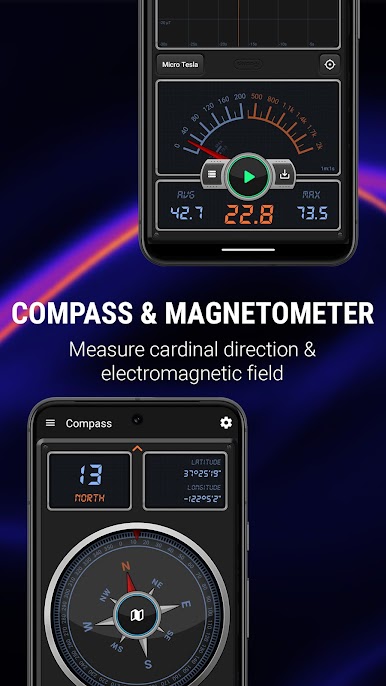
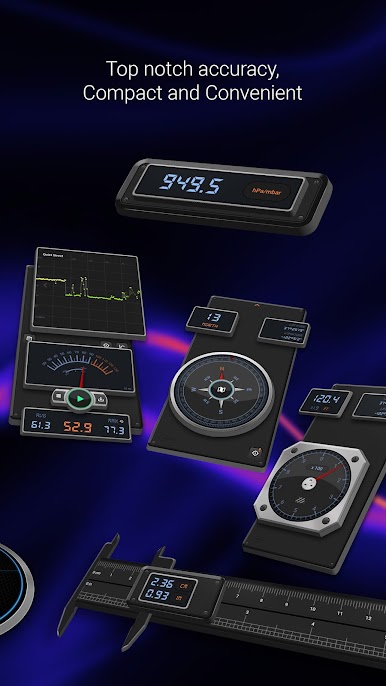
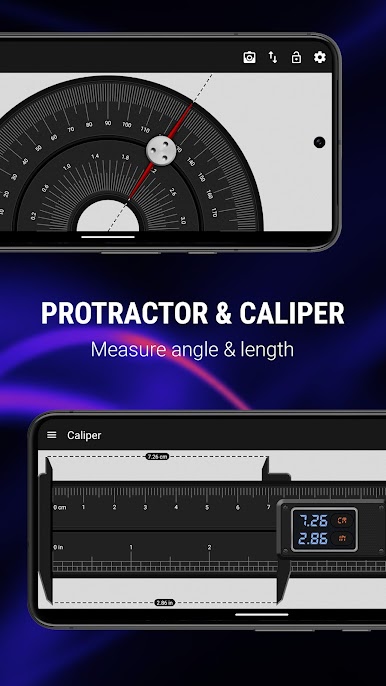
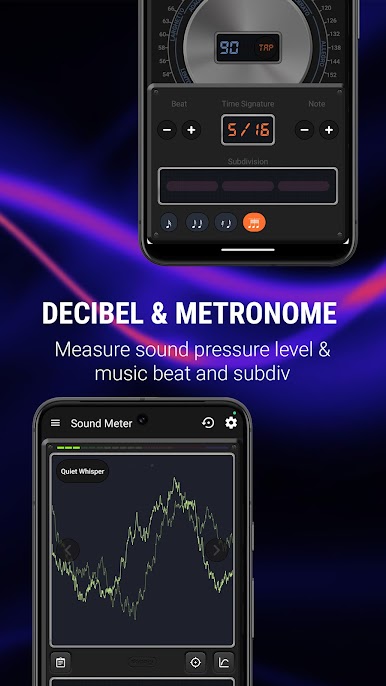
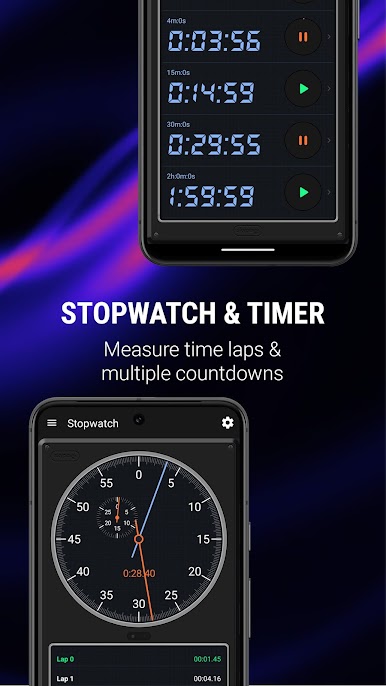
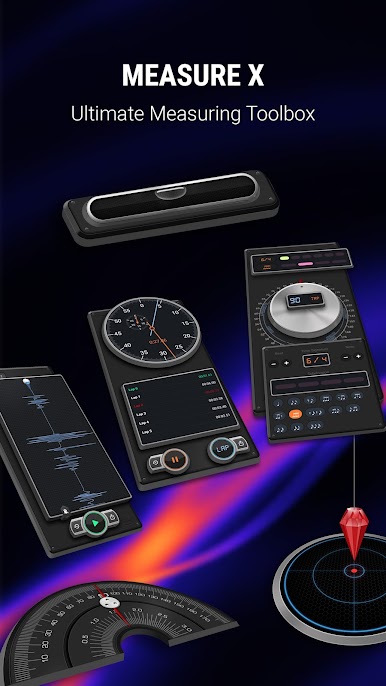
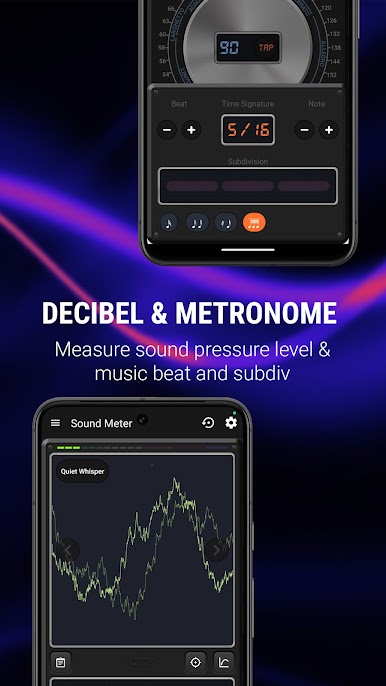
The set covers the usual stuff and then some. There is a compass that stays simple and useful for quick direction checks, an altimeter that pulls elevation from GPS, and a barometer for air pressure nerds. A decibel meter shows how loud a room actually is instead of guessing. The teslameter reads magnetic fields, which is handy when hunting for metal bits in walls. For timing there is a solid stopwatch and a timer that handles multiple countdowns at once, good for workouts or cooking. Musicians get a steady metronome with easy tempo control. The leveling tools are practical: a plumb bob for vertical alignment, a surface level for slopes, and a bubble level for balance. Ruler and protractor cover quick measurements on the fly, with unit options and simple calibration so it does not feel fiddly. It is not flashy, it is just a clean pile of tools that saves a trip to the garage.
BlueStacks gives you the much-needed freedom to experience your favorite apps on a bigger screen. Get it now.






Juega Toolbox PRO - Herramientas Pro en la PC. Es fácil comenzar.
-
Descargue e instale BlueStacks en su PC
-
Complete el inicio de sesión de Google para acceder a Play Store, o hágalo más tarde
-
Busque Toolbox PRO - Herramientas Pro en la barra de búsqueda en la esquina superior derecha
-
Haga clic para instalar Toolbox PRO - Herramientas Pro desde los resultados de búsqueda
-
Complete el inicio de sesión de Google (si omitió el paso 2) para instalar Toolbox PRO - Herramientas Pro
-
Haz clic en el ícono Toolbox PRO - Herramientas Pro en la pantalla de inicio para comenzar a jugar

