


Night of the Extinct
Juega en PC con BlueStacks: la plataforma de juegos Android, en la que confían más de 500 millones de jugadores.

Página modificada el: Jan 28, 2026
Juega Night of the Extinct en PC
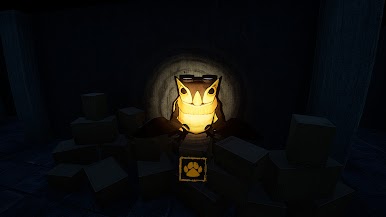
Go back in time and see the creatures of yesterday, but you might be doing more than just seeing. These creatures come to life at night, and it's your job to survive your time here.
Become the eyes of a mid-2010s paranormal content creator named Elliot, who has challenged himself to stay overnight at an allegedly haunted museum.
Meet new friends that'll talk your ear off and enemies that will stalk you down to your death.
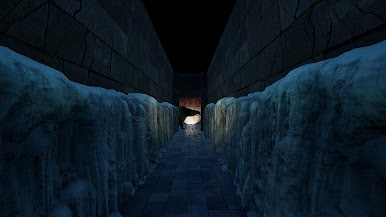
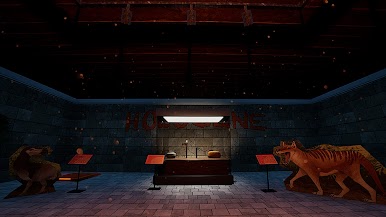
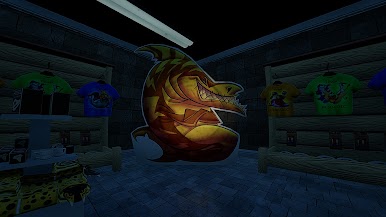
Explore the museum and see what sights are offered, with real descriptions of the items!
Traverse your way through the establishment by completing security checks with PHYSICS!
Find the secrets of the National Museum of Paleontology through different routes...
WITH VOICE ACTING, ACHIEVEMENTS, and TRANSLATED INTO 13 LANGUAGES!
Will YOU make it out alive?
Silvercity Sharks: https://www.youtube.com/@SilvercitySharks
Gerald Grabowski: https://www.youtube.com/@ArtofGerald
SNIker: https://www.youtube.com/@snikergames



Juega Night of the Extinct en la PC. Es fácil comenzar.
-
Descargue e instale BlueStacks en su PC
-
Complete el inicio de sesión de Google para acceder a Play Store, o hágalo más tarde
-
Busque Night of the Extinct en la barra de búsqueda en la esquina superior derecha
-
Haga clic para instalar Night of the Extinct desde los resultados de búsqueda
-
Complete el inicio de sesión de Google (si omitió el paso 2) para instalar Night of the Extinct
-
Haz clic en el ícono Night of the Extinct en la pantalla de inicio para comenzar a jugar

