


SAASPASS | Pengesah 2FA
Mainkan di PC dengan BlueStacks – platform Game-Game Android, dipercaya oleh lebih dari 500 juta gamer.

Run SAASPASS Authenticator 2FA App & Password Manager on PC or Mac
Let BlueStacks turn your PC, Mac, or laptop into the perfect home for SAASPASS Authenticator 2FA App & Password Manager, a fun Tools app from SAASPASS.
About the App
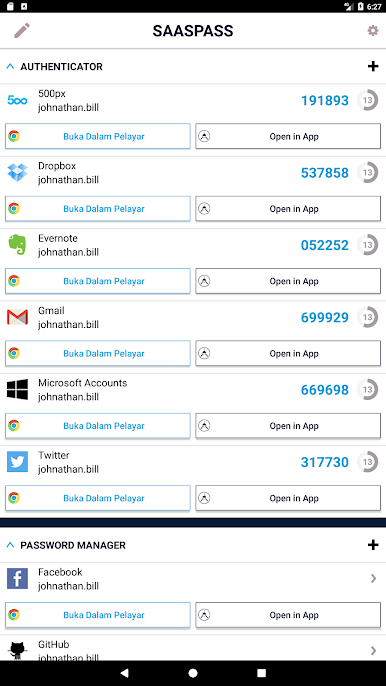
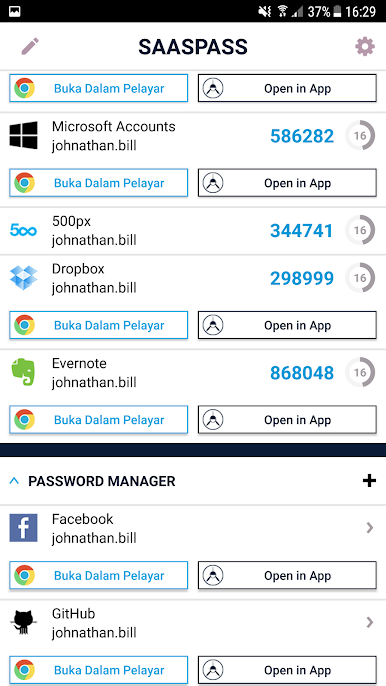
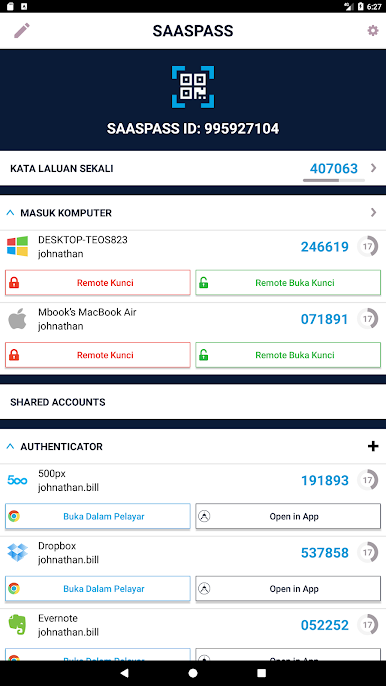
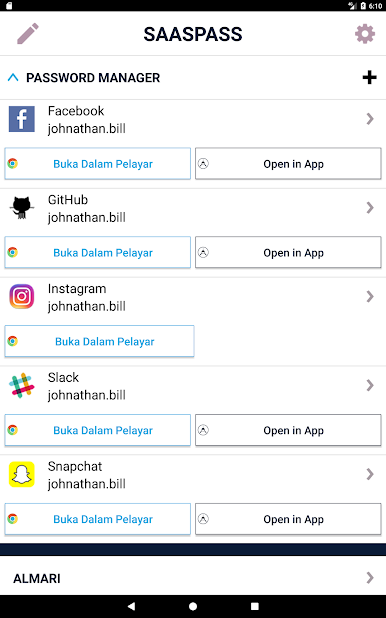
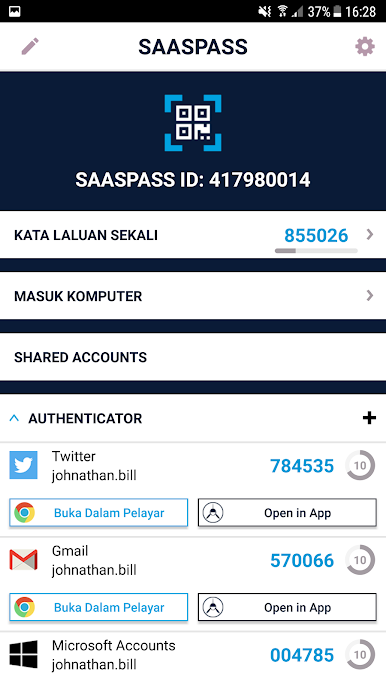
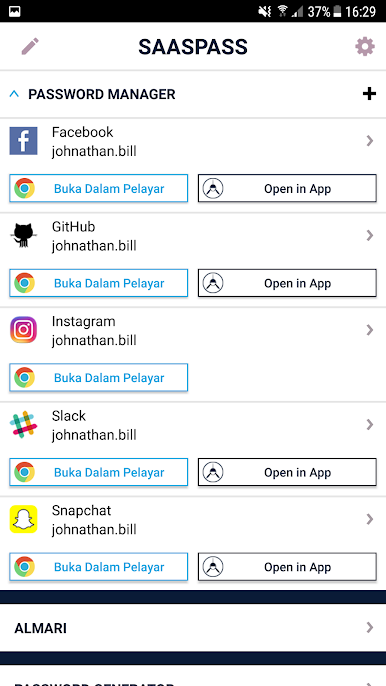
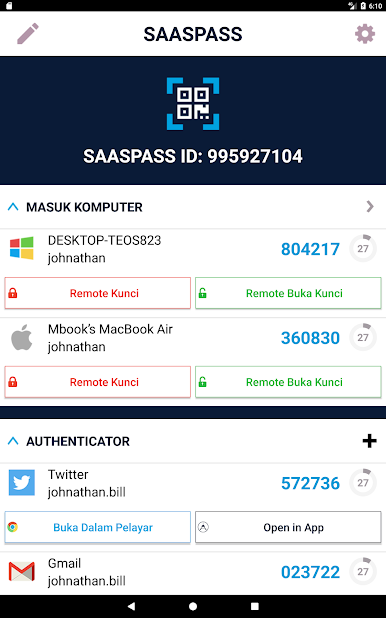
SAASPASS Authenticator 2FA App & Password Manager brings together powerful security tools with seriously straightforward convenience. Whether you’re juggling work accounts or trying to stay safe while shopping online, this app puts all your passwords and authenticator codes under one roof. Everything’s designed to be quick, secure, and a breeze to use—so you spend less time worrying about logins, and more time just getting things done.
App Features
-
All-in-One Security Hub
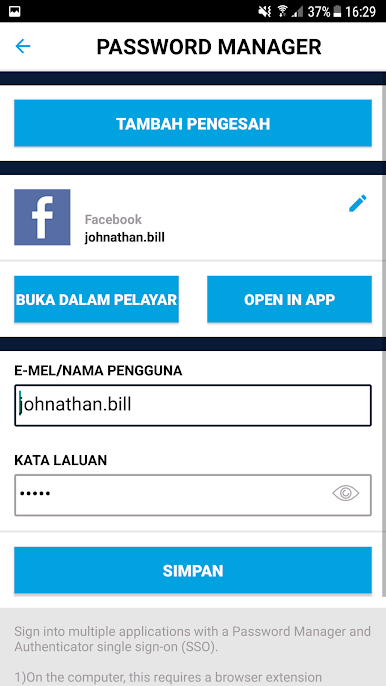
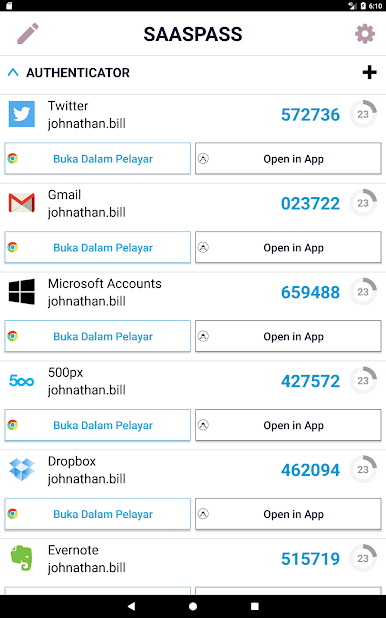
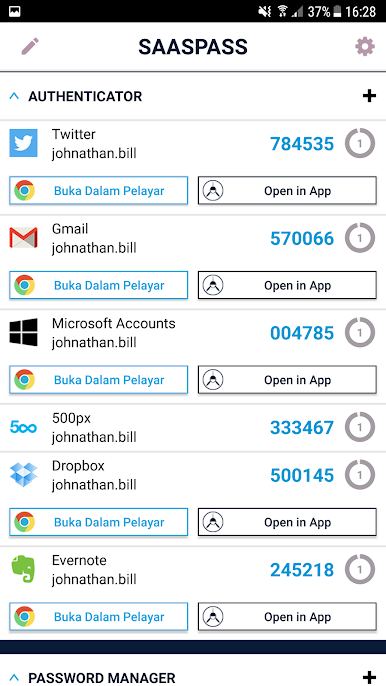
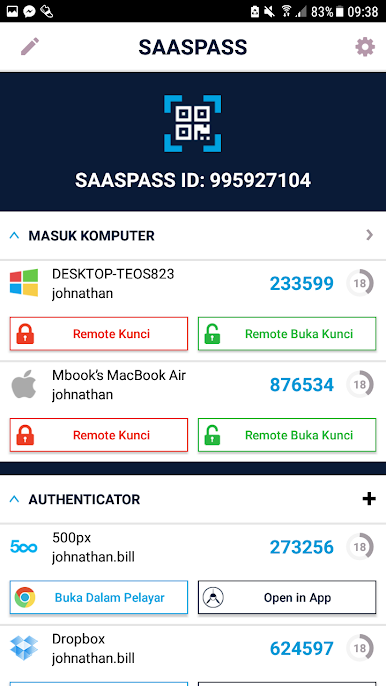
Store your passwords and generate two-factor authentication codes without needing multiple apps. It’s all set up so you can access what you need in seconds. -
Huge Site Compatibility
With support for over 60,000 websites and services, autofill is a snap. You’ll rarely have to type a password again. -
Strong Password Generator
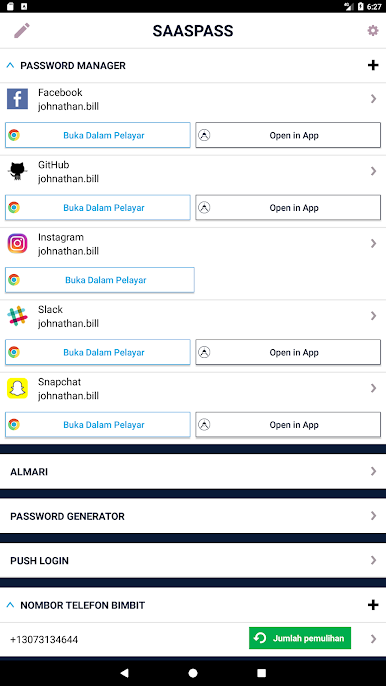
Struggling to make up tough passwords? The built-in generator can whip up secure ones whenever you need, making weak passwords pretty much a thing of the past. -
Security Checkup
Not sure if your passwords are holding up? The app scans your logins and warns you if you’re reusing passwords or have ones that could use a little strengthening. -
Flexible Secure Notes
Sometimes you need to store more than passwords—keep important notes safely encrypted, and even access them across your devices if you want. -
Easy Recovery Options
Lost your device? No panic. Multiple recovery methods help you get your authenticator codes and passwords back safely, without jumping through hoops. There’s even protection from SIM swap attacks built-in. -
Smart Autofill Everywhere
Enjoy autofill and auto-login both on your Android device and through your desktop, especially if you’re running things via BlueStacks or using the browser extension. -
Works Even Offline
Need access without internet? No worries—SAASPASS keeps things running even when you’re offline. -
Unlock Your Way
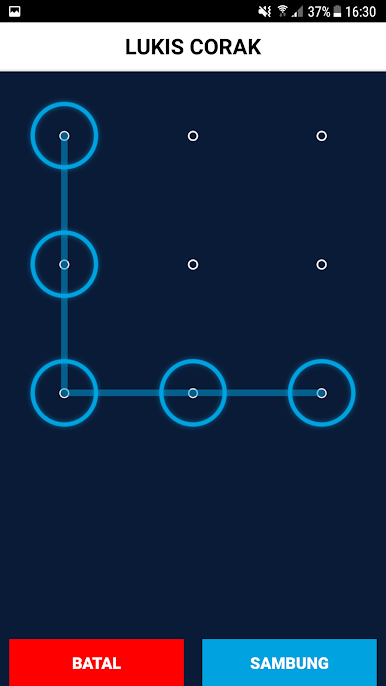
Prefer a PIN, pattern, or fingerprint? You can get into the app the way that feels best for you. -
Multi-Device & Remote Management
Set up on all your devices and manage remotely if you ever misplace one—easy to disable and re-enable as needed. -
Wear OS Support
Got a smartwatch? You can get codes and manage logins right from your wrist.
Big screen. Bigger performance. Use BlueStacks on your PC or Mac to run your favorite apps.

Mainkan SAASPASS | Pengesah 2FA di PC Mudah saja memulainya.
-
Unduh dan pasang BlueStacks di PC kamu
-
Selesaikan proses masuk Google untuk mengakses Playstore atau lakukan nanti
-
Cari SAASPASS | Pengesah 2FA di bilah pencarian di pojok kanan atas
-
Klik untuk menginstal SAASPASS | Pengesah 2FA dari hasil pencarian
-
Selesaikan proses masuk Google (jika kamu melewati langkah 2) untuk menginstal SAASPASS | Pengesah 2FA
-
Klik ikon SAASPASS | Pengesah 2FA di layar home untuk membuka gamenya

