

eDrawings
Juega en PC con BlueStacks: la plataforma de juegos Android, en la que confían más de 500 millones de jugadores.

Página modificada el: Apr 8, 2025
Run eDrawings on PC or Mac
Why limit yourself to your small screen on the phone? Run eDrawings, an app by SolidWorks, best experienced on your PC or Mac with BlueStacks, the world’s #1 Android emulator.
About the App
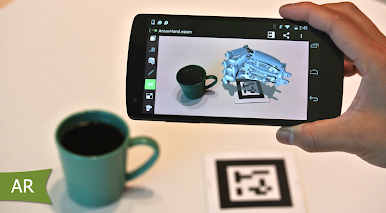
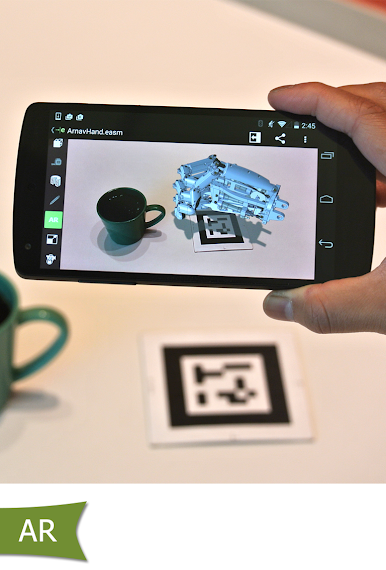
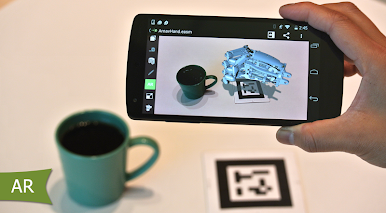
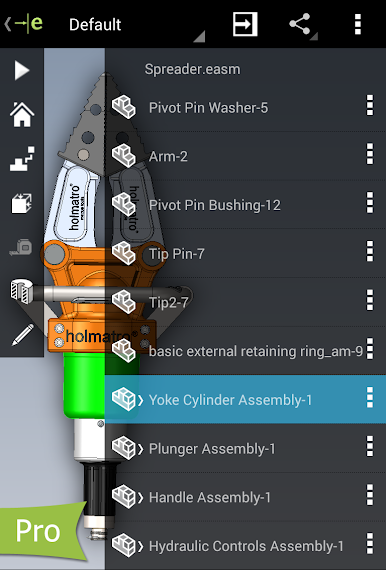
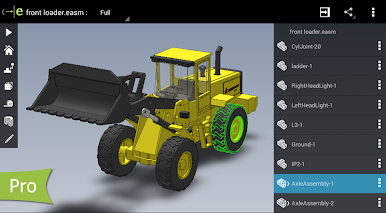
If you spend time working with 2D or 3D CAD designs, eDrawings might just make your life easier. SolidWorks built this app so you can open, view, and share engineering drawings anywhere, even if you’re not sitting at your desk. Whether you’re reviewing detailed parts, checking assemblies, or collaborating with others, this Productivity tool lets you keep projects moving from almost any device. And yes, you can run eDrawings using BlueStacks if you want a bigger screen and smoother controls.
App Features
-
Native CAD File Support
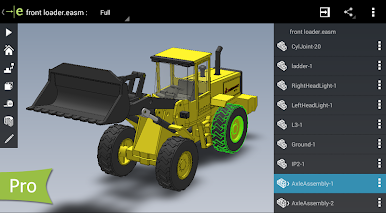
Open your design files right from your device—whether they’re SolidWorks parts, assemblies, or eDrawings files. It handles a wide range of file types, so you don’t need to convert things first. -
Smooth and Simple Controls
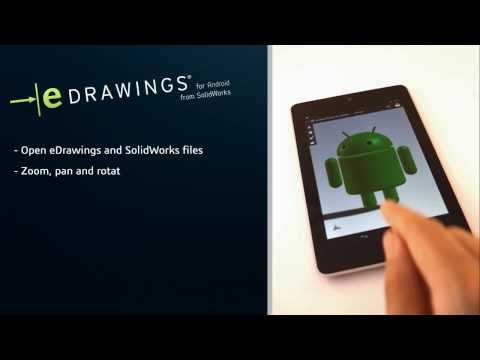
Multi-touch gestures make it easy to pan, zoom, and rotate models. There’s no complicated learning curve; you can jump in and start reviewing designs almost instantly. -
Open Files from Anywhere
Grab your files from email, cloud storage, FTP, or network folders. Just tap to open; you’re not stuck with downloads or annoying file transfers. -
View Both 2D and 3D Designs
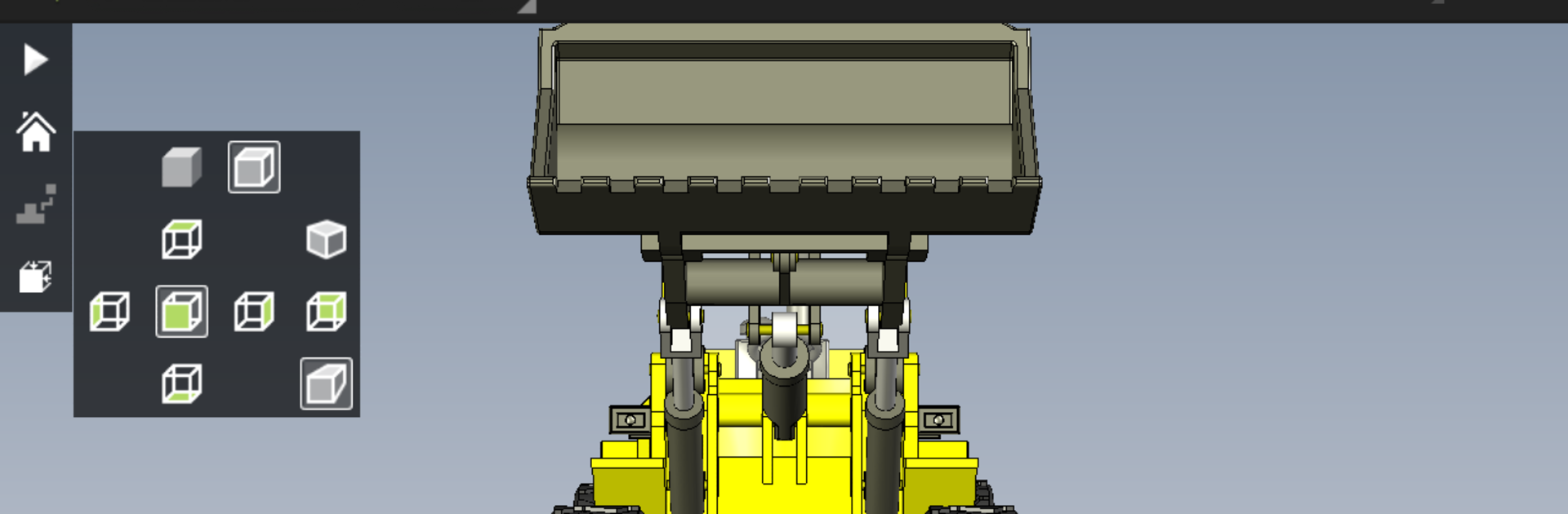
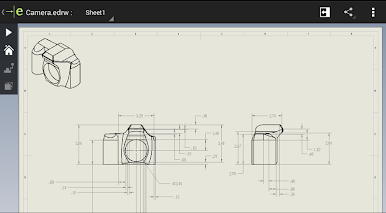
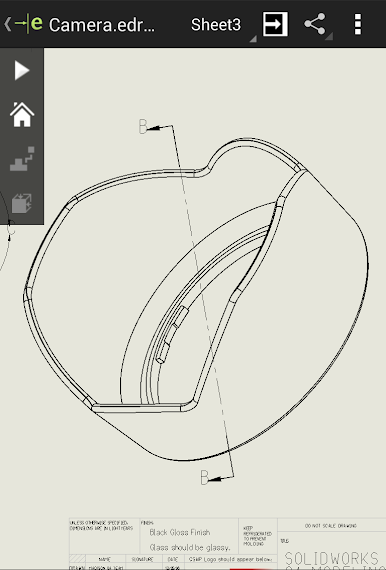
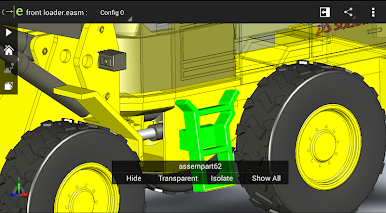
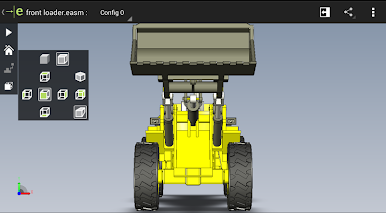
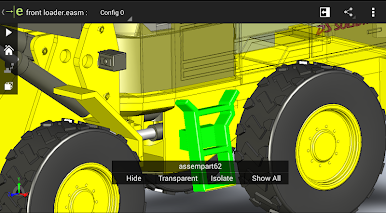
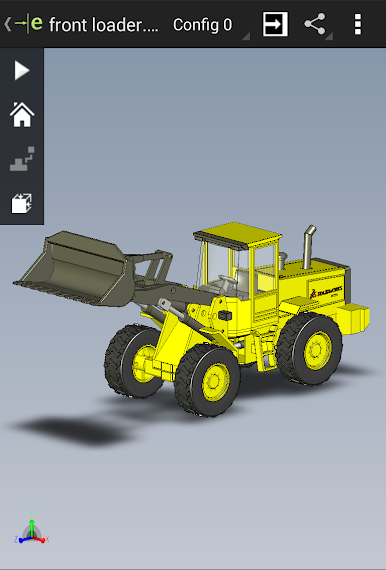
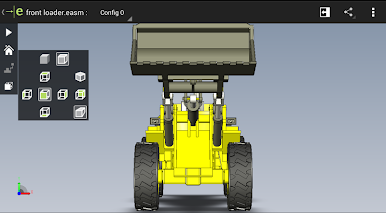
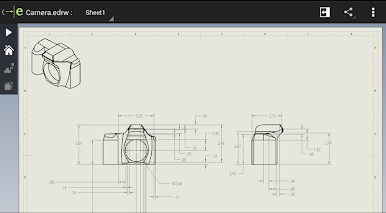
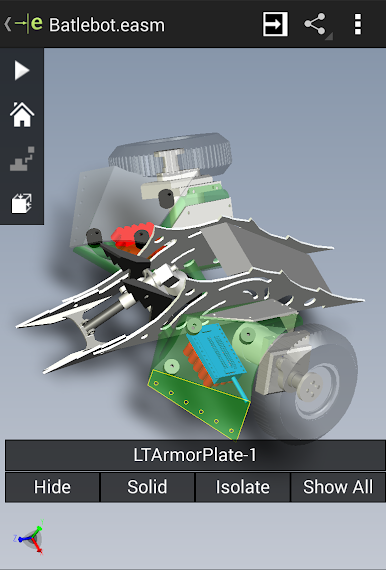
Switch between 2D drawing sheets or full 3D models without hassle. You can check out exploded views, zoom in for details, and even see your work full screen. -
Animation and Sample Files
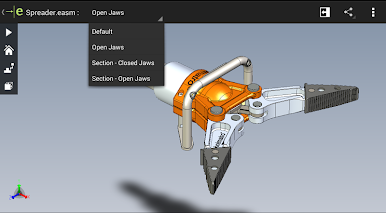
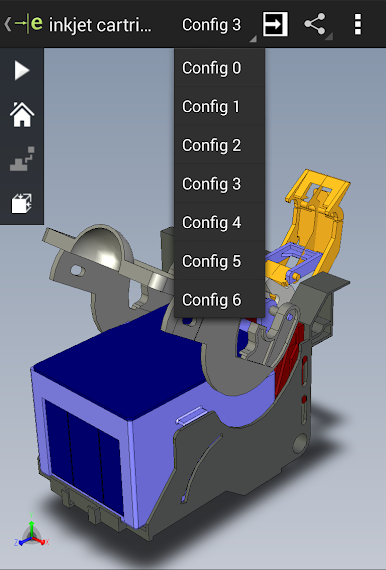
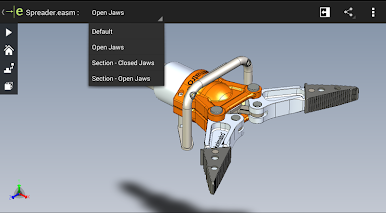
Animate standard 3D views to see how everything fits together. If you’re just getting started, sample files are already included so you can test things out. -
Upgradable with Pro Features
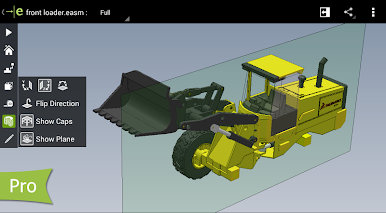
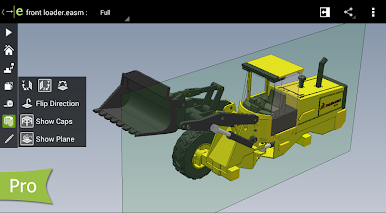
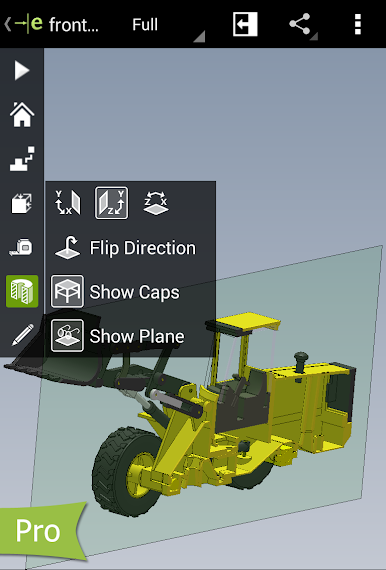
Looking for more tools? The Pro upgrade unlocks measuring capabilities, lets you add markups or text notes, and even slice through models with cross-section views. Great for team reviews or getting feedback. -
Share and Collaborate
Send marked-up designs to colleagues or clients right from the app. Every note and markup is saved in the eDrawings file, making feedback and project tracking so much easier. -
Fits Your Workflow
Works seamlessly on Android phones or tablets, and with BlueStacks, reviewing detailed designs on your computer feels just as natural.
Switch to BlueStacks and make the most of your apps on your PC or Mac.
Juega eDrawings en la PC. Es fácil comenzar.
-
Descargue e instale BlueStacks en su PC
-
Complete el inicio de sesión de Google para acceder a Play Store, o hágalo más tarde
-
Busque eDrawings en la barra de búsqueda en la esquina superior derecha
-
Haga clic para instalar eDrawings desde los resultados de búsqueda
-
Complete el inicio de sesión de Google (si omitió el paso 2) para instalar eDrawings
-
Haz clic en el ícono eDrawings en la pantalla de inicio para comenzar a jugar

