


Akuarium Soliter
Mainkan di PC dengan BlueStacks – platform Game-Game Android, dipercaya oleh lebih dari 500 juta gamer.

Play Solitaire on PC or Mac
Solitaire is a Card game developed by Solitaire Aquarium. BlueStacks app player is the best platform to play this Android game on your PC or Mac for an immersive gaming experience.
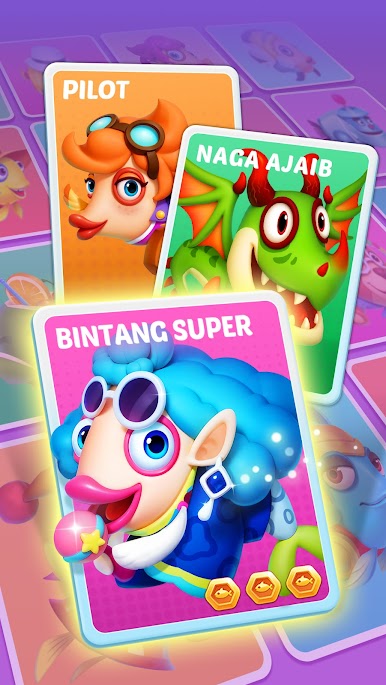
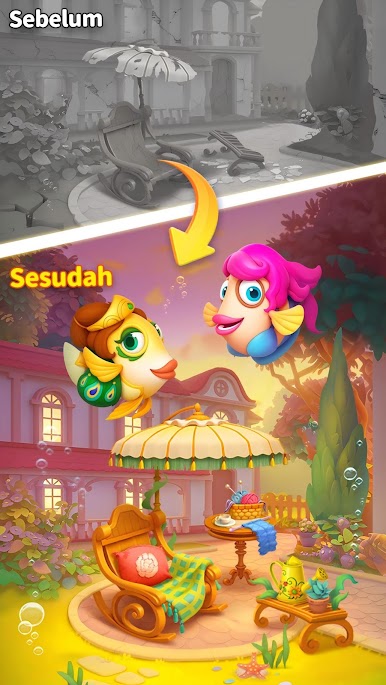
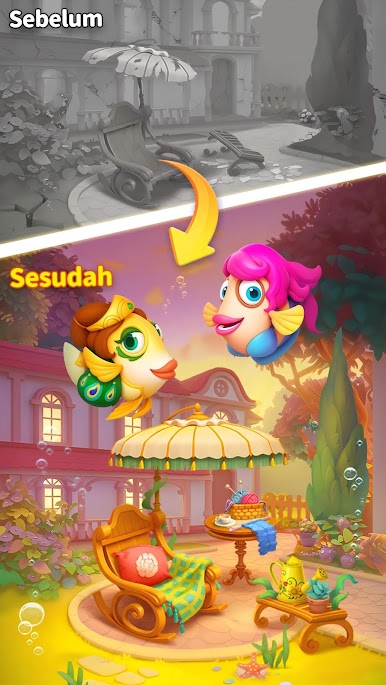
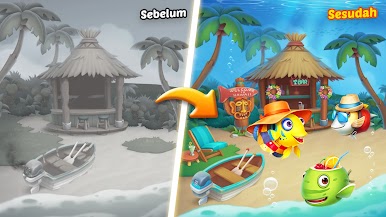
Explore life among exotic fishes and other undersea creatures. Unlock exciting rewards, collect unique creatures, and build your dream aquarium as you play. Participate in seasonal events and other mini games to expand your marine collection.
About the Game
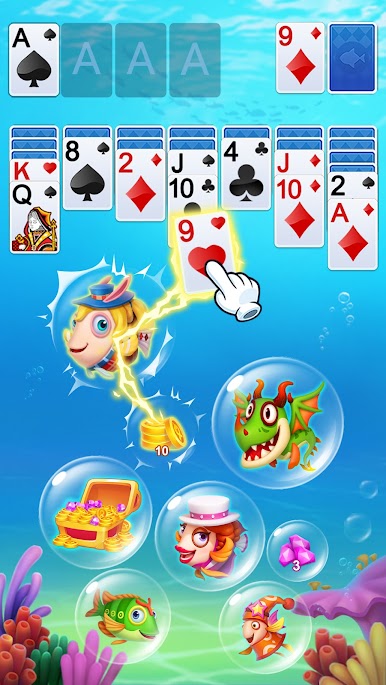
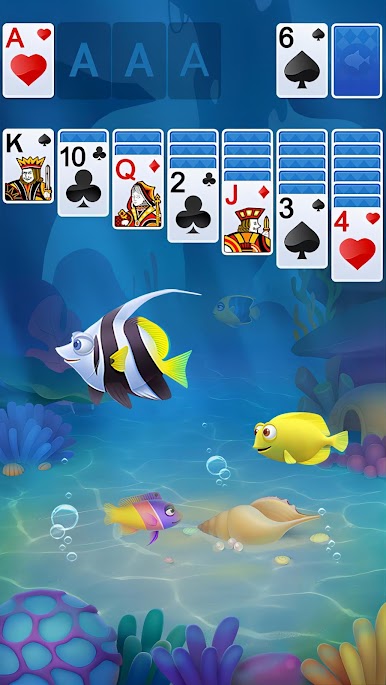
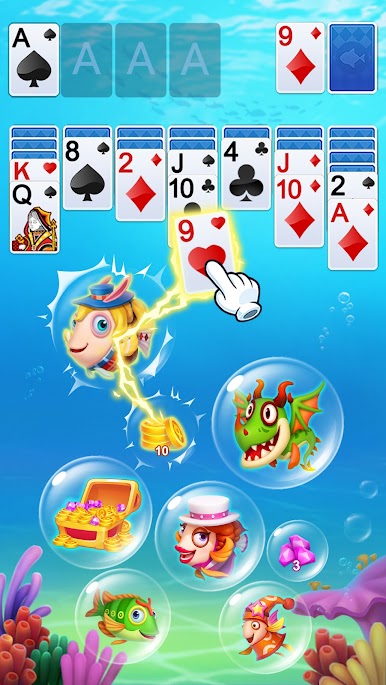
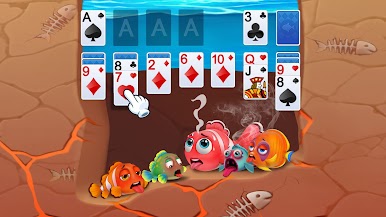
Solitaire puts you in a lively ocean world with several challenging levels. It gives you hints and unlimited undos to help you complete these levels and advance to the next. This game features multiple game modes and daily challenges to keep you engaged. It also allows you to unlock treasure chests with lucky coins.
Gameplay Overview
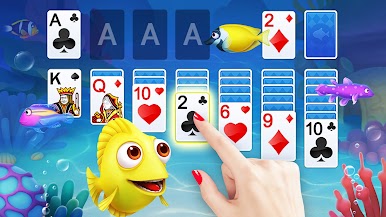
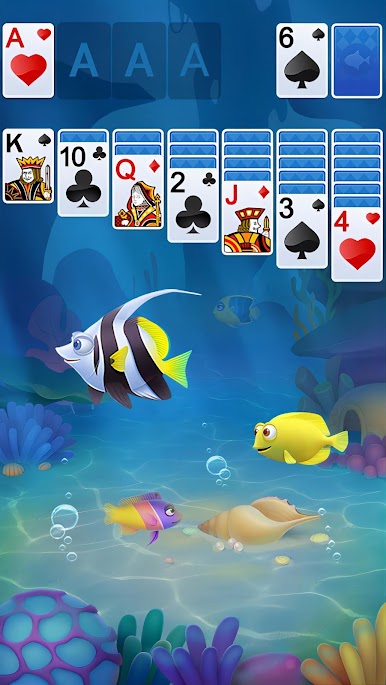
The gameplay of this game is simple; arrange your cards in sequential order to get to the four foundation piles and score points. The goal is to build your aquarium and upgrade it frequently with decorations, plants, and rare creatures. Furthermore, when you complete daily tasks, you receive lucky coins and other special rewards.
Game Features
- Visually stunning animations
- Over 1,000 levels
- Smooth game controls
How to Play?
Download Solitaire for free from the Google Play Store using the BlueStacks app player.










Mainkan Akuarium Soliter di PC Mudah saja memulainya.
-
Unduh dan pasang BlueStacks di PC kamu
-
Selesaikan proses masuk Google untuk mengakses Playstore atau lakukan nanti
-
Cari Akuarium Soliter di bilah pencarian di pojok kanan atas
-
Klik untuk menginstal Akuarium Soliter dari hasil pencarian
-
Selesaikan proses masuk Google (jika kamu melewati langkah 2) untuk menginstal Akuarium Soliter
-
Klik ikon Akuarium Soliter di layar home untuk membuka gamenya

