


Hearing Remote
Mainkan di PC dengan BlueStacks – platform Game-Game Android, dipercaya oleh lebih dari 500 juta gamer.

Main Hearing Remote di PC
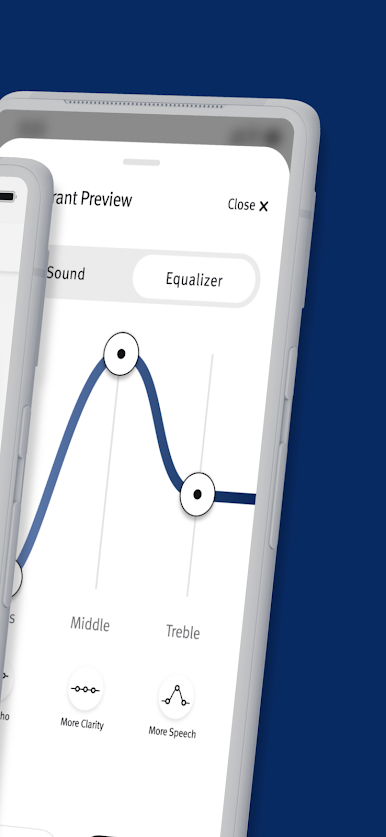
With quick and seamless navigation, the Hearing Remote app allows you to easily and discretely make the adjustments you need in the moment.
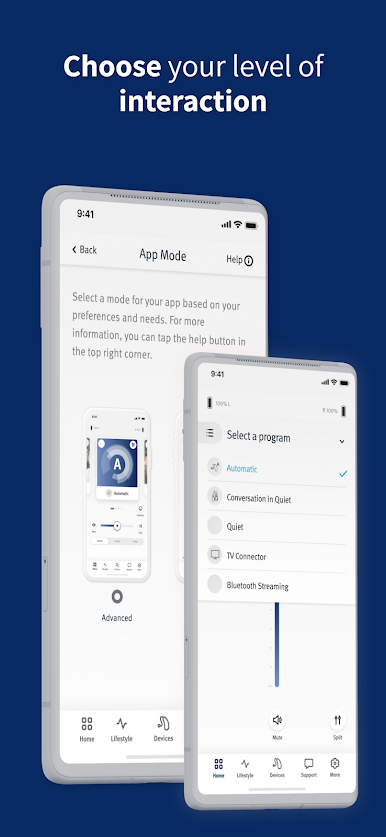
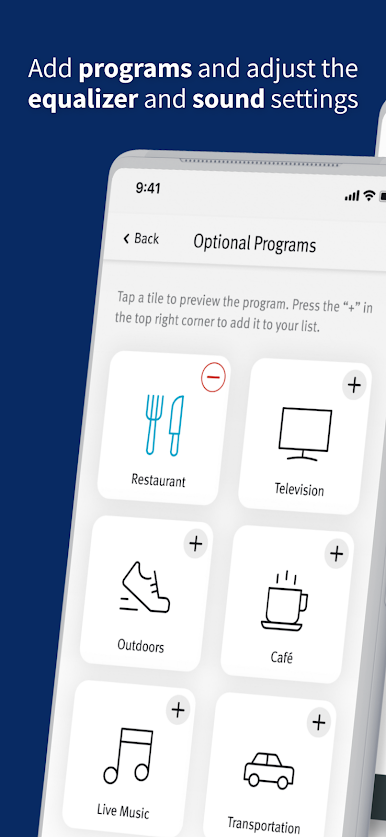
From volume control to programs that you can select and customize, you choose how to personalize your experience!
Feel confident in your hearing journey knowing that Hearing Remote provides you with:
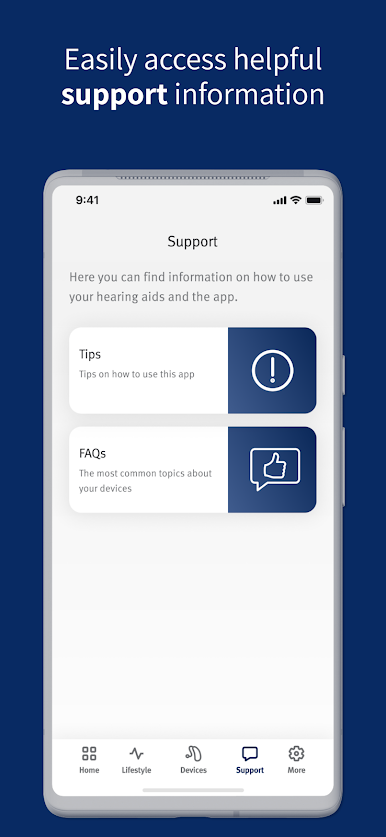
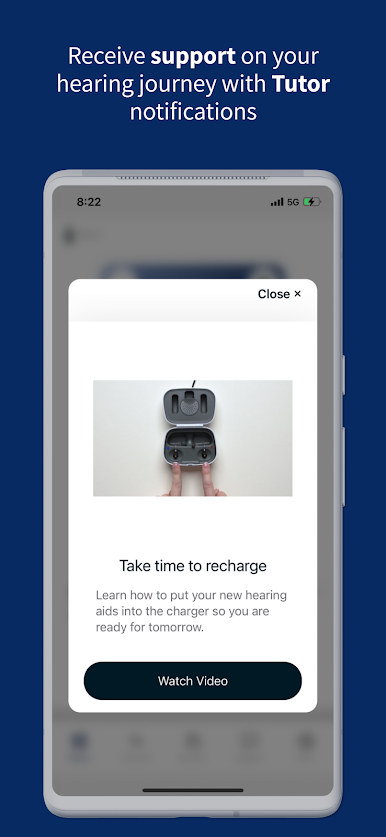
Everyday Support
Confidently manage the day-to-day maintenance of your hearing aids with the help of Tutor, your personalized virtual hearing aid guide that delivers helpful tips, reminders and advice straight to your smartphone.
Connected Care
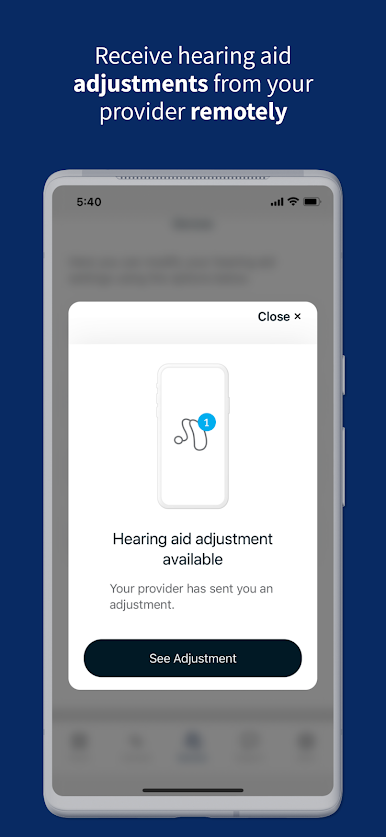
Receive remote adjustments from your hearing care provider to fine tune your listening experience, without having to wait for your next appointment.
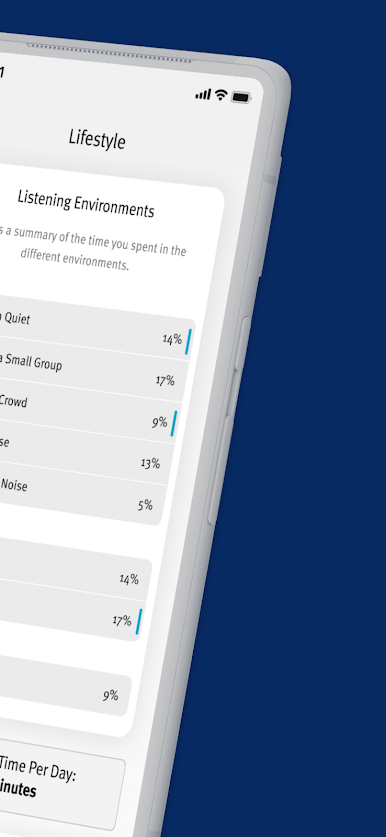
Lifestyle Data
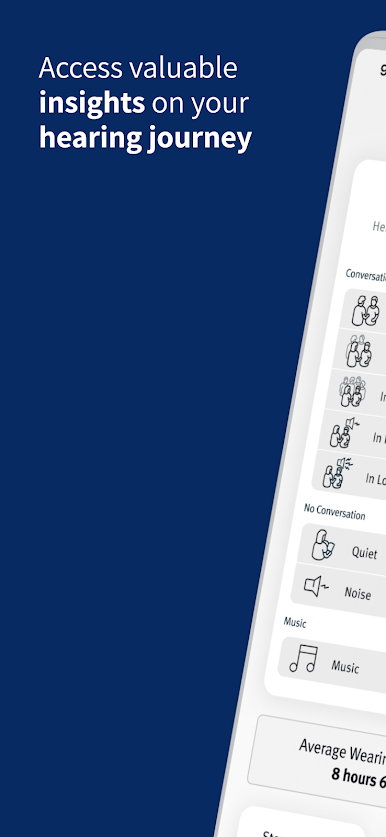
Feel empowered with lifestyle data that monitors your wearing time, time spent in different listening environments and your level of physical activity.
Find my Devices
Gain peace of mind knowing you can track down misplaced hearing aids with Find my Devices.
Mainkan Hearing Remote di PC Mudah saja memulainya.
-
Unduh dan pasang BlueStacks di PC kamu
-
Selesaikan proses masuk Google untuk mengakses Playstore atau lakukan nanti
-
Cari Hearing Remote di bilah pencarian di pojok kanan atas
-
Klik untuk menginstal Hearing Remote dari hasil pencarian
-
Selesaikan proses masuk Google (jika kamu melewati langkah 2) untuk menginstal Hearing Remote
-
Klik ikon Hearing Remote di layar home untuk membuka gamenya

