


Digital Clock & Weather Widget
Gioca su PC con BlueStacks: la piattaforma di gioco Android, considerata affidabile da oltre 500 milioni di giocatori.

Pagina modificata il: Sep 5, 2025
Play Digital Clock & Weather Widget on PC
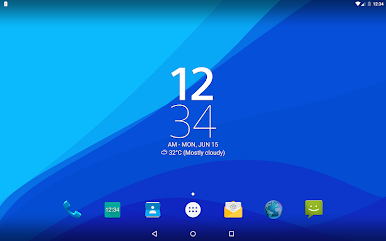
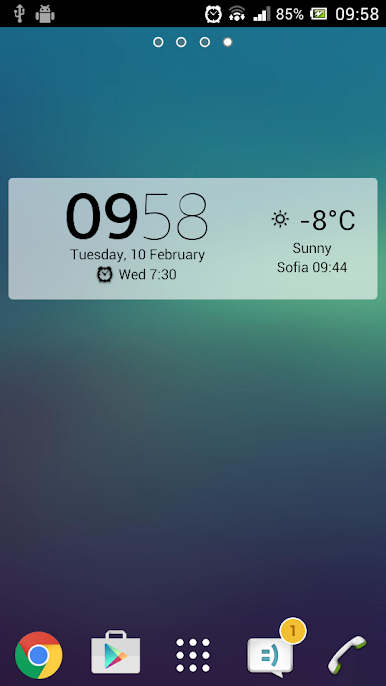
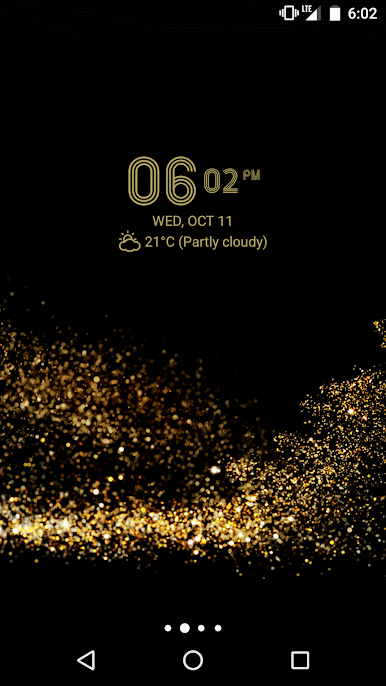
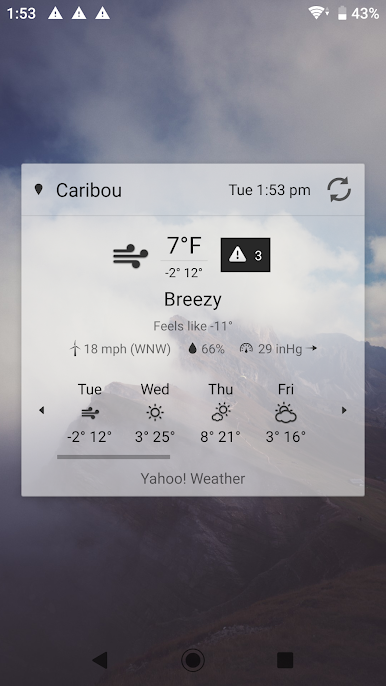
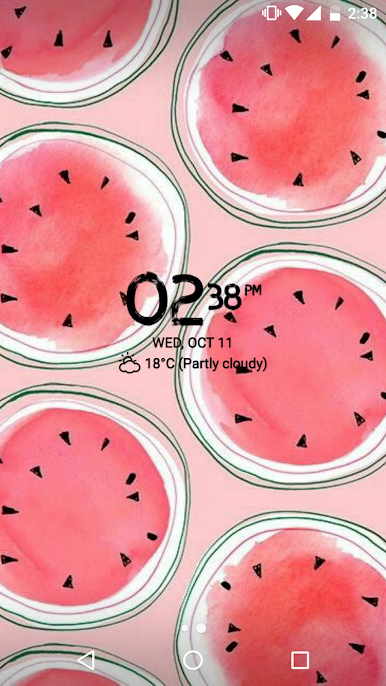
A simple, stylish and highly customizable digital clock and weather widget.
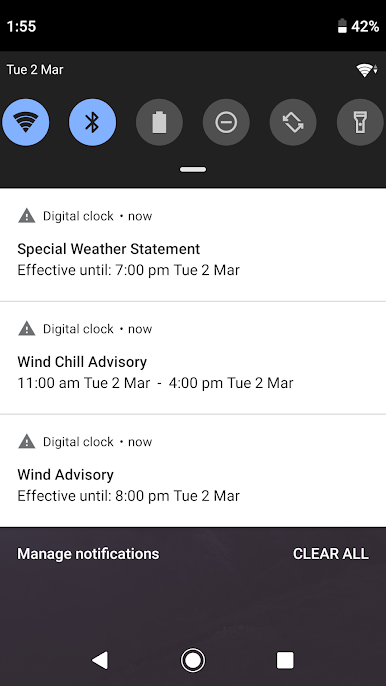
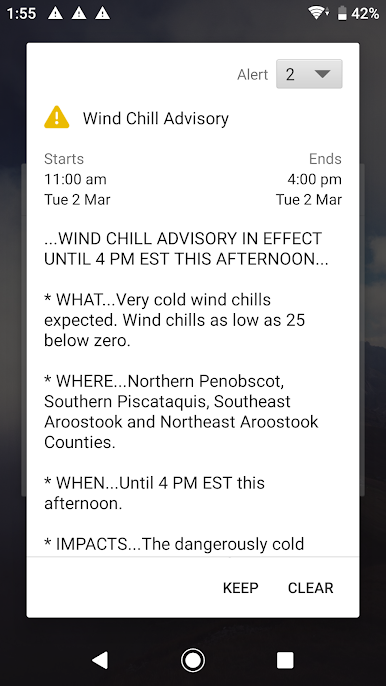
- Options to show location-based current weather, weather forecast, severe weather alerts and air quality information
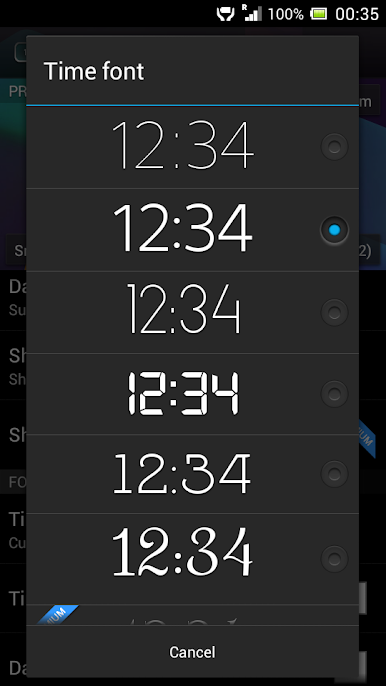
- Choose between small (2x2), big (4x3), wide (4x1) and tall (2x3) resizable widget styles with 18 possible fonts
- Adjust the time and date font color and size and select your preferred time and date format
- Option to launch your alarm app, calendar app, your favourite weather app, or any app of your choosing by tapping parts of the widget
- Option to add clickable icons launching up to 6 of your most used apps (app usage times are calculated via the AccessibilityService API) or up to 6 apps of your choosing
- Option to show semi-transparent backplate with adjustable color
- Back up & restore settings
- Paid "Premium" upgrade that unlocks options for:
- 25 additional fonts + a custom user-added font option
- Showing current time and weather in multiple locations / time zones
- Showing battery level info
- Weather notifications
- Adjustable text transparency level
- Adjustable backplate transparency level
- Removes advertisements
Note: Please keep in mind that adding the shortcut to the settings window to your home screen will not automatically add the actual widget to your home screen! If you don't know how to add the widget to your home screen, please use the "Help" option in the settings window.
If you have a question or a problem with the app, please contact us via email (support@sunspotstudio.net). We will gladly help you.
Note: The required permissions are necessary for:
- Downloading location-based current weather, weather forecast, severe weather alerts and air quality information
- Letting the user use custom fonts (Premium only)
- The Premium in-app purchase
- Backing up & restoring settings
- Location data may be used for providing you more relevant ads
- Access the correct next alarm's time set by Samsung's Clock app
- Determining which are your most used apps (for the App links functionality)
Help us translate the app in your language or improve the current translation by going to: http://bit.ly/digital_clock_xperia_translate
Note: On some devices you may have to restart your device after installing for the widget to show up in the widget list!
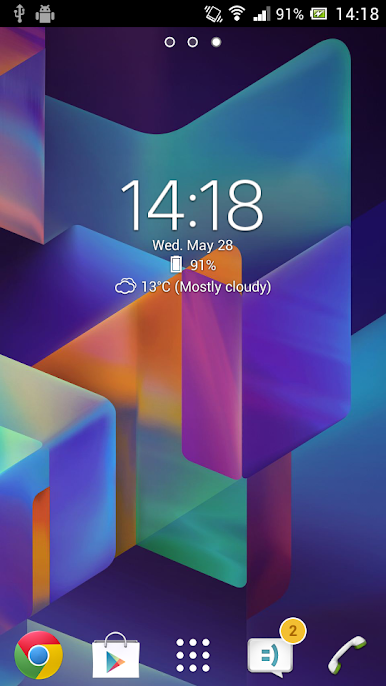
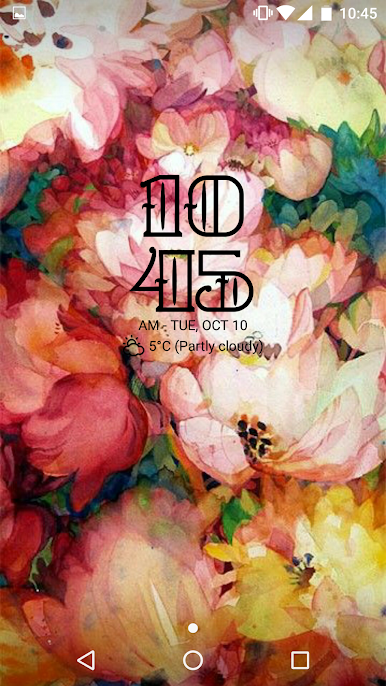
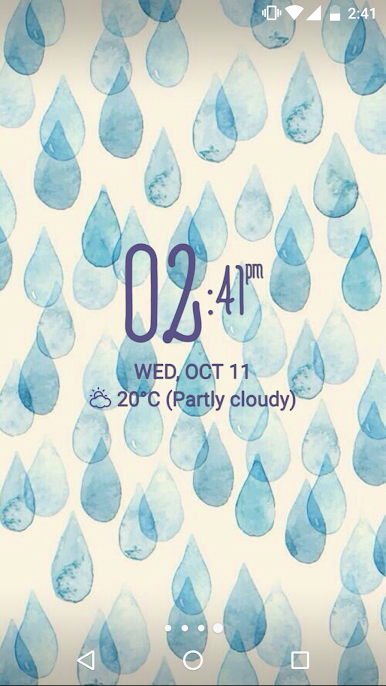
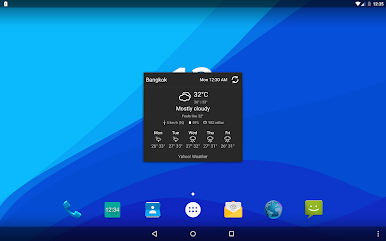
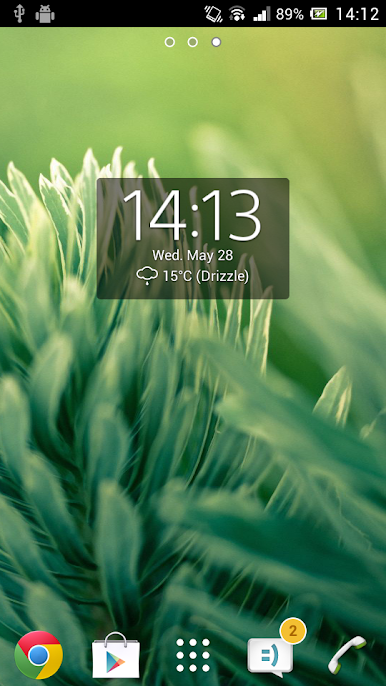
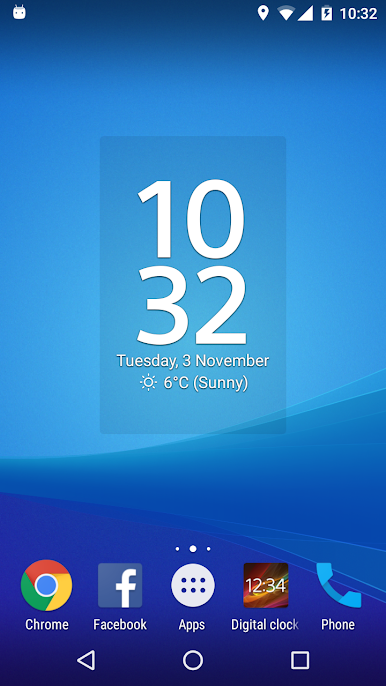
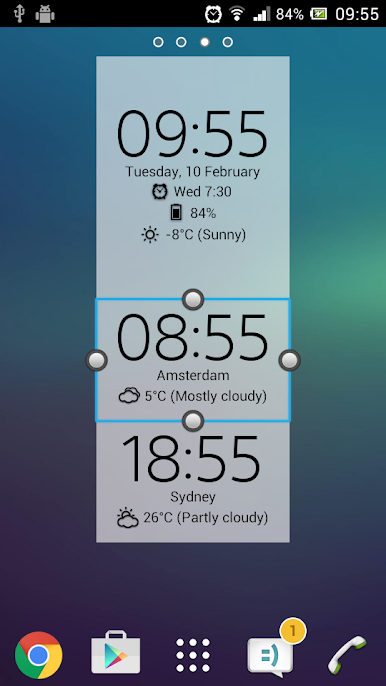
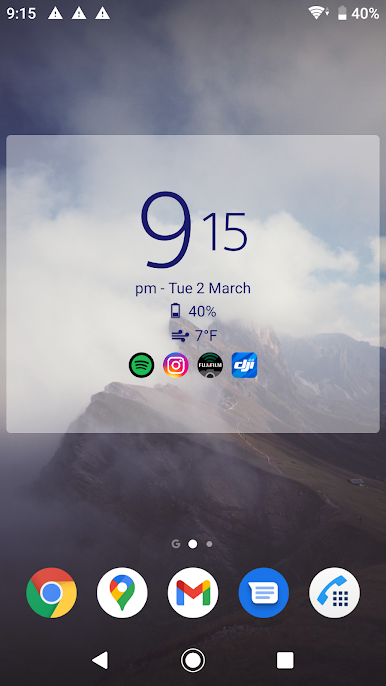
Gioca Digital Clock & Weather Widget su PC. È facile iniziare.
-
Scarica e installa BlueStacks sul tuo PC
-
Completa l'accesso a Google per accedere al Play Store o eseguilo in un secondo momento
-
Cerca Digital Clock & Weather Widget nella barra di ricerca nell'angolo in alto a destra
-
Fai clic per installare Digital Clock & Weather Widget dai risultati della ricerca
-
Completa l'accesso a Google (se hai saltato il passaggio 2) per installare Digital Clock & Weather Widget
-
Fai clic sull'icona Digital Clock & Weather Widget nella schermata principale per iniziare a giocare

