


Sophos Mobile Control
Mainkan di PC dengan BlueStacks – platform Game-Game Android, dipercaya oleh lebih dari 500 juta gamer.

Play Sophos Mobile Control on PC
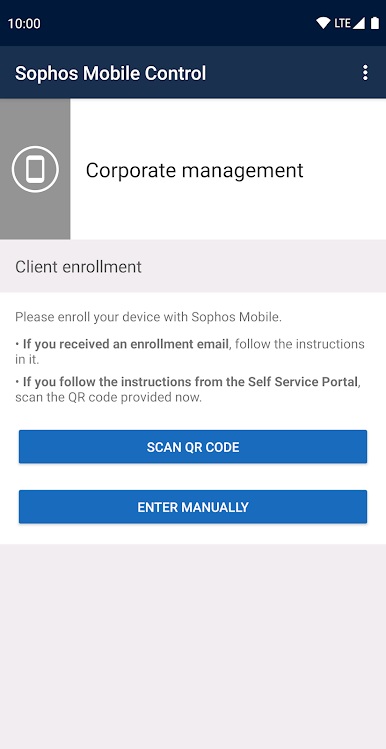
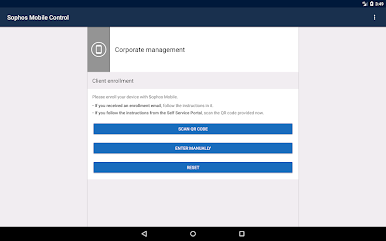
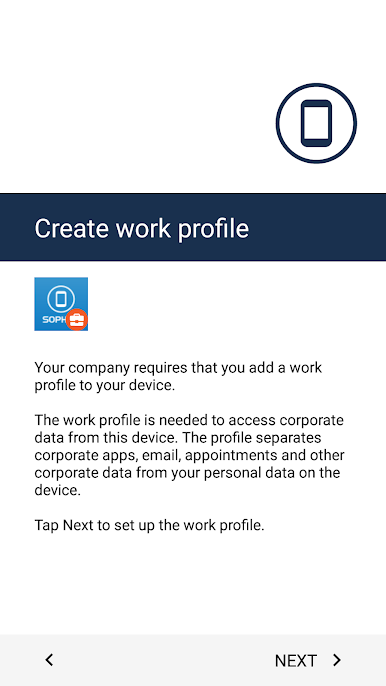
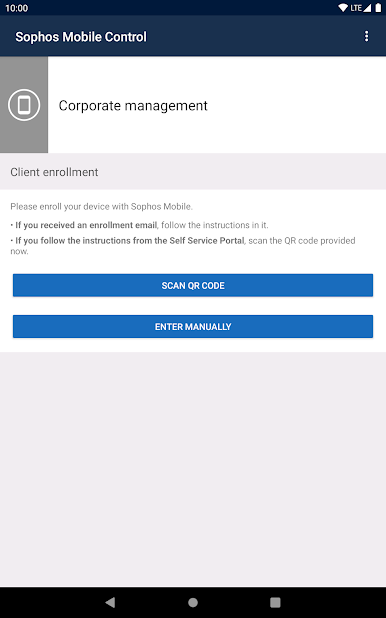
IMPORTANT: This app will not function without the appropriate Sophos management console in place. Only install the app if advised by your organization.
Key features
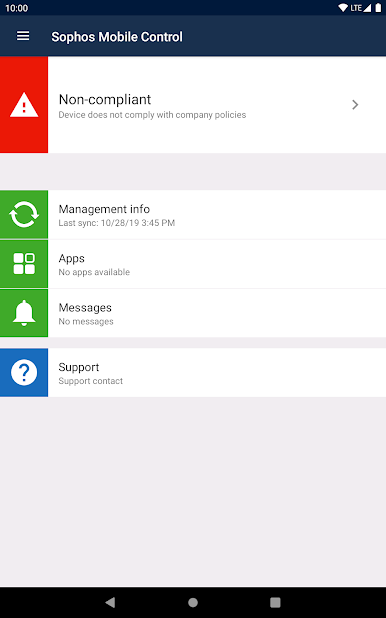
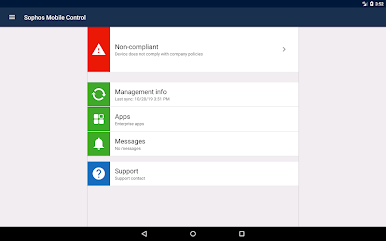
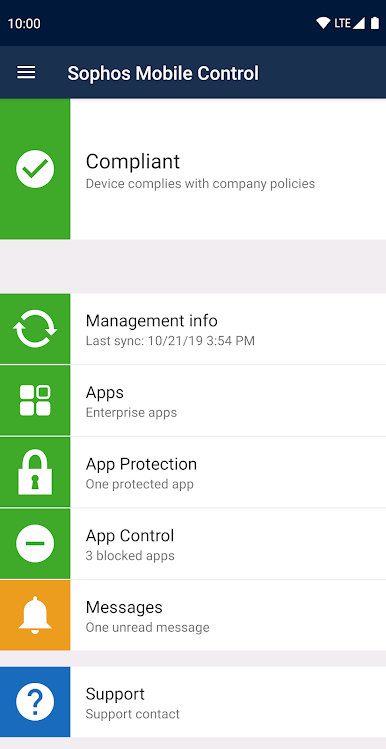
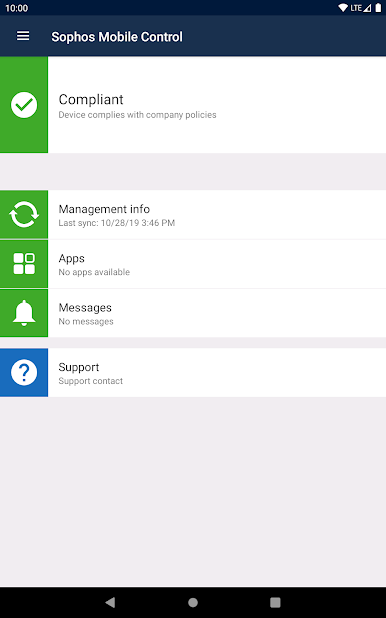
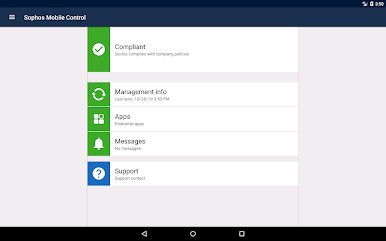
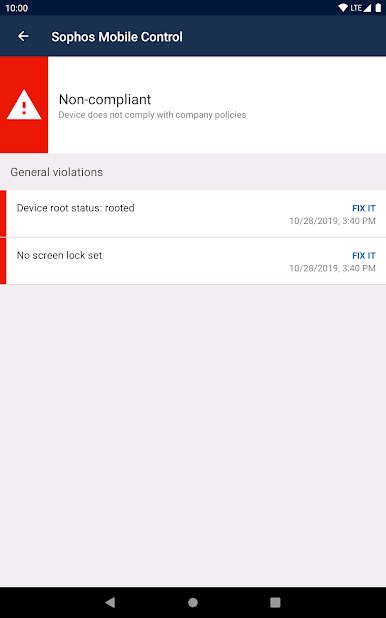
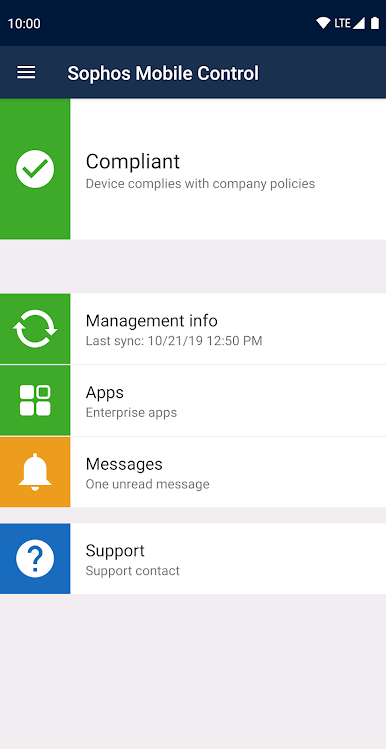
• Report the device compliance status.
• Trigger device synchronization with the Sophos Mobile management console.
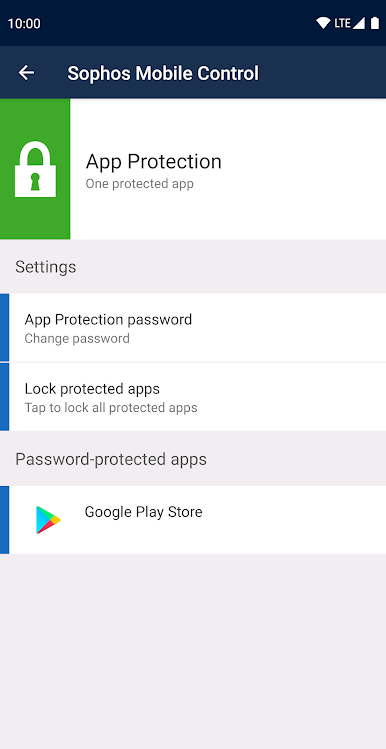
• Install apps from an Enterprise App Store.
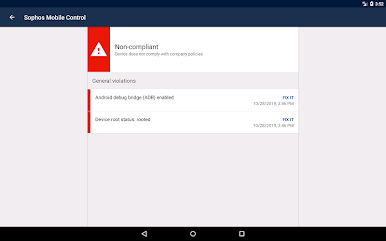
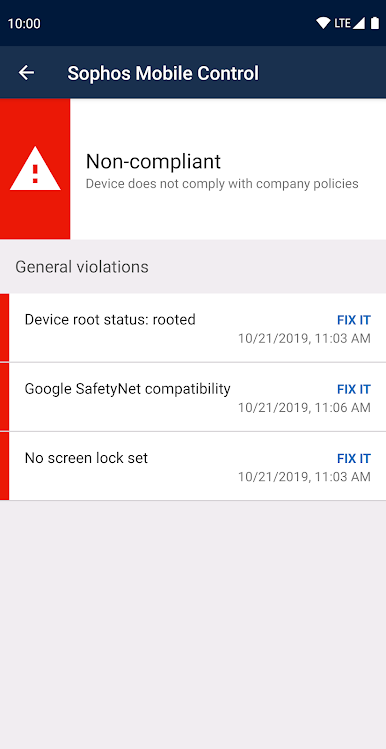
• Display all compliance violations.
• Find the device when it’s lost or stolen.
• Receive messages from the Sophos Mobile management console.
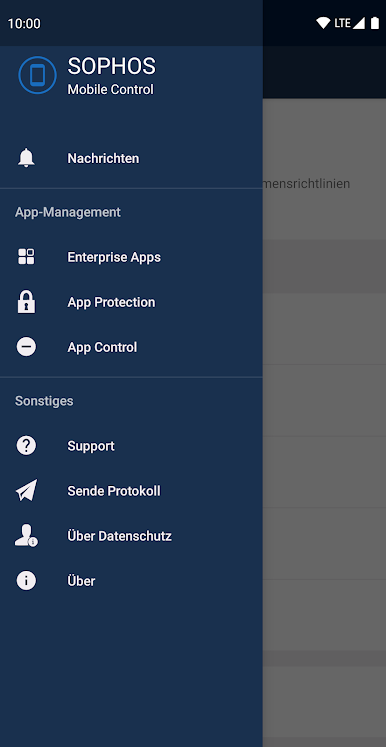
• Display privacy and support information.
The app uses the Device Administrator permission.
The app can access the device’s location in the background to let your organization find the device when it’s lost or stolen. The app doesn’t routinely monitor or record your location.
Sophos Mobile supports the extended MDM management features of devices with Samsung Knox, LG GATE or SONY Enterprise API.
For more information, visit https://www.sophos.com/mobile

Mainkan Sophos Mobile Control di PC Mudah saja memulainya.
-
Unduh dan pasang BlueStacks di PC kamu
-
Selesaikan proses masuk Google untuk mengakses Playstore atau lakukan nanti
-
Cari Sophos Mobile Control di bilah pencarian di pojok kanan atas
-
Klik untuk menginstal Sophos Mobile Control dari hasil pencarian
-
Selesaikan proses masuk Google (jika kamu melewati langkah 2) untuk menginstal Sophos Mobile Control
-
Klik ikon Sophos Mobile Control di layar home untuk membuka gamenya

