


Turbo Tap Race
Juega en PC con BlueStacks: la plataforma de juegos Android, en la que confían más de 500 millones de jugadores.

Página modificada el: Jan 15, 2024
Play Turbo Tap Race on PC or Mac
Bring your A-game to Turbo Tap Race, the Racing game sensation from BoomBit Games. Give your gameplay the much-needed boost with precise game controls, high FPS graphics, and top-tier features on your PC or Mac with BlueStacks.
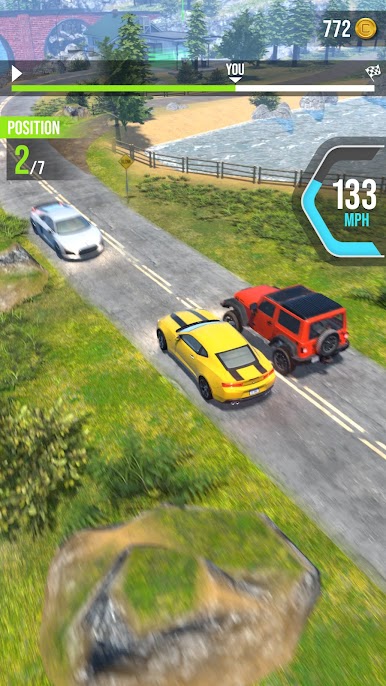
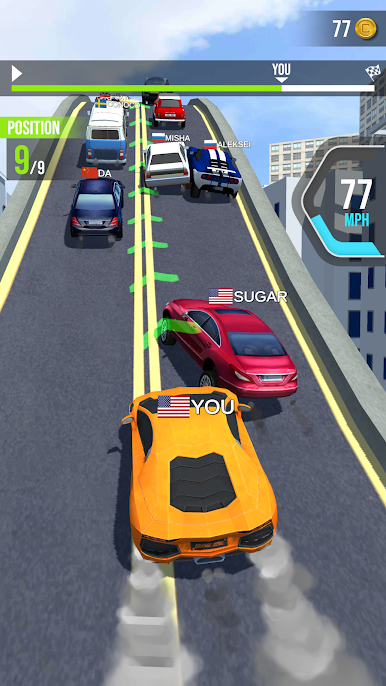
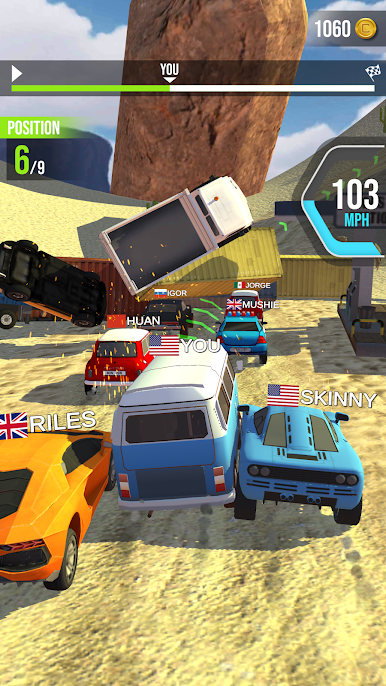
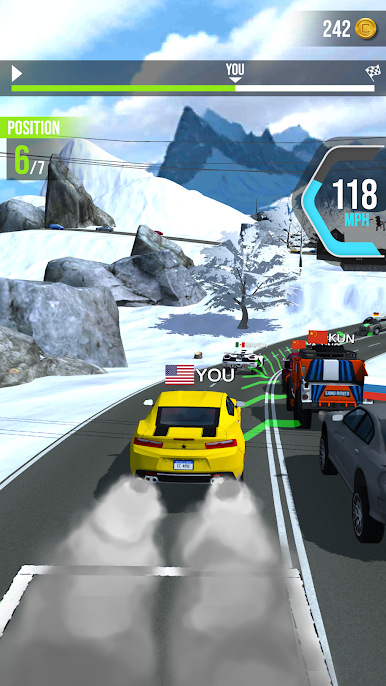
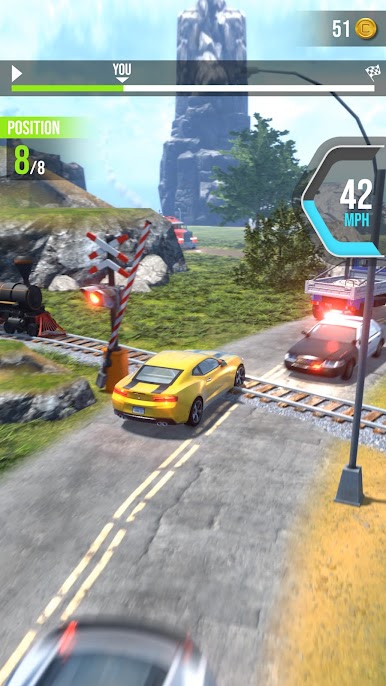
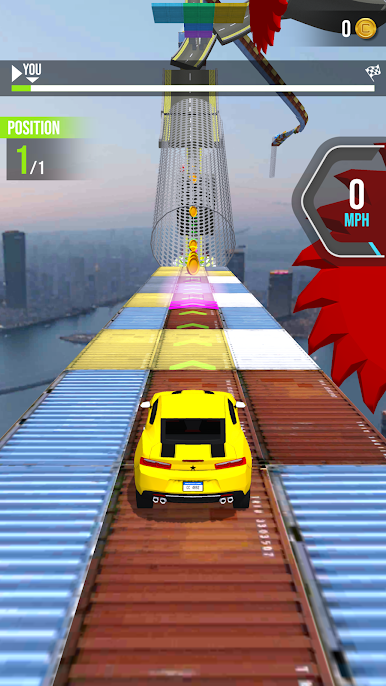
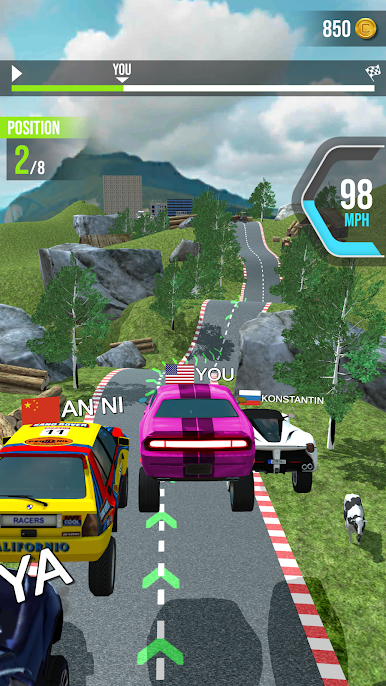
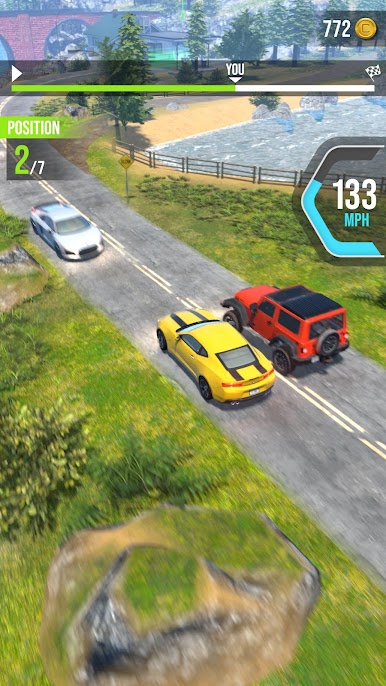
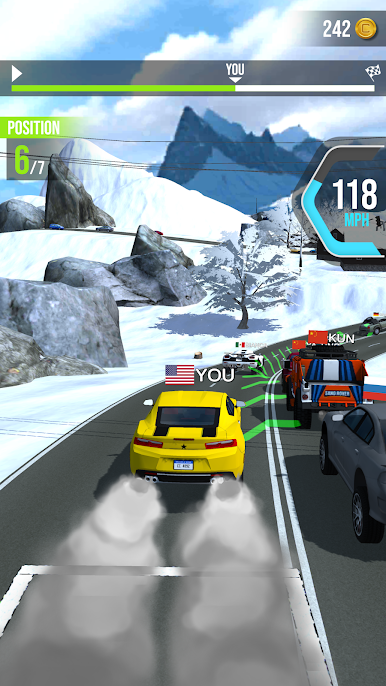
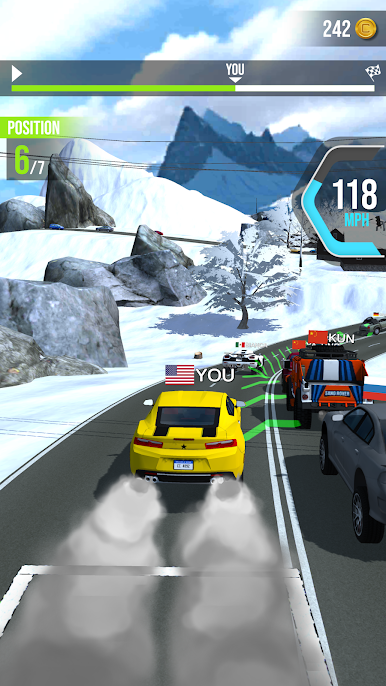
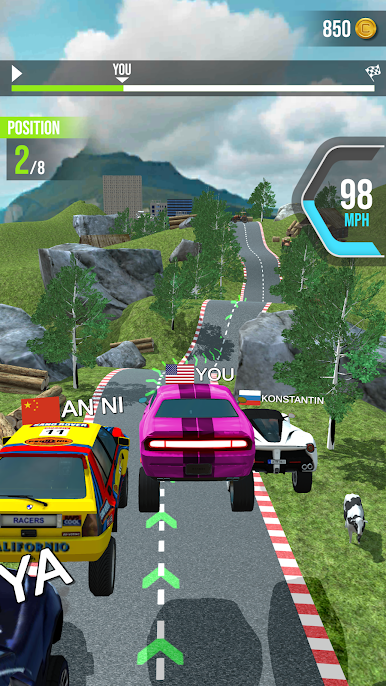
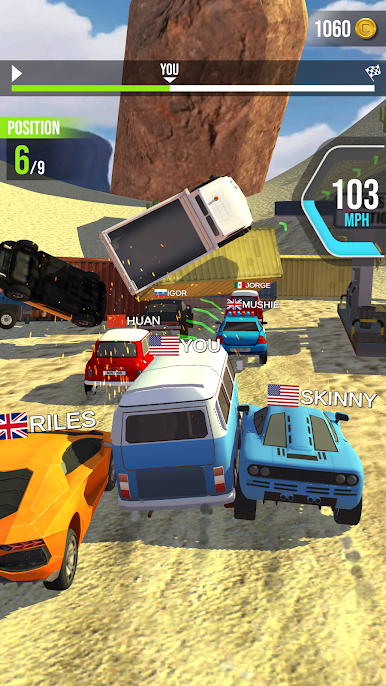
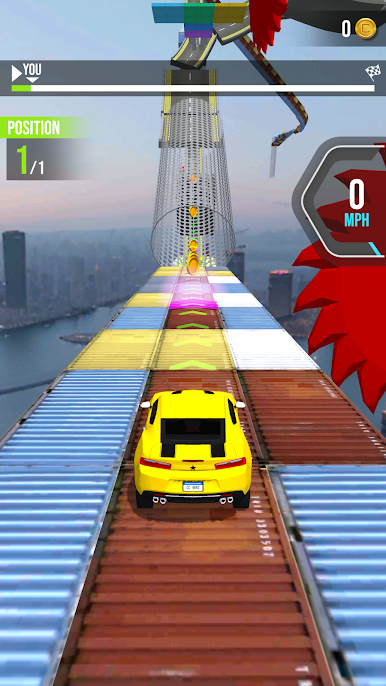
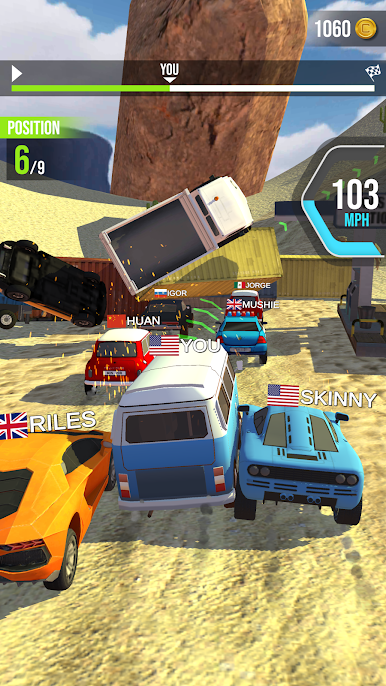
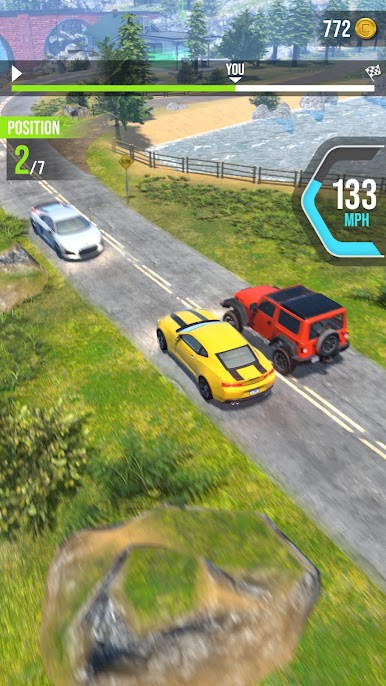
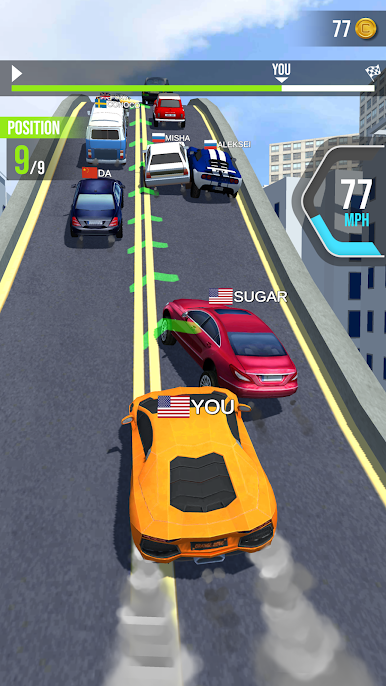
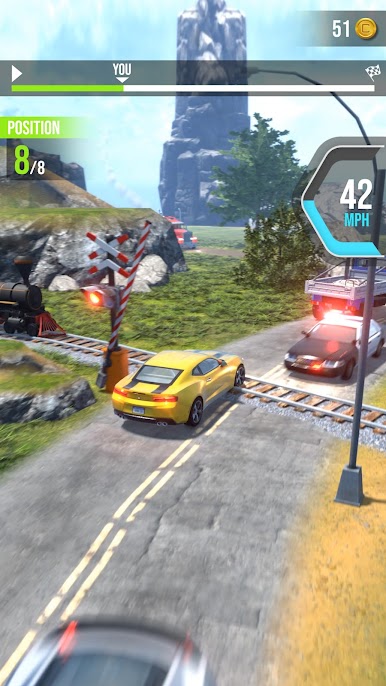
Turbo Tap Race is one of those games that skips all the complicated stuff and just lets you race right away. The controls are super simple — everything really just comes down to tapping, so anyone can figure it out within a minute. The whole idea is to keep your speed up and know when to push it or hold back a bit, since going too hard can make your car wipe out or fly off the track. It’s not the kind of racing game that expects hours and hours just to beat one race — it’s quick, easy, and the races are pretty satisfying, especially when you time things right and manage to edge out your opponents.
There’s a lot you can upgrade as you play, like making your car faster or beefing it up so you don’t get wrecked as easily. The different tracks each feel a little different, too. It’s fun to see how far you can get and how much stuff you can unlock. On PC, especially if you’re using BlueStacks, the game feels smooth and a bit bigger than on a phone screen, which is actually nice during those crazier races. Turbo Tap Race definitely leans toward players who want something light but still want a bit of challenge and room to improve their skills, rather than memorizing a bunch of controls. The focus stays on timing and quick decisions, so it doesn’t get boring or stressful. Just racing, some upgrades, and a good haul of little wins as you go.
Slay your opponents with your epic moves. Play it your way on BlueStacks and dominate the battlefield.
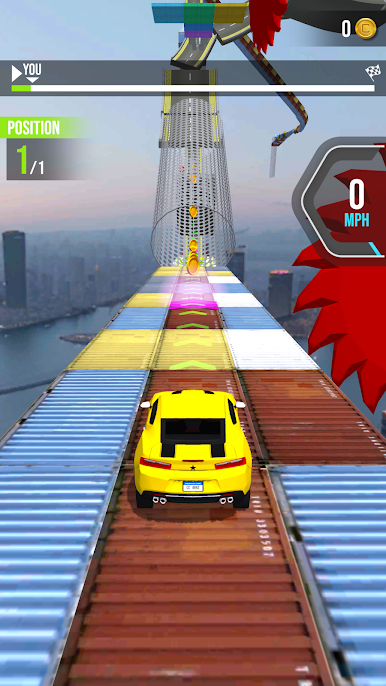
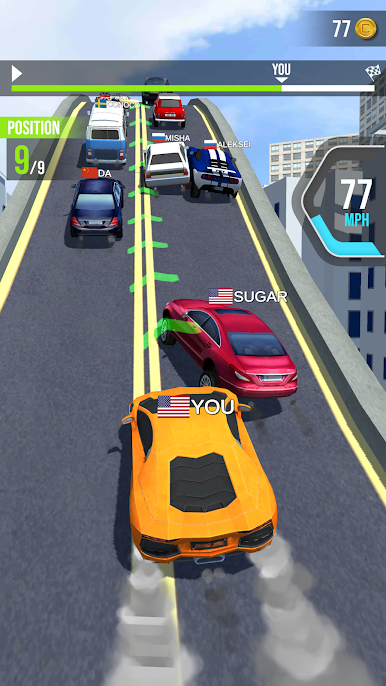
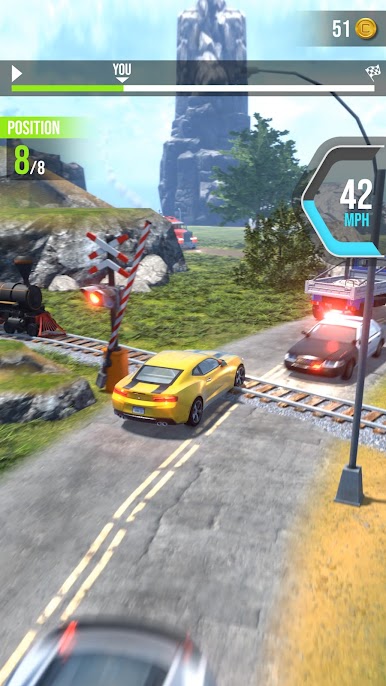
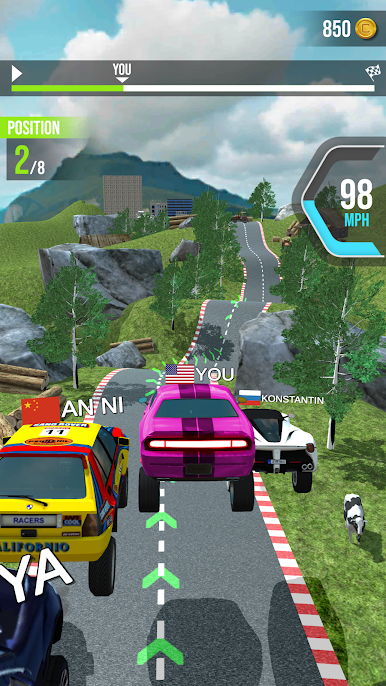
Juega Turbo Tap Race en la PC. Es fácil comenzar.
-
Descargue e instale BlueStacks en su PC
-
Complete el inicio de sesión de Google para acceder a Play Store, o hágalo más tarde
-
Busque Turbo Tap Race en la barra de búsqueda en la esquina superior derecha
-
Haga clic para instalar Turbo Tap Race desde los resultados de búsqueda
-
Complete el inicio de sesión de Google (si omitió el paso 2) para instalar Turbo Tap Race
-
Haz clic en el ícono Turbo Tap Race en la pantalla de inicio para comenzar a jugar

