


Sphero Play
Juega en PC con BlueStacks: la plataforma de juegos Android, en la que confían más de 500 millones de jugadores.

Página modificada el: Nov 7, 2024
Run Sphero Play on PC or Mac
Why limit yourself to your small screen on the phone? Run Sphero Play, an app by Sphero, Inc., best experienced on your PC or Mac with BlueStacks, the world’s #1 Android emulator.
About the App
Sphero Play is where the fun starts—seriously, you might find yourself losing track of time. Whether you’re in the mood to zip your Sphero robot around the room or try out goofy challenges with friends, this entertainment app puts you right in the middle of it all. Sphero, Inc. made sure there’s always something new to try, so get ready for games, driving tricks, and some hands-on experimenting.
App Features
-
Multiple Ways to Drive
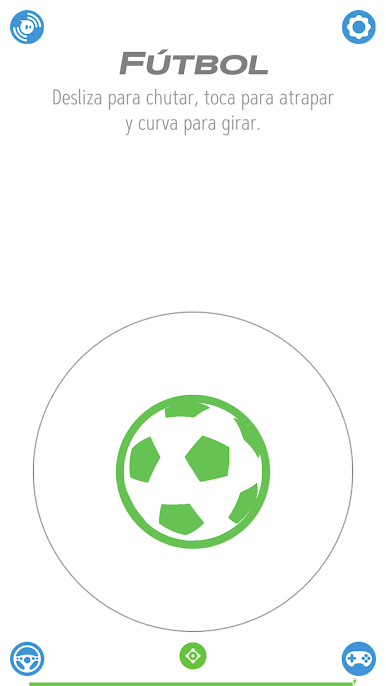
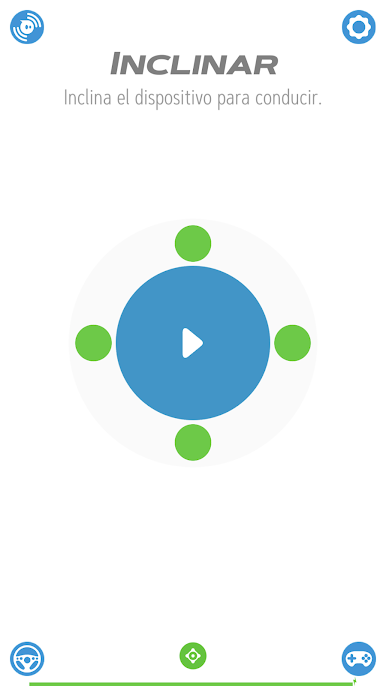
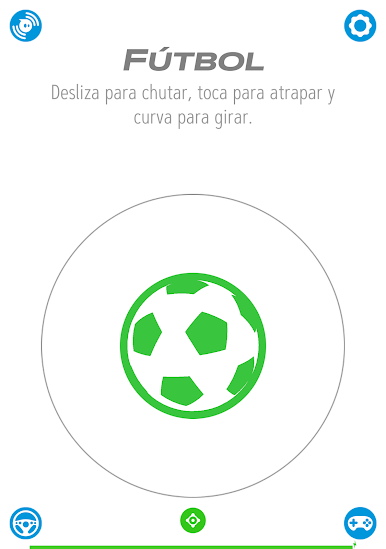
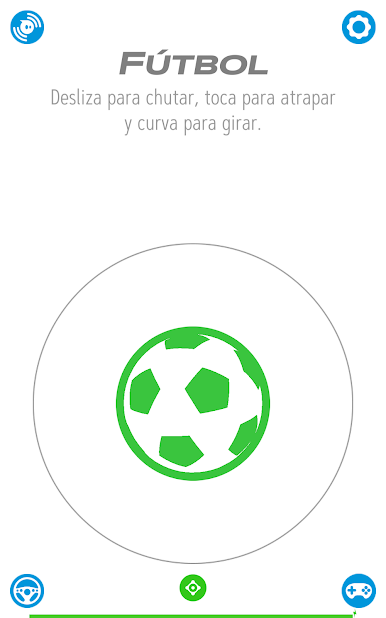
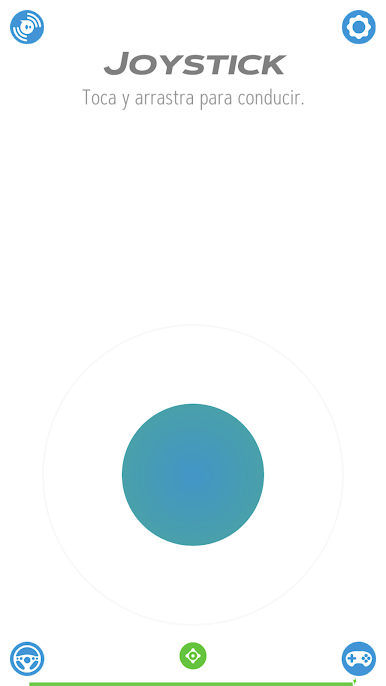
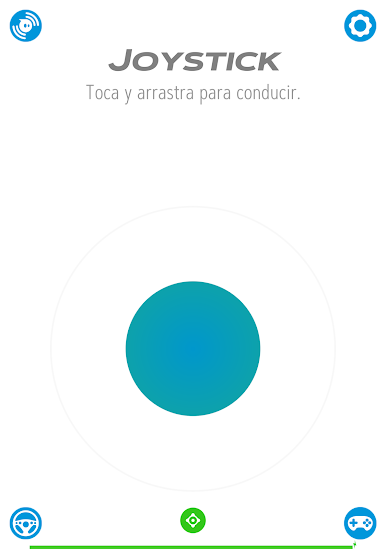
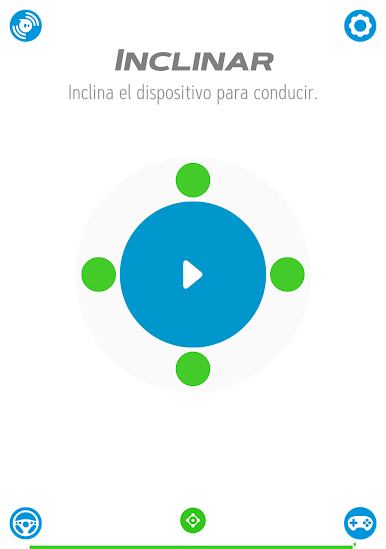
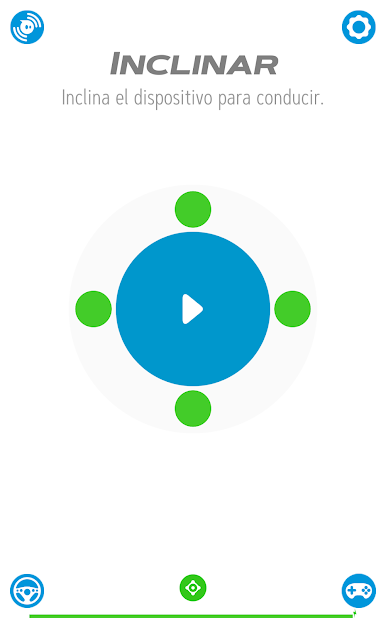
Not in the mood for just steering? Sphero Play comes with all sorts of ways to control your robot. Use a standard joystick, tap into slingshot mode, tilt your phone, or even shout commands (yes, really). And if you’re up for sports-themed action, you can try flicking to “kick” or swinging your phone to “golf”—depending on your device. -
Intro to Coding with Block Drive
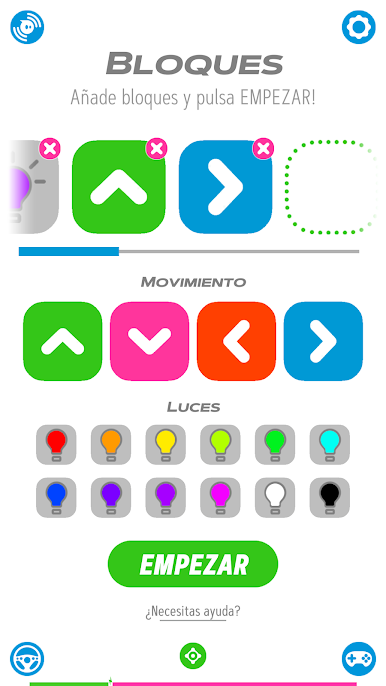
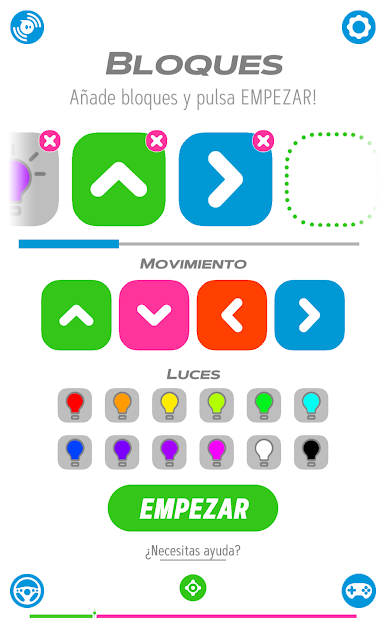
Ever wanted to get into programming without dozens of lines of code? Block Drive lets you experiment by snapping together colorful movement and light blocks, perfect if you like tinkering but want things simple. -
Games Galore
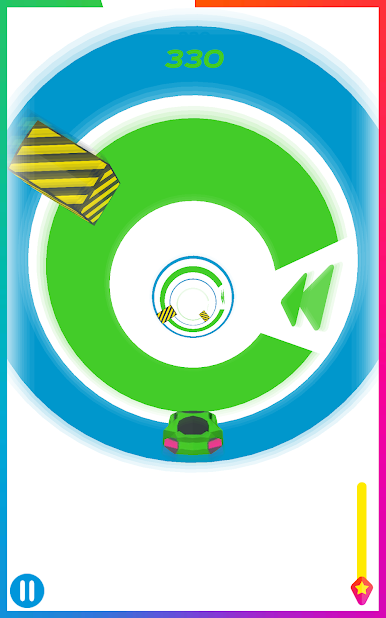
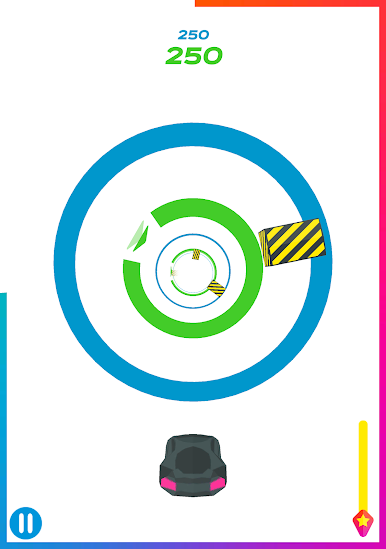
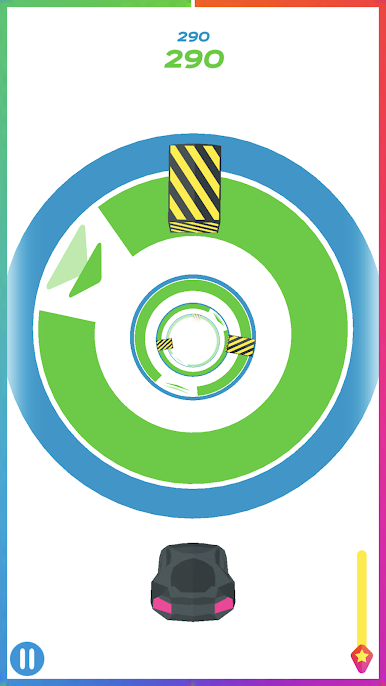
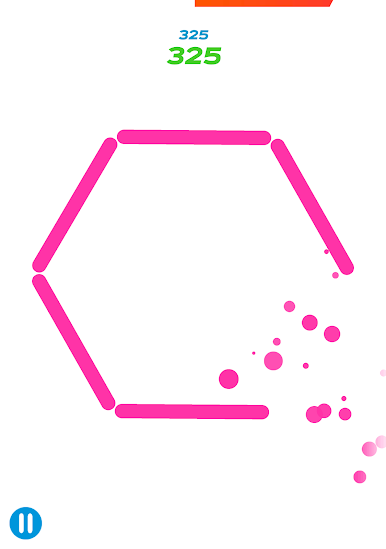
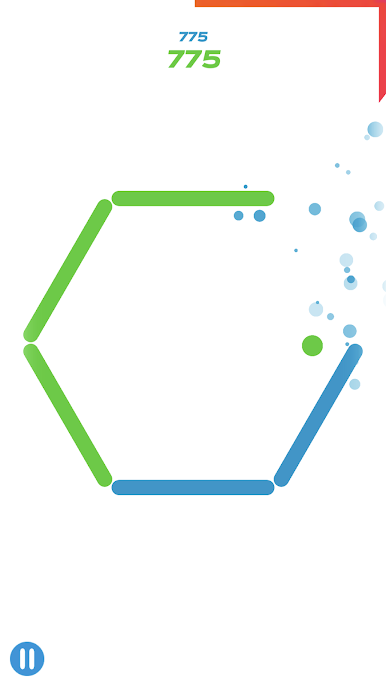
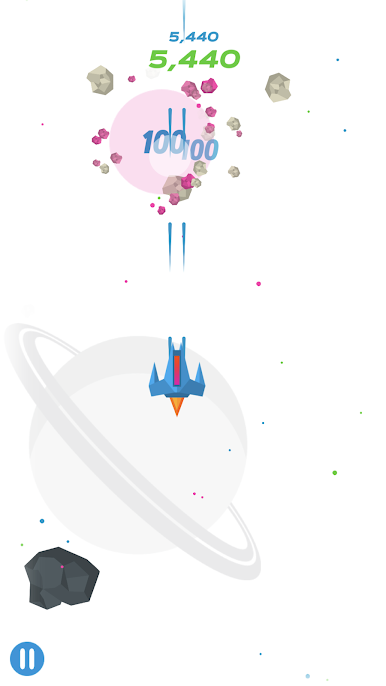
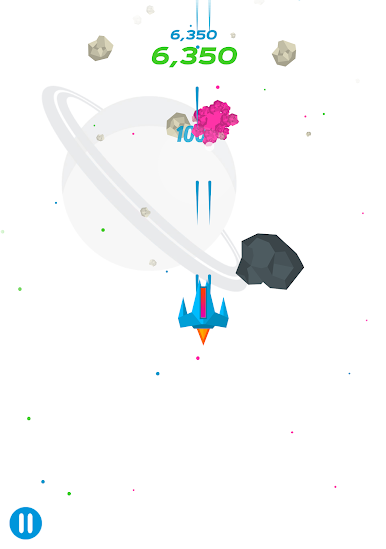
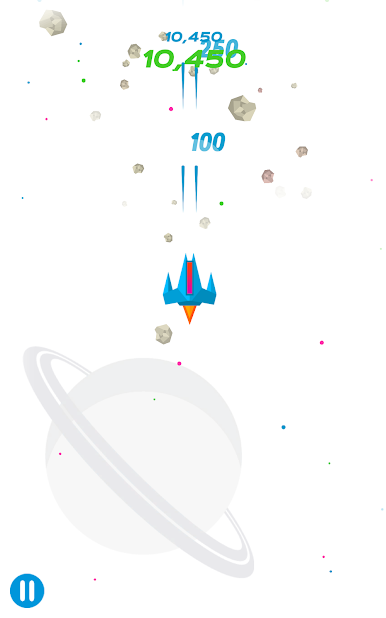
Here’s where things get wild: you can actually use your Sphero robot as a game controller. Zip through twisting tunnels, dodge obstacles for points, spin your robot to shatter walls of bricks, or even shoot your way through outer space. -
Smooth Connectivity
Pairing up with Sphero robots is quick and easy. Sphero Play works with Sphero Mini, Sphero 2.0, SPRK, SPRK+, BOLT, and BOLT+—so chances are you’ll be ready to go in no time. -
Room for Creativity
Whether you want structured challenges or just want to improvise, there’s room for you to try things out, goof off, or maybe teach yourself something new along the way.
If you’re curious, Sphero Play also runs on bigger screens using BlueStacks, making it perfect if you like your games a little larger than life.
BlueStacks gives you the much-needed freedom to experience your favorite apps on a bigger screen. Get it now.

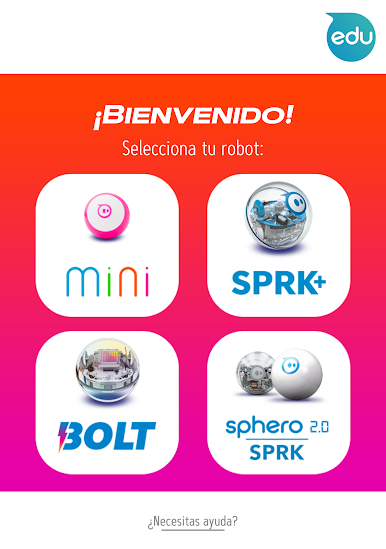
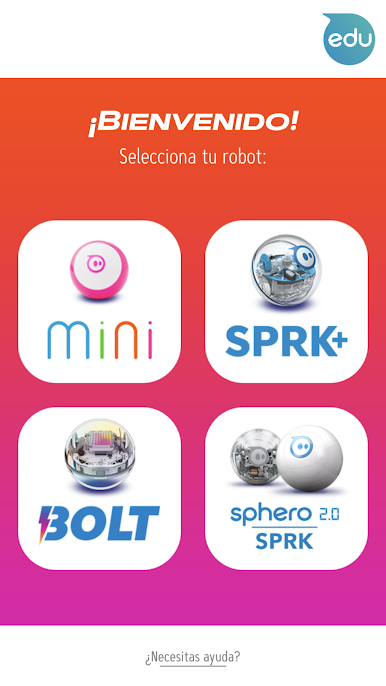
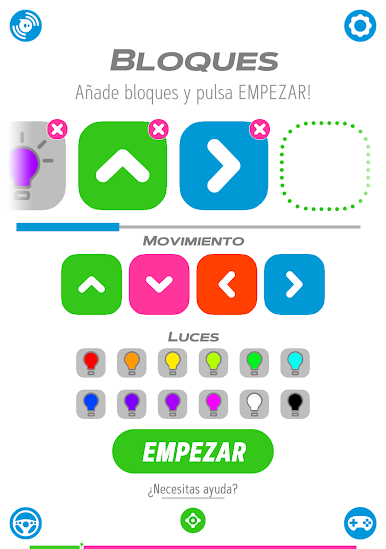
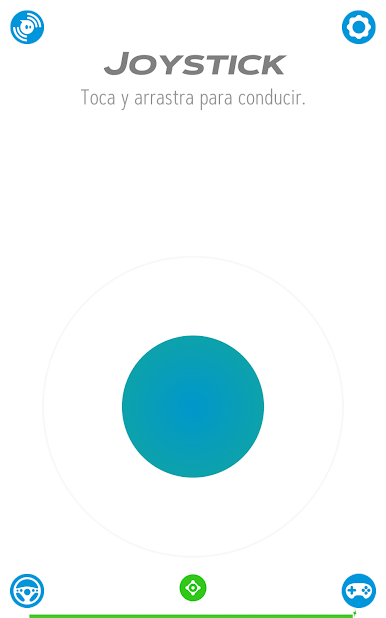

Juega Sphero Play en la PC. Es fácil comenzar.
-
Descargue e instale BlueStacks en su PC
-
Complete el inicio de sesión de Google para acceder a Play Store, o hágalo más tarde
-
Busque Sphero Play en la barra de búsqueda en la esquina superior derecha
-
Haga clic para instalar Sphero Play desde los resultados de búsqueda
-
Complete el inicio de sesión de Google (si omitió el paso 2) para instalar Sphero Play
-
Haz clic en el ícono Sphero Play en la pantalla de inicio para comenzar a jugar

