


Superfan Sports: MLB Béisbol
Juega en PC con BlueStacks: la plataforma de juegos Android, en la que confían más de 500 millones de jugadores.

Página modificada el: Nov 10, 2025
Run Superfan Sports: MLB Baseball on PC or Mac
What’s better than using Superfan Sports: MLB Baseball by Superfan Sports? Well, try it on a big screen, on your PC or Mac, with BlueStacks to see the difference.
About the App
If you’re all about Major League Baseball and want every play, pitch, and stat at your fingertips, Superfan Sports: MLB Baseball is the app you’ll probably end up checking all season long. Designed by folks at Superfan Sports who clearly know their way around a scoreboard, this app covers every nail-biting moment of the game. Want something light, fast, and really easy to make your own? This one’s for you. Whether you’re tracking your team or peeking at match-ups while watching elsewhere (hello, dual screens on BlueStacks), you’re set.
App Features
- Real-Time Game Details
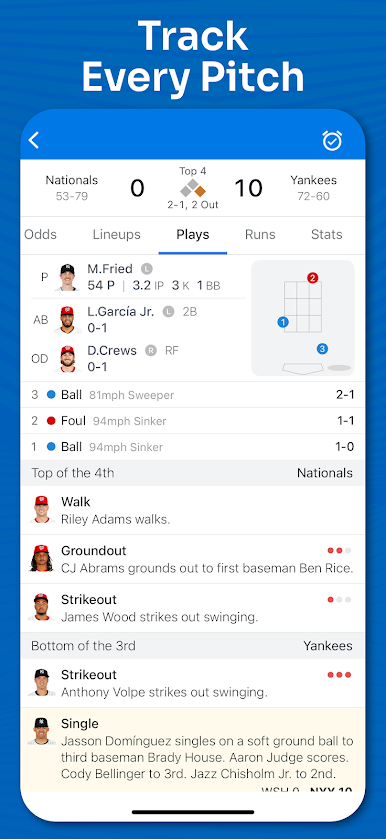
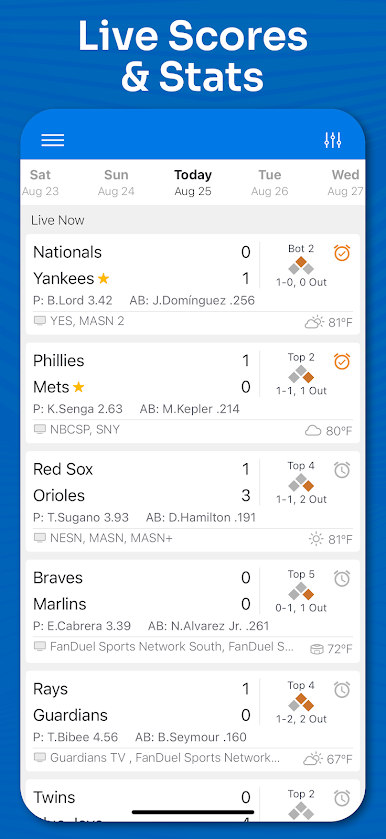
Jump right into any MLB matchup with live scores and instant boxscore updates—every inning, every pitch, right when it happens. - Lightning-Fast Notifications
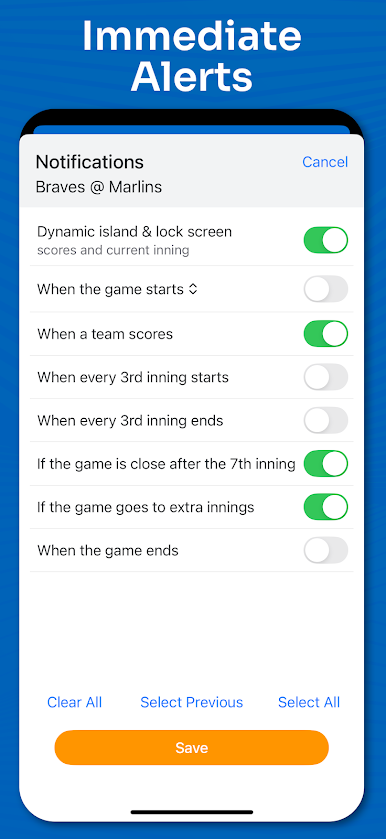
Worried you’ll miss a late-game rally or extra innings thriller? Set up custom alerts for scores, close games, big plays, and more. - Previews & Matchups
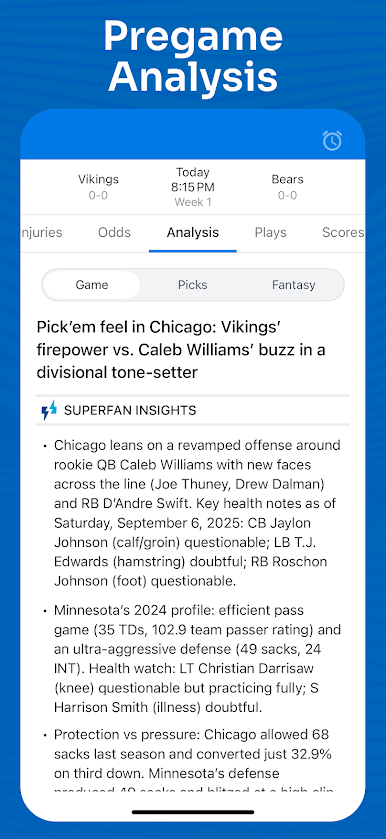
Before first pitch, check probable pitcher face-offs, get team comparisons, and even see weather forecasts to get a feel for what might shake up the action. - In-Depth Odds & Betting Trends
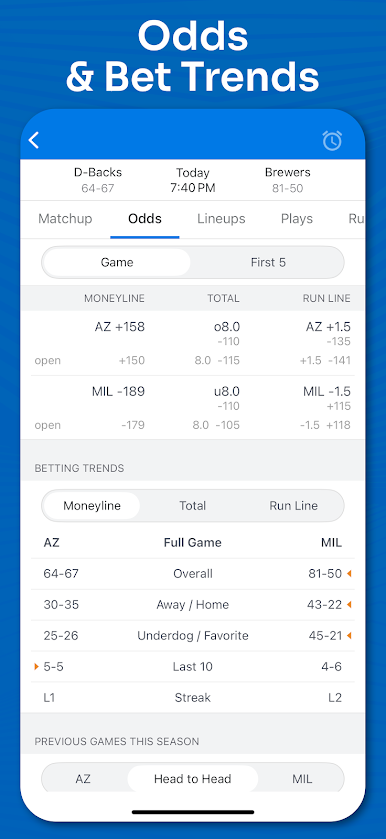
Wanna know odds, first five innings lines, or which teams do well against the spread? It’s all there, including recent betting trends and head-to-head outcomes. - All MLB Teams & Divisions
Keep tabs on every single team from the Yankees to the Padres to the Royals—all divisions, all games, no sweat. - Standings at a Glance
See exactly where your team stands—including wild card spots—as the season races toward playoffs. - Stat Leaders
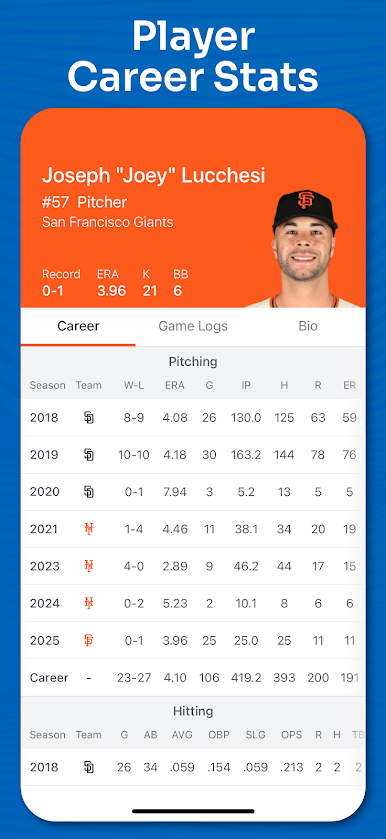
Dive into leaderboards for pitching, hitting, and fielding for both players and teams. It’s easy to spot who’s heating up. - TV & Radio Listings
Find out where to watch or listen, whether you’re at home, commuting, or multitasking on your PC with BlueStacks. - Custom Schedule Filters
Only follow your team? Or maybe you want to sort by division? Filter the full season schedule the way you want. - Offline MLB Schedule Access
No connection? The complete season schedule’s ready to browse, even when you’re offline. - Past Scores and Full News Feed
Missed a game? Check previous results, then scan the latest MLB news and updates about your favorites—all in one spot. - Automatic Playoff Updates
When the season shifts to the playoffs, you’ll get all the updated matchups and schedules, right up to the World Series.
Switch to BlueStacks and make the most of your apps on your PC or Mac.


Juega Superfan Sports: MLB Béisbol en la PC. Es fácil comenzar.
-
Descargue e instale BlueStacks en su PC
-
Complete el inicio de sesión de Google para acceder a Play Store, o hágalo más tarde
-
Busque Superfan Sports: MLB Béisbol en la barra de búsqueda en la esquina superior derecha
-
Haga clic para instalar Superfan Sports: MLB Béisbol desde los resultados de búsqueda
-
Complete el inicio de sesión de Google (si omitió el paso 2) para instalar Superfan Sports: MLB Béisbol
-
Haz clic en el ícono Superfan Sports: MLB Béisbol en la pantalla de inicio para comenzar a jugar

