


Standard Notes
Gioca su PC con BlueStacks: la piattaforma di gioco Android, considerata affidabile da oltre 500 milioni di giocatori.

Pagina modificata il: Oct 23, 2025
Run Standard Notes on PC or Mac
Let BlueStacks turn your PC, Mac, or laptop into the perfect home for Standard Notes, a fun Productivity app from Standard Notes.
About the App
Looking for a safe space to jot down your thoughts, tasks, or even passwords? Standard Notes has your back. It’s built for folks who care about privacy and need a straightforward, reliable place for everything from daily reminders to technical notes. Think of it as your always-secure digital notebook—your ideas, your memories, completely in your hands.
App Features
-
Real Privacy, No Gimmicks
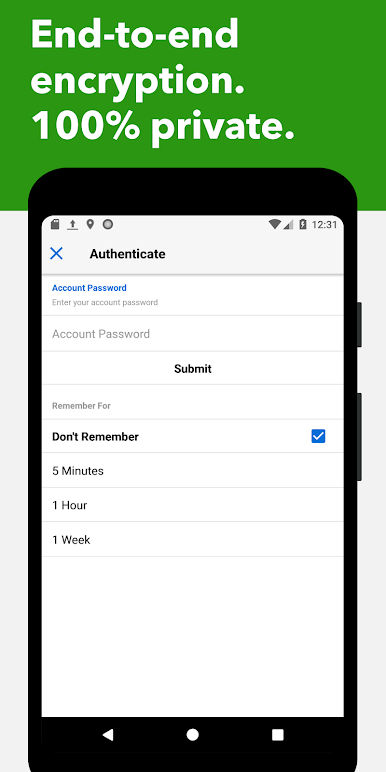
Every word you write is locked down with end-to-end encryption, so only you get to see your content. Not even Standard Notes or anyone else can peek at your stuff. -
Works Everywhere, All the Time
Your notes travel with you—sync effortlessly across your Android devices, computers, tablets, and even the browser. Need to check your grocery list or a coded procedure on the go? No problem. -
Offline Access
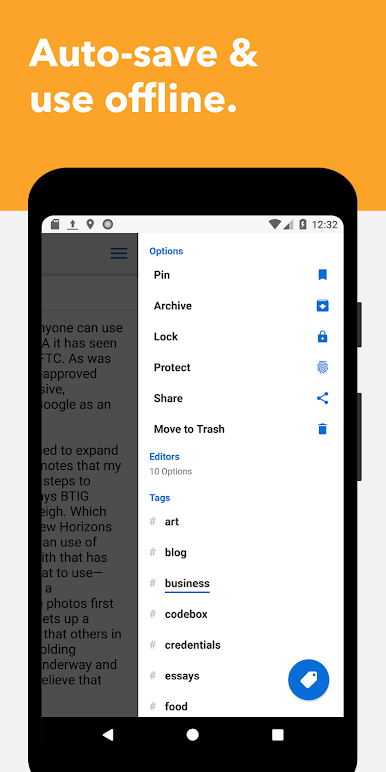
No signal? No biggie. Access all your downloaded notes even when you’re out of service or on airplane mode. -
Unlimited Everything
Jot down as many notes as you want, use as many devices as you like—there are zero limits here. -
Extra Layers of Protection
Keep things secure with a passcode lock or fingerprint unlock, for that extra peace of mind. -
Stay Organized Your Way
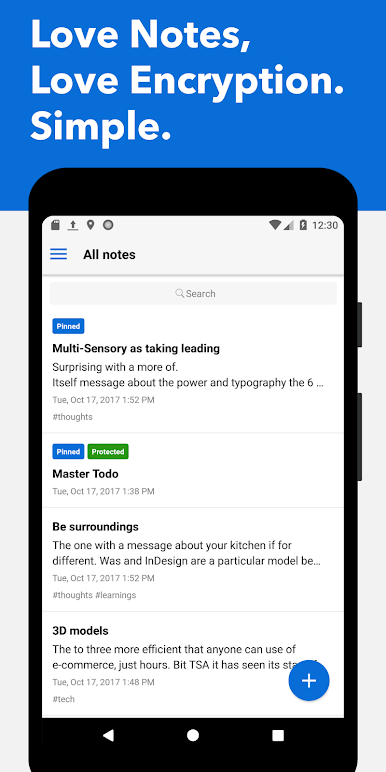
Use tags to sort #work, #journals, #recipes, or anything else. Pin important notes to the top or move stuff to the trash if you change your mind. -
Open-Source and Trusted
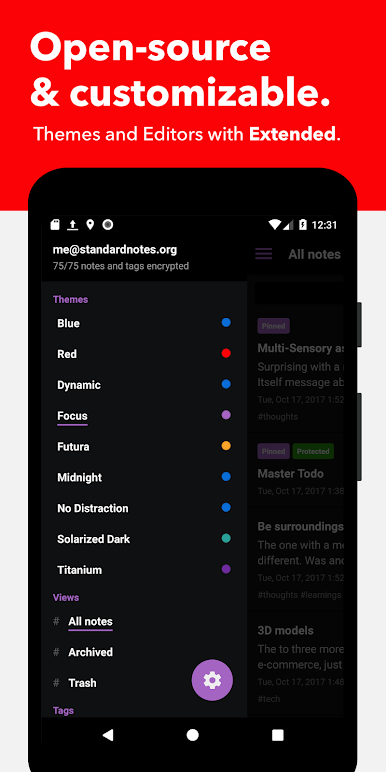
This app is fully open-source—the code’s out there for anyone to see, so you don’t have to just trust their word on security. -
Flexibility for Any Note
Whether you’re keeping a todo list, logging workouts, jotting down recipes, or even saving your passwords, Standard Notes has a home for it. -
Optional Power-Ups
Want more features? Opt into Extended for advanced editors, stylish themes, and encrypted cloud backups.
And if you’re someone who likes to use their notebook on a bigger screen, you’ll find Standard Notes fits right in when you open it with BlueStacks.
BlueStacks gives you the much-needed freedom to experience your favorite apps on a bigger screen. Get it now.

Gioca Standard Notes su PC. È facile iniziare.
-
Scarica e installa BlueStacks sul tuo PC
-
Completa l'accesso a Google per accedere al Play Store o eseguilo in un secondo momento
-
Cerca Standard Notes nella barra di ricerca nell'angolo in alto a destra
-
Fai clic per installare Standard Notes dai risultati della ricerca
-
Completa l'accesso a Google (se hai saltato il passaggio 2) per installare Standard Notes
-
Fai clic sull'icona Standard Notes nella schermata principale per iniziare a giocare

