


StarMaker: Canta Karaoke
Juega en PC con BlueStacks: la plataforma de juegos Android, en la que confían más de 500 millones de jugadores.

Página modificada el: Sep 11, 2026
Corre StarMaker: Canta Karaoke en PC o Mac
StarMaker: Canta Karaoke es una aplicación de música desarrollada por Skyline Interactive Inc. El App player BlueStacks es la mejor plataforma para jugar esta aplicación de Android en tu PC o Mac y obtener una experiencia de usuario inmersiva.
¿Quieres conocer más amigos y amantes de la música? Entonces descarga StarMaker en PC y saca el cantante que hay en ti y también intenta buscar a tus nuevos amigos en StarMaker.
StarMaker es una popular aplicación de canto y comunidad recreativa con más de 50 millones de usuarios en todo el mundo, ¡canta canciones de karaoke y haz nuevos amigos en multijugador a través de varias salas ahora!
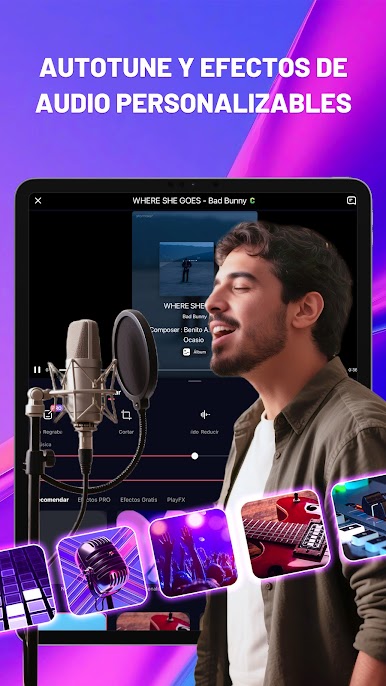
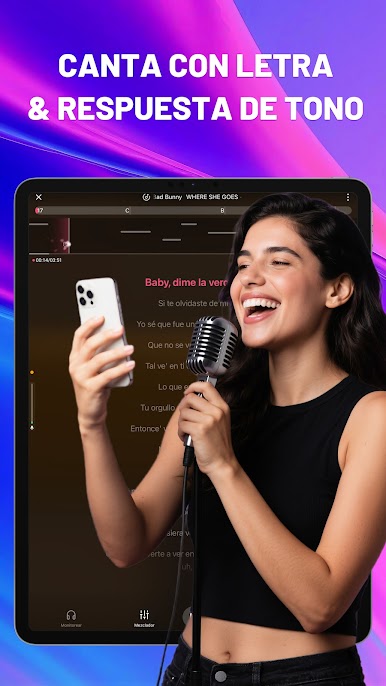
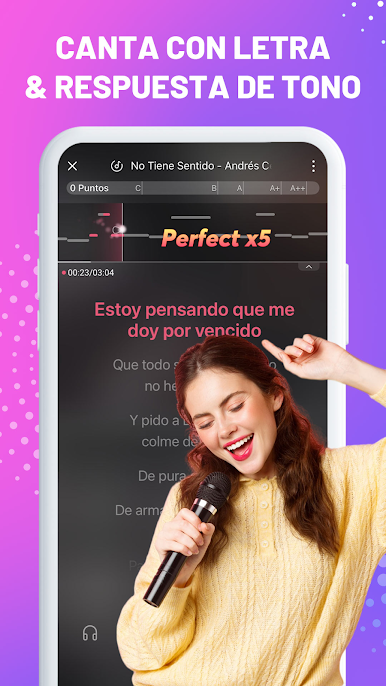
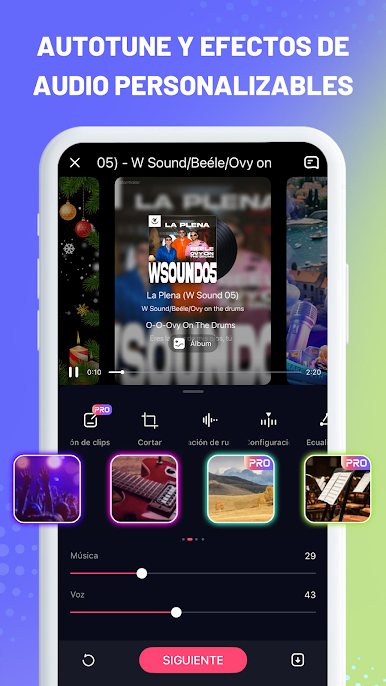
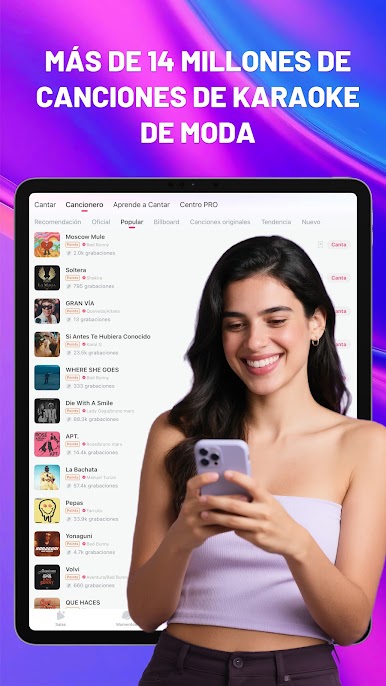
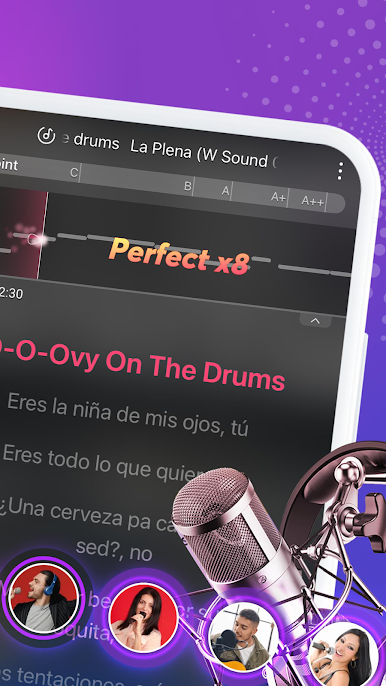
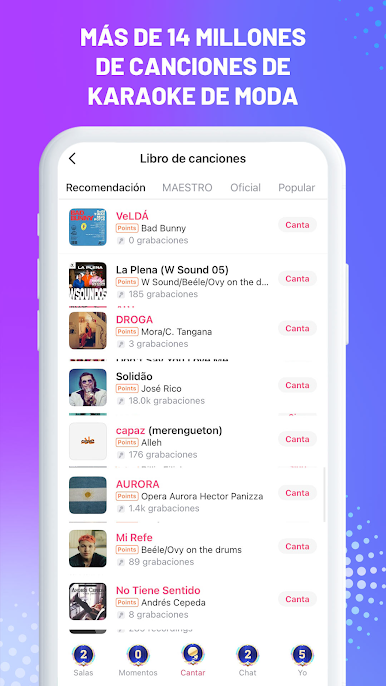
No importa si te gusta el Pop o el Hip hop, el R&B o el folk, solo tienes que elegir tus canciones favoritas entre millones de canciones, cantar con la música de acompañamiento de alta calidad y las letras en movimiento.
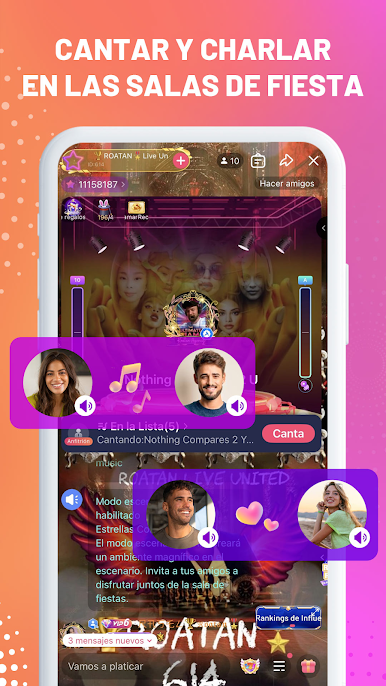
Apoyamos diferentes formas de interactuar. Puedes crear varias salas, cantar o jugar con cualquier persona en cualquier momento. También puedes compartir tus intereses con personas que tengan tus mismos gustos.
O puedes unirte a las salas de otros y conocer nuevos amigos de todo el mundo. Comprueba quién es el mejor jugador o el rey del canto en la sala. Descarga StarMaker en PC con BlueStacks hoy.




Juega StarMaker: Canta Karaoke en la PC. Es fácil comenzar.
-
Descargue e instale BlueStacks en su PC
-
Complete el inicio de sesión de Google para acceder a Play Store, o hágalo más tarde
-
Busque StarMaker: Canta Karaoke en la barra de búsqueda en la esquina superior derecha
-
Haga clic para instalar StarMaker: Canta Karaoke desde los resultados de búsqueda
-
Complete el inicio de sesión de Google (si omitió el paso 2) para instalar StarMaker: Canta Karaoke
-
Haz clic en el ícono StarMaker: Canta Karaoke en la pantalla de inicio para comenzar a jugar

