


SunOnTrack: Percorso del sole
Gioca su PC con BlueStacks: la piattaforma di gioco Android, considerata affidabile da oltre 500 milioni di giocatori.

Pagina modificata il: Apr 8, 2025
Run SunOnTrack: Sun Path & Shadows on PC or Mac
Let BlueStacks turn your PC, Mac, or laptop into the perfect home for SunOnTrack: Sun Path & Shadows, a fun Tools app from Plan the sun.
About the App
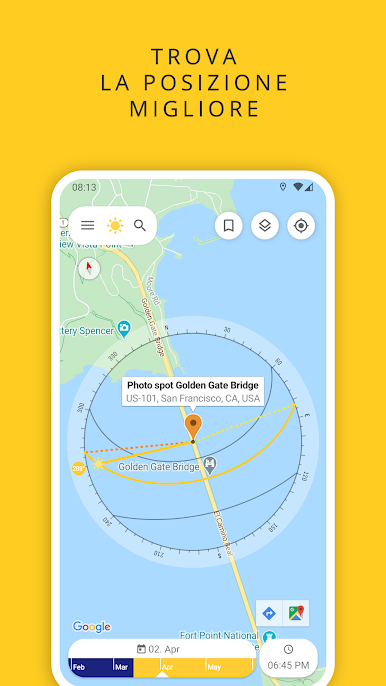
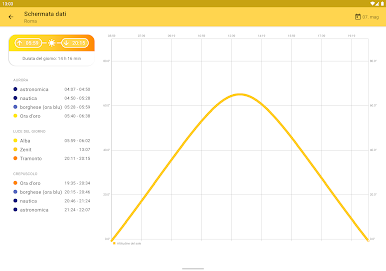
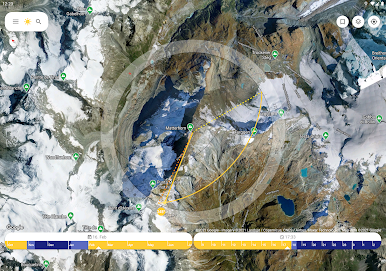
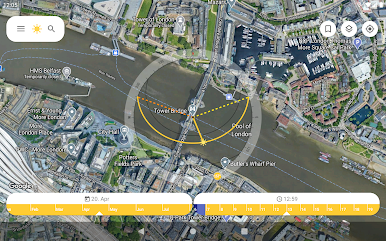
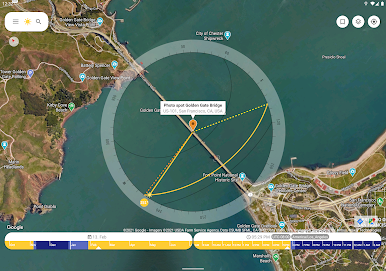
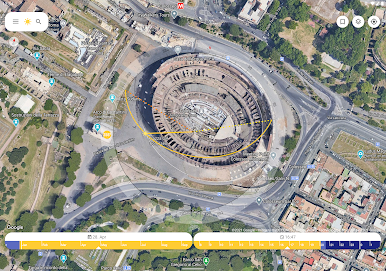
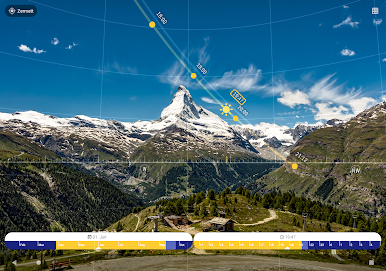
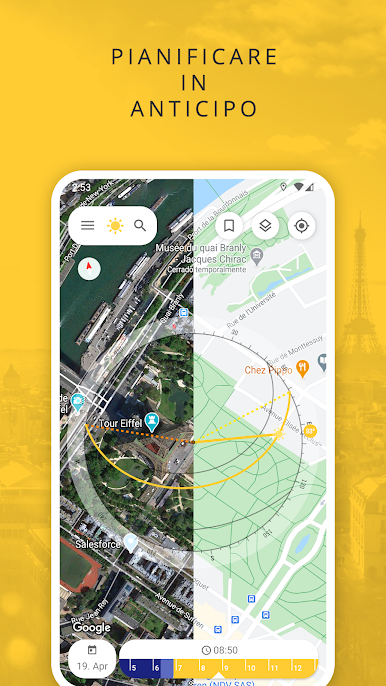
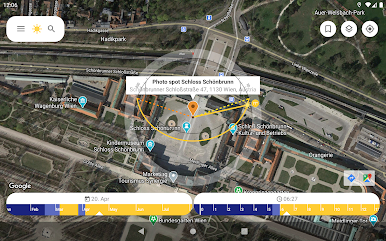
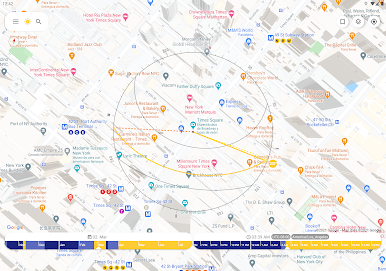
SunOnTrack: Sun Path & Shadows by Plan the sun is your ultimate tool for sun tracking, now with a fresher name but the same sunny prowess. Use it to calculate and simulate the sun’s position, path, and shadows worldwide, anytime. Expect a seamless blend of different views: maps, data charts, and live camera images with Augmented Reality. Perfect for photographers, homebuyers, and anyone keen on capturing or utilizing optimal sunlight!
App Features
-
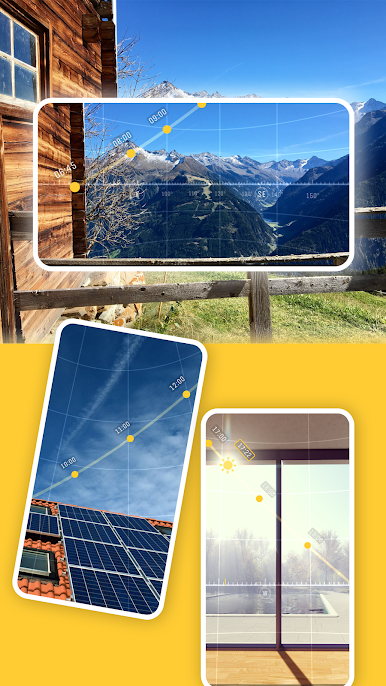
Augmented Reality Views
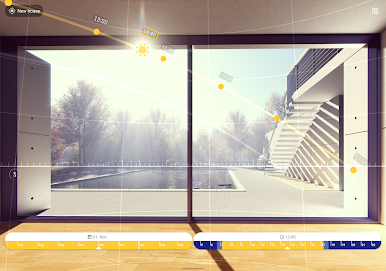
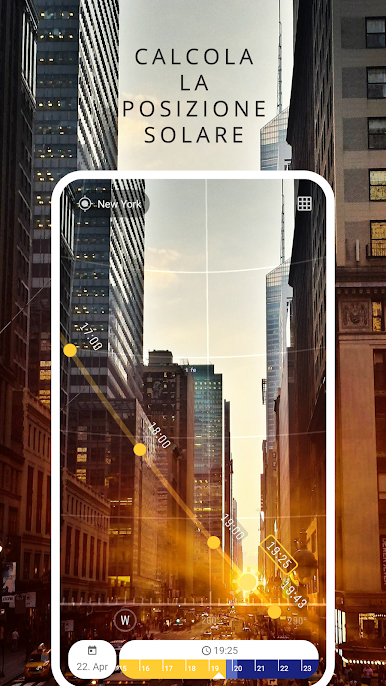
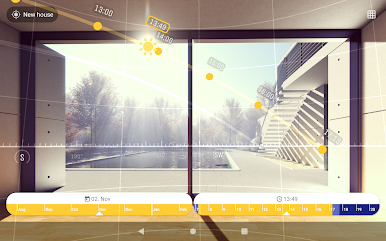
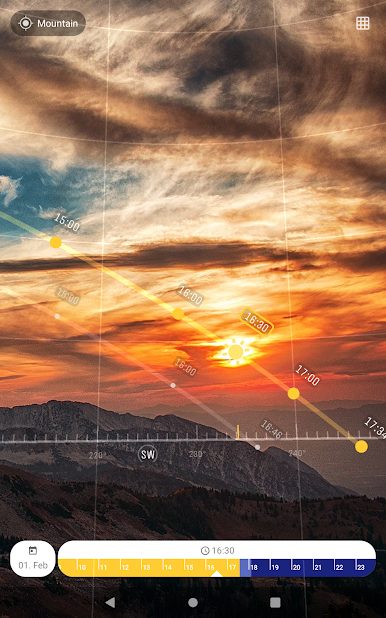
Overlay your live camera image with the sun’s path, shadow projections, and hourly sun positions in stunning 3D, helping you nail that perfect photo or plan your solar panel placement. -
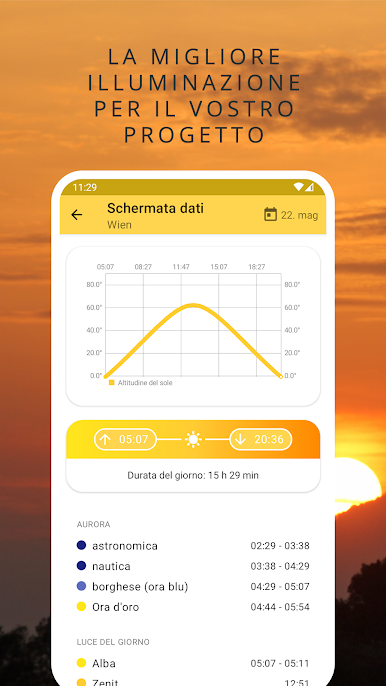
Detailed Sun Data
Get extensive info on sun positions, including sunrise, sunset, and solar angles. Track sun paths for specific dates or the longest and shortest days of the year with ease. -
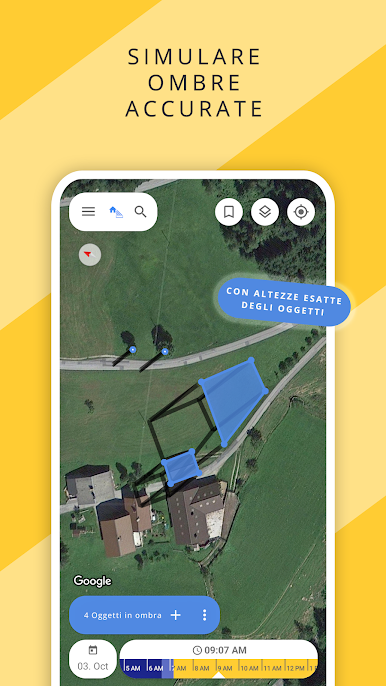
Shadow Simulation
Curious about how a tree might shade your garden or when the hill casts its shadow? Visualize it all using the Shadow Simulation mode. -
Customizable and User-Friendly
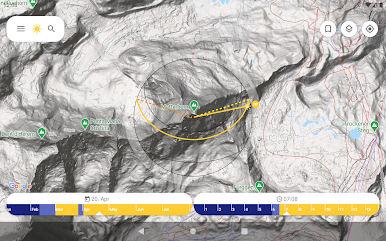
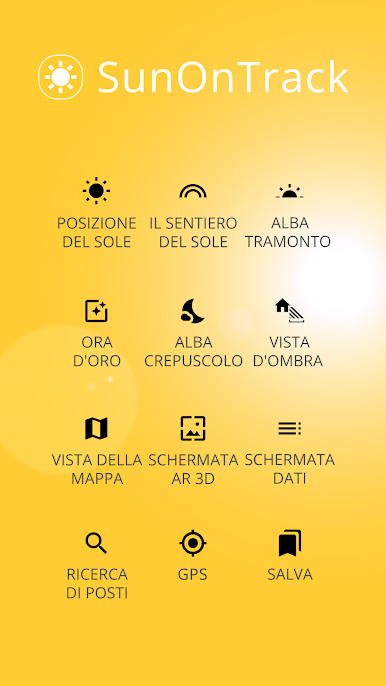
With a design that’s both simple and sleek, enjoy features like a sun compass, graphical timelines, and integrated maps to suit your preferences. -
Offline Accessibility and Support
No internet? No problem! Access built-in help documents and reach out via integrated feedback options. Plus, enjoy peace of mind with the app’s ad-free, no-tracking policy.
Compatible with devices having a compass sensor, and available for enhanced experience with BlueStacks on your PC or Mac. Happy sun tracking!
BlueStacks brings your apps to life on a bigger screen—seamless and straightforward.


Gioca SunOnTrack: Percorso del sole su PC. È facile iniziare.
-
Scarica e installa BlueStacks sul tuo PC
-
Completa l'accesso a Google per accedere al Play Store o eseguilo in un secondo momento
-
Cerca SunOnTrack: Percorso del sole nella barra di ricerca nell'angolo in alto a destra
-
Fai clic per installare SunOnTrack: Percorso del sole dai risultati della ricerca
-
Completa l'accesso a Google (se hai saltato il passaggio 2) per installare SunOnTrack: Percorso del sole
-
Fai clic sull'icona SunOnTrack: Percorso del sole nella schermata principale per iniziare a giocare

