


Fruits Magic Sweet Garden
Mainkan di PC dengan BlueStacks – platform Game-Game Android, dipercaya oleh lebih dari 500 juta gamer.

Play Fruits Magic Sweet Garden: Match 3 Puzzle on PC or Mac
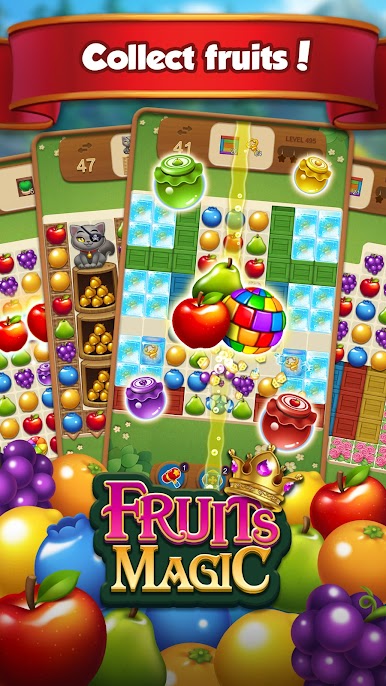
Explore a whole new adventure with Fruits Magic Sweet Garden: Match 3 Puzzle, a Puzzle game created by SUPERBOX.INC. Experience great gameplay with BlueStacks, the most popular gaming platform to play Android games on your PC or Mac.
About the Game
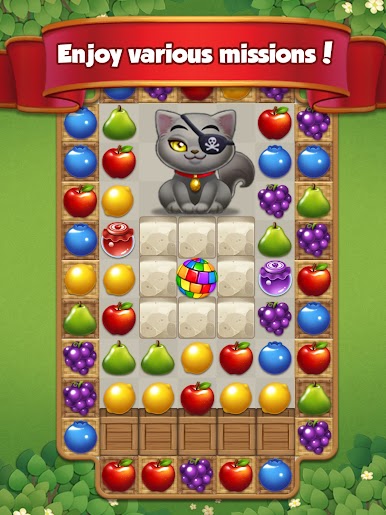
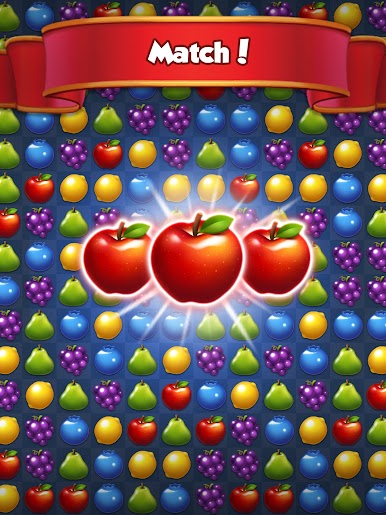
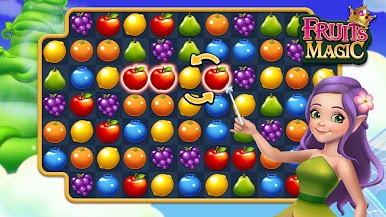
Step into the bright and cheerful world of Fruits Magic Sweet Garden: Match 3 Puzzle, brought to you by SUPERBOX.INC. Are you a fan of juicy challenges and vibrant colors? You’ll find plenty to enjoy here. This puzzle game is all about matching tasty-looking fruits, clearing fun stages, and taking on playful puzzles that are as satisfying as popping bubble wrap. Whether you just want to unwind for a few minutes or see how far your puzzle skills can go, this one’s got you covered.
Game Features
-
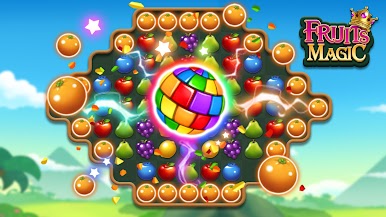
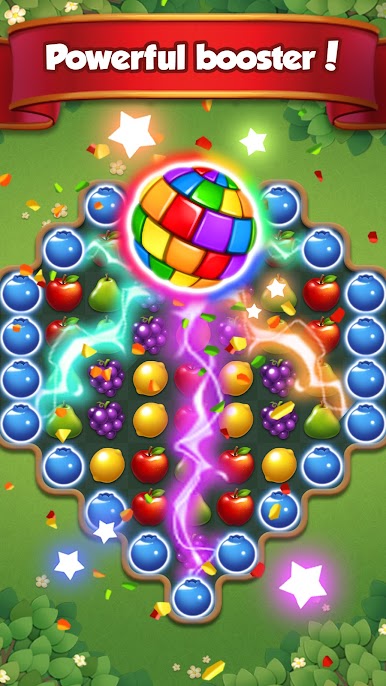
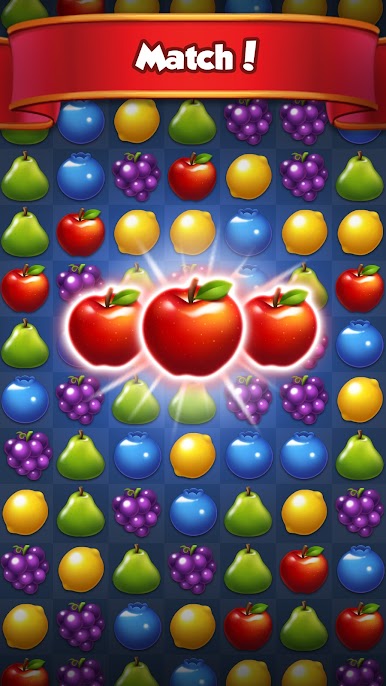
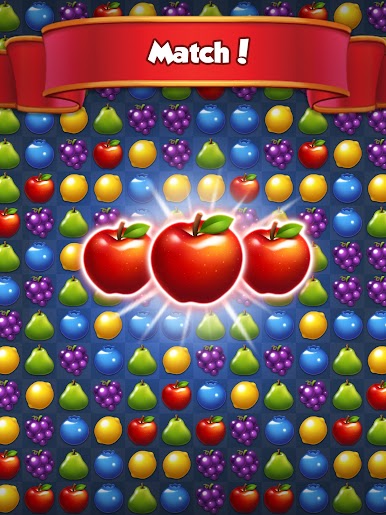
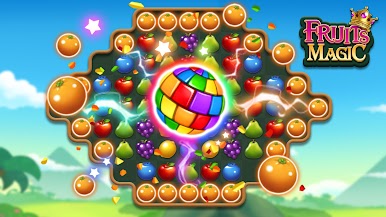
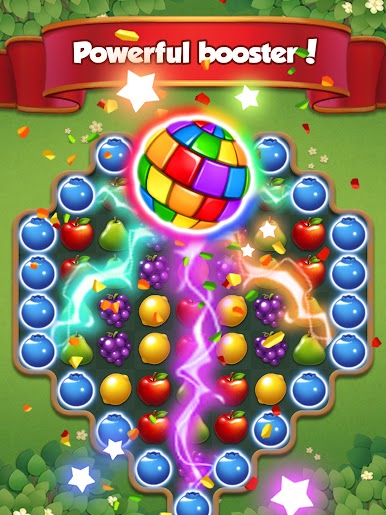
Gorgeous, Juicy Visuals
Every level bursts with bright, lively colors and eye-catching fruit animations. The effects are super satisfying—matching those fruits really pops. -
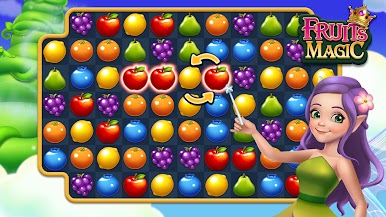
Simple, Accessible Gameplay
The game’s easy to pick up, so anyone can dive in—from kids wanting something fun to older players looking for a relaxing pastime. -
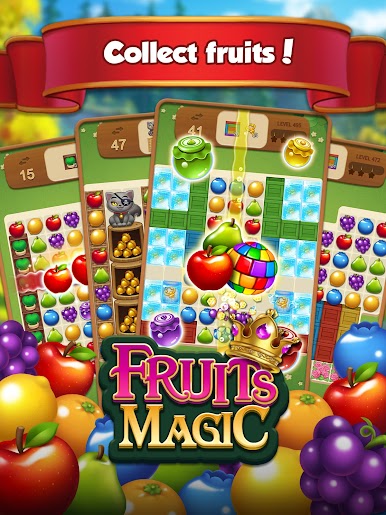
Hundreds of Addictive Stages
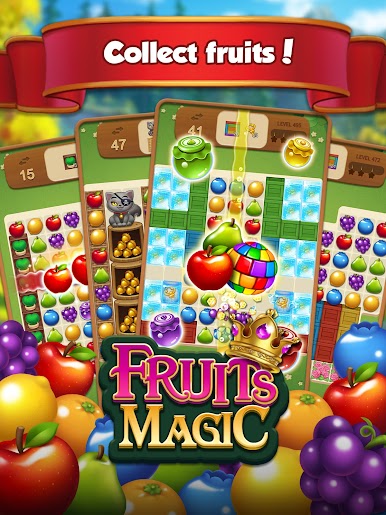
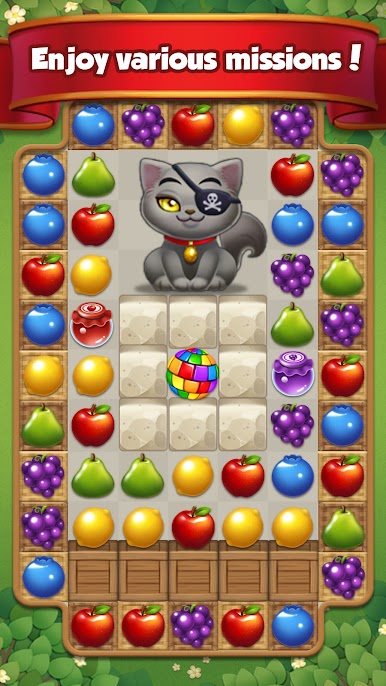
With over a thousand levels to clear, you’ll always have new challenges waiting. Think you can make it through them all? -
Brain-Boosting Puzzles
Each stage makes you think just enough to stay engaged. Try different strategies to score more stars and spot big combos for that extra wow factor. -
Endless Playtime
There’s no energy limit—play as much as you like without waiting around for lives to refill. -
No Internet? No Problem.
You can play Fruits Magic Sweet Garden: Match 3 Puzzle anytime, anywhere, even if you’re offline. -
Multi-Language Support
The game plays nice with a ton of different languages, so you can match fruits in your favorite tongue. -
Fun for All Ages
The gentle difficulty curve means everyone—young or older—can find their groove and enjoy. -
Try on BlueStacks
If you want those vibrant graphics and smooth controls on a bigger screen, you can check it out using BlueStacks for an even breezier experience.
Make your gaming sessions memorable with precise controls that give you an edge in close combats and visuals that pop up, bringing every character to life.








Mainkan Fruits Magic Sweet Garden di PC Mudah saja memulainya.
-
Unduh dan pasang BlueStacks di PC kamu
-
Selesaikan proses masuk Google untuk mengakses Playstore atau lakukan nanti
-
Cari Fruits Magic Sweet Garden di bilah pencarian di pojok kanan atas
-
Klik untuk menginstal Fruits Magic Sweet Garden dari hasil pencarian
-
Selesaikan proses masuk Google (jika kamu melewati langkah 2) untuk menginstal Fruits Magic Sweet Garden
-
Klik ikon Fruits Magic Sweet Garden di layar home untuk membuka gamenya

