


Block Puzzle King : Wood Block
Mainkan di PC dengan BlueStacks – platform Game-Game Android, dipercaya oleh lebih dari 500 juta gamer.

Play Block Puzzle King : Wood Block on PC or Mac
Block Puzzle King : Wood Block brings the Puzzle genre to life, and throws up exciting challenges for gamers. Developed by SUPERBOX Inc, this Android game is best experienced on BlueStacks, the World’s #1 app player for PC and Mac users.
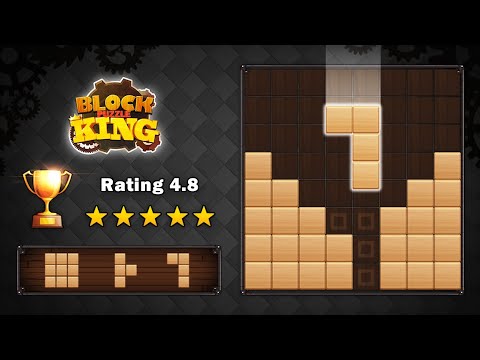
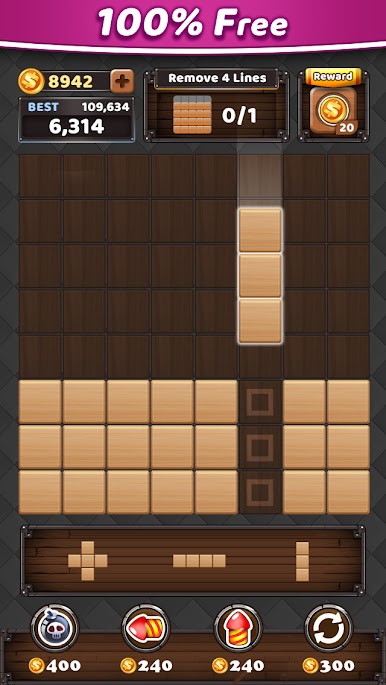
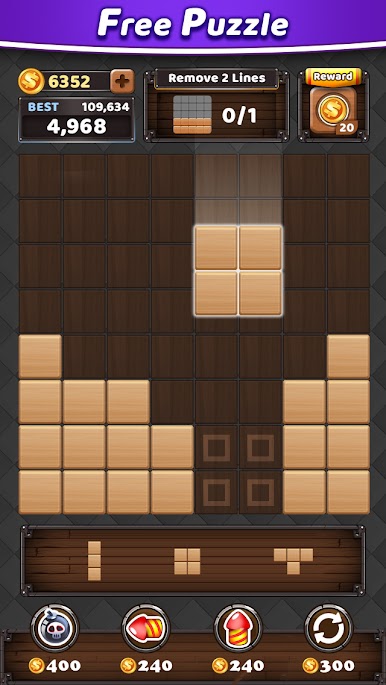
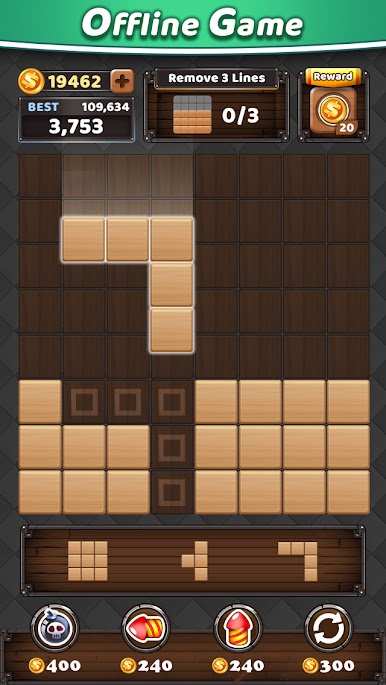
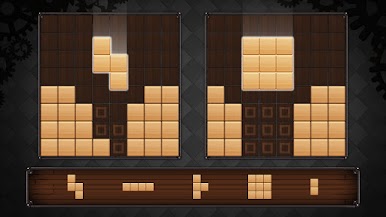
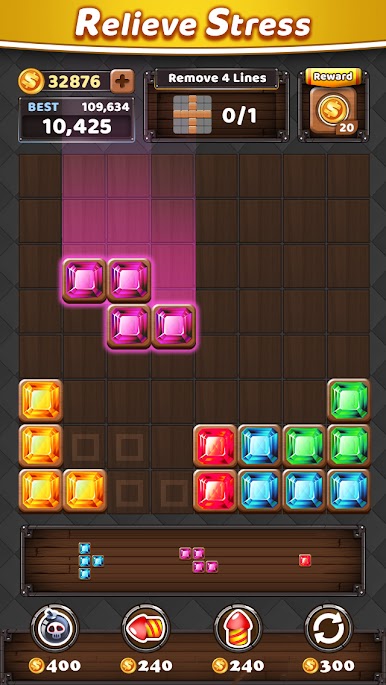
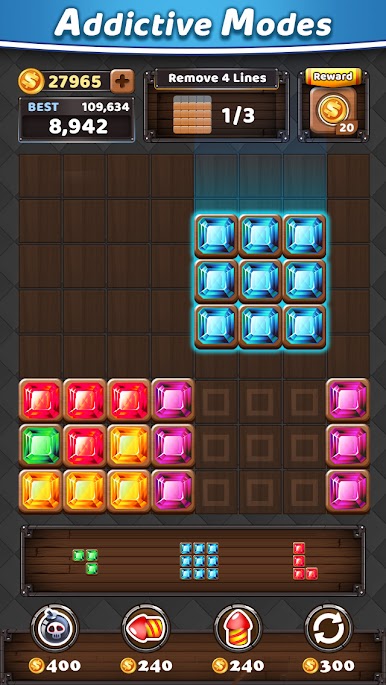
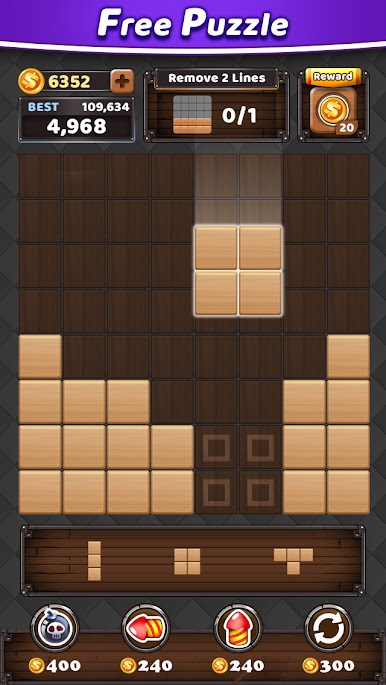
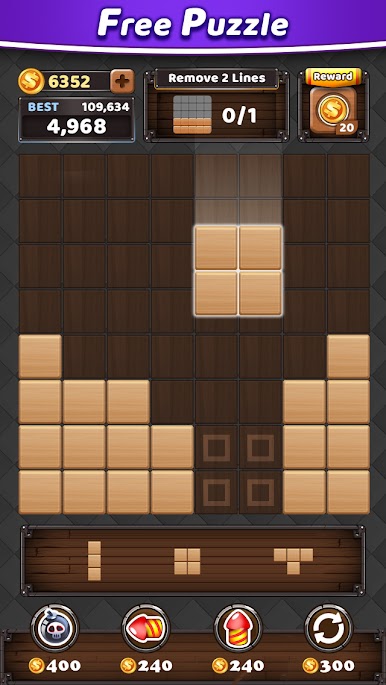
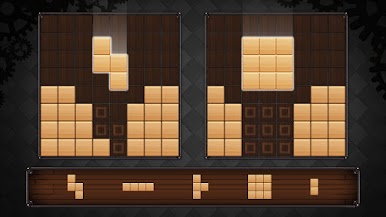
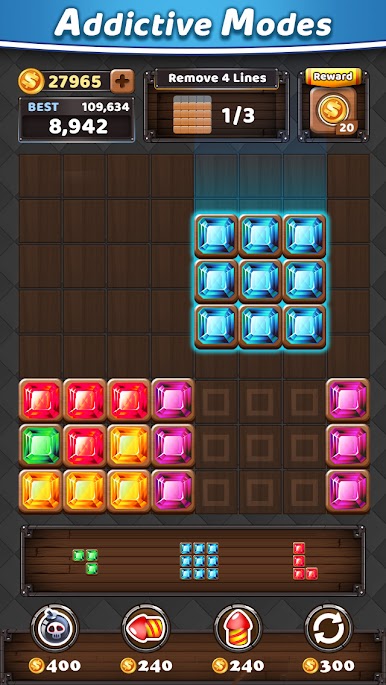
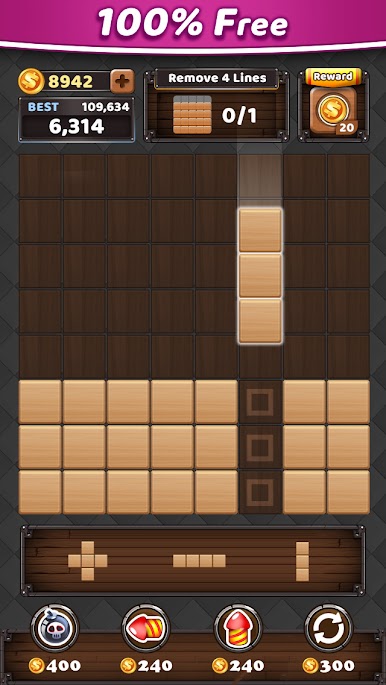
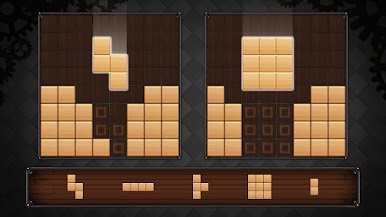
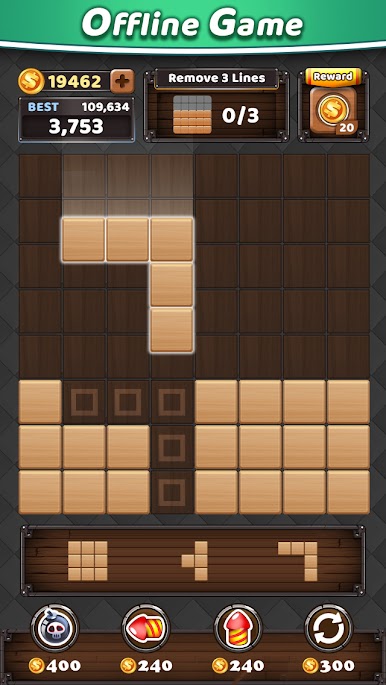
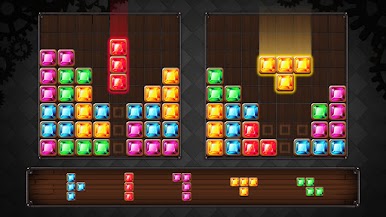
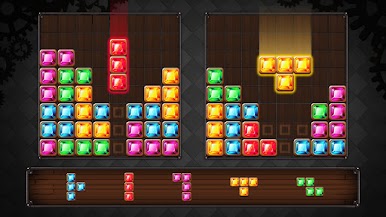
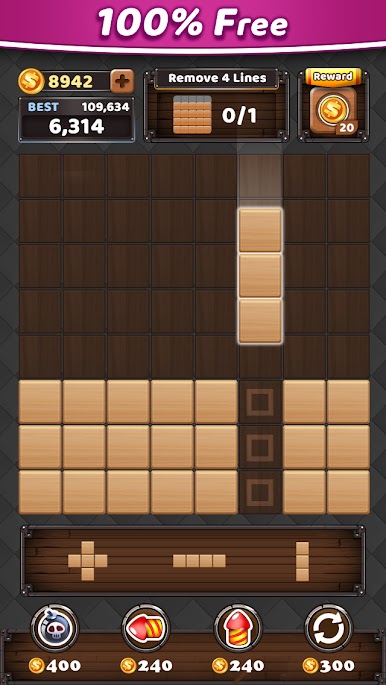
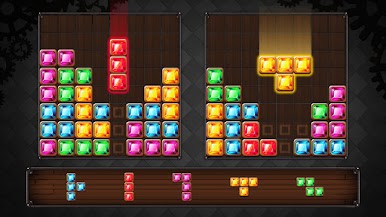
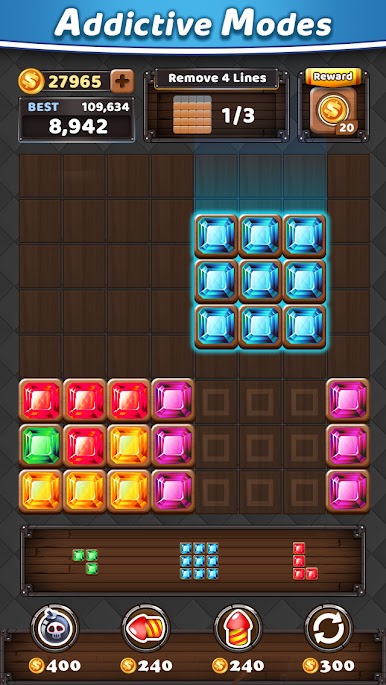
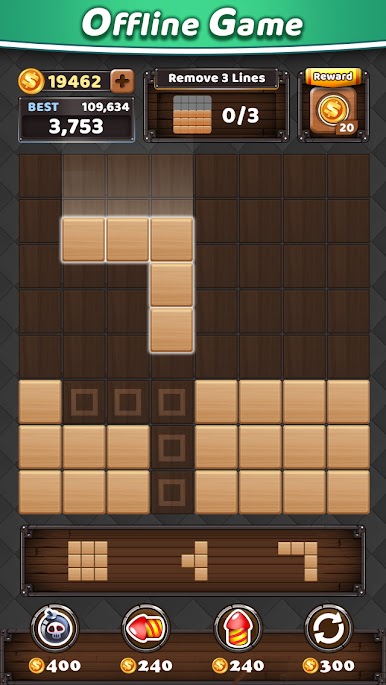
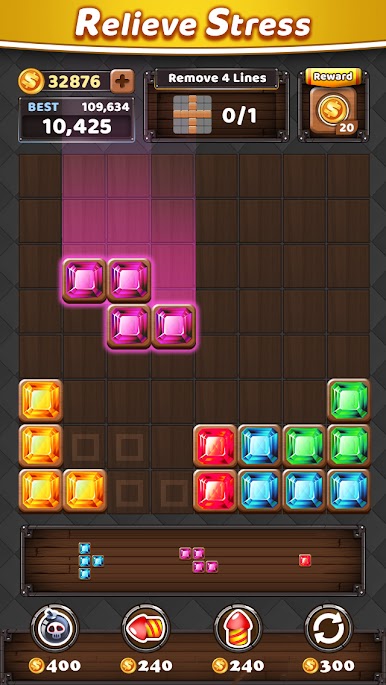
Block Puzzle King: Wood Block is one of those simple 10×10 grid games that feels tidy and calm, then sneaks up with a little brain burn. Pieces come in different shapes, players drop them onto the board, and full rows or columns disappear for points. The twist is that blocks do not rotate, so planning matters more than it looks, and leaving space for future pieces becomes the whole game. It has two looks, classic wood or a shiny jewel skin, which keeps the board from feeling stale without changing how it plays. Sounds are soft and clicky, background music is gentle, and the visuals stay clean instead of flashy. No timer, no heart system, just play until the board fills up. It runs fine offline, so it is a nice pick for quick breaks or longer sessions when the mood is more puzzle than action.
On PC with BlueStacks, the mouse drag feels accurate and the bigger screen helps with spotting lines and setup for combos. Clearing multiple lines in one move lands bonus points, so there is a small risk reward thing when deciding whether to hold a piece or place it now. It starts easy, then the board gets crowded and each move has weight. Strategy is mostly about spacing, piece prediction, and not boxing the corners. Anyone who likes 1010 style puzzles or low stress score chasing would get what this is doing, and it suits kids or older folks too since controls are just pick and place.
Make your gaming sessions memorable with precise controls that give you an edge in close combats and visuals that pop up, bringing every character to life.
Mainkan Block Puzzle King : Wood Block di PC Mudah saja memulainya.
-
Unduh dan pasang BlueStacks di PC kamu
-
Selesaikan proses masuk Google untuk mengakses Playstore atau lakukan nanti
-
Cari Block Puzzle King : Wood Block di bilah pencarian di pojok kanan atas
-
Klik untuk menginstal Block Puzzle King : Wood Block dari hasil pencarian
-
Selesaikan proses masuk Google (jika kamu melewati langkah 2) untuk menginstal Block Puzzle King : Wood Block
-
Klik ikon Block Puzzle King : Wood Block di layar home untuk membuka gamenya

