


Словарь Мультитран
Mainkan di PC dengan BlueStacks – platform Game-Game Android, dipercaya oleh lebih dari 500 juta gamer.

Run Multitran Russian Dictionary on PC or Mac
What’s better than using Multitran Russian Dictionary by Suvorov-Development? Well, try it on a big screen, on your PC or Mac, with BlueStacks to see the difference.
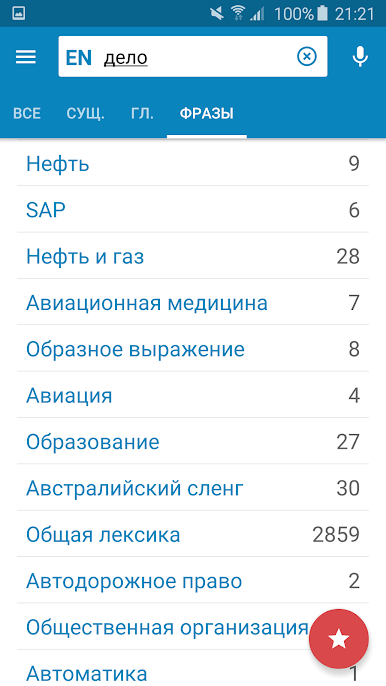
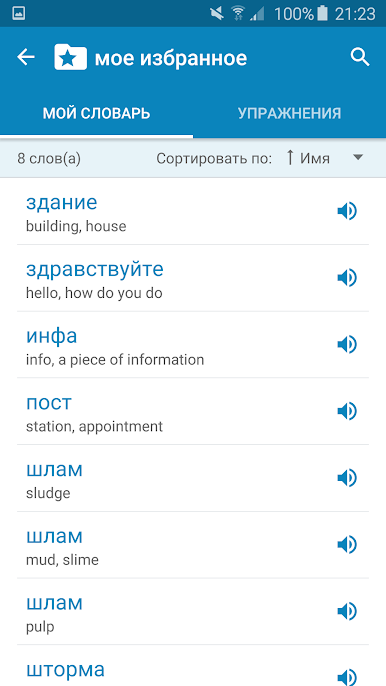
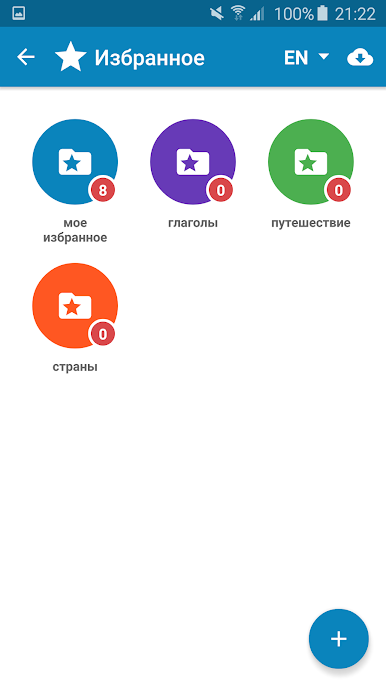
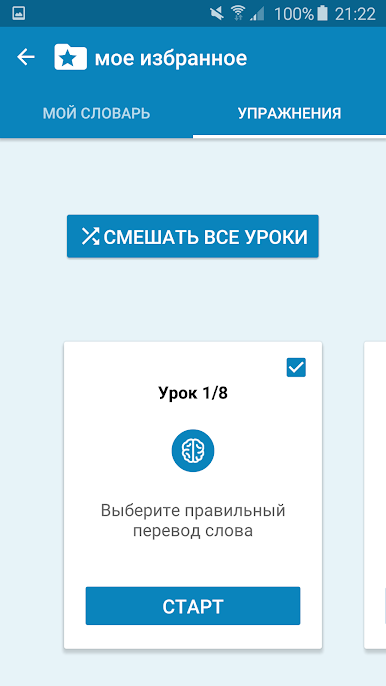
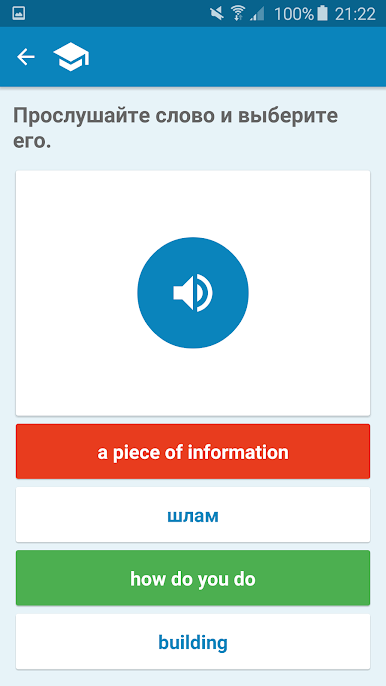
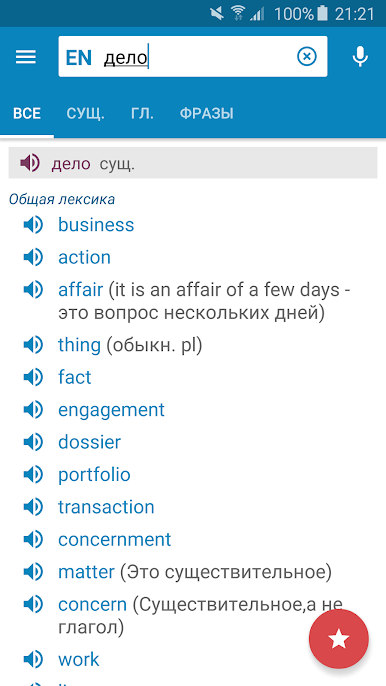
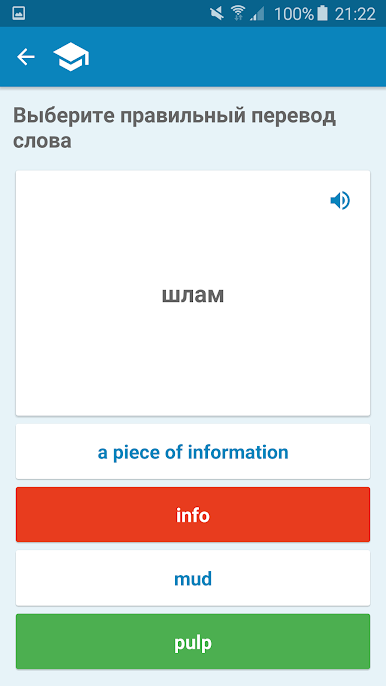
So Multitran Russian Dictionary is actually way more than just a basic dictionary app. There’s this huge database, so if someone’s learning Russian or just needs to check a word, it’s really thorough — not just the usual daily words, but also stuff you’d find in business, history, or even technical topics. What makes it stand out is how it bumps up the function from just looking words up to actually helping practice them. There’s a word trainer that lets users save any tricky vocab to their own personal list, so the stuff that matters most just sticks around. That trainer comes with these different kinds of exercises, so there’s practice for writing, listening, speaking, and reading — good for whatever feels toughest.
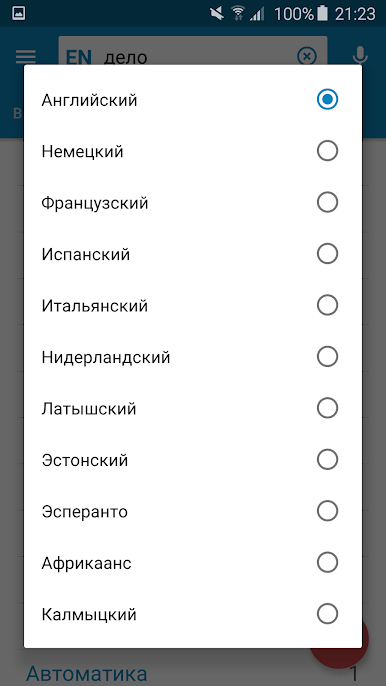
Translations don’t stop at English, either. There’s support for all sorts of languages with Russian — German, French, Italian, Spanish, Dutch, even things like Japanese or Chinese. It’s all in one place, which is kind of nice if someone’s working through more than one language. There’s voice input and even text-to-speech, so hearing how things sound is easy. Plus, if a word in a definition is confusing, clicking it brings up its meaning too, so it’s easy not to get stuck. On PC with BlueStacks, the layout’s easy to manage — bigger screen, fonts can be changed, and moving around is pretty simple. It’s practical for anyone at any level, and just feels straightforward. No clutter, just the tools to learn a bunch of vocab and actually remember it.
BlueStacks brings your apps to life on a bigger screen—seamless and straightforward.
Mainkan Словарь Мультитран di PC Mudah saja memulainya.
-
Unduh dan pasang BlueStacks di PC kamu
-
Selesaikan proses masuk Google untuk mengakses Playstore atau lakukan nanti
-
Cari Словарь Мультитран di bilah pencarian di pojok kanan atas
-
Klik untuk menginstal Словарь Мультитран dari hasil pencarian
-
Selesaikan proses masuk Google (jika kamu melewati langkah 2) untuk menginstal Словарь Мультитран
-
Klik ikon Словарь Мультитран di layar home untuk membuka gamenya

