


Unix Tutorial
Juega en PC con BlueStacks: la plataforma de juegos Android, en la que confían más de 500 millones de jugadores.

Página modificada el: Oct 28, 2020
Run Unix Tutorial on PC or Mac
Multitask effortlessly on your PC or Mac as you try out Unix Tutorial, a Education app by Sagar V Hande on BlueStacks.
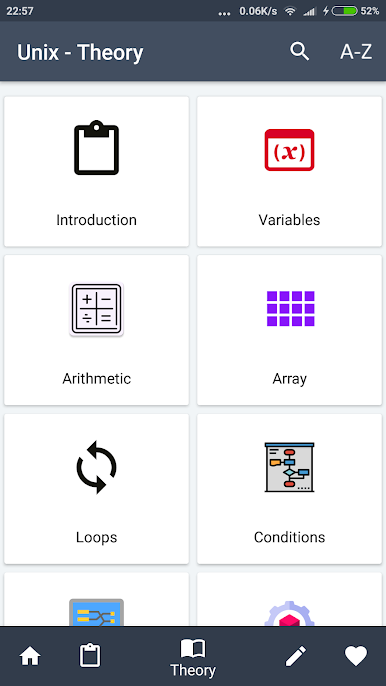
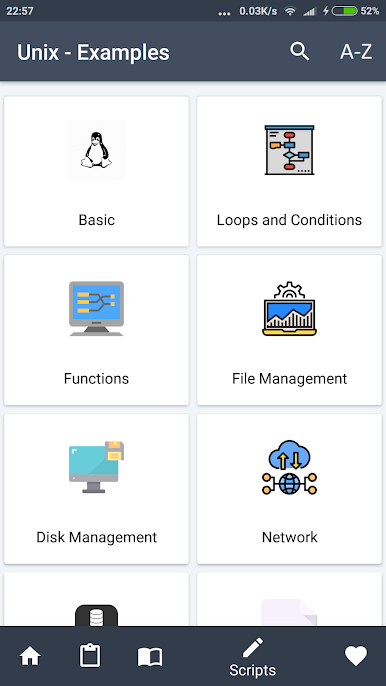
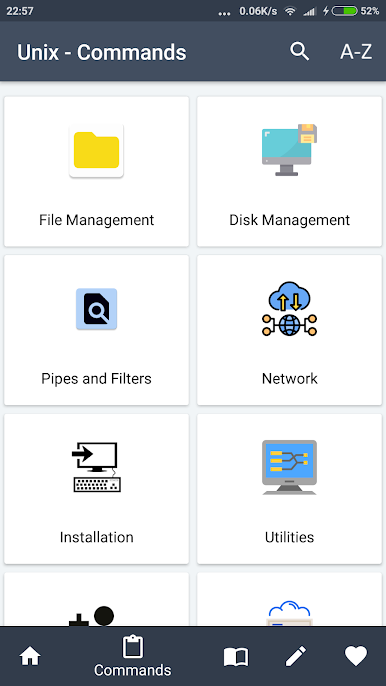
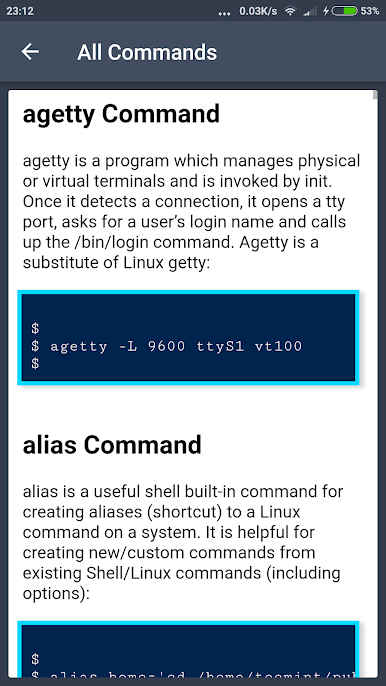
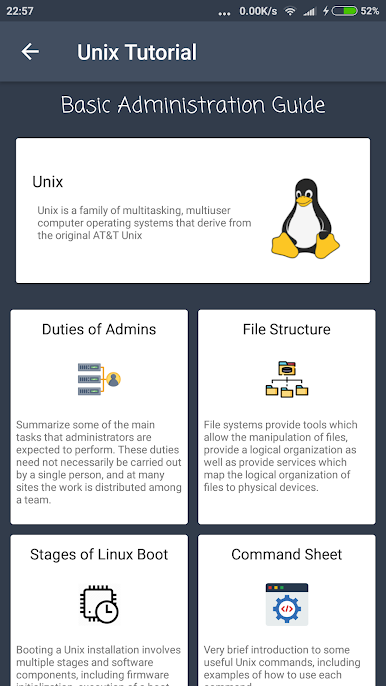
Unix Tutorial feels like a straight-to-the-point handbook for learning Unix, not a flashy course. It starts with the absolute basics, then moves into the different Unix flavors, and the heart of it is clear command references with examples that actually make sense. The layout is split into theory, commands, and examples, so someone can read a bit of background, then jump right into seeing how a command or a small script would look in real use. It is calm, readable, and not stuffed with fluff.
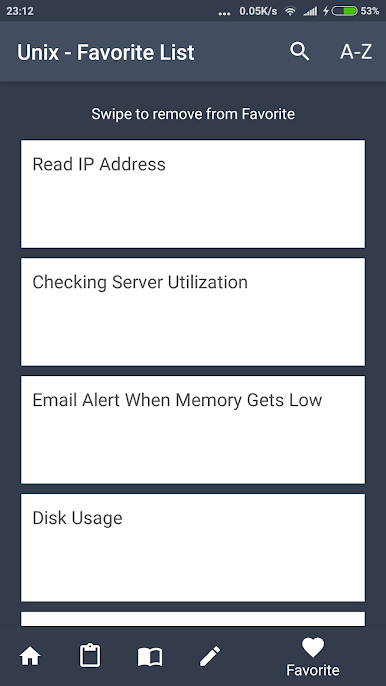
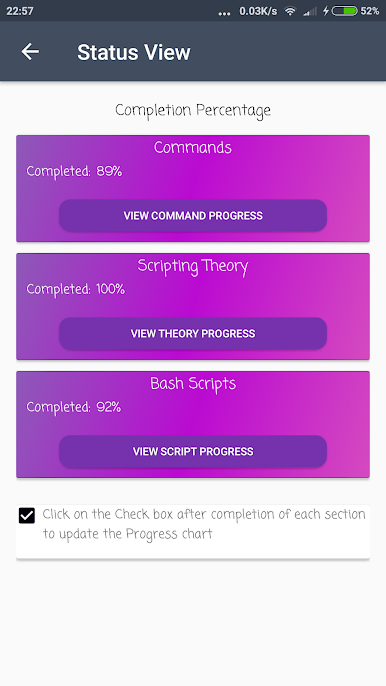
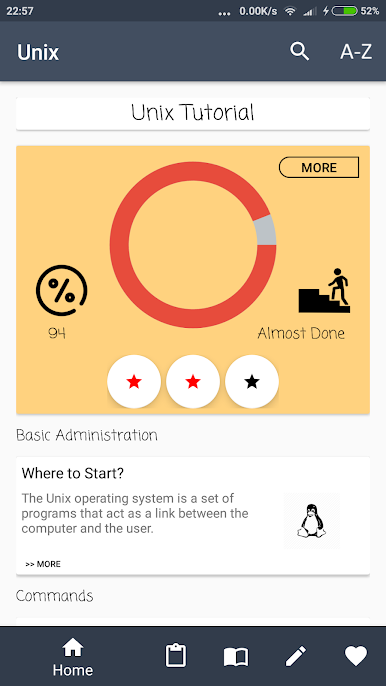
Using it on a PC with BlueStacks is comfortable because the bigger screen makes long lists of commands easier to scan, and it is simple to mark pages as favorite or mark them as completed to keep track of progress. The examples are practical, things like file handling, permissions, pipes, loops, and text processing, so it helps connect the pieces of shell scripting rather than just memorizing flags. It works more like a reference and a study guide than a terminal, so learners will likely have a shell open on the side and flip between both.
Anyone who is starting out will find the basics friendly, and someone who already knows their way around servers can treat it as a quick lookup tool. No hype, just useful info and a clean interface that gets out of the way.
BlueStacks gives you the much-needed freedom to experience your favorite apps on a bigger screen. Get it now.
Juega Unix Tutorial en la PC. Es fácil comenzar.
-
Descargue e instale BlueStacks en su PC
-
Complete el inicio de sesión de Google para acceder a Play Store, o hágalo más tarde
-
Busque Unix Tutorial en la barra de búsqueda en la esquina superior derecha
-
Haga clic para instalar Unix Tutorial desde los resultados de búsqueda
-
Complete el inicio de sesión de Google (si omitió el paso 2) para instalar Unix Tutorial
-
Haz clic en el ícono Unix Tutorial en la pantalla de inicio para comenzar a jugar

