

Keep Photos Secret:Hide Photos
Gioca su PC con BlueStacks: la piattaforma di gioco Android, considerata affidabile da oltre 500 milioni di giocatori.

Pagina modificata il: Oct 27, 2025
Run Keep Photos Secret:Hide Photos on PC or Mac
What’s better than using Keep Photos Secret:Hide Photos by SYSTWEAK SOFTWARE? Well, try it on a big screen, on your PC or Mac, with BlueStacks to see the difference.
About the App
Keep Photos Secret:Hide Photos is a simple, solid way to keep your private pics and videos truly private. This Tools app from SYSTWEAK SOFTWARE tucks your media into a secure vault with easy locks, clean organization, and zero cloud uploads. Prefer a bigger screen to manage everything? You can also use it on your PC with BlueStacks.
App Features
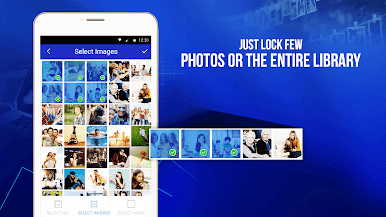
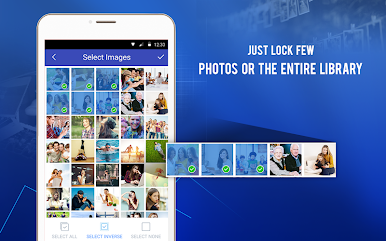
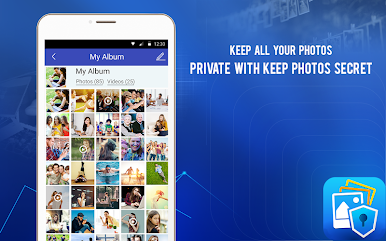
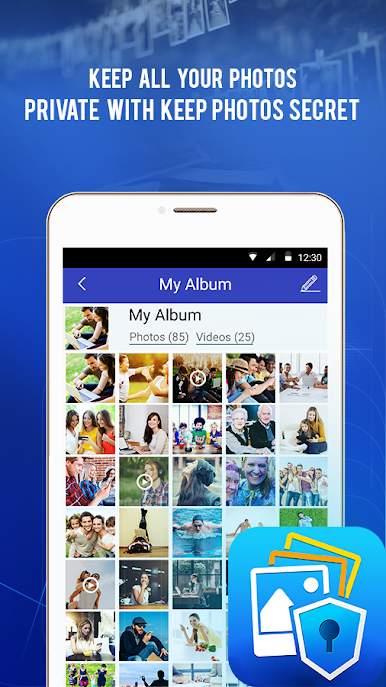
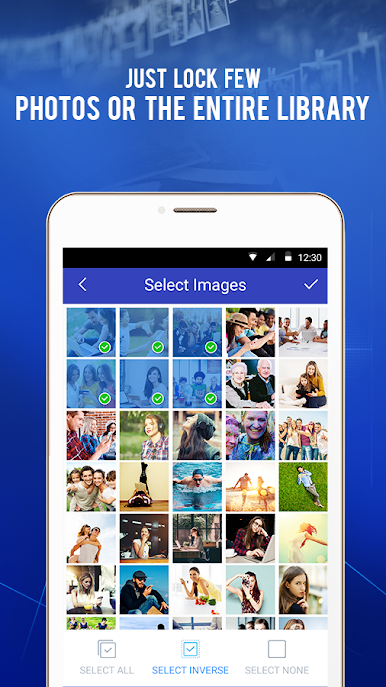
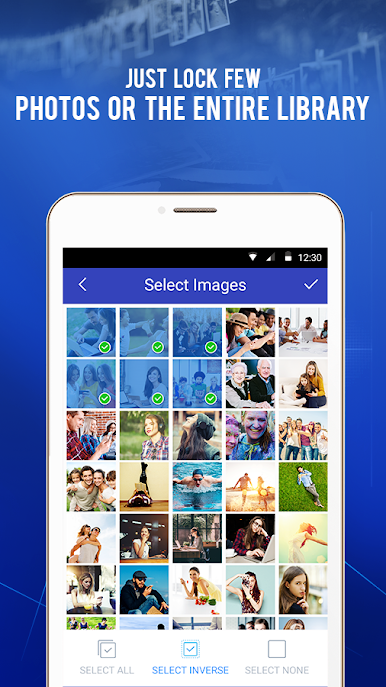
- Private vault for media — Move photos and videos from your gallery into a hidden space only you can open.
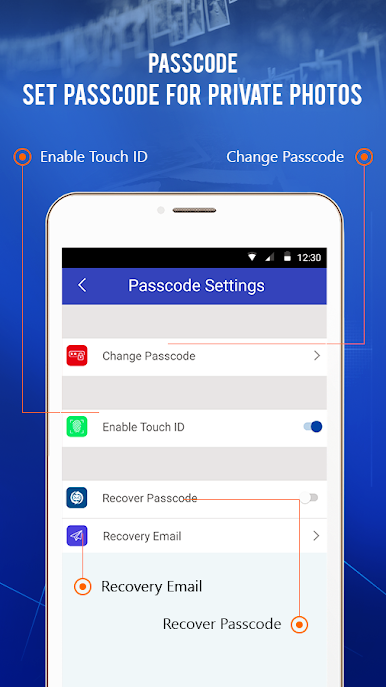
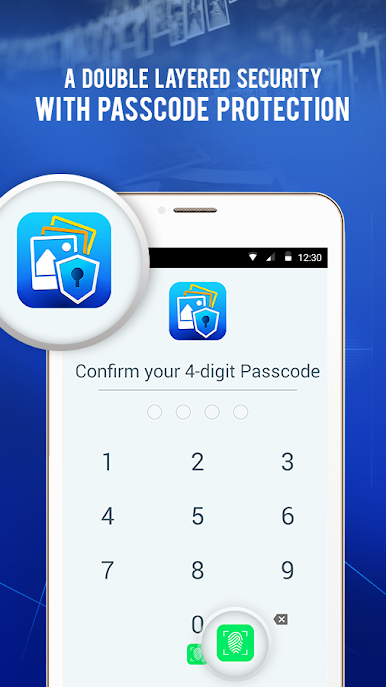
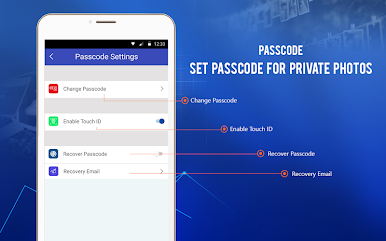
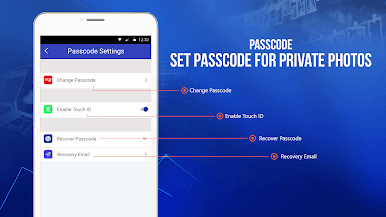
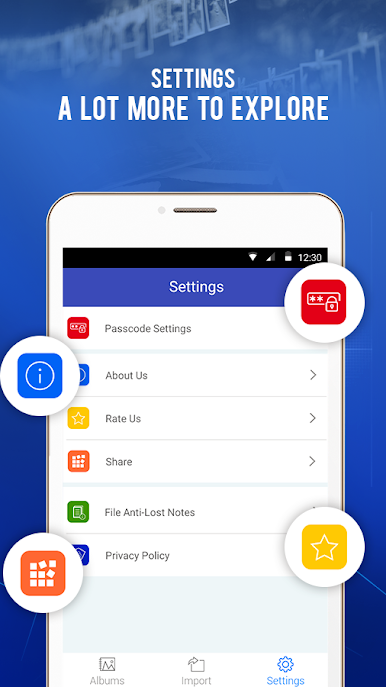
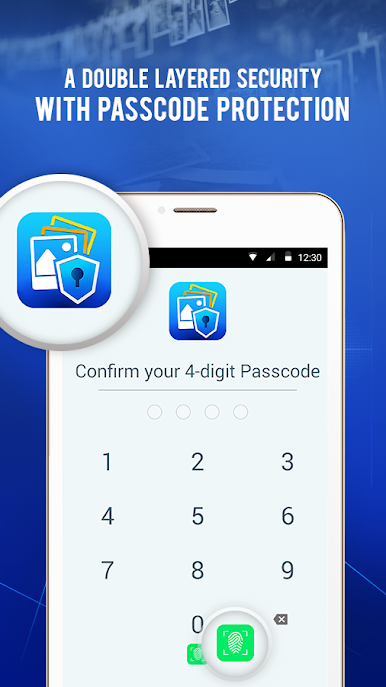
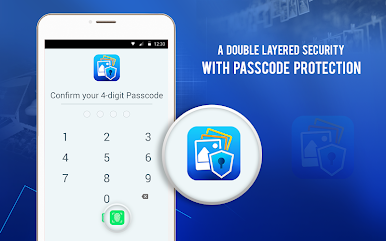
- App-wide and album locks — Set a PIN for the app, then add separate passwords to specific albums for extra control.
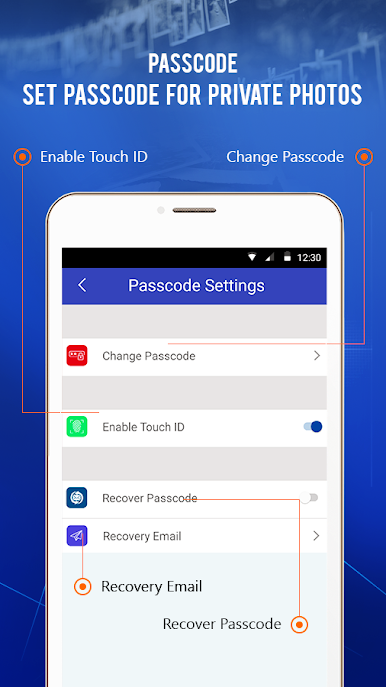
- Fingerprint quick unlock — Skip typing and get in fast on devices that support fingerprint authentication.
- Local-only privacy — Your files never leave your device; nothing is uploaded to the cloud.
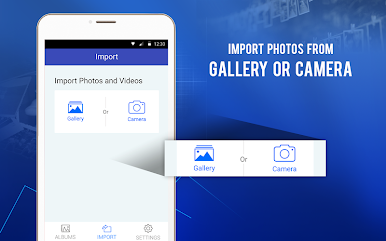
- Smart import with cleanup — After importing, you’ll be prompted to remove originals so there aren’t duplicates sitting in plain sight.
- Password recovery — Forgot your passcode? Recover it securely so your memories stay safe and accessible.
- Stealth mode — Keep a low profile by hiding the app from your recent apps list.
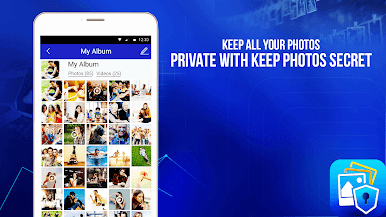
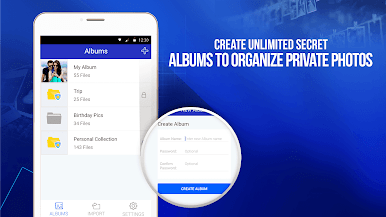
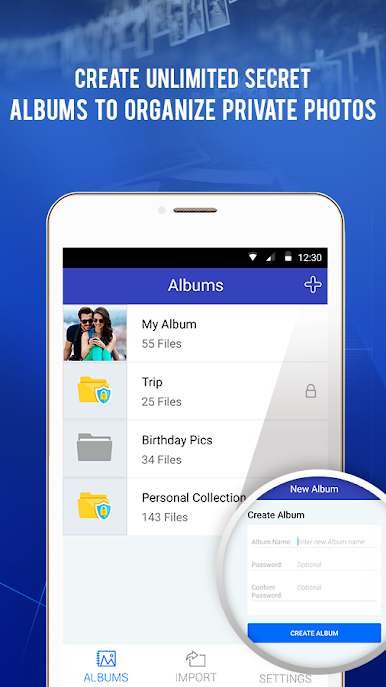
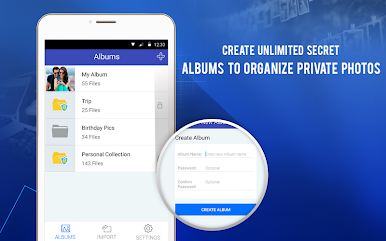
- Unlimited albums — Create as many albums as you want, name them your way, and copy or move items between them anytime.
- Built-in viewer — Browse a private gallery, run slideshows, and choose to delete or share only after confirmation.
- Video-friendly — Import videos, watch them inside the vault, and export them back to your gallery when needed.
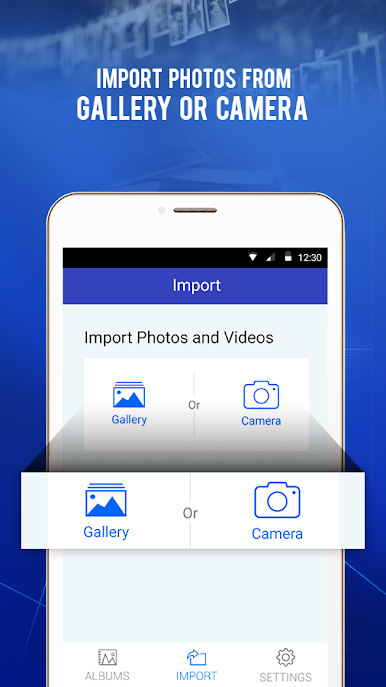
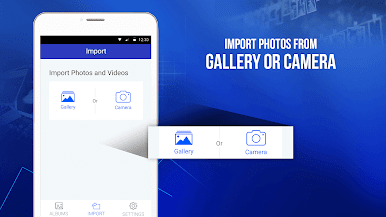
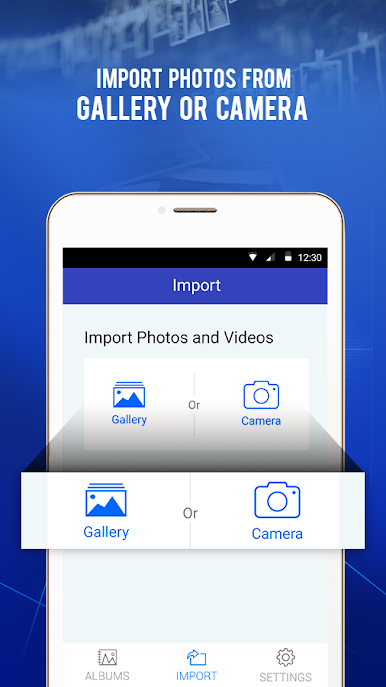
- Simple import/export — Bring in files from your device’s gallery and send them back out without hassle.
Big screen. Bigger performance. Use BlueStacks on your PC or Mac to run your favorite apps.





Gioca Keep Photos Secret:Hide Photos su PC. È facile iniziare.
-
Scarica e installa BlueStacks sul tuo PC
-
Completa l'accesso a Google per accedere al Play Store o eseguilo in un secondo momento
-
Cerca Keep Photos Secret:Hide Photos nella barra di ricerca nell'angolo in alto a destra
-
Fai clic per installare Keep Photos Secret:Hide Photos dai risultati della ricerca
-
Completa l'accesso a Google (se hai saltato il passaggio 2) per installare Keep Photos Secret:Hide Photos
-
Fai clic sull'icona Keep Photos Secret:Hide Photos nella schermata principale per iniziare a giocare

