

Dream Spot
Mainkan di PC dengan BlueStacks – platform Game-Game Android, dipercaya oleh lebih dari 500 juta gamer.

Run Dream Spot on PC or Mac
Let BlueStacks turn your PC, Mac, or laptop into the perfect home for Dream Spot, a fun Tools app from Talgil Computing & Control LTD.
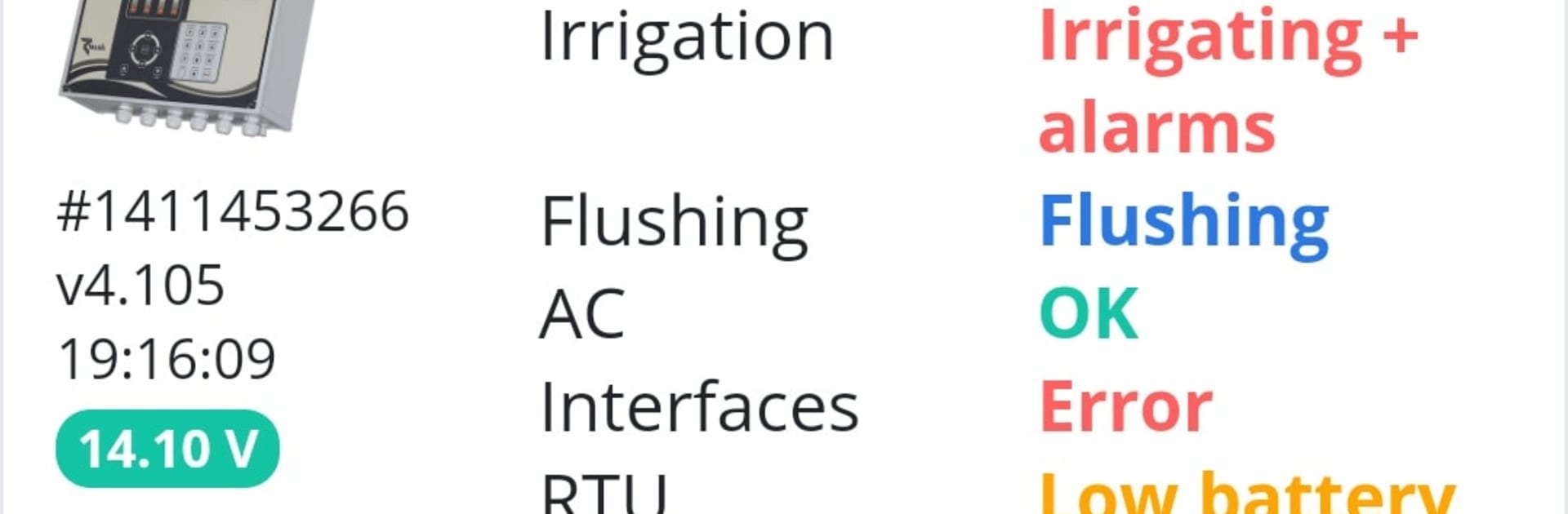
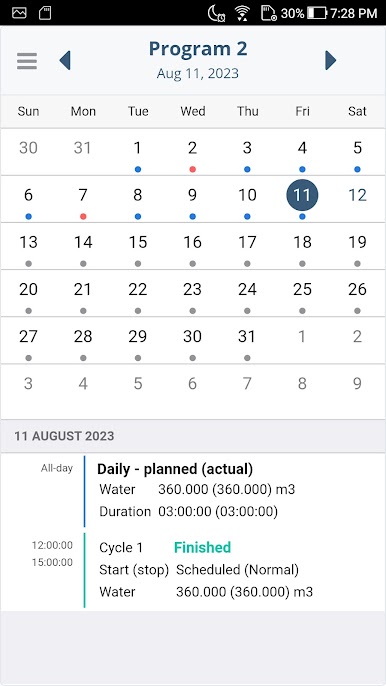
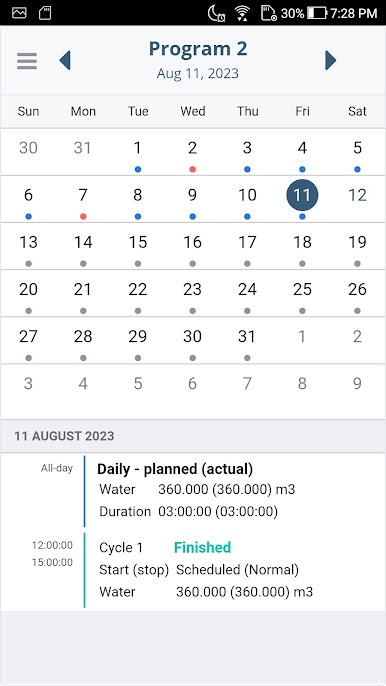
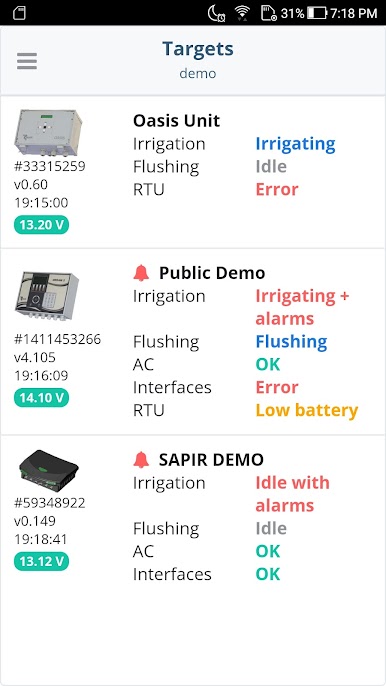
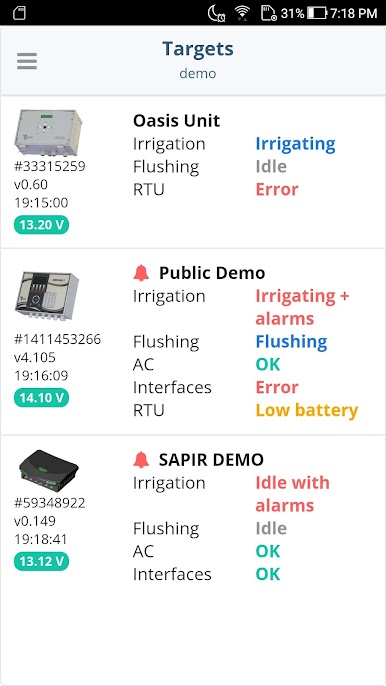
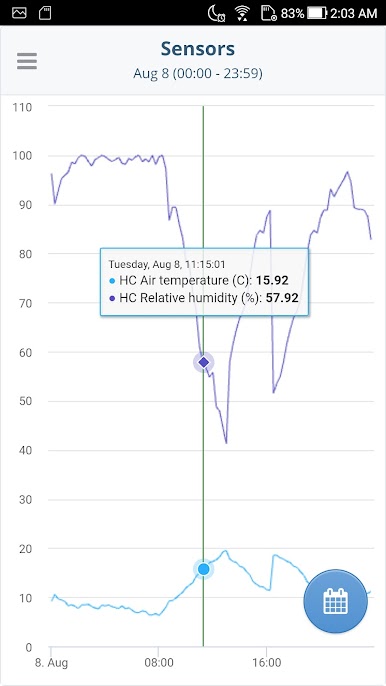
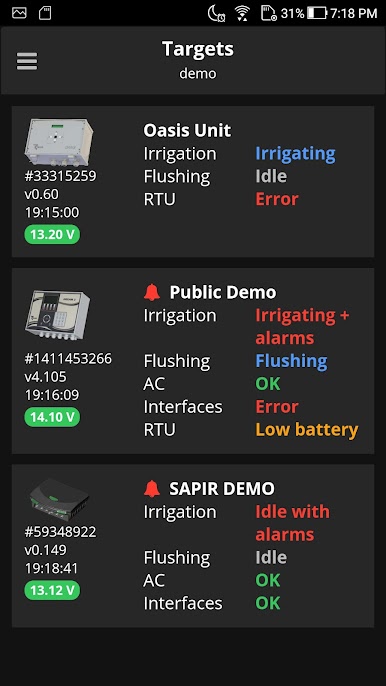
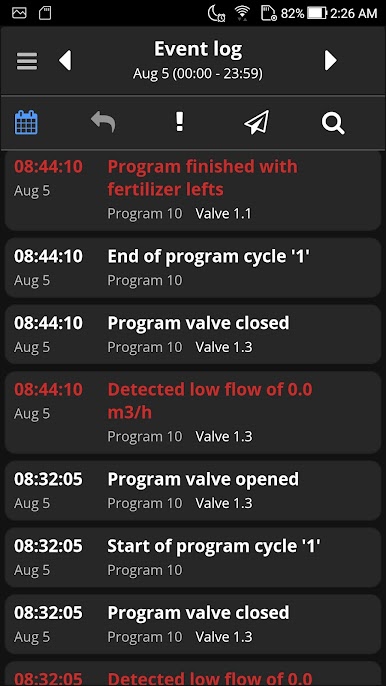
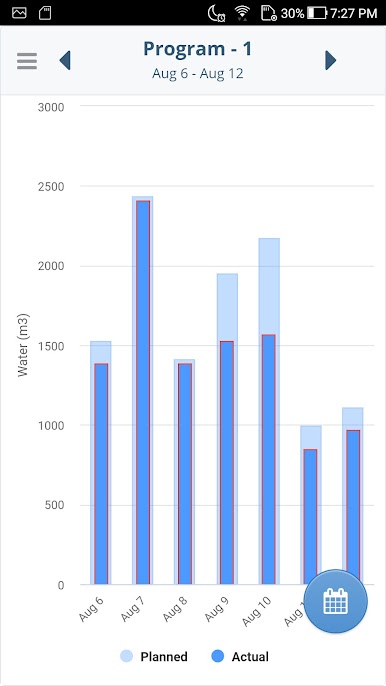
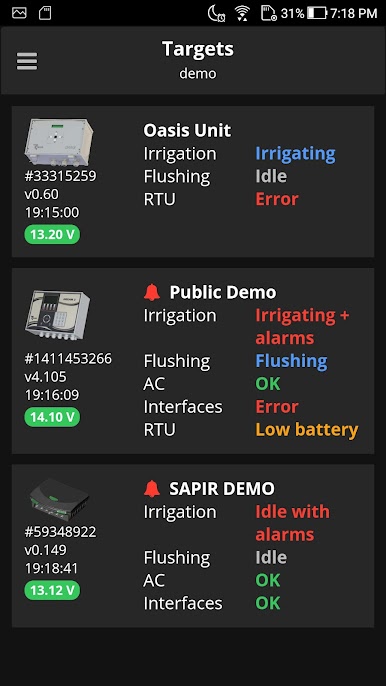
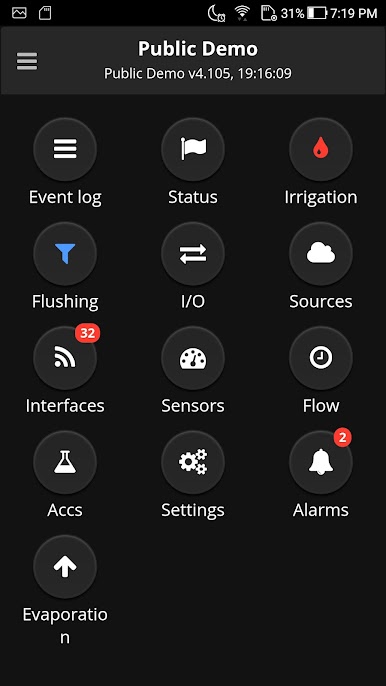
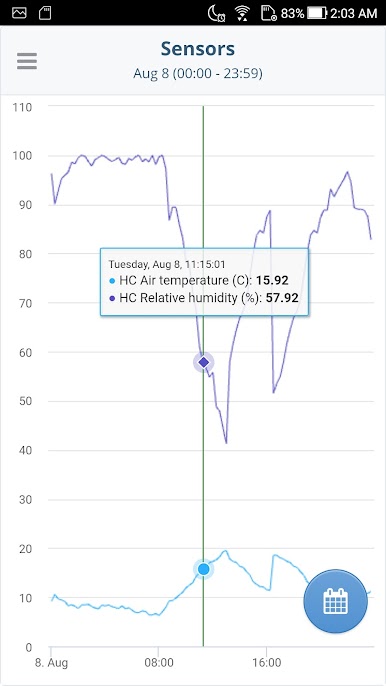
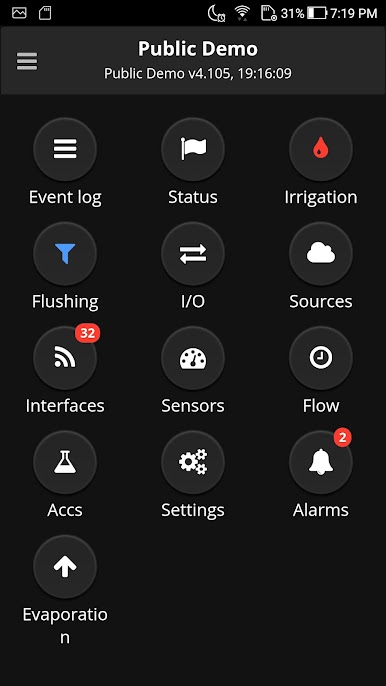
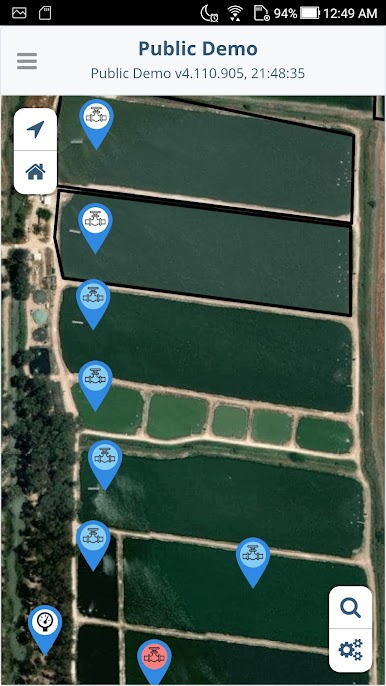
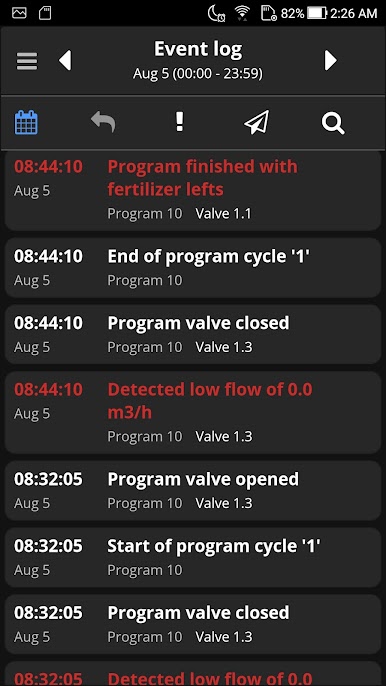
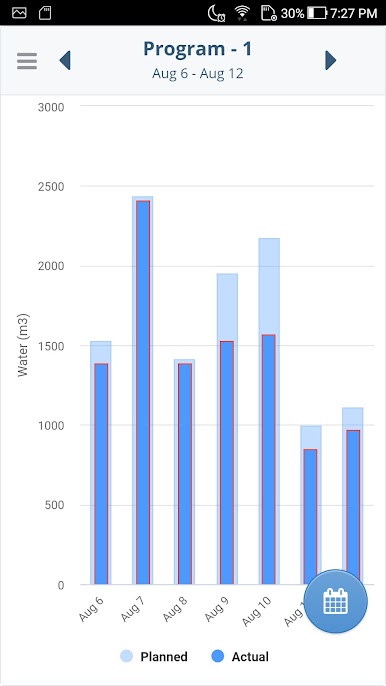
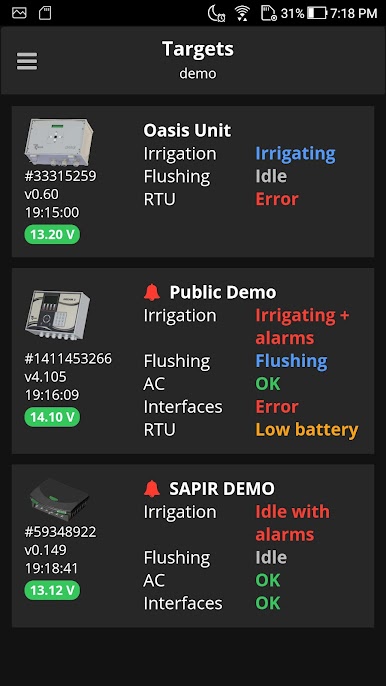
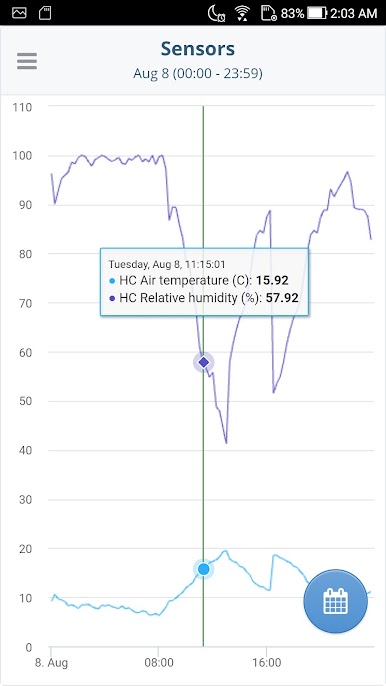
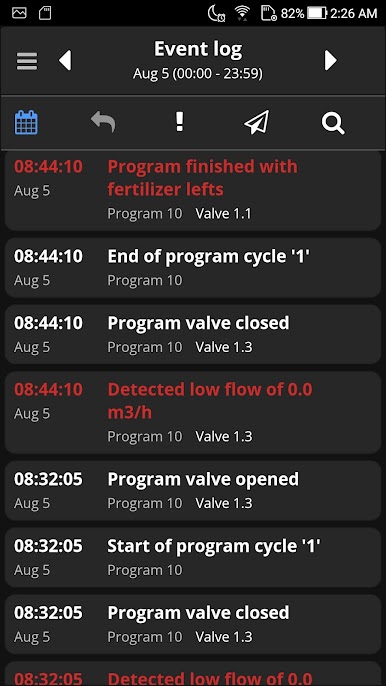
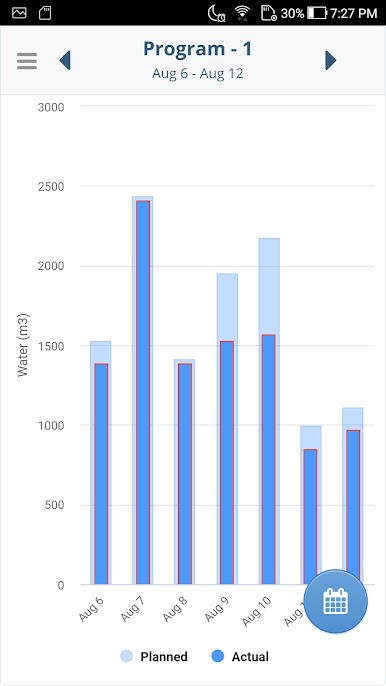
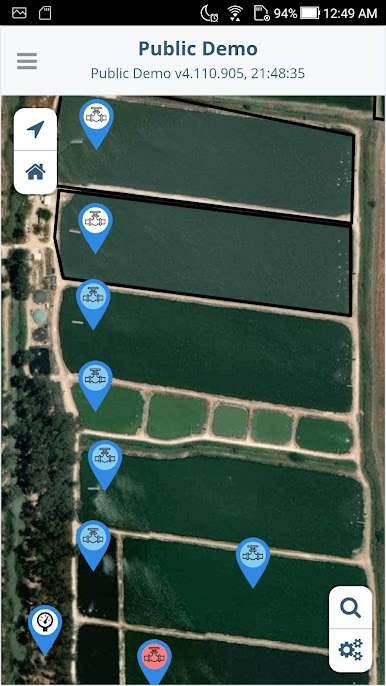
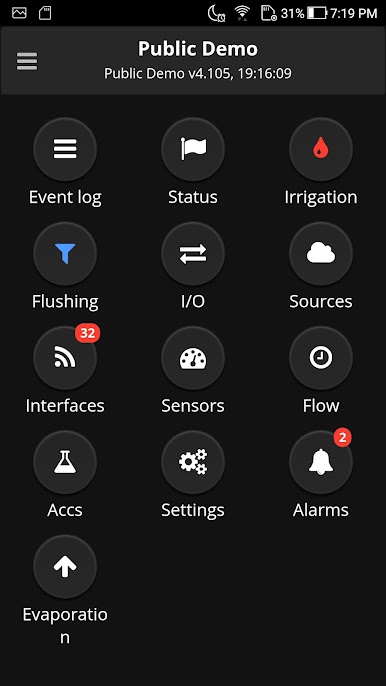
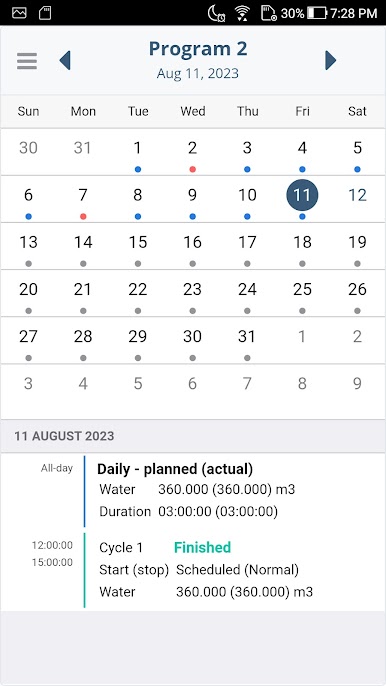
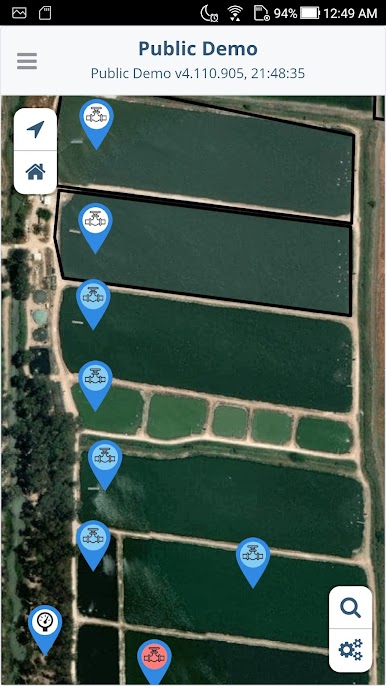
Dream Spot is not a game at all. It feels more like a clean remote control panel for people who already run TALGIL irrigation gear. Think valves, zones, pumps, schedules, and live status all in one place. A user opens it and sees their controllers lined up, taps a site, and can start or stop watering, tweak a program, or peek at what is happening right now without walking to a cabinet. The layout is simple and focused, so it does not waste time. There is monitoring with numbers that update quickly, plus history and charts for basic data crunching that help spot odd spikes or see how a day went.
It only makes sense for someone with a TALGIL account and connected controllers. Without that, it will not do anything useful. With the right setup, it is a solid way to run irrigation from a phone or, better, on a bigger screen. On BlueStacks, the extra space makes graphs easier to read and flipping between multiple controllers feels calmer. A mouse click lands on the tiny toggles with less fuss, and typing names or notes is faster on a keyboard. It suits farms, greenhouses, or landscaping teams that want quick, reliable control and eyes on their system from wherever they happen to be. No fluff, just straight control and monitoring, with a bit of analysis when needed.
Eager to take your app experience to the next level? Start right away by downloading BlueStacks on your PC or Mac.
Mainkan Dream Spot di PC Mudah saja memulainya.
-
Unduh dan pasang BlueStacks di PC kamu
-
Selesaikan proses masuk Google untuk mengakses Playstore atau lakukan nanti
-
Cari Dream Spot di bilah pencarian di pojok kanan atas
-
Klik untuk menginstal Dream Spot dari hasil pencarian
-
Selesaikan proses masuk Google (jika kamu melewati langkah 2) untuk menginstal Dream Spot
-
Klik ikon Dream Spot di layar home untuk membuka gamenya

