


English Listening
Gioca su PC con BlueStacks: la piattaforma di gioco Android, considerata affidabile da oltre 500 milioni di giocatori.

Pagina modificata il: Jun 14, 2023
Run English Listening on PC or Mac
Upgrade your experience. Try English Listening, the fantastic Education app from TalkEnglish, from the comfort of your laptop, PC, or Mac, only on BlueStacks.
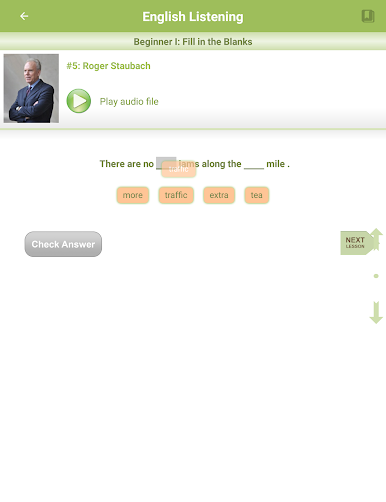
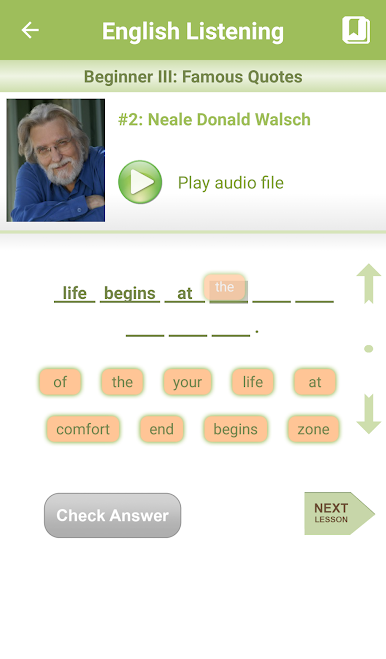
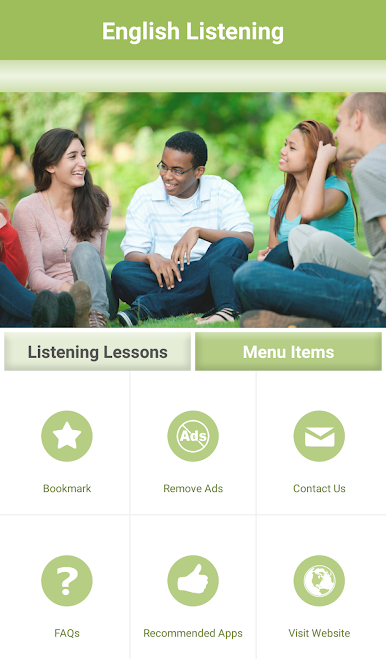
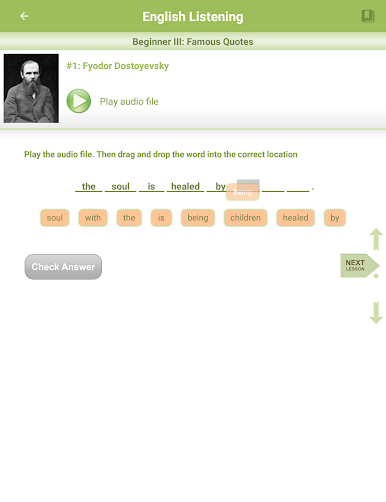
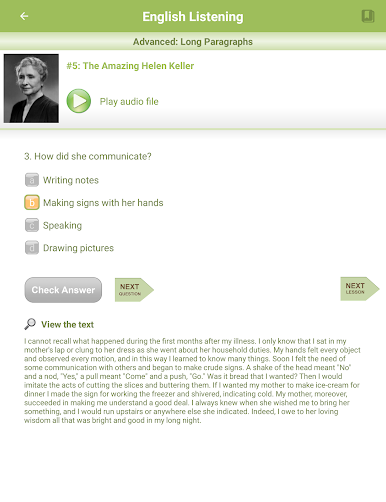
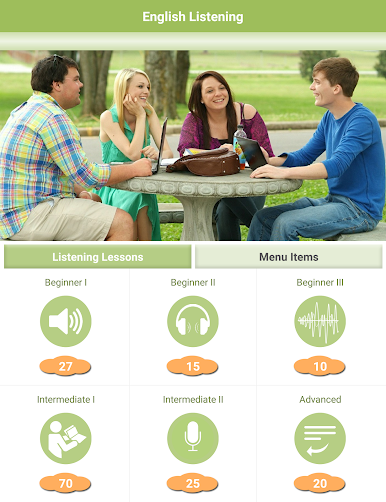
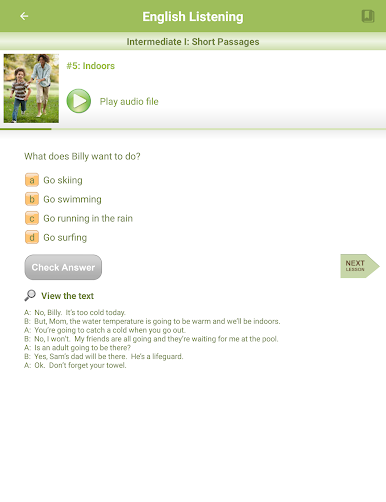
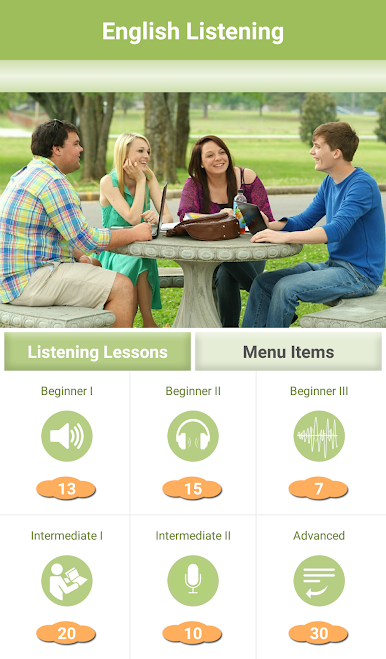
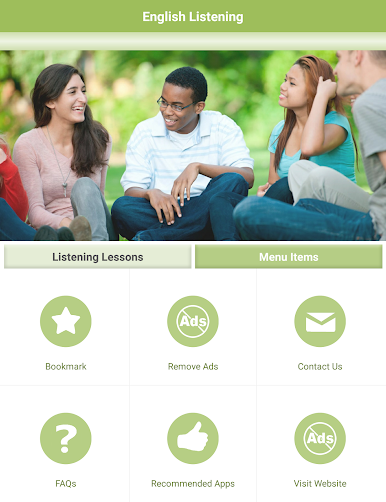
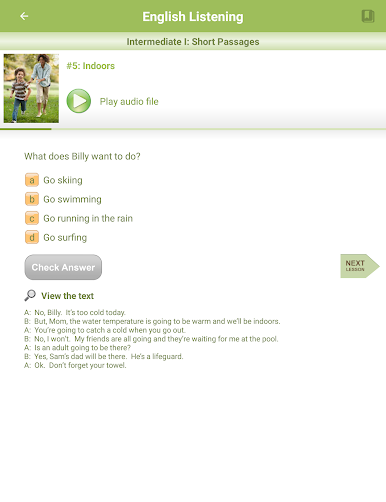
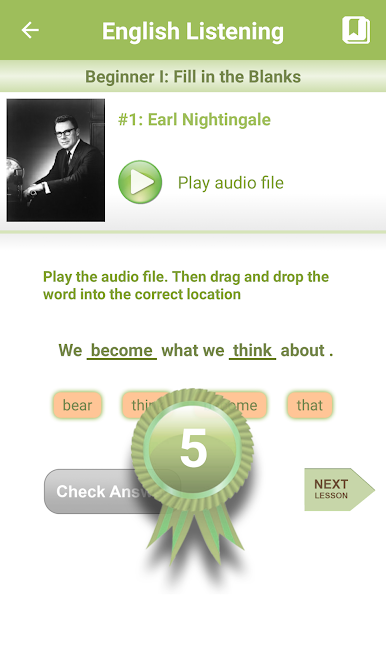
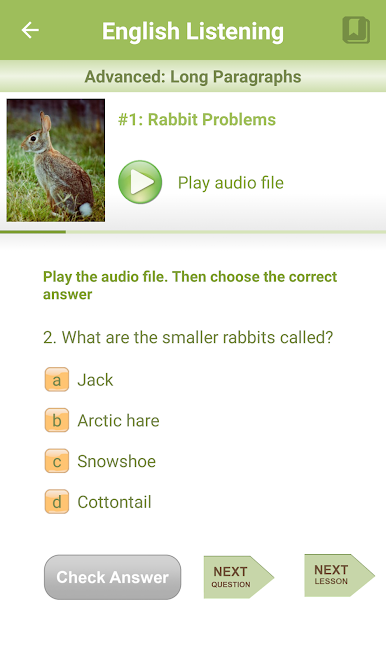
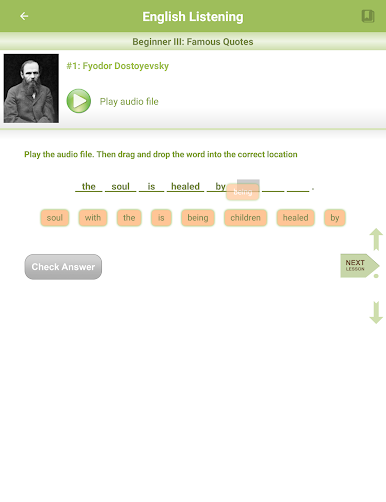
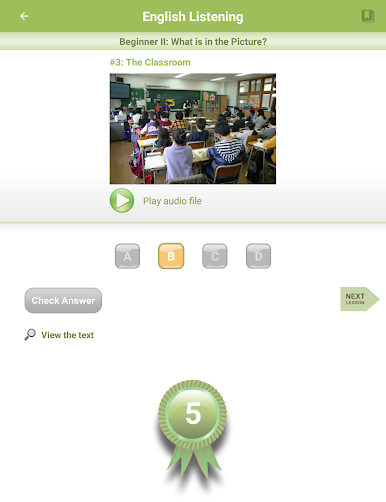
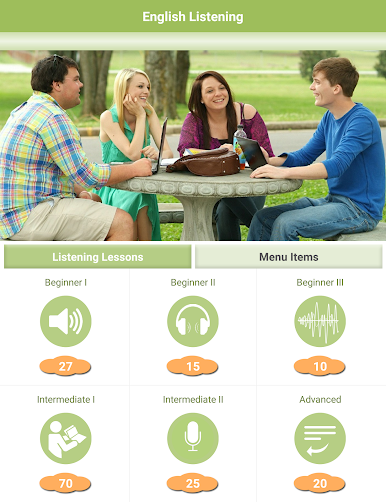
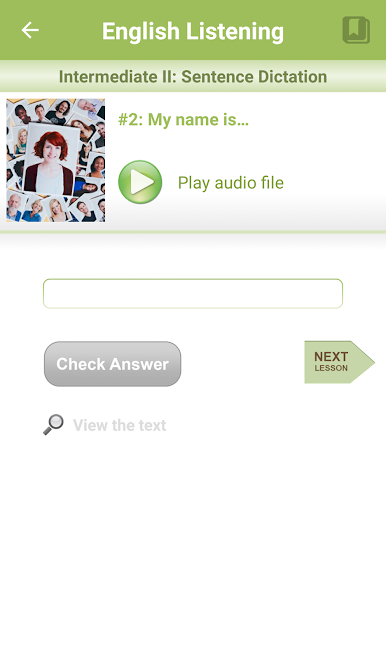
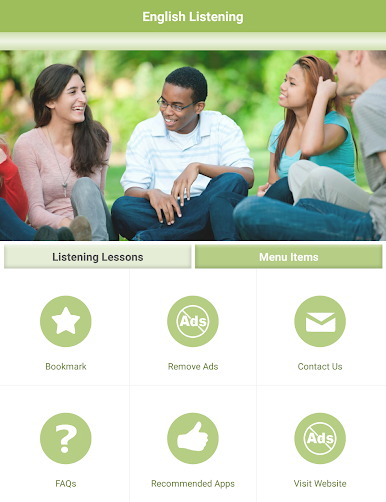
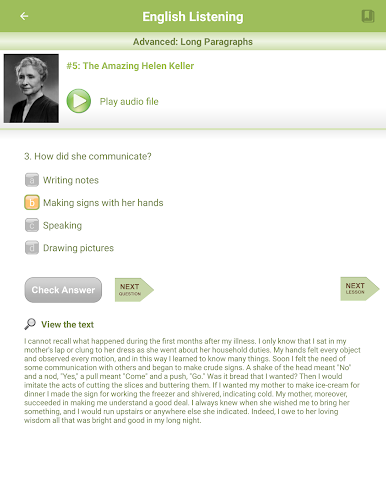
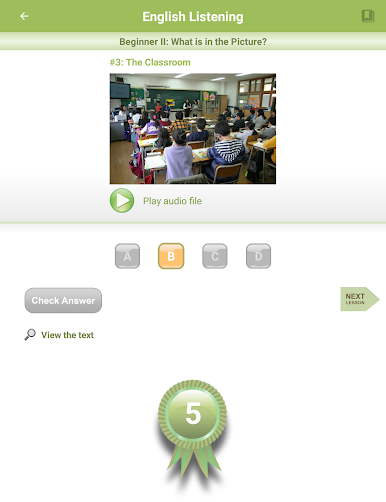
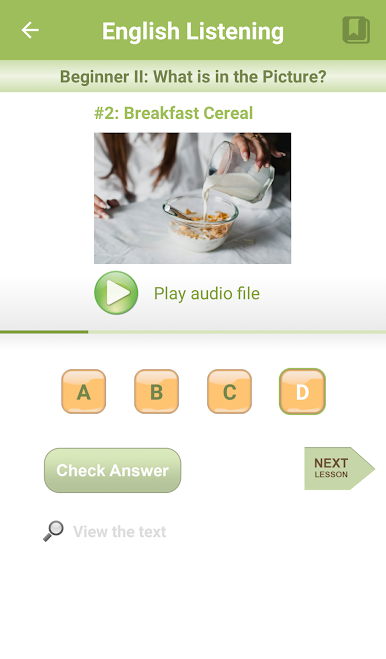
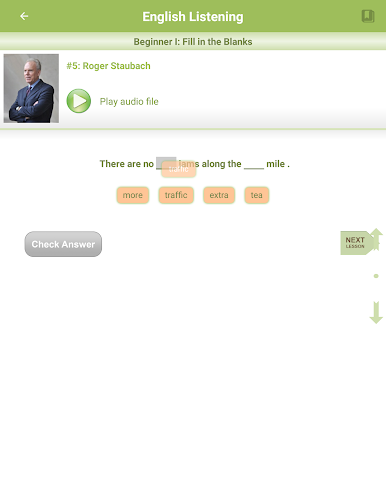
So English Listening is basically an app for practicing English by listening, and it’s got a bunch of little lessons that start simple and then get trickier as you go. The recordings are really clear because they use actual voice actors, so you can pick up the details in how everything sounds. It’s all organized into six levels, and each one changes things up – like sometimes there’s fill-in-the-blank exercises, sometimes you listen to short stories or famous quotes, or you might be doing actual dictation and longer paragraphs. It’s not just about passively listening though; there’s interactive bits where you’re picking answers or typing things you hear, and you get points as you get things right, which kind of turns it into a bit of a challenge.
What’s surprising is how much it feels like a game sometimes. There’s a bit of competition if that’s motivating, since you’re always building up your score and moving to the next level. Playing it on PC through BlueStacks makes the audio and controls feel a bit easier too, especially for typing or reading, instead of always using a tiny phone screen. It seems made for anyone who wants to practice listening, whether someone’s just figuring out English or already knows a bit but wants to pick up more details. It keeps things clear and simple without overcomplicating, so you don’t get lost in instructions and can just focus on actually listening and picking things up.
Switch to BlueStacks and make the most of your apps on your PC or Mac.



Gioca English Listening su PC. È facile iniziare.
-
Scarica e installa BlueStacks sul tuo PC
-
Completa l'accesso a Google per accedere al Play Store o eseguilo in un secondo momento
-
Cerca English Listening nella barra di ricerca nell'angolo in alto a destra
-
Fai clic per installare English Listening dai risultati della ricerca
-
Completa l'accesso a Google (se hai saltato il passaggio 2) per installare English Listening
-
Fai clic sull'icona English Listening nella schermata principale per iniziare a giocare

