


Talk Home: llama internacional
Juega en PC con BlueStacks: la plataforma de juegos Android, en la que confían más de 500 millones de jugadores.

Página modificada el: Jan 26, 2026
Juega Talk Home: llama internacional en PC
Pulsa Descargar y empieza a llamar a todo el mundo a precios súper competitivos.
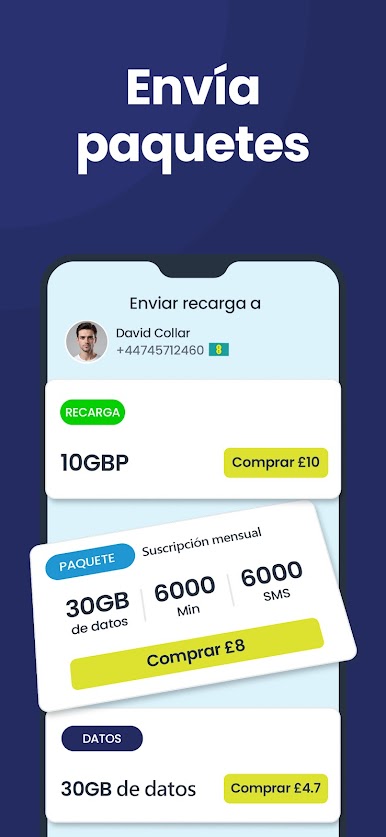
P. D. Descarga la Talk Home App para llamar a cualquier lugar, recargar tu saldo, enviar top-ups móviles o comprar tarjetas regalo en cuestión de segundos.
Qué es Talk Home App?
Una forma innovadora de mantenerte en contacto con amigos y familiares a través de llamadas internacionales de máxima calidad. Disfruta de llamadas VoIP, SMS, recargas de crédito y top-ups instantáneos prácticamente en cualquier parte del mundo. También puedes comprar tarjetas regalo para ti o enviarlas a tus seres queridos, estén donde estén.
Ventajas de Talk Home App
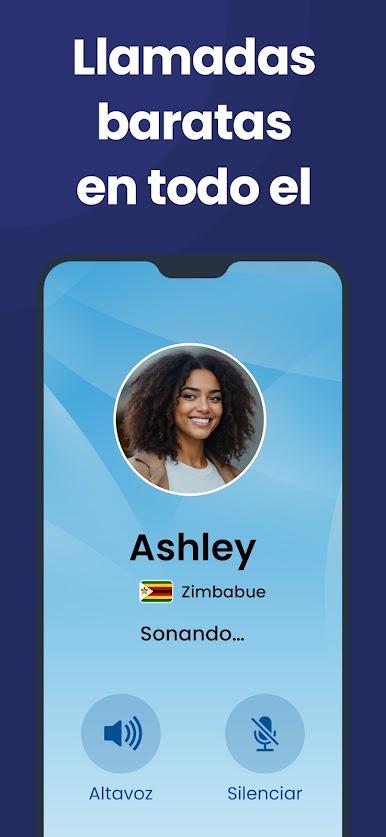
* Llamadas internacionales de alta calidad
* Prácticas llamadas VoIP
* Facturas telefónicas más bajas
* No necesitas Internet para llamar (usa números locales de acceso)
* Recarga móvil instantánea
* Transferencia de saldo a más de 500 redes sin costes ocultos
* Atención al cliente en tiempo real
* Llama a fijos o móviles desde solo 1 p / 1 céntimo por minuto
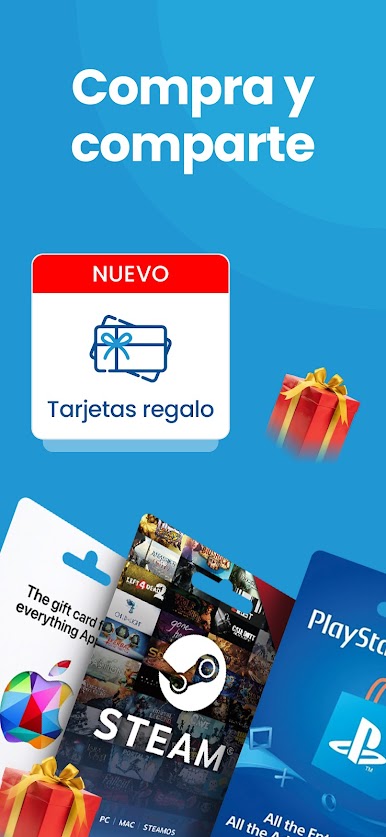
* Más de 1 000 marcas de tarjetas regalo disponibles online, fácil y rápido
Confiada en todo el mundo
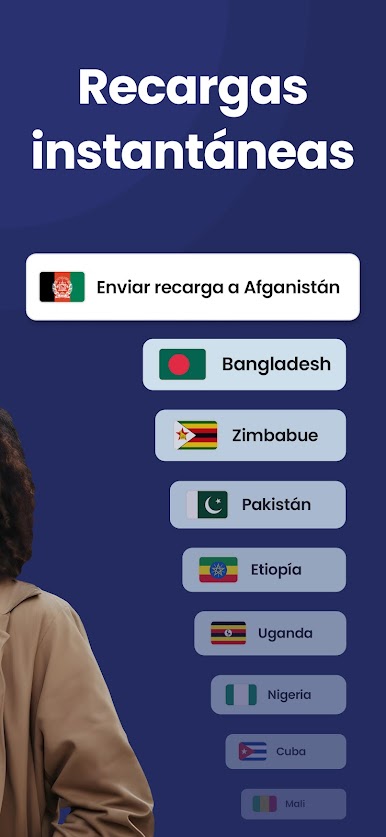
Una de las apps de llamadas más utilizadas en más de 200 destinos, incluidos Reino Unido, la UE, India, Nigeria, Etiopía, Bangladés y Pakistán.
Por qué elegir Talk Home App?
Llamadas internacionales sin interrupciones
Descarga la app, realiza llamadas de calidad, añade saldo y envía top-ups: todo bajo tu control y sin cortes.
Tarifas asequibles
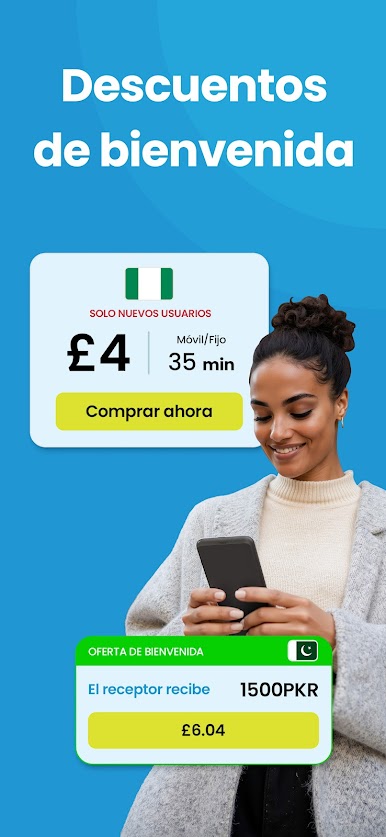
Olvídate de los costes ocultos y de los precios inflados por minuto. Somos transparentes desde el principio, para que no haya sorpresas a fin de mes. Llama a cualquier parte del mundo, envía saldo y recarga tu número por menos que con otras apps de llamadas internacionales.
SMS internacionales
Envía mensajes instantáneos a casi cualquier número móvil del planeta; perfecto cuando no tienes tiempo de llamar.
Ahorra a lo grande en tus llamadas al extranjero
Llamadas ilimitadas, SMS gratuitos, Wi-Fi Calling y top-ups, sin vaciar tu bolsillo.
Top-ups internacionales
Envía recargas móviles instantáneas a 240+ destinos y 500+ redes: rápido, sencillo y con comisiones bajas.
Mantente cerca de tu familia
Llama a tus amigos y familiares estén donde estén y mantén el contacto incluso a distancia.
Compra y comparte tarjetas regalo
Elige entre más de 1 000 marcas populares. Compra e-gift cards para ti o envíalas con un clic a tus seres queridos.
Tus contactos aún no usan Talk Home? ¡Sin problema!
Las llamadas se enrutan por la red, por lo que puedes llamar a sus móviles o fijos aunque no tengan la app instalada.
Descarga la Talk Home App YA y habla con quienes más quieres a tarifas internacionales económicas.
Queremos conocer tu opinión: valóranos y cuéntanos cómo lo estamos haciendo. Preguntas o sugerencias? Escríbenos a cs-app@talkhome.co.uk

Juega Talk Home: llama internacional en la PC. Es fácil comenzar.
-
Descargue e instale BlueStacks en su PC
-
Complete el inicio de sesión de Google para acceder a Play Store, o hágalo más tarde
-
Busque Talk Home: llama internacional en la barra de búsqueda en la esquina superior derecha
-
Haga clic para instalar Talk Home: llama internacional desde los resultados de búsqueda
-
Complete el inicio de sesión de Google (si omitió el paso 2) para instalar Talk Home: llama internacional
-
Haz clic en el ícono Talk Home: llama internacional en la pantalla de inicio para comenzar a jugar

