


Talk Home: Chiamate all'estero
Gioca su PC con BlueStacks: la piattaforma di gioco Android, considerata affidabile da oltre 500 milioni di giocatori.

Pagina modificata il: Dec 2, 2025
Run Talk Home: Cheap International Calls on PC or Mac
Upgrade your experience. Try Talk Home: Cheap International Calls, the fantastic Communication app from Nowtel International Calling, from the comfort of your laptop, PC, or Mac, only on BlueStacks.
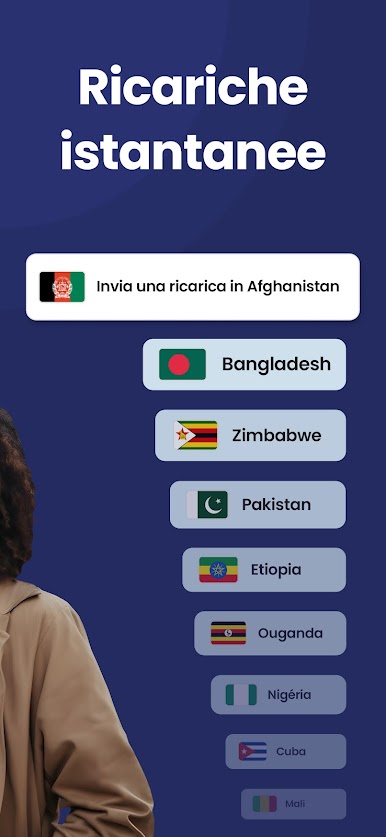
Talk Home feels like a no-fuss way to call real phones abroad without paying silly prices. Free app-to-app calls and texts ride over Wi‑Fi or data, and when a call needs to reach a landline or a mobile, the rates are low and shown clearly before dialing. Coverage is huge, with support for loads of countries across the US, Europe, Africa, Asia, and Australia, and it works for both local and long distance numbers. Call quality holds up well with a stable connection, so voices sound clean instead of fuzzy.
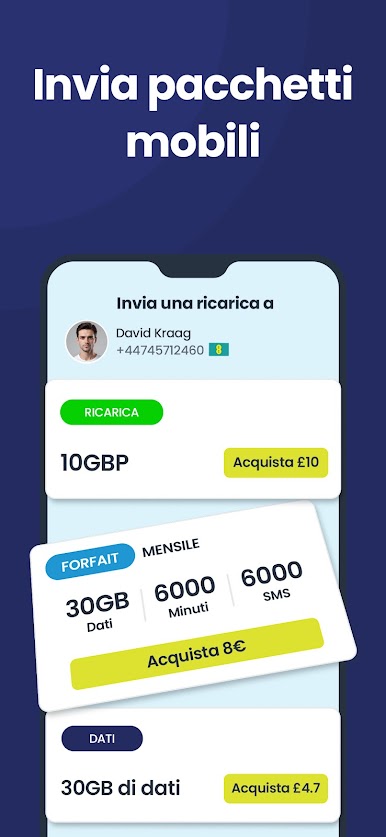
What stands out is how the credit side is handled. Topping up is quick with card, voucher, or PayPal, balance alerts stop surprises, and there is a handy option to transfer call credit to someone else using the app. The contact list syncs automatically and highlights who already has Talk Home, which makes those chats and calls free. No contracts, no hidden bits, just pay for what is used. On PC with BlueStacks, it is easy to manage a big contact list with a mouse, type messages faster on a keyboard, and keep calls going with a USB headset. It runs fine in a window, notifications pop on the desktop, and switching between other apps is simple. Nothing flashy here, just a straightforward tool for long international chats that do not drain the budget.
BlueStacks gives you the much-needed freedom to experience your favorite apps on a bigger screen. Get it now.






Gioca Talk Home: Chiamate all'estero su PC. È facile iniziare.
-
Scarica e installa BlueStacks sul tuo PC
-
Completa l'accesso a Google per accedere al Play Store o eseguilo in un secondo momento
-
Cerca Talk Home: Chiamate all'estero nella barra di ricerca nell'angolo in alto a destra
-
Fai clic per installare Talk Home: Chiamate all'estero dai risultati della ricerca
-
Completa l'accesso a Google (se hai saltato il passaggio 2) per installare Talk Home: Chiamate all'estero
-
Fai clic sull'icona Talk Home: Chiamate all'estero nella schermata principale per iniziare a giocare

