


Tallink Silja Line
Mainkan di PC dengan BlueStacks – platform Game-Game Android, dipercaya oleh lebih dari 500 juta gamer.

Play Tallink Silja Line on PC
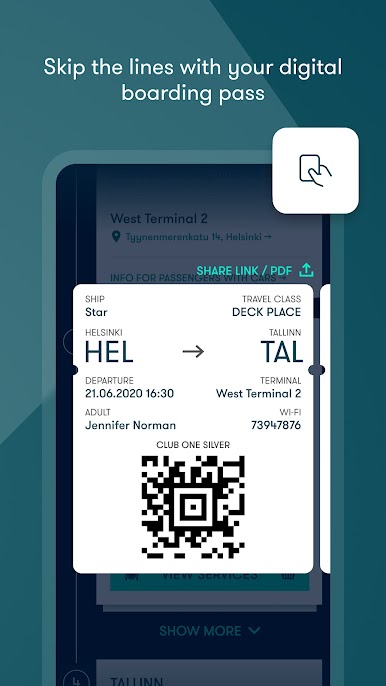
CHECK-IN AND BOARDING PASS
You can easily check-in on most of your trips and keep your boarding pass in your app. You can save it in your Wallet.
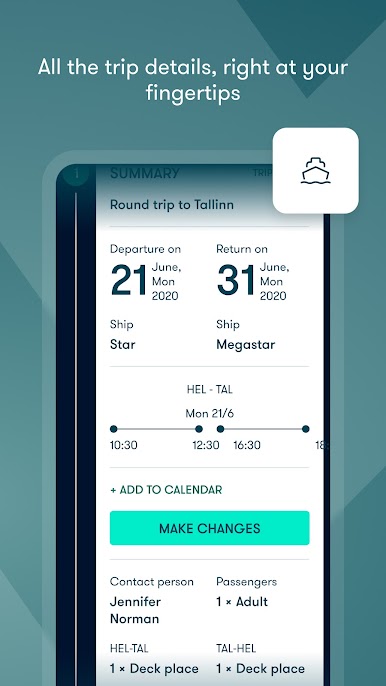
TRIP INFORMATION
Get notified of your boarding, and other important moments during your trip.
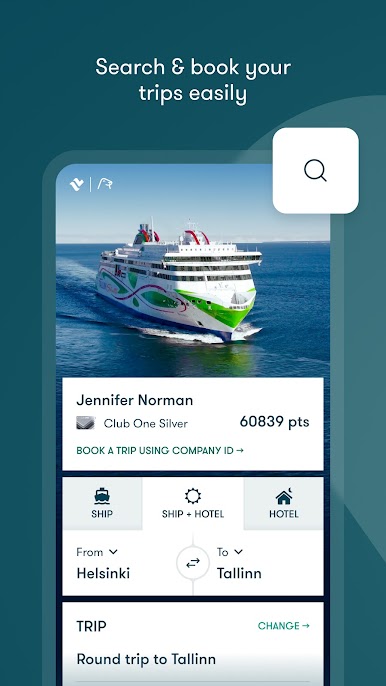
BOOK YOUR TRIP
Discover new destinations deals & hotel offers through the Tallink Silja app. All your trip information will be added automatically to your app.
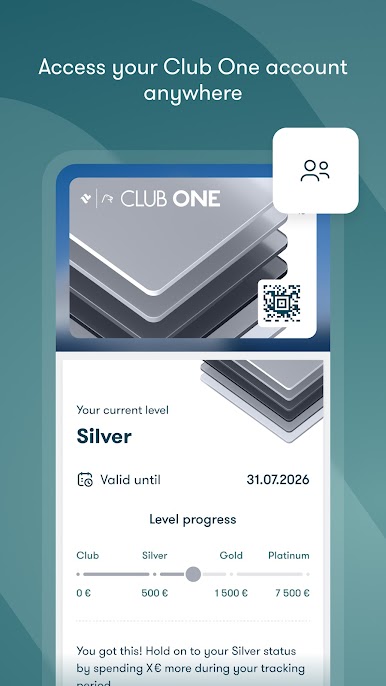
ACCESS YOUR CLUB ONE PROFILE
Keep an eye on your Club One points and Club One digital card. If you’re not a member yet, you can easily join Club One during your booking.
ENTERTAINMENT
All the information, entertainment schedules & shopping opening times are available throughout the journey, even without a network connection.
Mainkan Tallink Silja Line di PC Mudah saja memulainya.
-
Unduh dan pasang BlueStacks di PC kamu
-
Selesaikan proses masuk Google untuk mengakses Playstore atau lakukan nanti
-
Cari Tallink Silja Line di bilah pencarian di pojok kanan atas
-
Klik untuk menginstal Tallink Silja Line dari hasil pencarian
-
Selesaikan proses masuk Google (jika kamu melewati langkah 2) untuk menginstal Tallink Silja Line
-
Klik ikon Tallink Silja Line di layar home untuk membuka gamenya

