


Tarantulas
Juega en PC con BlueStacks: la plataforma de juegos Android, en la que confían más de 500 millones de jugadores.

Página modificada el: Jun 27, 2021
Play Tarantulas on PC
Tarantulas App End of Support
The app was launched on November 2013 and support for the app ended on July 2021.
*****
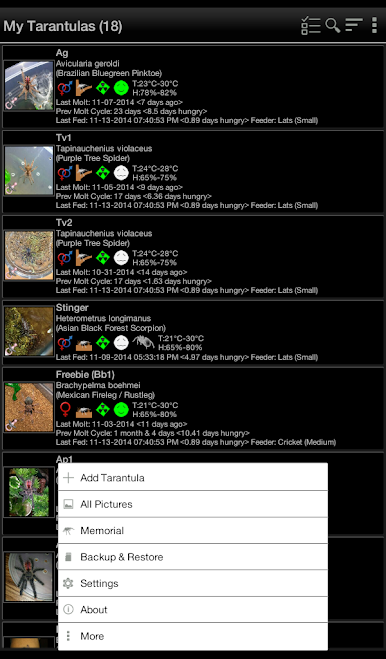
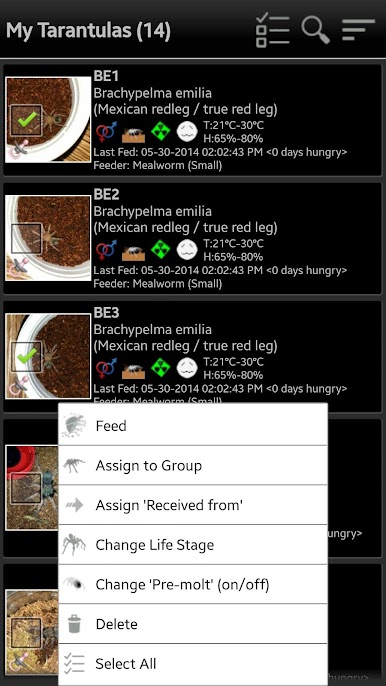
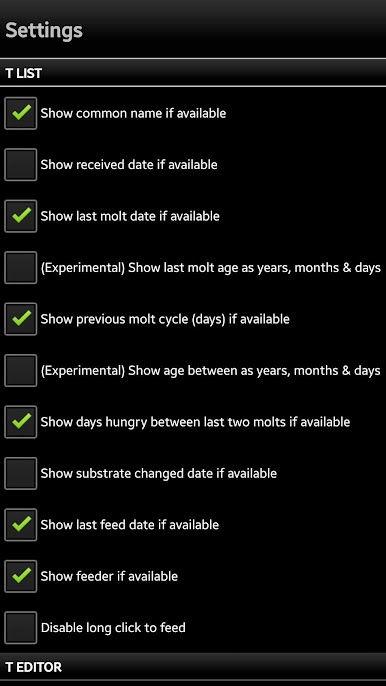
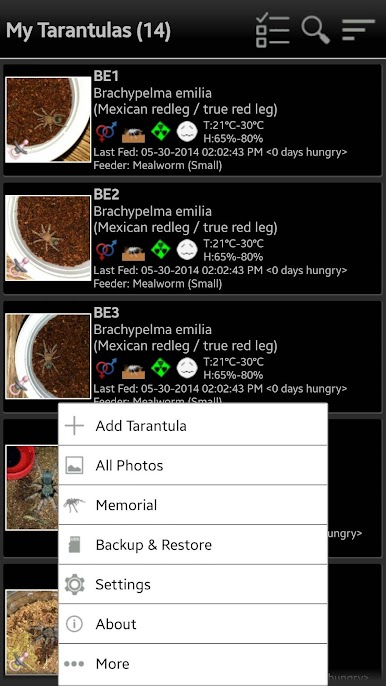
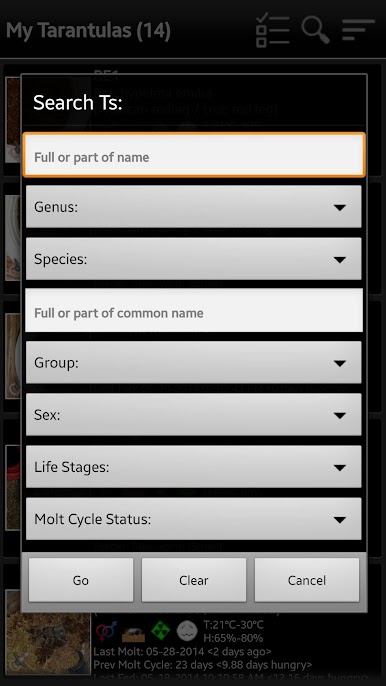
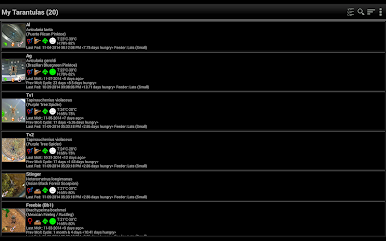
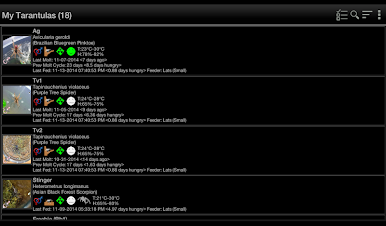
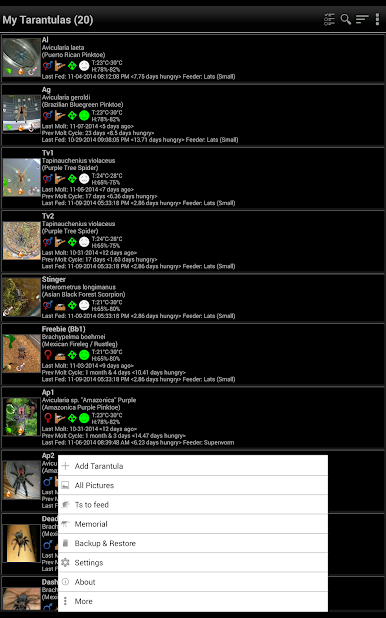
This app helps you organize your tarantula collection.
Keep track of your pets' molt dates, feeding schedules and a lot more!
Basic Features:
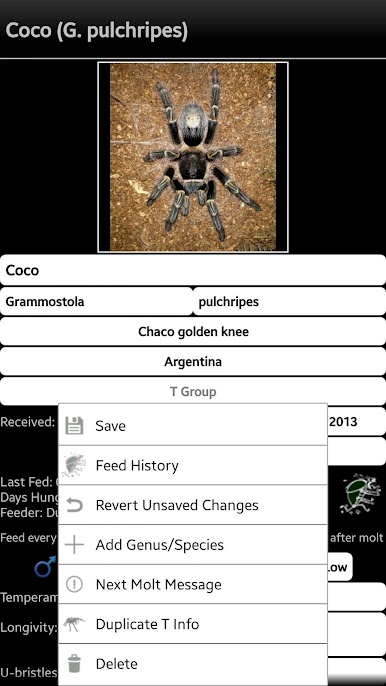
- Add description/information about your tarantula pet
- List feeding history, days hungry and feeders used
- Shows molt history with option to add days hungry before the molt and days between the last molt dates, may help predict/estimate when the next molt will be
- Shows a popup notification/reminder of Ts that needs to be fed
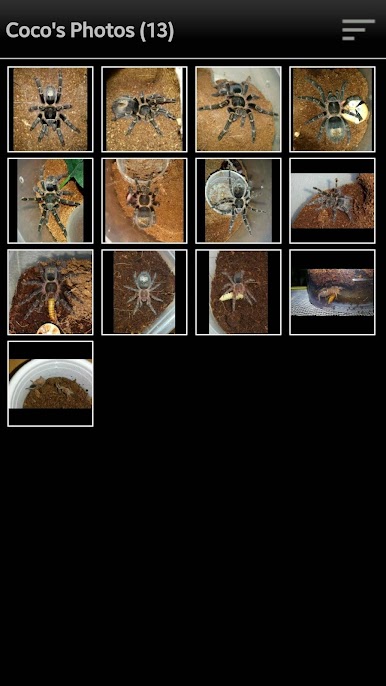
- T image gallery, can be used to look back on the progress of your Ts' growth
For a full list of features, please check out the app's website.
HOW-TO: add, edit or delete species:
• From 'My Tarantulas' List, click menu and choose 'more' then choose 'Update Species List.
- To add species, click the '+' icon at the top right.
- To edit/delete existing, click on the species entry and choose an option from the popup box.
• From Add/Edit Tarantula info.
- To add species, click menu and choose 'Add Species'.
- To edit existing, select the genus and species then long click the country field.
Dear User,
This software is provided to you free of charge, I'm sharing this to help make it easier for fellow hobbyists keep records of their beloved eight-legged pets.
If you find issues, please send me an email, I cannot solve your problem by leaving 1-star rating without any comments. Unfriendly comments wouldn't help either, tell me the issue and I'll do my best to solve it.
Please rate this app accordingly, leave a comment and if you like this app, please do share to other hobbyists!
If you find bugs or have suggestions to improve the app, or if you have a feature you think would help, please send me an email and I'll see what can be done.
Juega Tarantulas en la PC. Es fácil comenzar.
-
Descargue e instale BlueStacks en su PC
-
Complete el inicio de sesión de Google para acceder a Play Store, o hágalo más tarde
-
Busque Tarantulas en la barra de búsqueda en la esquina superior derecha
-
Haga clic para instalar Tarantulas desde los resultados de búsqueda
-
Complete el inicio de sesión de Google (si omitió el paso 2) para instalar Tarantulas
-
Haz clic en el ícono Tarantulas en la pantalla de inicio para comenzar a jugar

