


Impossible Bottle Flip
Juega en PC con BlueStacks: la plataforma de juegos Android, en la que confían más de 500 millones de jugadores.

Página modificada el: Nov 20, 2025
Play Impossible Bottle Flip on PC or Mac
Join millions to experience Impossible Bottle Flip, an exciting Arcade game from tastypill. With BlueStacks App Player, you are always a step ahead of your opponent, ready to outplay them with faster gameplay and better control with the mouse and keyboard on your PC or Mac.
About the Game
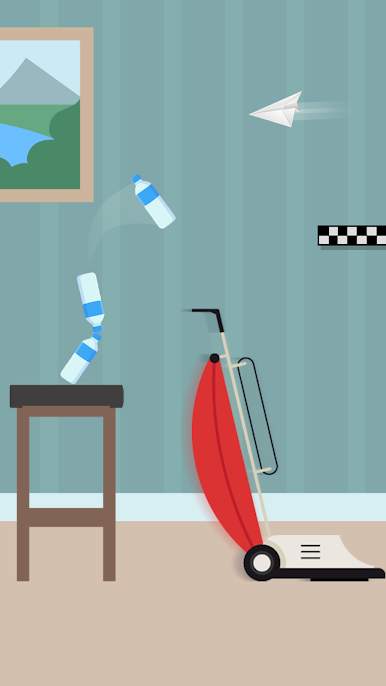
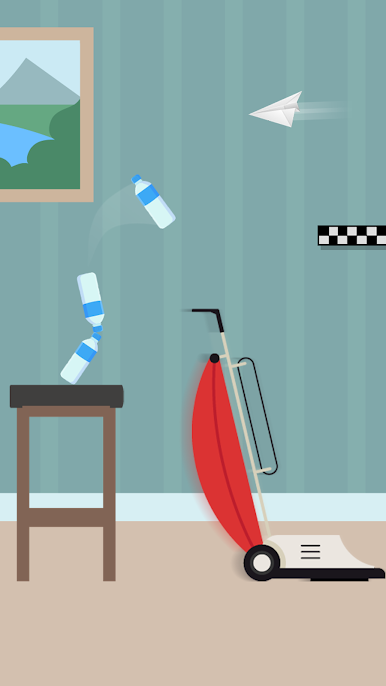
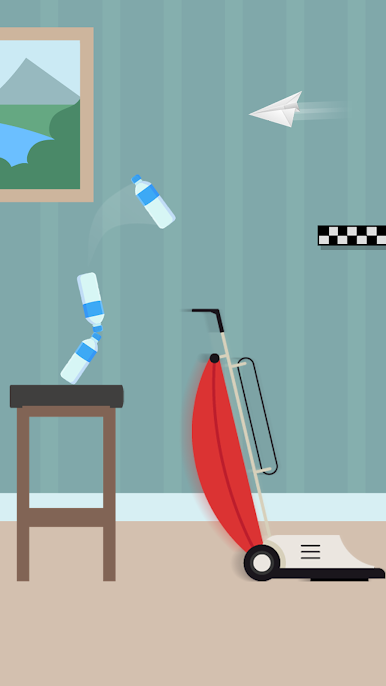
Ready to test your skills and patience? Impossible Bottle Flip by tastypill is all about mastering the art (and fun frustration) of bottle flipping—Arcade style. You’ll tackle tricky jumps and landings in a wild race across everyday rooms, where even the most harmless-looking coffee table turns into an obstacle. Expect plenty of challenges, some laughs, and maybe just a little bit of yelling at your screen.
Game Features
-
Flip, Land, Repeat
Grab your bottle and tap to flip through each stage, bouncing from couch cushions to lamp shades. It’s all about timing, angles, and maybe a bit of luck. -
15 Tough-as-Nails Levels
There are 15 insanely tough levels to work through—each one packed with new obstacles and situations that’ll keep you guessing (and flipping). -
Satisfying Arcade Vibes
The game nails that classic Arcade feel, with quick restarts and a simple one-tap control that’s blissfully easy to pick up, even as the challenge ramps up. -
Everyday Setting, Extraordinary Stunts
The action plays out against the backdrop of your favorite household spots—think countertops, chairs, or even the television—turning familiar stuff into impossible hurdles. -
Perfect on BlueStacks
If you want smoother flips and tighter control, try Impossible Bottle Flip on BlueStacks—it really brings out the best of the game’s Arcade spirit.
Ready to top the leaderboard? We bet you do. Let precise controls and sharp visuals optimized on BlueStacks lead you to victory.




Juega Impossible Bottle Flip en la PC. Es fácil comenzar.
-
Descargue e instale BlueStacks en su PC
-
Complete el inicio de sesión de Google para acceder a Play Store, o hágalo más tarde
-
Busque Impossible Bottle Flip en la barra de búsqueda en la esquina superior derecha
-
Haga clic para instalar Impossible Bottle Flip desde los resultados de búsqueda
-
Complete el inicio de sesión de Google (si omitió el paso 2) para instalar Impossible Bottle Flip
-
Haz clic en el ícono Impossible Bottle Flip en la pantalla de inicio para comenzar a jugar

