


Daily Reflections on Reading,
Mainkan di PC dengan BlueStacks – platform Game-Game Android, dipercaya oleh lebih dari 500 juta gamer.

Play Daily Reflections on Reading, on PC
Features include:
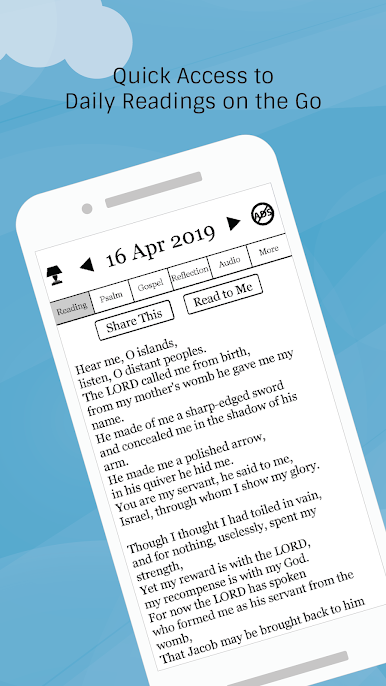
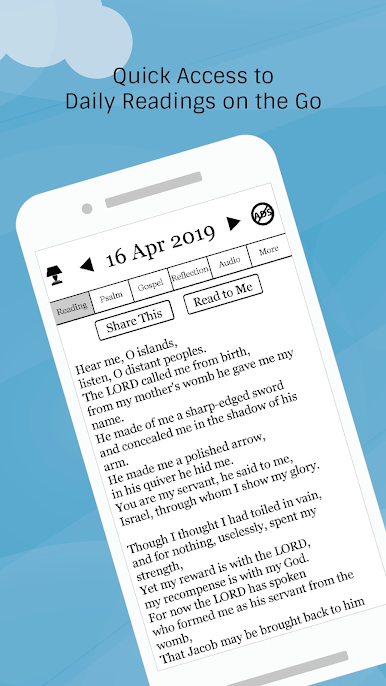
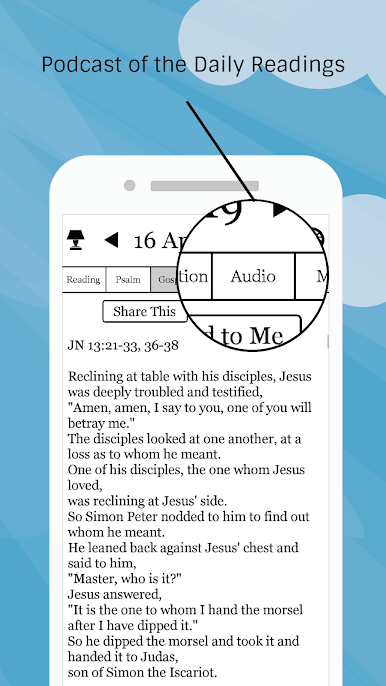
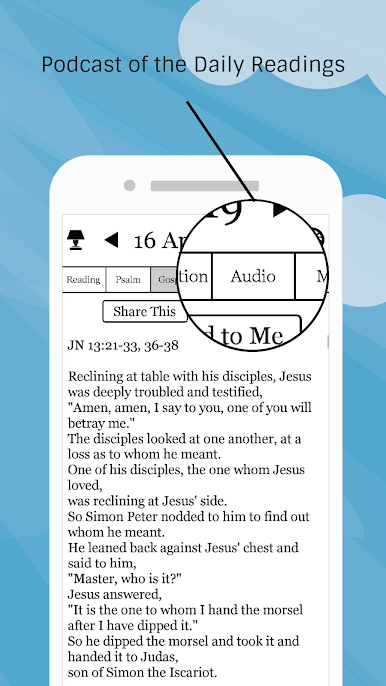
- Daily readings (Reading, Psalm and Gospel)
- Daily reflections
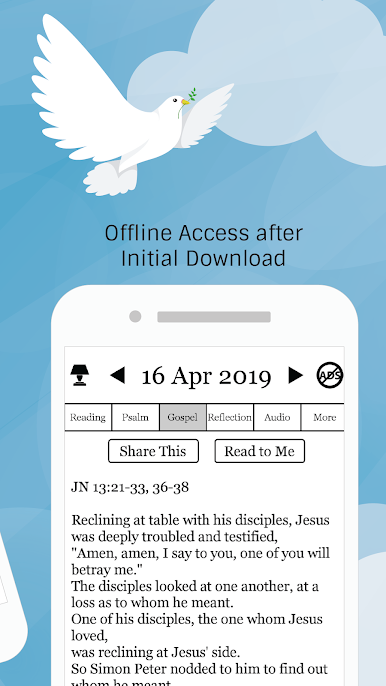
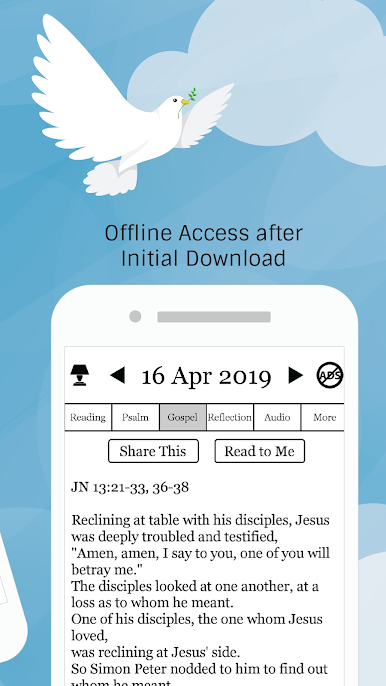
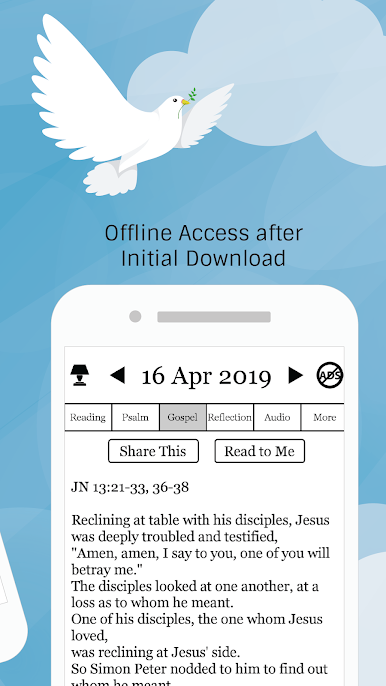
- Offline access after initial download
- No login required!
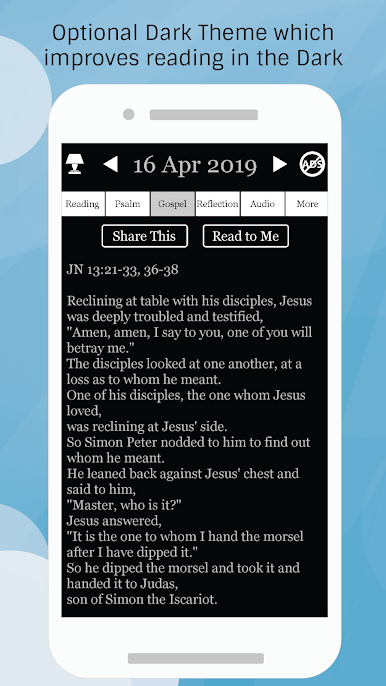
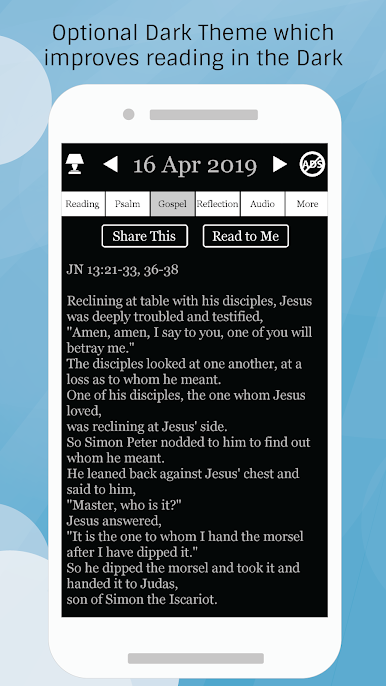
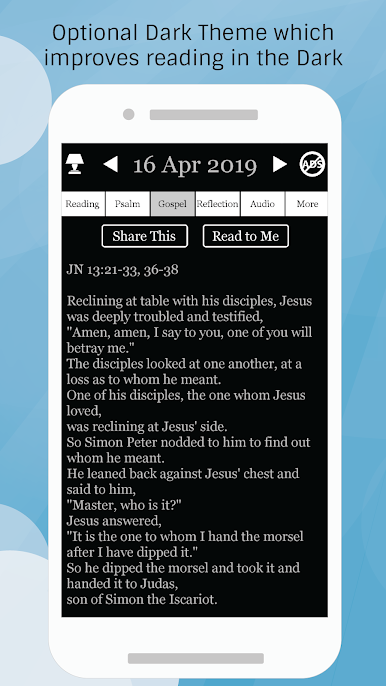
- Optional dark theme which improves reading in the dark. (Tap on top left icon to toggle it)
You are encouraged to spend at least 10 mins each day to read the daily readings and reflect so as to renew and keep your faith strong.
Note:
Daily Reflections relies on your support to fund its development. If you find it helpful in your daily spiritual engagement with God, please consider supporting the app by leaving a tip in our Tip Jar. Any tip given will also remove all advertisements from the app.




Mainkan Daily Reflections on Reading, di PC Mudah saja memulainya.
-
Unduh dan pasang BlueStacks di PC kamu
-
Selesaikan proses masuk Google untuk mengakses Playstore atau lakukan nanti
-
Cari Daily Reflections on Reading, di bilah pencarian di pojok kanan atas
-
Klik untuk menginstal Daily Reflections on Reading, dari hasil pencarian
-
Selesaikan proses masuk Google (jika kamu melewati langkah 2) untuk menginstal Daily Reflections on Reading,
-
Klik ikon Daily Reflections on Reading, di layar home untuk membuka gamenya

