


TeamGantt Companion
Juega en PC con BlueStacks: la plataforma de juegos Android, en la que confían más de 500 millones de jugadores.

Página modificada el: Dec 1, 2025
Play TeamGantt Companion on PC
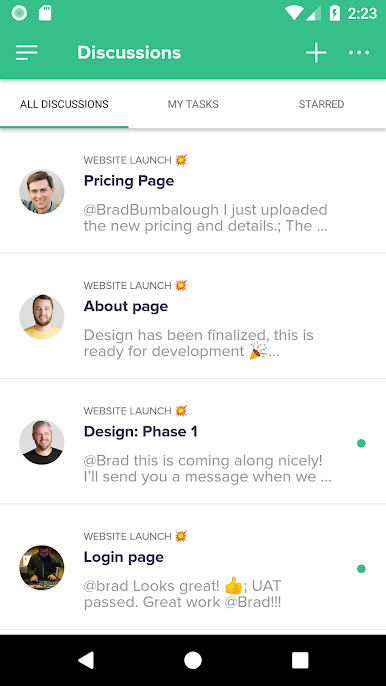
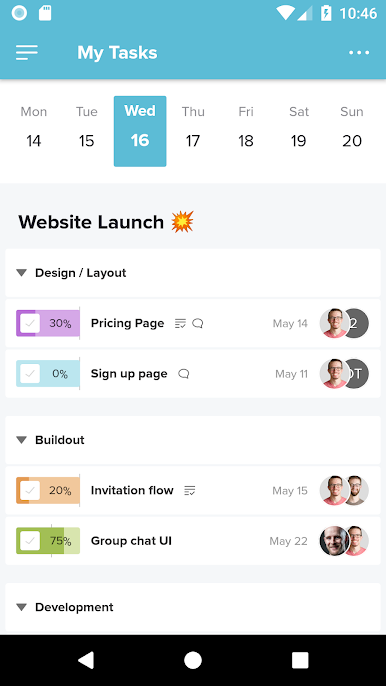
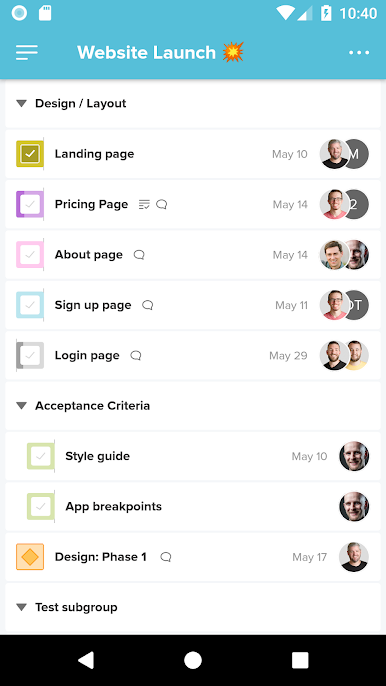
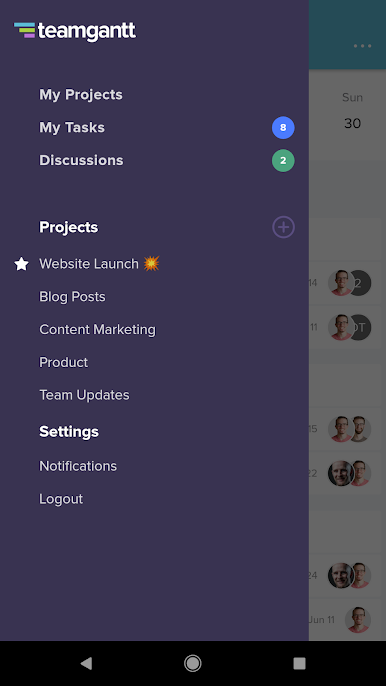
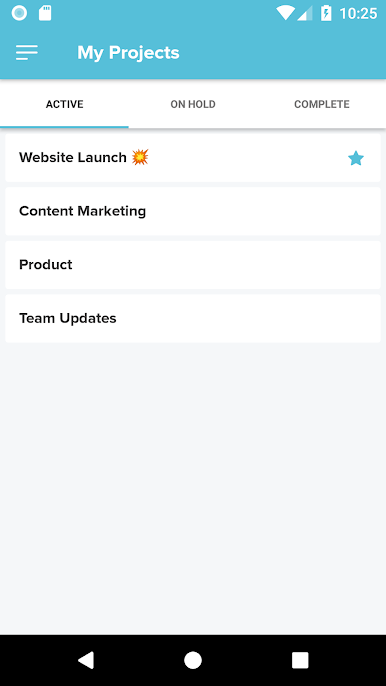
This app uses mobile-optimized list views in place of project timelines so you can:
• Create and update tasks
• View and organize task lists
• Create and edit checklist items
• Assign work to other team members
• Add due dates
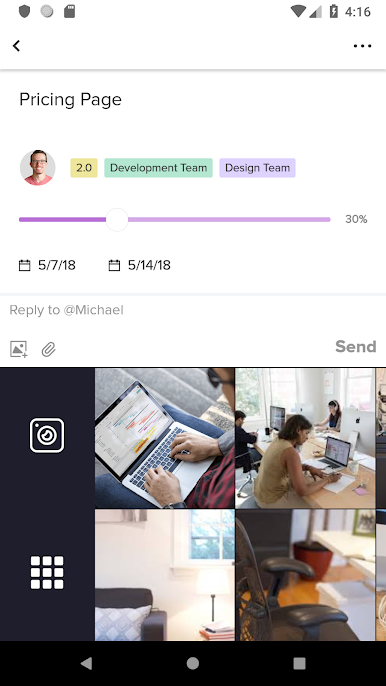
• View and start discussions
• Upload and access project files and documents
• Track and modify time spent on tasks
To view your timeline and access full TeamGantt functionality, log into our website.
To use this app, you must create a TeamGantt account, which you can do for free. TeamGantt is the easiest way for project managers to save time, hit deadlines, and deliver within budget.
Use of this app is subject to the TeamGantt Terms of Service, which can be found at https://www.teamgantt.com/terms.
Juega TeamGantt Companion en la PC. Es fácil comenzar.
-
Descargue e instale BlueStacks en su PC
-
Complete el inicio de sesión de Google para acceder a Play Store, o hágalo más tarde
-
Busque TeamGantt Companion en la barra de búsqueda en la esquina superior derecha
-
Haga clic para instalar TeamGantt Companion desde los resultados de búsqueda
-
Complete el inicio de sesión de Google (si omitió el paso 2) para instalar TeamGantt Companion
-
Haz clic en el ícono TeamGantt Companion en la pantalla de inicio para comenzar a jugar

