

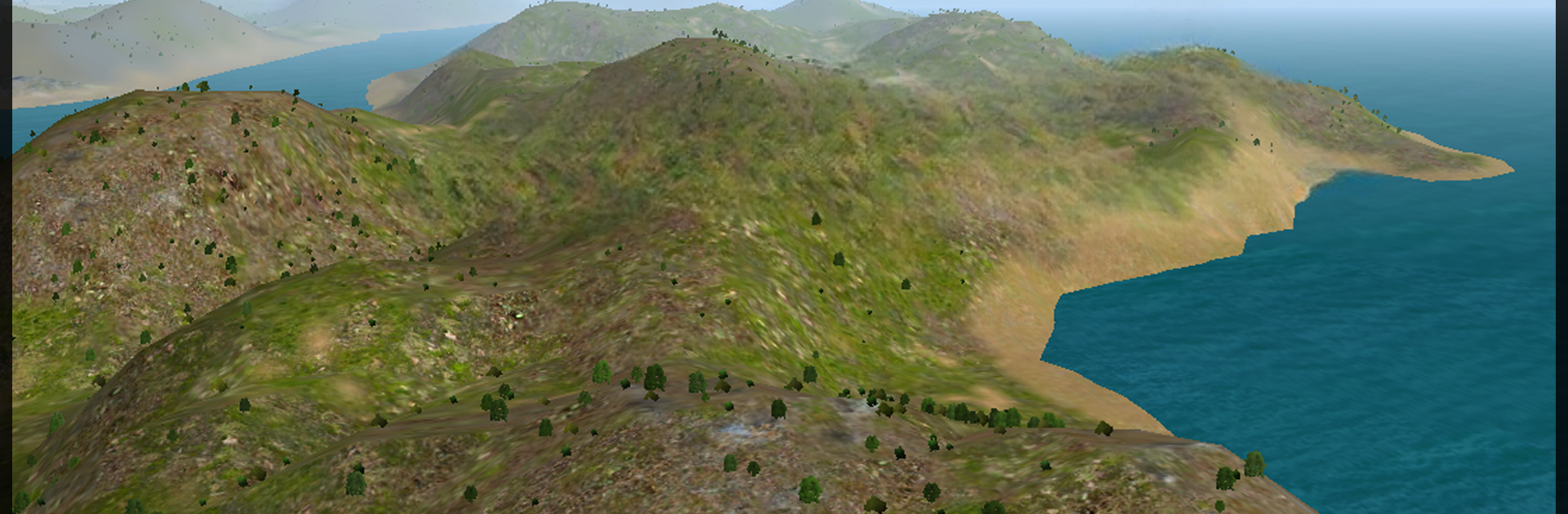
Avion Flight Simulator ™
Juega en PC con BlueStacks: la plataforma de juegos Android, en la que confían más de 500 millones de jugadores.

Página modificada el: Jul 30, 2025
Play Avion Flight Simulator ™ on PC or Mac
Avion Flight Simulator ™ brings the Simulation genre to life, and throws up exciting challenges for gamers. Developed by Teapot Games, this Android game is best experienced on BlueStacks, the World’s #1 app player for PC and Mac users.
About the Game
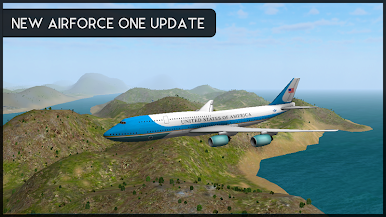
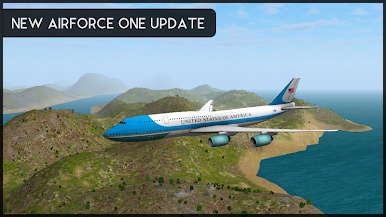
Ever wondered what it’s like to sit in a cockpit and navigate the skies? Avion Flight Simulator ™ by Teapot Games lets you step into the pilot’s seat of a whole range of authentic aircraft, from nimble single-engine planes to massive commercial jets. Whether you’re swooping between urban skylines or running high-pressure presidential flights (yep, Air Force One missions are in here too), you’ve got a ton of variety and plenty of chances to prove your flying chops.
Game Features
-
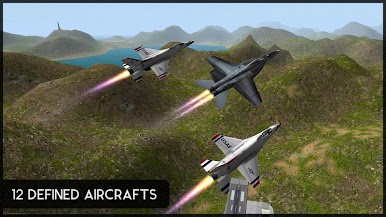
12 Distinct Aircraft
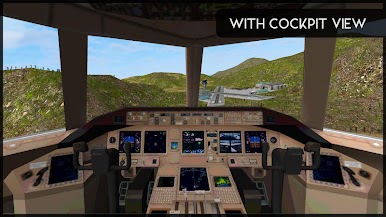
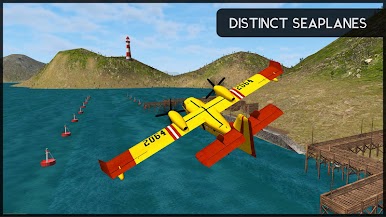
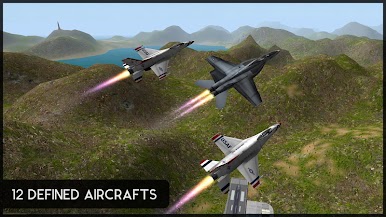
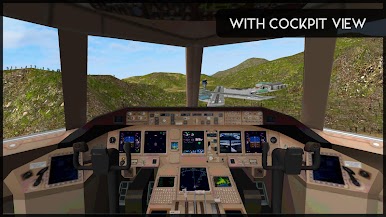
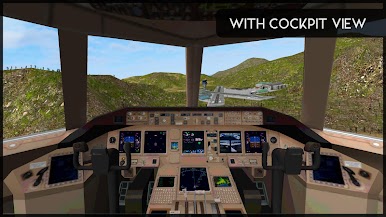
From legendary fighters like the A-10 Thunderbolt II and F-16 Fighting Falcon to dependable commuters like the Cessna 182 and turboprops like the Beechcraft King Air, every plane brings a different feel and challenge—complete with cockpit view, so you’re right in the thick of things. -
expansive Mission Variety
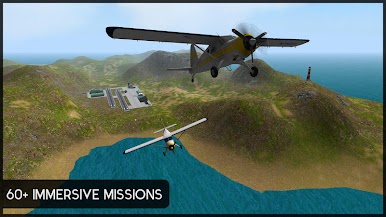
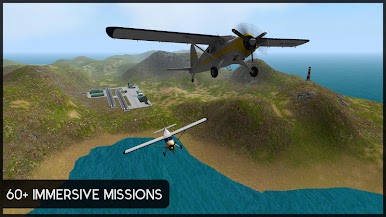
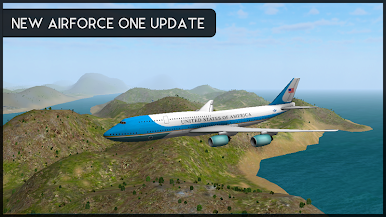
Over 60 unique challenges keep things fresh, including the thrill of flying USA’s Air Force One. Each mission takes you to new locations with all sorts of conditions and objectives to keep you on your toes. -
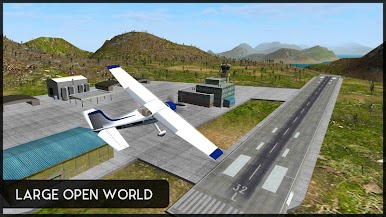
Detailed Cities and Airports
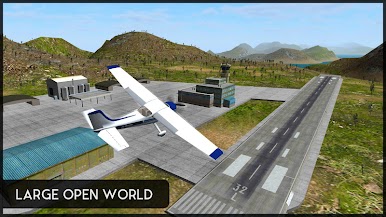
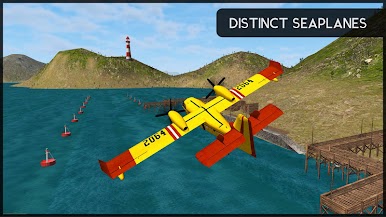
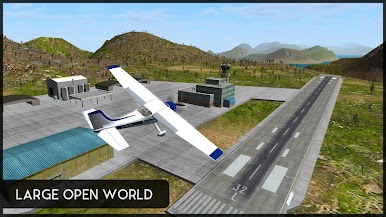
You’ll find yourself landing in five big commercial airports, trying out water takeoffs at two seaports, or touching down at smaller strips—plus four richly detailed cities to cruise above. -
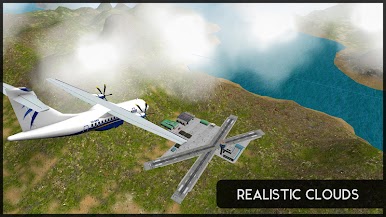
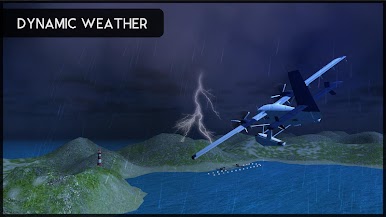
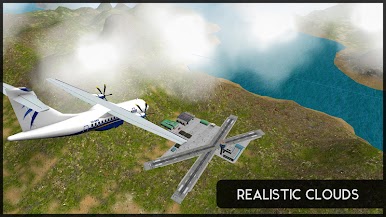
Dynamic Weather & Realism
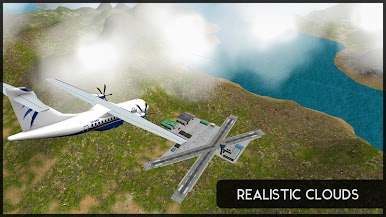
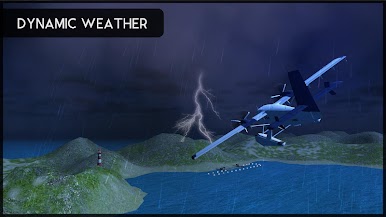
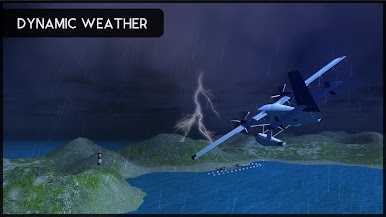
Get ready for weather that changes as you fly—clouds, rain, wind, even realistic-looking trees—because every flight can feel different. -
Straightforward Progression
No in-app purchases getting in your way. Just progress through missions to unlock each new aircraft, so every accomplishment feels earned. -
Smooth Controls, Even Better on BlueStacks
Whether you’re a stickler for precision or just want an easier way to handle landings, you’ll find flying on BlueStacks gives you smoother controls and a fresh angle from the comfort of your PC.
Get ready for a buttery smooth, high-performance gaming action only on BlueStacks.



Juega Avion Flight Simulator ™ en la PC. Es fácil comenzar.
-
Descargue e instale BlueStacks en su PC
-
Complete el inicio de sesión de Google para acceder a Play Store, o hágalo más tarde
-
Busque Avion Flight Simulator ™ en la barra de búsqueda en la esquina superior derecha
-
Haga clic para instalar Avion Flight Simulator ™ desde los resultados de búsqueda
-
Complete el inicio de sesión de Google (si omitió el paso 2) para instalar Avion Flight Simulator ™
-
Haz clic en el ícono Avion Flight Simulator ™ en la pantalla de inicio para comenzar a jugar

