


PUBG MOBILE LITE
Mainkan di PC dengan BlueStacks – platform Game-Game Android, dipercaya oleh lebih dari 500 juta gamer.

Mainkan PUBG MOBILE LITE di PC atau Mac
PUBG MOBILE LITE adalah game Aksi Menembak yang dikembangkan oleh Level Infinite. App Player BlueStacks adalah platform terbaik untuk memainkan aplikasi Android ini di PC atau Mac kamu dan memberikan pengalaman bermain game yang mengesankan.
Permainan battle royale yang paling hits, yakni PUBG Mobile, kini hadir dalam versi Lite. Kamu tetap bisa menikmati permainan battle royale yang asyik, seru dan penuh dengan baku tembak, hanya dalam PUBG MOBILE LITE.
Game ini hadir hadir untuk kamu dengan versi yang lebih sederhana, hanya memakan sedikit ruang penyimpanan di smartphone milikmu.PUBG MOBILE LITE bisa kamu mainkan untuk mendapatkan pengalaman battle royale selama 10 menit dengan pengguna di seluruh dunia.
Main bareng bersama kolega atau keluarga bisa menjadi solusi di tengah waktu santai kamu. Gunakan ruang clan untuk bergabung dan saling membantu dalam pertarungan. Nikmati respawn yang terbatas dalam permainan PUBG MOBILE LITE, yang mana akan memberikan dirimu kesempatan untuk tetap bertempur.
Undang temanmu untuk bergabung dalam tim pemenangan, jalin strategi paling jitu di PUBG MOBILE LITE.
Nikmati permainan aksi menembak dengan model battle royale yang memuaskan selama 10 menit atau kurang, hanya dalam PUBG MOBILE LITE di PC melalui BlueStacks!

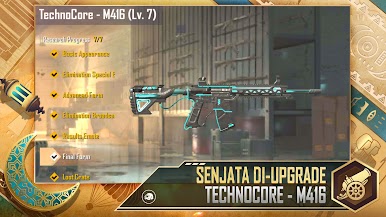
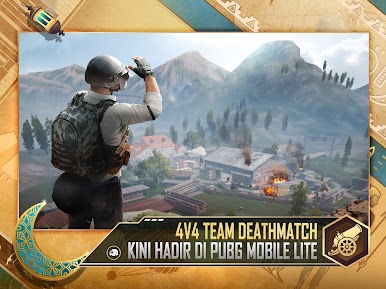


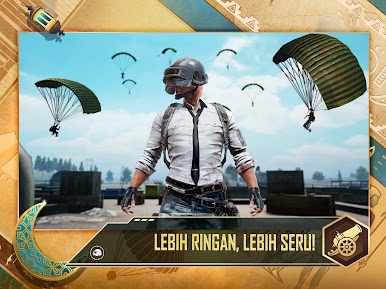
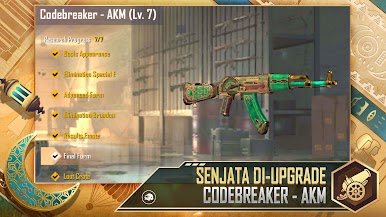
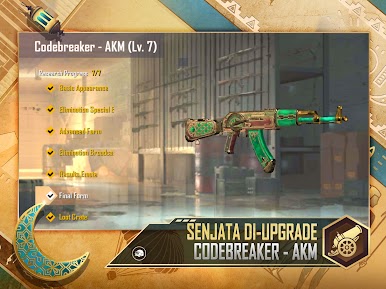

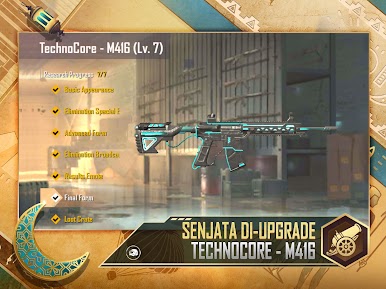
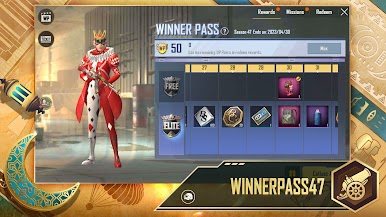

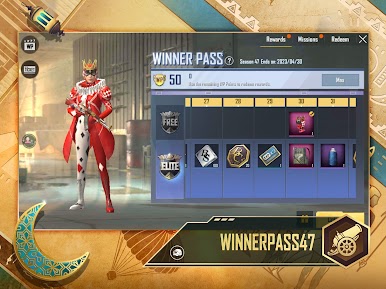
Mainkan PUBG MOBILE LITE di PC Mudah saja memulainya.
-
Unduh dan pasang BlueStacks di PC kamu
-
Selesaikan proses masuk Google untuk mengakses Playstore atau lakukan nanti
-
Cari PUBG MOBILE LITE di bilah pencarian di pojok kanan atas
-
Klik untuk menginstal PUBG MOBILE LITE dari hasil pencarian
-
Selesaikan proses masuk Google (jika kamu melewati langkah 2) untuk menginstal PUBG MOBILE LITE
-
Klik ikon PUBG MOBILE LITE di layar home untuk membuka gamenya

