


Texecom Connect
Juega en PC con BlueStacks: la plataforma de juegos Android, en la que confían más de 500 millones de jugadores.

Página modificada el: Dec 5, 2025
Play Texecom Connect on PC
Experience the next evolution of smart security with Texecom Connect – designed to make managing your home or business protection simpler, faster, and more personal than ever before.
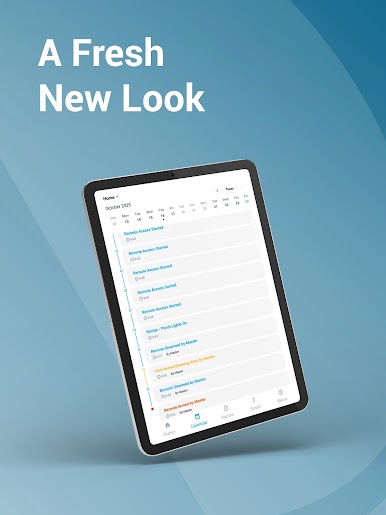
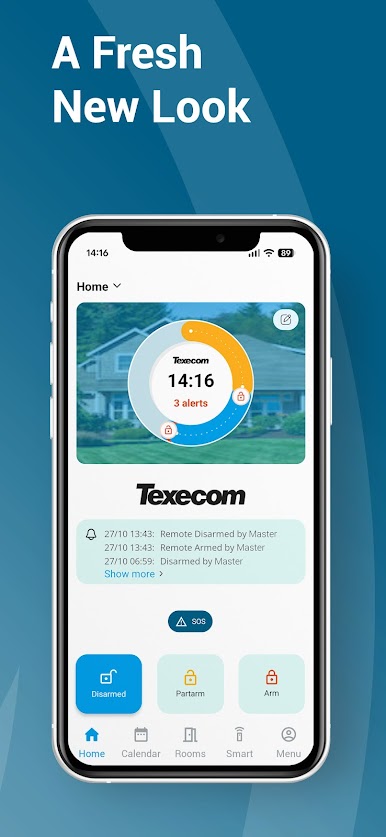
A Fresh New Look
The new update introduces a modern, cleaner design that makes it easier to navigate your system at a glance. Enjoy a smoother, more responsive experience across devices, with all key functions right where you expect them.
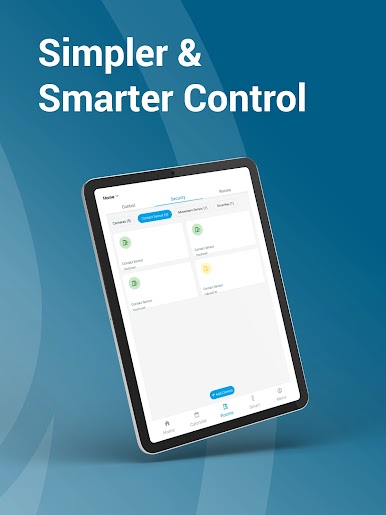
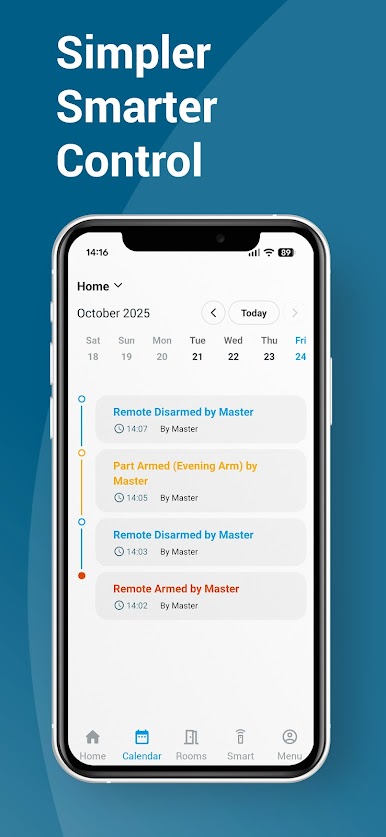
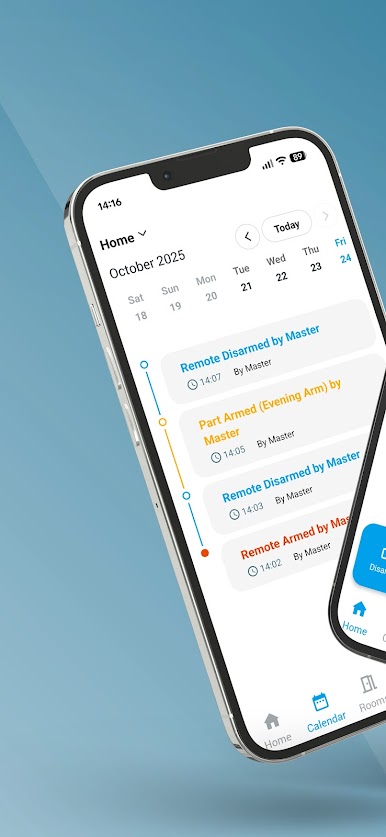
Simpler & Smarter Control
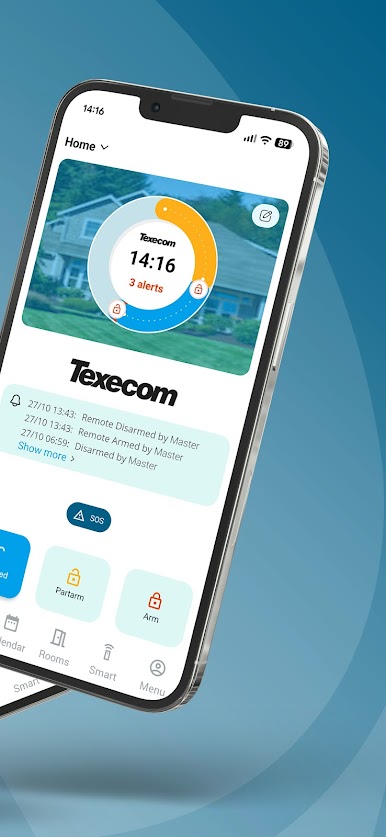
Stay in command wherever you are. Arm or disarm your system, receive instant notifications, view camera footage, and manage devices – all from one intuitive screen.
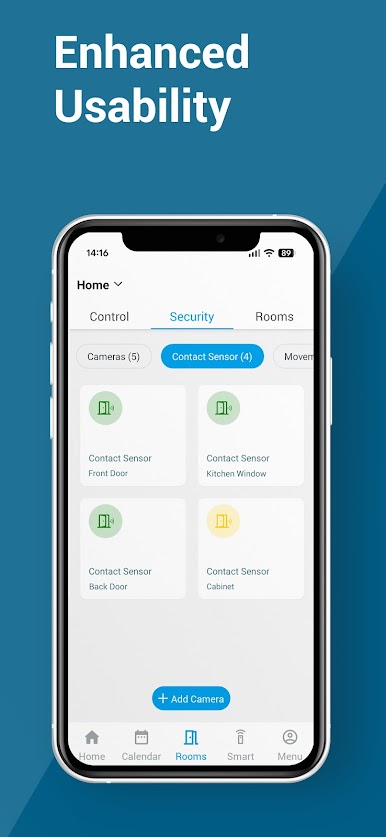
Now with Enhanced Usability
Built from real user feedback, the updated app makes everyday use effortless:
• Streamlined navigation with faster access to areas and zones
• Clearer status indicators to instantly see system state
• Remote management for added peace of mind
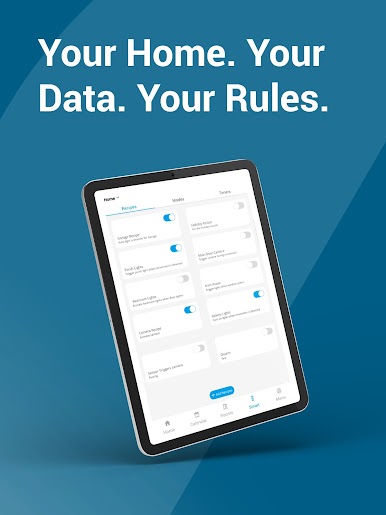
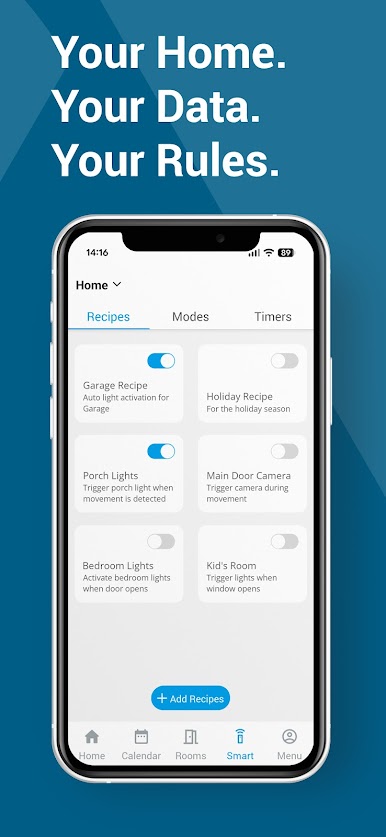
Your Home. Your Data. Your Rules.
All your security settings and automation controls remain stored safely – fully encrypted and protected.
Connected & Customizable
Whether you want to automate lighting, trigger cameras, or create your own “if-this-then-that” Recipes, Texecom Connect gives you the flexibility to tailor your environment exactly how you want it.
Built for the Future
The new version has been engineered for long-term reliability, with future-ready support for upcoming premium features.


Juega Texecom Connect en la PC. Es fácil comenzar.
-
Descargue e instale BlueStacks en su PC
-
Complete el inicio de sesión de Google para acceder a Play Store, o hágalo más tarde
-
Busque Texecom Connect en la barra de búsqueda en la esquina superior derecha
-
Haga clic para instalar Texecom Connect desde los resultados de búsqueda
-
Complete el inicio de sesión de Google (si omitió el paso 2) para instalar Texecom Connect
-
Haz clic en el ícono Texecom Connect en la pantalla de inicio para comenzar a jugar

