


Lumina Saga
Play on PC with BlueStacks – the Android Gaming Platform, trusted by 500M+ gamers.

Page Modified on: Sep 22, 2026
Main Lumina Saga on PC
Enter the colorful world of LUMINA SAGA, where fantasy adventure meets cozy social MMO life. Pick your class, make new friends, take on dungeons and bosses, and build your own adventure at your own pace.
====GAME FEATURES====
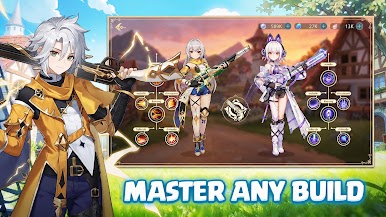
【Master Any Build】
Choose from classic fantasy classes and build them your way. Change up your skills, try different combos, and create a setup that fits how you want to play.
【Explore Together】
Join a guild, run dungeons with friends, or simply hang out in town. Team up for co-op activities, guild events, and adventures across the world.
【Unlock Epic Evolutions】
Awaken your character, upgrade your skills, and collect companions that fight by your side. Keep evolving as tougher challenges open up.
【Slay Epic Bosses】
Take on huge bosses and challenging dungeons with your party. Learn their attack patterns, dodge at the right moment, and hunt for rare gear.
【Own Your Style】
Customize your character with outfits, accessories, pets, and mounts. Dress cute, go stylish, or create a look that’s completely your own.





Play Lumina Saga on PC. It’s easy to get started.
-
Download and install BlueStacks on your PC
-
Complete Google sign-in to access the Play Store, or do it later
-
Look for Lumina Saga in the search bar at the top right corner
-
Click to install Lumina Saga from the search results
-
Complete Google sign-in (if you skipped step 2) to install Lumina Saga
-
Click the Lumina Saga icon on the home screen to start playing

