


Genius Scan - PDF Scanner
Mainkan di PC dengan BlueStacks – platform Game-Game Android, dipercaya oleh lebih dari 500 juta gamer.

Play Genius Scan - PDF Scanner on PC
*** 20+ million users and 1000s of small businesses use the Genius Scan scanner app ***
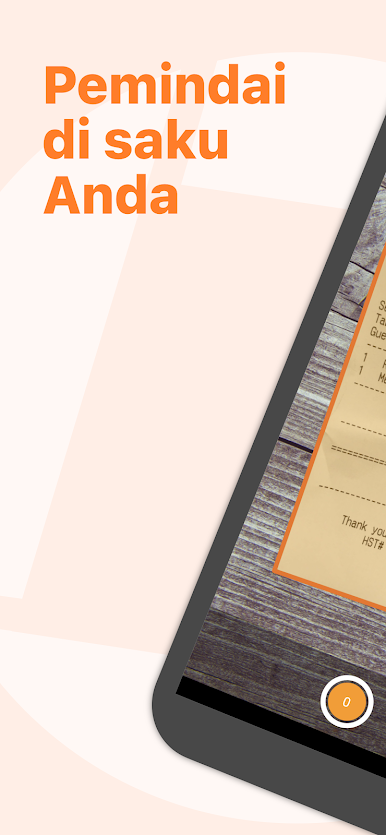
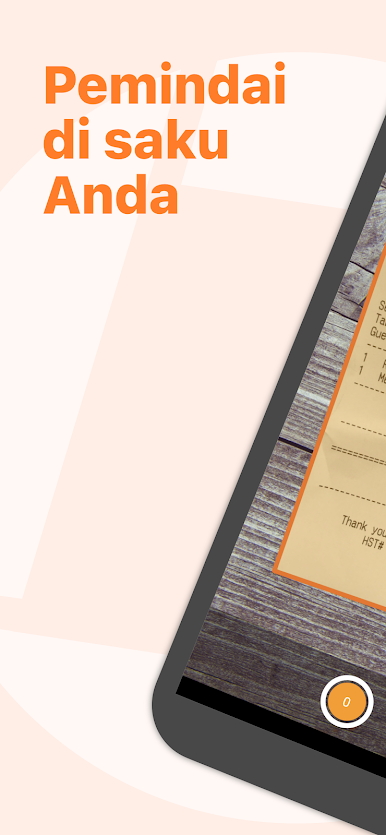
The Genius Scan scanner app will replace your desktop scanner and you will never look back.
== KEY FEATURES ==
Smart Scanning:
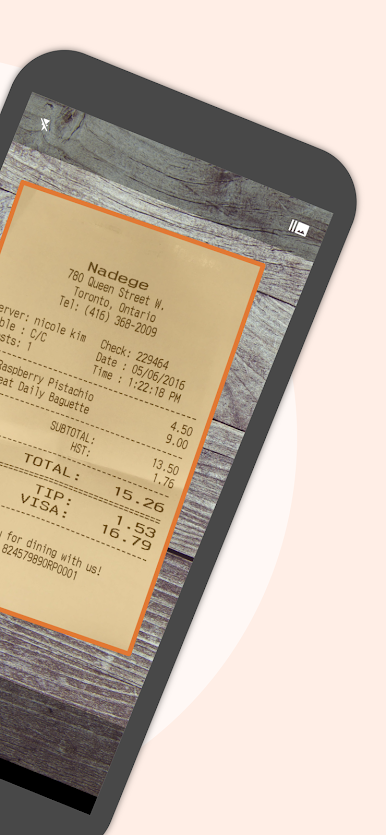
The Genius Scan scanner app includes all the features to make great scans.
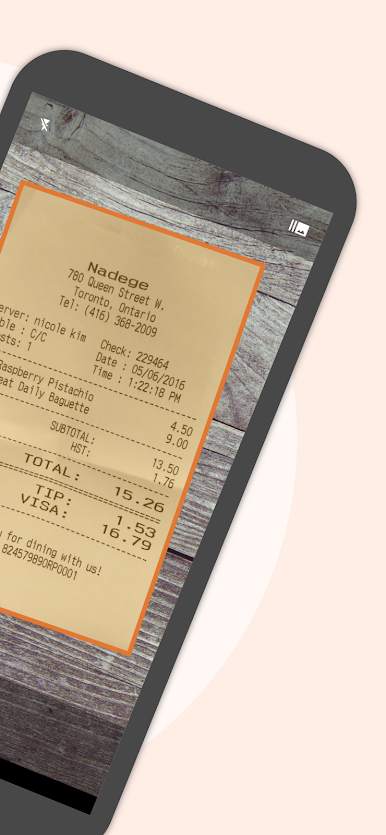
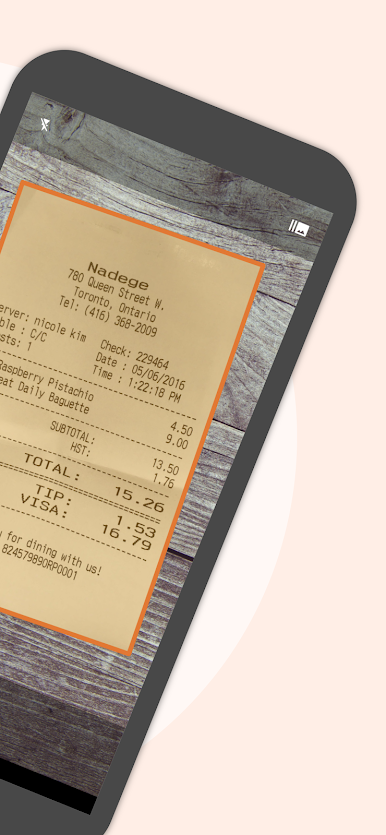
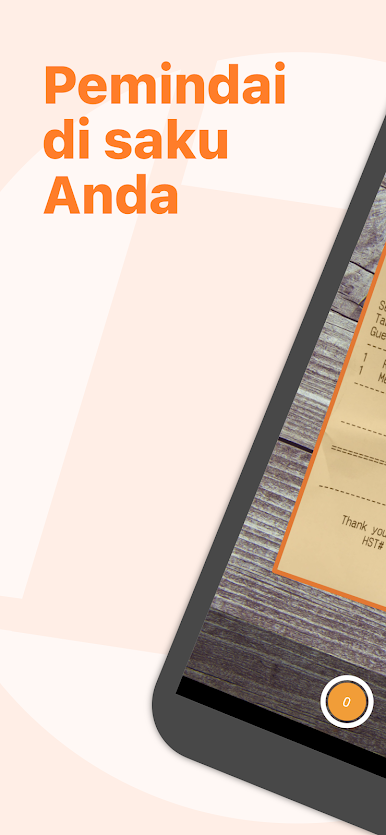
- Document detection & background removal
- Distortion correction
- Shadow removal and defect cleanup
- Batch scanner
PDF Creation & Editing:
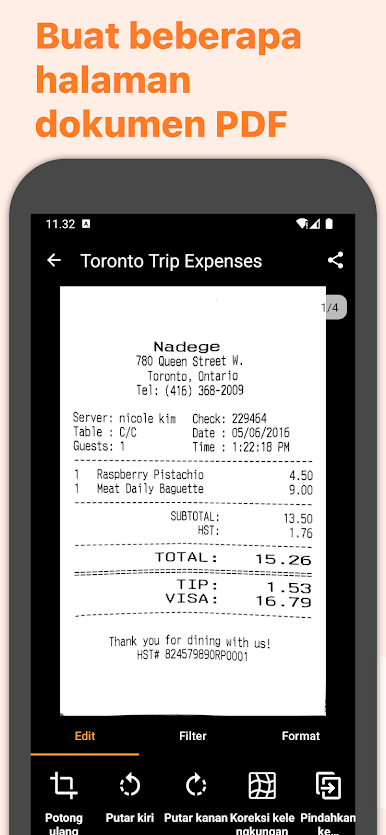
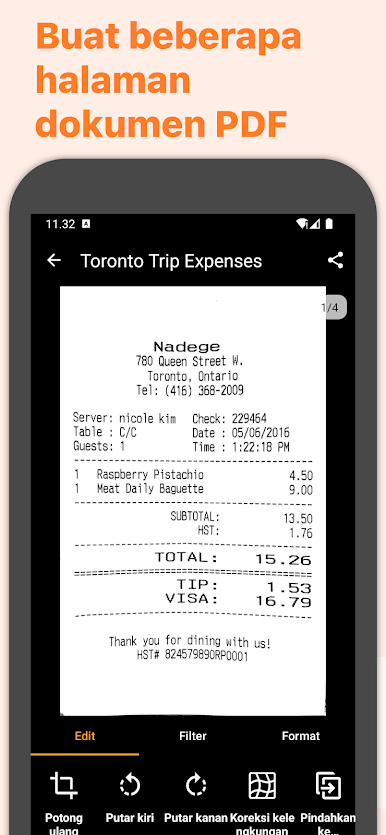
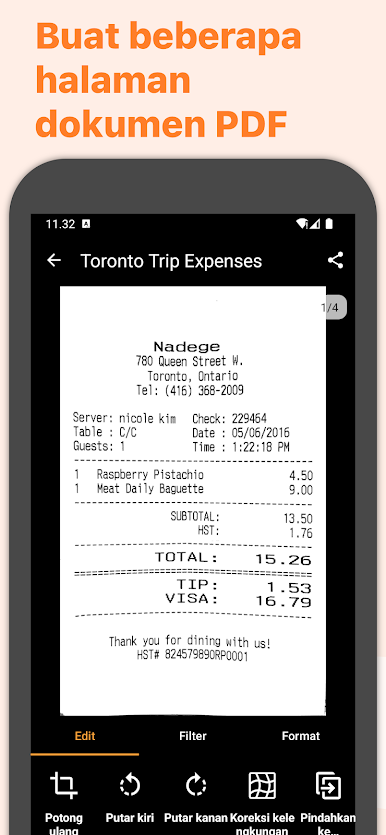
Genius Scan is the best PDF scanner. Scan not just to images, but full PDF documents.
- Combine scans into PDF documents
- Document merging & splitting
- Multi-page PDF creation
Security & Privacy:
A scanner app that preserves your privacy.
- On-device document processing
- Biometric unlock
- PDF encryption
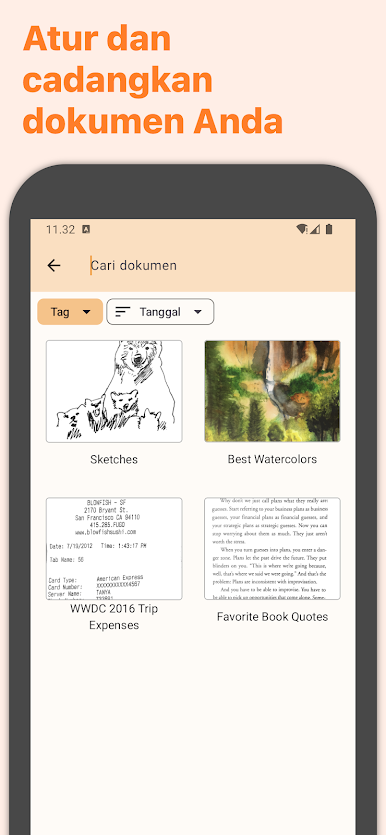
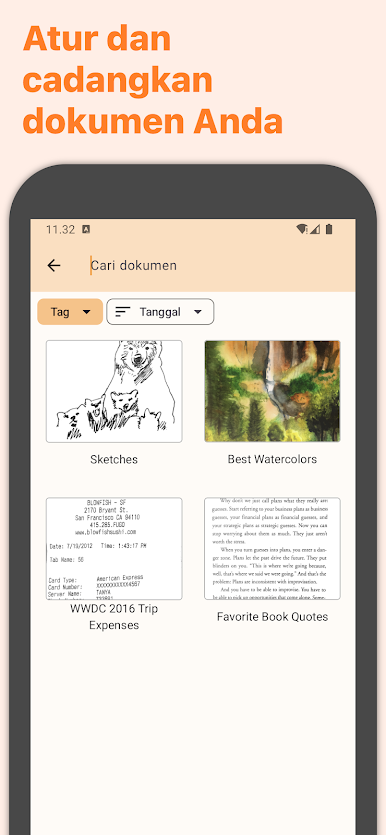
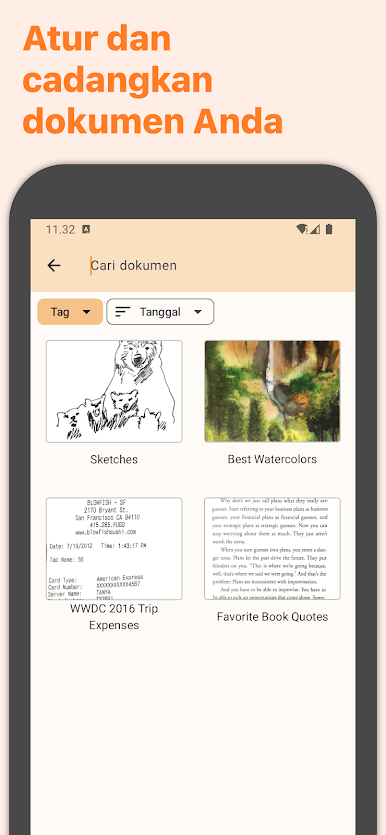
Scan Organization:
More than just a PDF scanner app, Genius Scan also lets you organize your scans.
- Document tagging
- Metadata and content search
- Smart document renaming (custom templates, …)
- Backup and multi-device sync
Export:
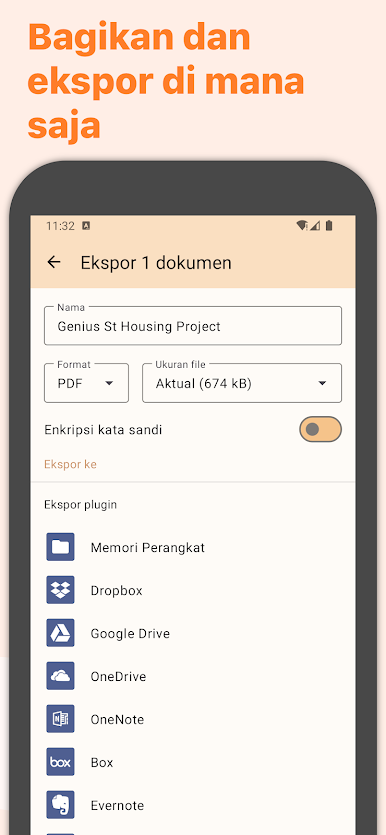
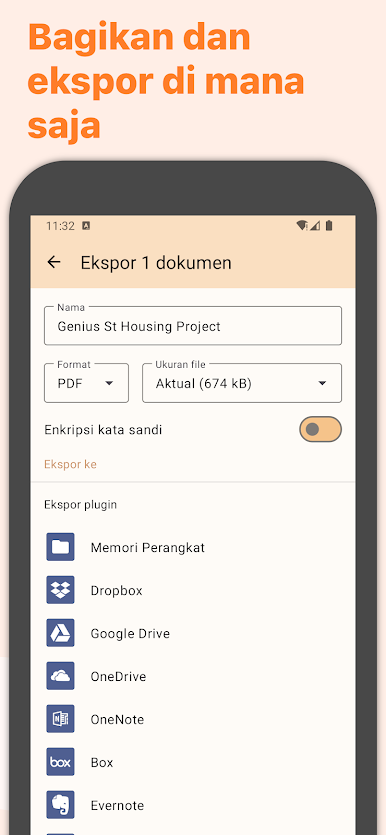
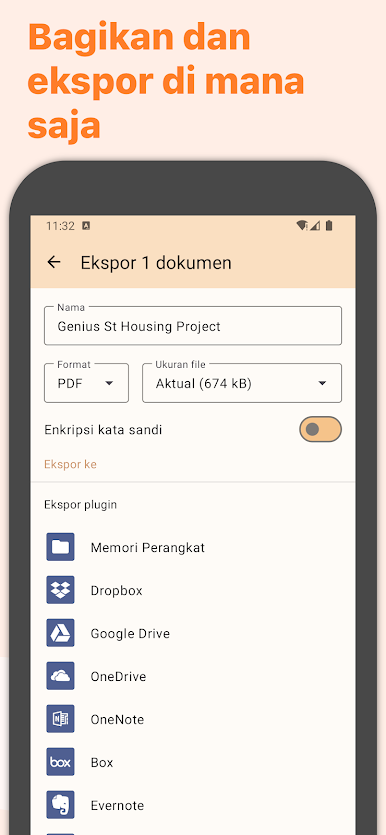
Your scans aren't stuck in your scanner app, you can export them to any other app or services you use.
- Box, Dropbox, Evernote, Expensify, Google Drive, OneDrive, FTP, WebDAV.
- Any WebDAV compatible service.
OCR (Text Recognition):
In addition to scanning, this scanner app gives you additional understanding of your scans.
+ Extract text from each scan
+ Searchable PDF creation
== ABOUT US ==
It’s in the heart of Paris, France that The Grizzly Labs develops the Genius Scan scanner app. We hold ourselves to the highest standards in terms of quality and privacy.



Mainkan Genius Scan - PDF Scanner di PC Mudah saja memulainya.
-
Unduh dan pasang BlueStacks di PC kamu
-
Selesaikan proses masuk Google untuk mengakses Playstore atau lakukan nanti
-
Cari Genius Scan - PDF Scanner di bilah pencarian di pojok kanan atas
-
Klik untuk menginstal Genius Scan - PDF Scanner dari hasil pencarian
-
Selesaikan proses masuk Google (jika kamu melewati langkah 2) untuk menginstal Genius Scan - PDF Scanner
-
Klik ikon Genius Scan - PDF Scanner di layar home untuk membuka gamenya

