

Robbery Game : Thief Simulator
العب على الكمبيوتر الشخصي مع BlueStacks - نظام أندرويد للألعاب ، موثوق به من قبل أكثر من 500 مليون لاعب.

Play Robbery Game : Thief Simulator on PC or Mac
Join millions to experience Robbery Game : Thief Simulator, an exciting Role Playing game from Atlantis Games Studios. With BlueStacks App Player, you are always a step ahead of your opponent, ready to outplay them with faster gameplay and better control with the mouse and keyboard on your PC or Mac.
About the Game
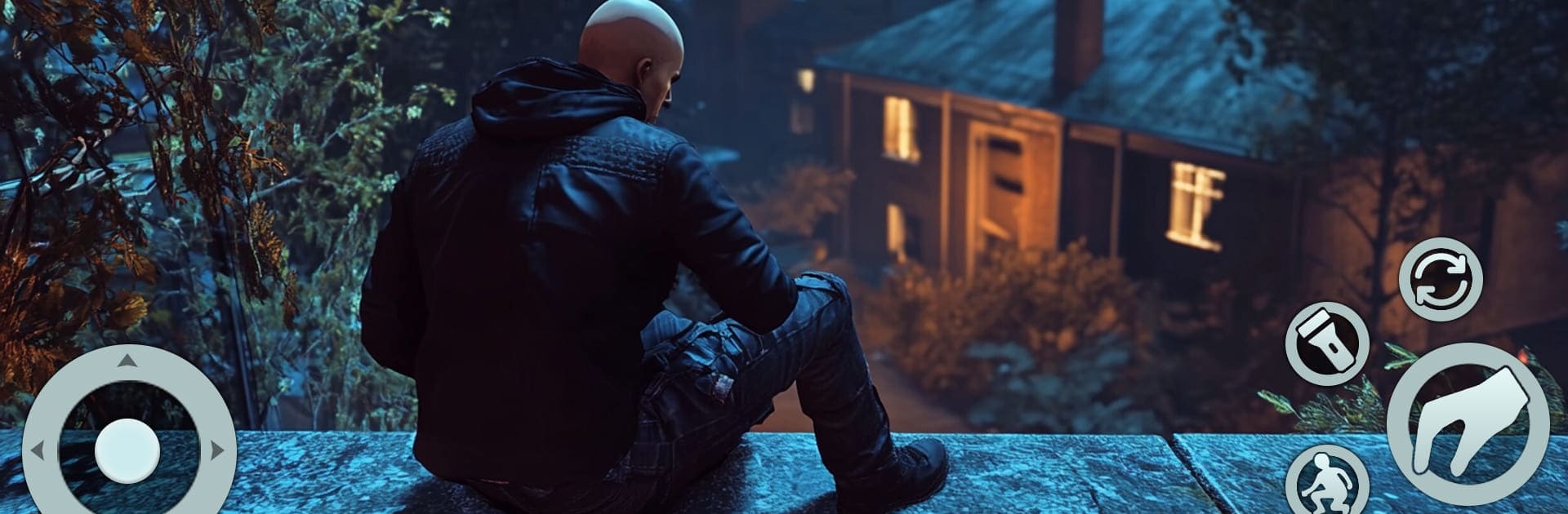
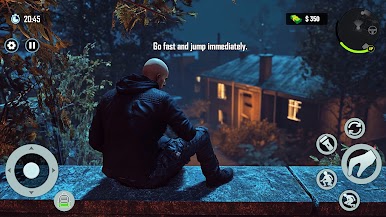
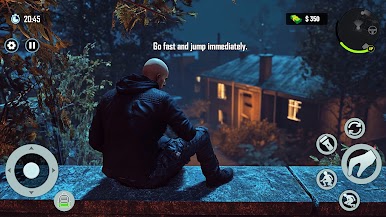
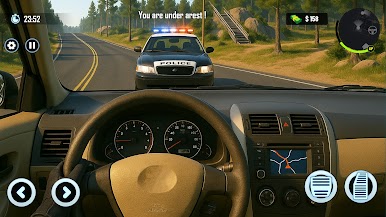
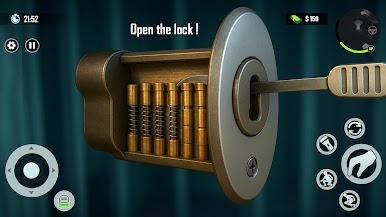
Robbery Game : Thief Simulator drops you into the sneakers of a daring burglar in a bustling open-world neighborhood. If you’ve ever wondered what it’s like to outsmart security, pick the perfect target, and make off with the loot—all while trying not to get caught—this is the game for you. Crafted by Atlantis Games Studios, this Role-playing experience puts your sneakiest skills to the test, and yeah, the stakes feel real.
Game Features
-
Mission Variety
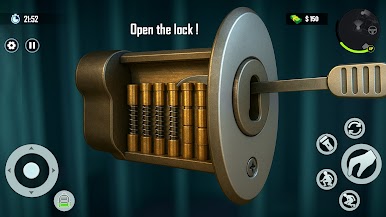
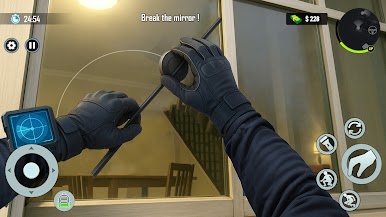
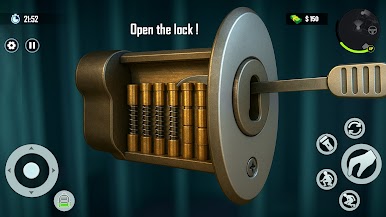
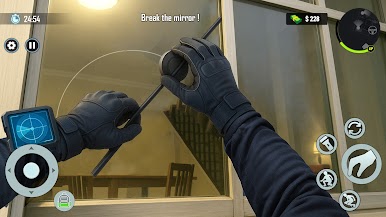
Tons of heists to pull off! Each house or location brings its own set of tricks, challenges, and ways things could go wrong. You never really know what waits behind that next door. -
Stealth Mechanics
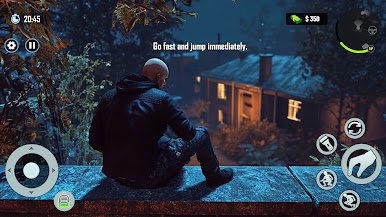
Move quietly, watch the clocks, and avoid prying eyes. It’s all about going unnoticed, using shadows and timing to your advantage. Set off an alarm and you’ll be sprinting, not sneaking. -
Loot and Upgrades
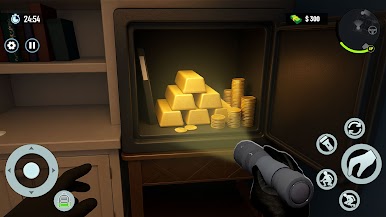
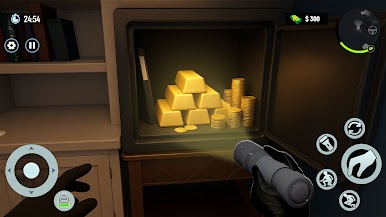
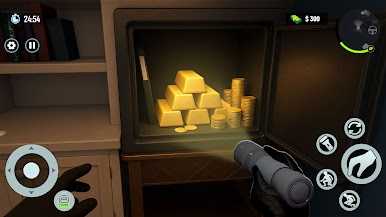
Pocket everything from watches to secret safes—each haul helps you upgrade your gear and skills. Every successful job could set you up for bigger fish down the line. -
Open-World Freedom
Go where you want, pick your next job, and explore at your own pace. Scope out neighborhoods, learn routines, and plan the perfect crime—or improvise if things fall apart. -
Risk and Reward System
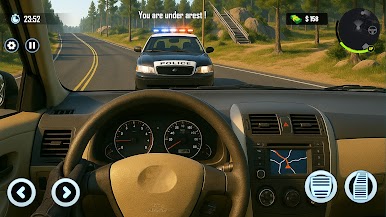
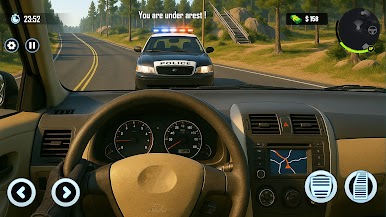
The more you risk, the sweeter the rewards… but also the closer you get to attracting attention. Get caught, and you’ll have to outsmart or outrun the consequences. -
Smooth Experience on BlueStacks
Controls feel sharp and fluid, especially if you’re playing on BlueStacks. The bigger screen definitely helps when you’re looking for that perfect entry point.
Start your journey now. Download the game on BlueStacks, invite your friends, and march on a new adventure.
العب Robbery Game : Thief Simulator على جهاز الكمبيوتر. من السهل البدء.
-
قم بتنزيل BlueStacks وتثبيته على جهاز الكمبيوتر الخاص بك
-
أكمل تسجيل الدخول إلى Google للوصول إلى متجر Play ، أو قم بذلك لاحقًا
-
ابحث عن Robbery Game : Thief Simulator في شريط البحث أعلى الزاوية اليمنى
-
انقر لتثبيت Robbery Game : Thief Simulator من نتائج البحث
-
أكمل تسجيل الدخول إلى Google (إذا تخطيت الخطوة 2) لتثبيت Robbery Game : Thief Simulator
-
انقر على أيقونة Robbery Game : Thief Simulator على الشاشة الرئيسية لبدء اللعب

