


Aprender a hablar ingles en 3D
Juega en PC con BlueStacks: la plataforma de juegos Android, en la que confían más de 500 millones de jugadores.

Página modificada el: Dec 16, 2025
Juega Aprender a hablar ingles en 3D en PC
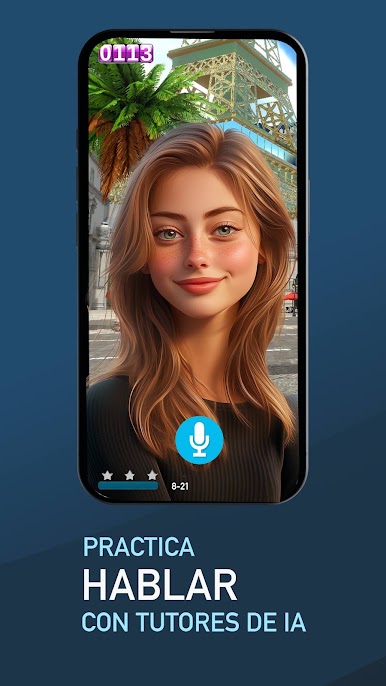
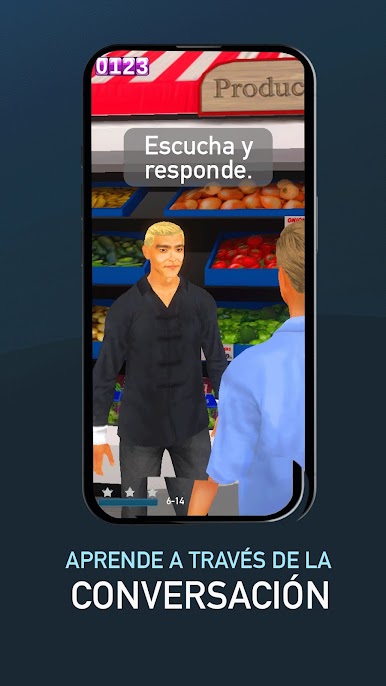
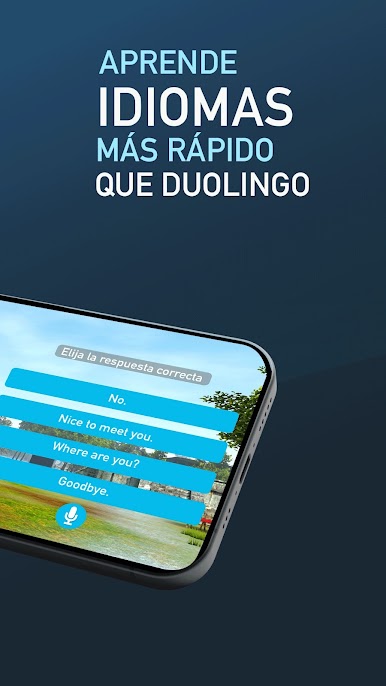
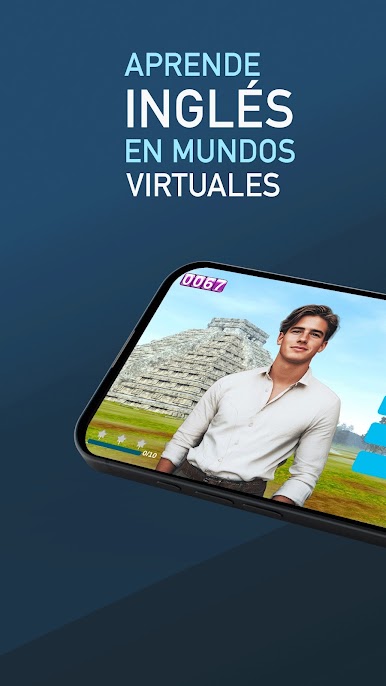
Learn English and Speak English and English Conversation with this new English App - nearly 3,000 words across 55 different, real-life 3D levels to help you learn English and English Conversation quickly and effectively by simulating real 3D environments and using an amazing advanced English speaking practice simulator to learn correct pronunciation and become fluent.
FluentWorlds - Features
- 3,000 of the most common American English words to become fluent, English Grammar and pronunciation taught in real-worlds situations
- Learn to Speak English and Pronounce fluent English in more than 50 different adventures in real-world places and situations from Central Park to Las Vegas to the grocery store, office, movie theater, and more - fantastic English Learning process.
- Advanced voice recognition and speech and pronunciation analysis to help you perfect your spoken English accent and English Grammar
- Over 100 hours of training content with a map, word counter, pronunciation and accent analysis, assessment levels to help you track your progress as you learn English, English Grammar, and pronunciation
- Prompts, feedback, and tutorials in nearly 20 different languages to get you started quickly, from Spanish to Mandarin to French and more
- A 200,000 word dictionary to help you translate between your native language and the new English words you're learning quickly and easily.

Juega Aprender a hablar ingles en 3D en la PC. Es fácil comenzar.
-
Descargue e instale BlueStacks en su PC
-
Complete el inicio de sesión de Google para acceder a Play Store, o hágalo más tarde
-
Busque Aprender a hablar ingles en 3D en la barra de búsqueda en la esquina superior derecha
-
Haga clic para instalar Aprender a hablar ingles en 3D desde los resultados de búsqueda
-
Complete el inicio de sesión de Google (si omitió el paso 2) para instalar Aprender a hablar ingles en 3D
-
Haz clic en el ícono Aprender a hablar ingles en 3D en la pantalla de inicio para comenzar a jugar

