

Rompecabezas de carretera
Juega en PC con BlueStacks: la plataforma de juegos Android, en la que confían más de 500 millones de jugadores.

Página modificada el: Aug 20, 2025
Play Road Jigsaw Puzzles on PC or Mac
Step into the World of Road Jigsaw Puzzles, a thrilling Puzzle game from the house of Titan Puzzles. Play this Android game on BlueStacks App Player and experience immersive gaming on PC or Mac.
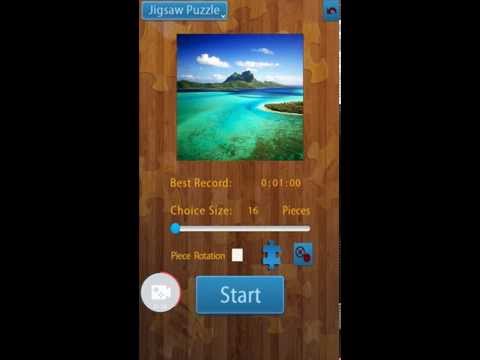
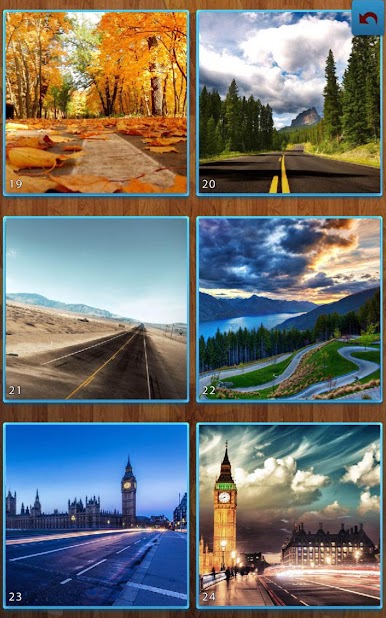
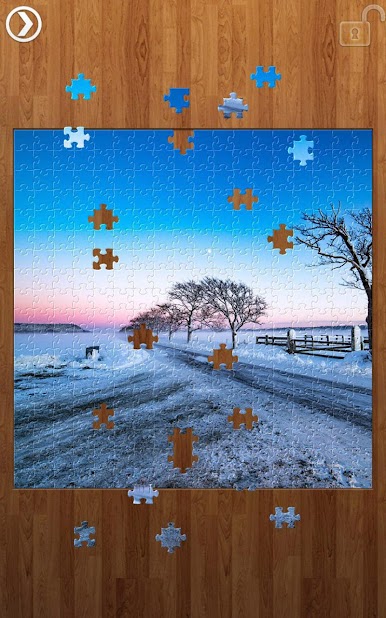
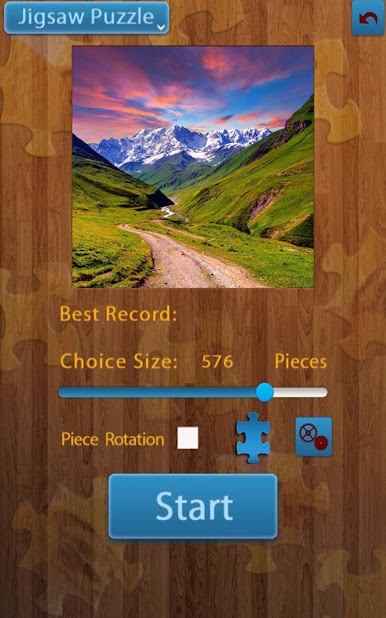
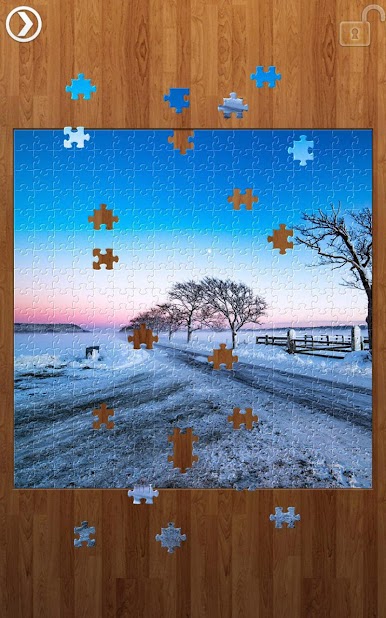
Road Jigsaw Puzzles is exactly what it sounds like, a stack of calm jigsaws built from road photos. Highways at sunrise, winding mountain passes, city streets after rain, that sort of thing. Pieces click into place with a clean snap, and the whole thing feels unhurried. On a PC with BlueStacks, dragging pieces with a mouse feels steady and the big screen makes hunting for tiny edge shapes way less fussy. Zoom helps a lot, and the images hold up well when pushed in close.
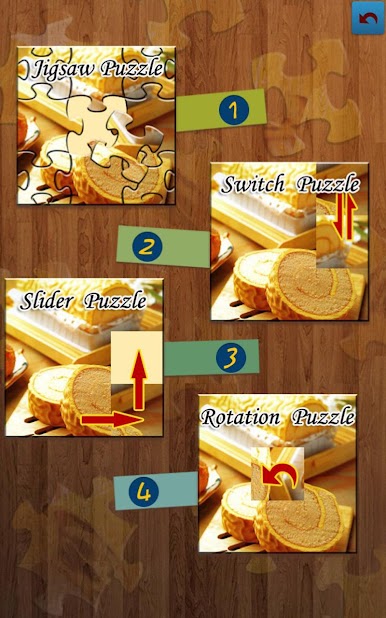
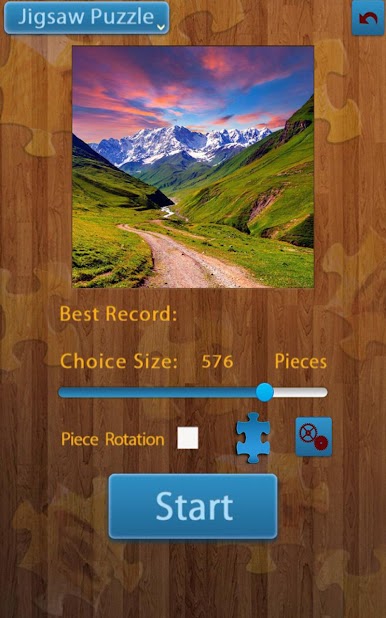
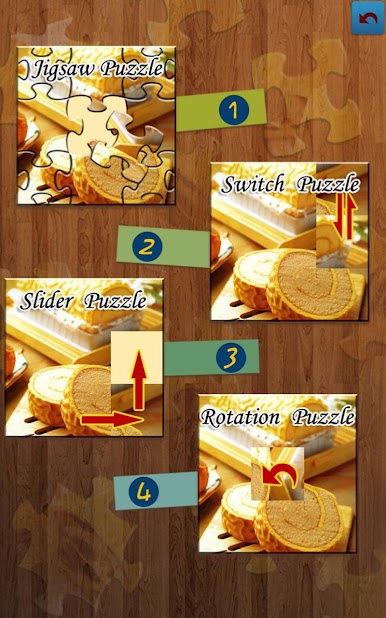
There are four ways to play. Regular jigsaw is the classic fit-the-shape puzzle. Rotate mode adds a twist where pieces need turning to match. Switch mode works like tile swapping, so pieces trade places until the picture lines up. Shuffle keeps the board lively and forces a bit more planning. Piece counts range from 9 to 1600, which means it can be a quick coffee break or a long, patient session. Players can change the table background to something easier on the eyes, save finished pictures to the gallery, and the interface stays out of the way. Landscape view is there for premium, which suits wide monitors nicely. There is no heavy pressure or timer noise, just quiet sorting and that slow build where roads and horizons start to appear from a mess of color and asphalt lines.
Ready to top the leaderboard? We bet you do. Let precise controls and sharp visuals optimized on BlueStacks lead you to victory.
Juega Rompecabezas de carretera en la PC. Es fácil comenzar.
-
Descargue e instale BlueStacks en su PC
-
Complete el inicio de sesión de Google para acceder a Play Store, o hágalo más tarde
-
Busque Rompecabezas de carretera en la barra de búsqueda en la esquina superior derecha
-
Haga clic para instalar Rompecabezas de carretera desde los resultados de búsqueda
-
Complete el inicio de sesión de Google (si omitió el paso 2) para instalar Rompecabezas de carretera
-
Haz clic en el ícono Rompecabezas de carretera en la pantalla de inicio para comenzar a jugar

