


TocToc - live video chat
Gioca su PC con BlueStacks: la piattaforma di gioco Android, considerata affidabile da oltre 500 milioni di giocatori.

Pagina modificata il: Dec 30, 2024
Run TocToc - live video chat on PC or Mac
Get freedom from your phone’s obvious limitations. Use TocToc – live video chat, made by TocToc Team, a Social app on your PC or Mac with BlueStacks, and level up your experience.
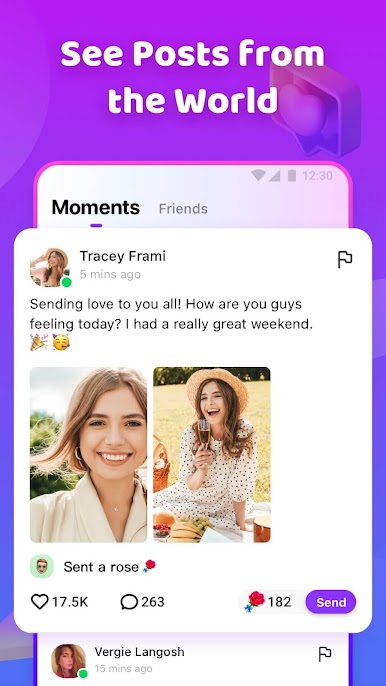
TocToc is sort of this live video chat app where you can meet people from all over and keep up with what everyone’s doing. It’s got this feed where you see posts — not just from friends, but from random folks all over, so there’s always something new popping up. There’s also the option to drop your own posts or little updates about your day if you want to share. Making friends is actually encouraged here rather than just a side thing; the app will connect you with new people, or you can just scroll around and find people yourself.
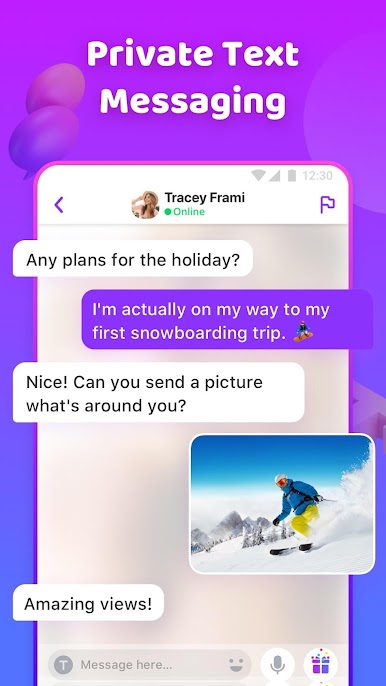
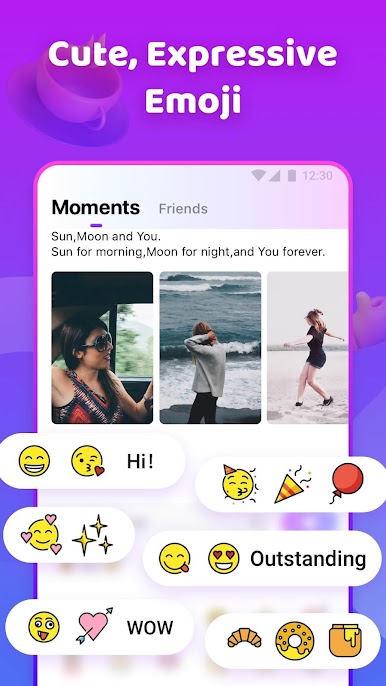
What really stands out is how easy it is to move from just seeing someone’s post to chatting with them, either by comments or direct messages. And if things click, you get to take it up a notch and do video calls right in the app. The translation stuff and stickers make talking a bit less awkward, especially if you’re chatting with someone from another country — the chats just feel smoother. Using it on PC with BlueStacks makes everything a little bigger and less cramped, so it’s easier to hang out for a while or keep multiple chats going. They seem to care about keeping things safe too, with easy reporting if someone’s out of line. The whole thing is pretty relaxed and friendly, like a mix of social feed and live chat, so if meeting new people is the goal, it’s set up for just that.
Switch to BlueStacks and make the most of your apps on your PC or Mac.


Gioca TocToc - live video chat su PC. È facile iniziare.
-
Scarica e installa BlueStacks sul tuo PC
-
Completa l'accesso a Google per accedere al Play Store o eseguilo in un secondo momento
-
Cerca TocToc - live video chat nella barra di ricerca nell'angolo in alto a destra
-
Fai clic per installare TocToc - live video chat dai risultati della ricerca
-
Completa l'accesso a Google (se hai saltato il passaggio 2) per installare TocToc - live video chat
-
Fai clic sull'icona TocToc - live video chat nella schermata principale per iniziare a giocare

