


BlueWay Smart Bluetooth
Gioca su PC con BlueStacks: la piattaforma di gioco Android, considerata affidabile da oltre 500 milioni di giocatori.

Pagina modificata il: Jul 25, 2021
Play BlueWay Smart Bluetooth on PC
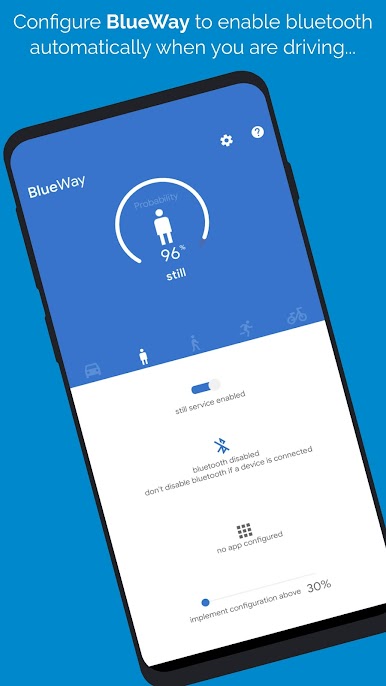
With a few simple steps you can configure the app to enable, disable or connect a Bluetooth device automatically without having to do it manually.
BlueWay recognizes when you're in your car or on foot or by bike and it actualizes the configuration that you set.
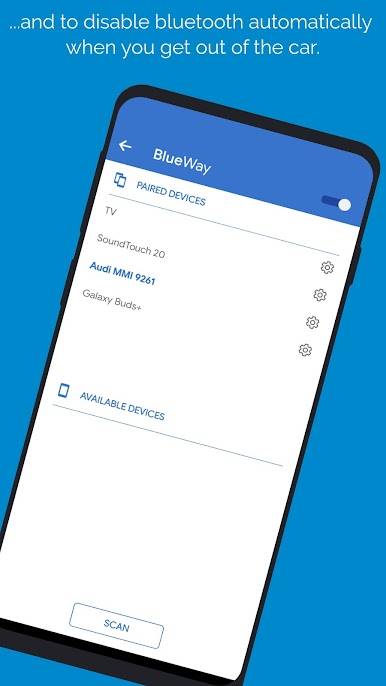
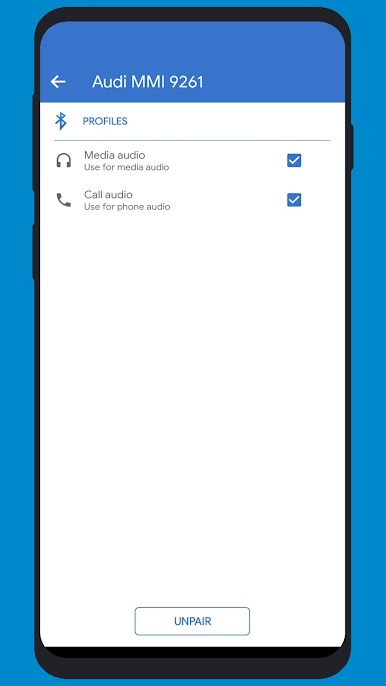
It supports A2DP, HEADSET and HEALTH protocol to connect the different profiles on different devices.
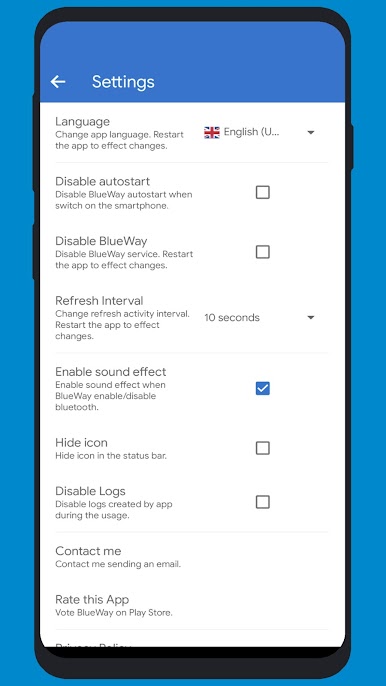
- Available languages: German, Greek, English, Spanish, Italian, Polish, Russian, Turkish.
Follow me on Twitter @developerNetGEL in order to share ideas, opinions, support and to be informed about new release.
Gioca BlueWay Smart Bluetooth su PC. È facile iniziare.
-
Scarica e installa BlueStacks sul tuo PC
-
Completa l'accesso a Google per accedere al Play Store o eseguilo in un secondo momento
-
Cerca BlueWay Smart Bluetooth nella barra di ricerca nell'angolo in alto a destra
-
Fai clic per installare BlueWay Smart Bluetooth dai risultati della ricerca
-
Completa l'accesso a Google (se hai saltato il passaggio 2) per installare BlueWay Smart Bluetooth
-
Fai clic sull'icona BlueWay Smart Bluetooth nella schermata principale per iniziare a giocare

