


Hui Car Share
Mainkan di PC dengan BlueStacks – platform Game-Game Android, dipercaya oleh lebih dari 500 juta gamer.

Play Hui Car Share on PC
How Hui Works:
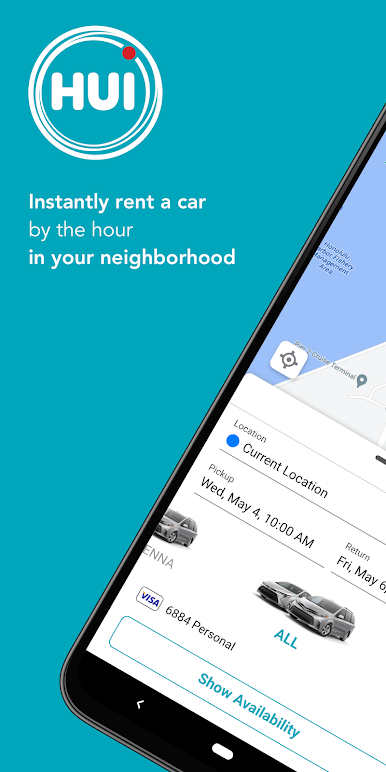
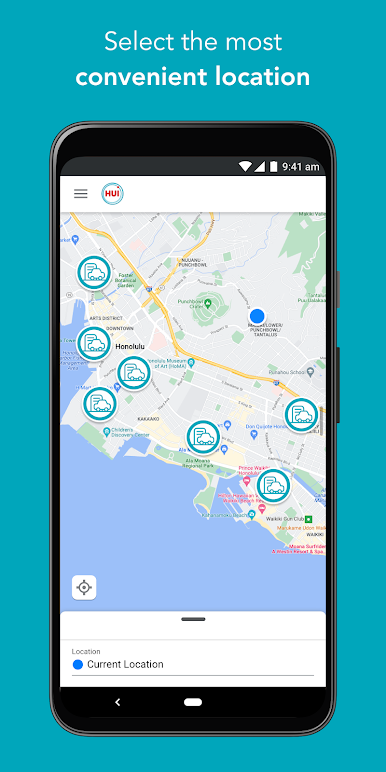
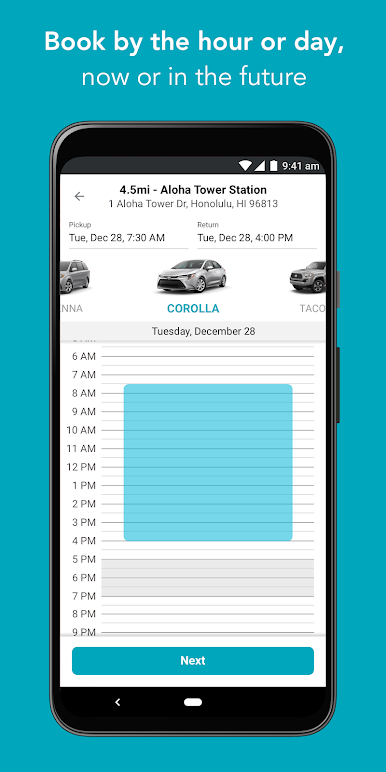
RESERVE - Open the Hui app and select the location, date and time for your
reservation. Then, view available vehicles near you.
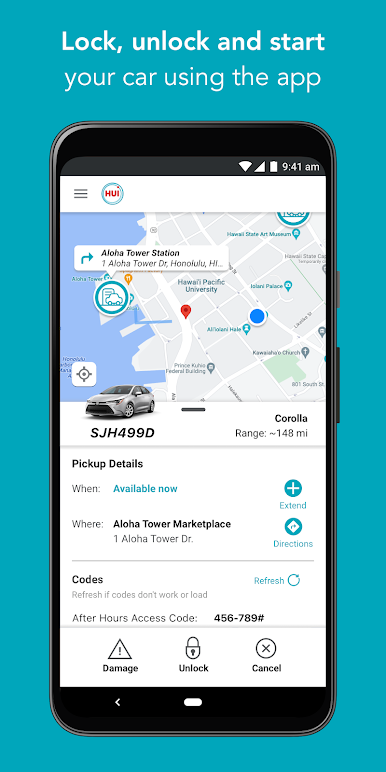
DRIVE - During an active reservation, your smartphone becomes your digital key to unlock and lock the vehicle. Push to start and off you go!
RETURN - Park your vehicle in its reserved spot at the station location where you picked it up. Lock the vehicle and end your reservation. Your account will
automatically be billed for the time you booked.
We offer a wide range of vehicles to fit your budget and lifestyle.
• Toyota Corolla
• Toyota Prius and Prius Prime
• Toyota Tacoma
• Toyota RAV4
• Lexus NX 300
• Lexus UX 200
Why Drive Hui?
NO COMMITMENT - There’s no cost to sign up or required monthly commitment. All you need is a valid driver’s license and a reasonable driving record to join.
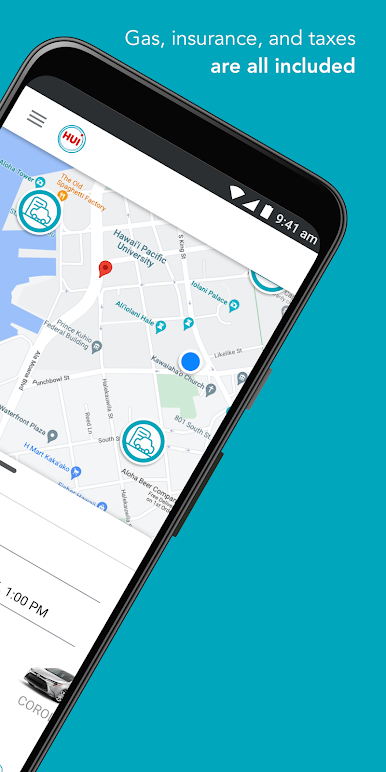
NO HIDDEN OR ADDED FEES - You pay one price. Gas, insurance, and cleaning are included in the cost of your reservation.
SKIP THE WAIT - Unlock, lock, and start your vehicle all through your smartphone. No lines to wait in, no keys to pick up.
FLEXIBILE BOOKINGS - Book by the hour (errands made easy) or day (hello, beach adventure!), now or in the future. Vehicles are available 24/7 for pick-up and return.
ENJOY QUALITY AND COMFORT - Choose from clean and safe Toyota and Lexus vehicles.
ENJOY PEACE OF MIND - We offer stellar, local customer support and 24/7 roadside assistance.


Mainkan Hui Car Share di PC Mudah saja memulainya.
-
Unduh dan pasang BlueStacks di PC kamu
-
Selesaikan proses masuk Google untuk mengakses Playstore atau lakukan nanti
-
Cari Hui Car Share di bilah pencarian di pojok kanan atas
-
Klik untuk menginstal Hui Car Share dari hasil pencarian
-
Selesaikan proses masuk Google (jika kamu melewati langkah 2) untuk menginstal Hui Car Share
-
Klik ikon Hui Car Share di layar home untuk membuka gamenya

