


Daily Timer (Countdown Timer)
Gioca su PC con BlueStacks: la piattaforma di gioco Android, considerata affidabile da oltre 500 milioni di giocatori.

Pagina modificata il: Sep 25, 2017
Play Daily Timer (Countdown Timer) on PC
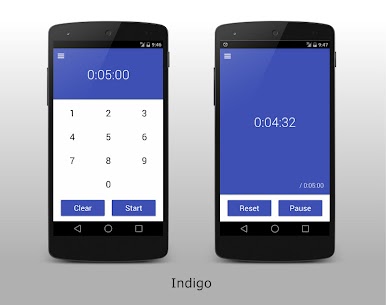
Made with practicality in mind, Daily Timer is a simple and easy countdown timer app, ideal for your everyday use.
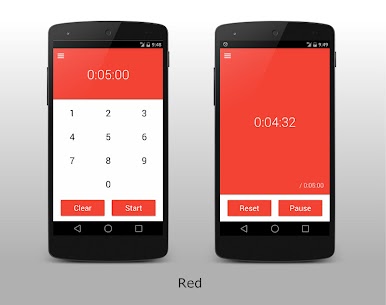
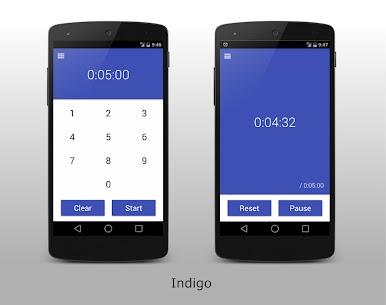
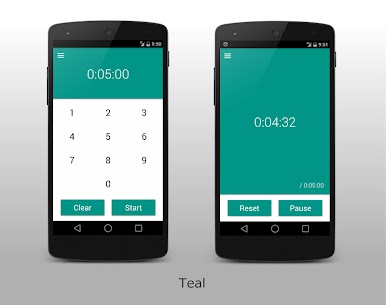
It is easy to use with clean and stylish material design, and provides the basic functionalities most people need for daily use.
For example, Daily Timer is a perfect tool to be used as a kitchen timer when you cook, presentation timer at your work, etc.
[Features]
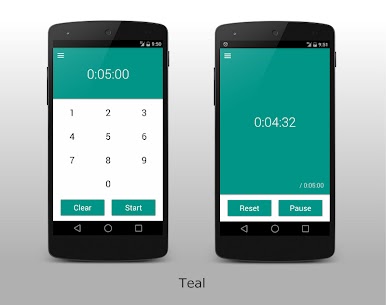
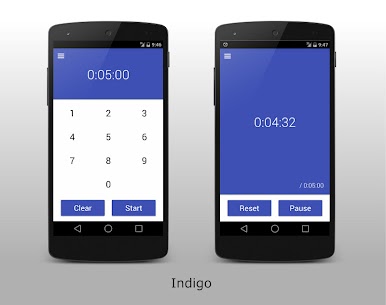
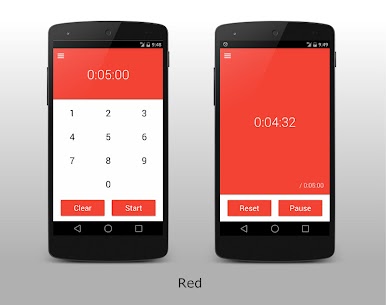
- Beautiful, simple and stylish material design
- Easy to use with large buttons
- Displays the original time set
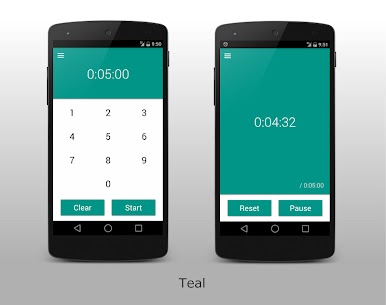
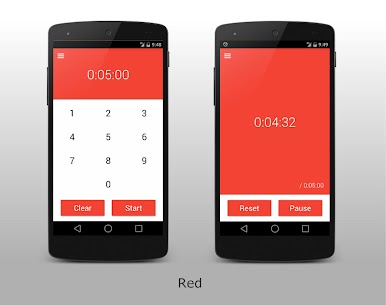
- Option to choose from 9 material design themes (Indigo / Red / Pink / Purple / Cyan / Teal / Deep Orange / Brown / Blue Grey)
- Option to turn on/off vibration on touch
- Option to change the alarm sound
If you find a bug or have any suggestion for improvement, please feel free to contact me at: support@tricolorcat.com
You can also check the news and updates for Daily Timer on my website: http://www.tricolorcat.com
Thank you!
Gioca Daily Timer (Countdown Timer) su PC. È facile iniziare.
-
Scarica e installa BlueStacks sul tuo PC
-
Completa l'accesso a Google per accedere al Play Store o eseguilo in un secondo momento
-
Cerca Daily Timer (Countdown Timer) nella barra di ricerca nell'angolo in alto a destra
-
Fai clic per installare Daily Timer (Countdown Timer) dai risultati della ricerca
-
Completa l'accesso a Google (se hai saltato il passaggio 2) per installare Daily Timer (Countdown Timer)
-
Fai clic sull'icona Daily Timer (Countdown Timer) nella schermata principale per iniziare a giocare

