


Trimble Penmap
Mainkan di PC dengan BlueStacks – platform Game-Game Android, dipercaya oleh lebih dari 500 juta gamer.

Run Trimble Penmap on PC or Mac
Let BlueStacks turn your PC, Mac, or laptop into the perfect home for Trimble Penmap, a fun Productivity app from Trimble Inc..
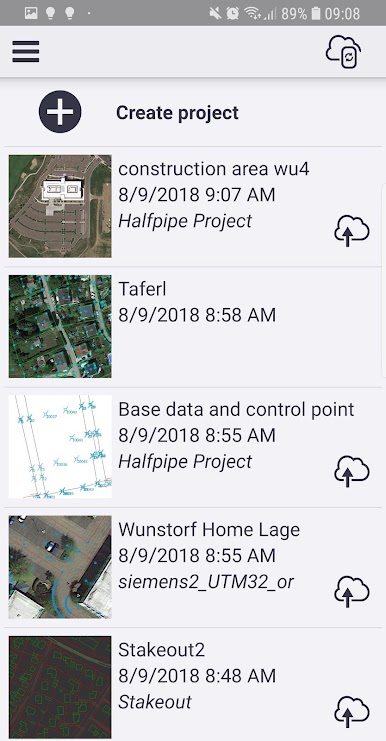
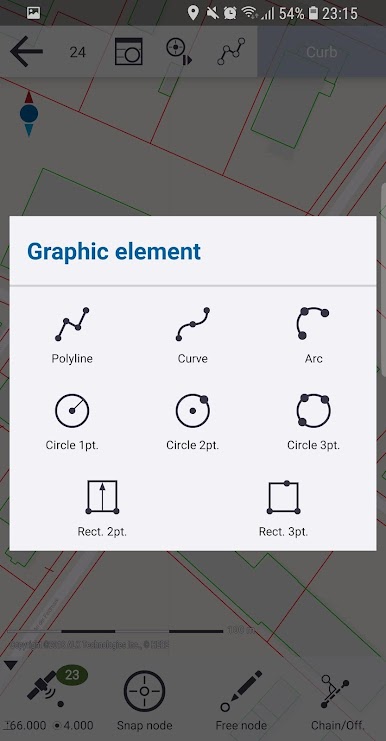
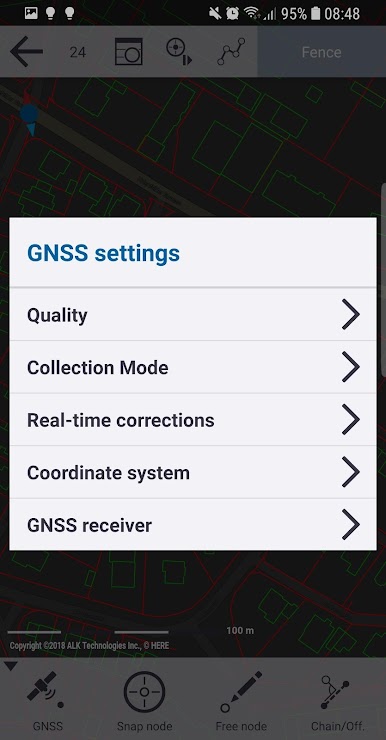
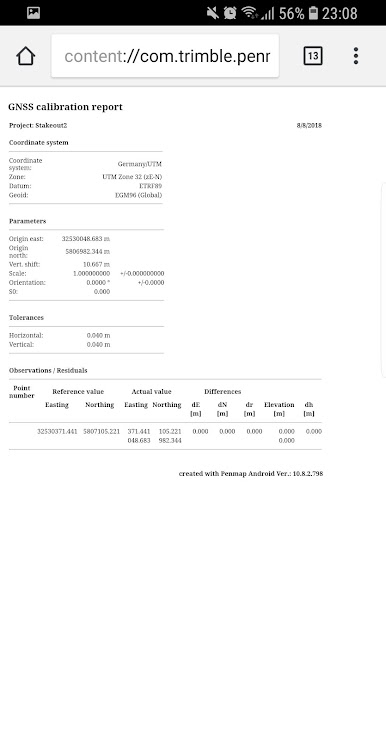
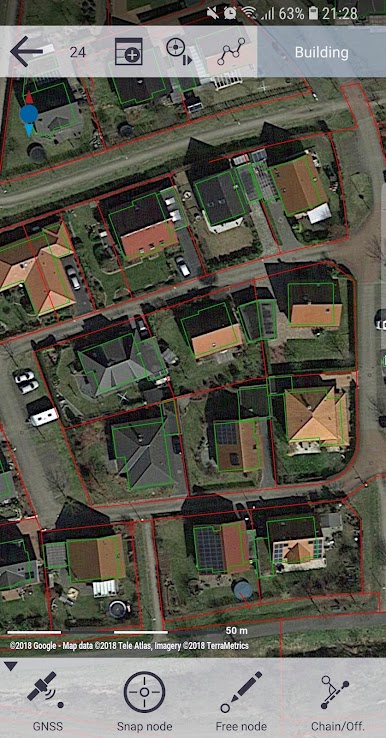
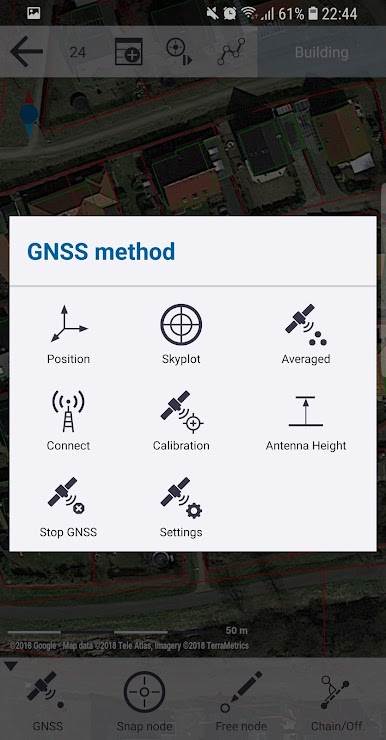
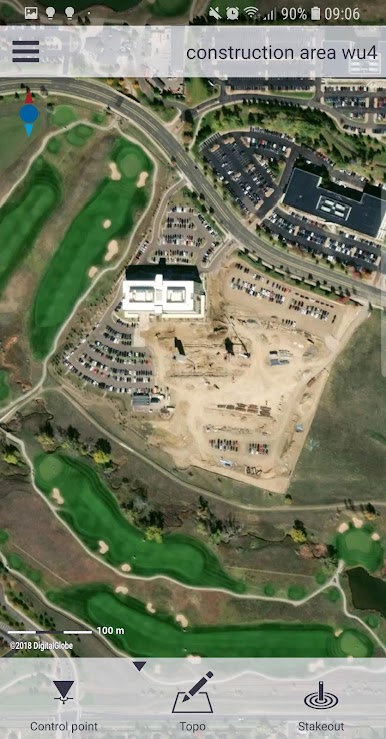
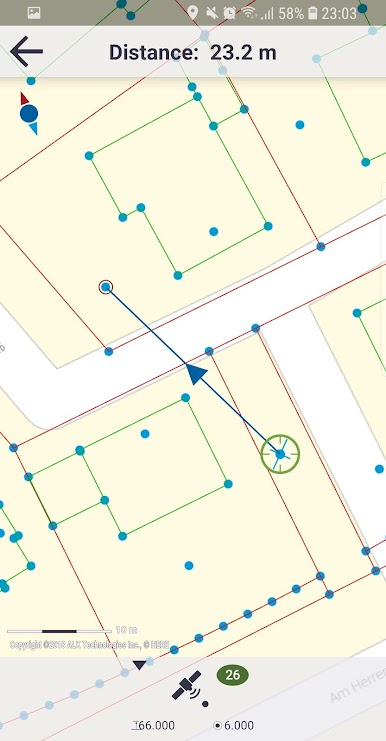
So Trimble Penmap is actually all about making map stuff a lot less complicated. It’s one of those apps that lets someone grab really accurate position data straight from their Android phone or tablet, especially if using those Trimble receivers. The interface is clean and to the point, so collecting data out in the field feels smooth instead of like a tech headache. Mapping out features or editing points happens right there — not just basic pins, but with details and different attributes, and there’s a spot for staking things out if measuring or laying boundaries is the goal. The whole thing leans pretty hard on accuracy, which makes sense since lots of surveyors or field crews use it, but at the same time, it’s pretty approachable if someone’s not a total mapping expert. The way it shows the collected info on the map is clear and it’s simple to see what’s finished or what needs fixing. All that data syncs up to the cloud, too, since it’s tied into Trimble’s platform, so nothing’s stuck just on the device. Using BlueStacks to run it on a PC works surprisingly well, especially for folks who’d rather have a bigger screen when handling lots of map data or double-checking features before wrapping up for the day. Penmap doesn’t go overboard with settings so it’s easy to get going, but it handles detailed stuff if someone wants to go deeper with it.
BlueStacks brings your apps to life on a bigger screen—seamless and straightforward.

Mainkan Trimble Penmap di PC Mudah saja memulainya.
-
Unduh dan pasang BlueStacks di PC kamu
-
Selesaikan proses masuk Google untuk mengakses Playstore atau lakukan nanti
-
Cari Trimble Penmap di bilah pencarian di pojok kanan atas
-
Klik untuk menginstal Trimble Penmap dari hasil pencarian
-
Selesaikan proses masuk Google (jika kamu melewati langkah 2) untuk menginstal Trimble Penmap
-
Klik ikon Trimble Penmap di layar home untuk membuka gamenya

